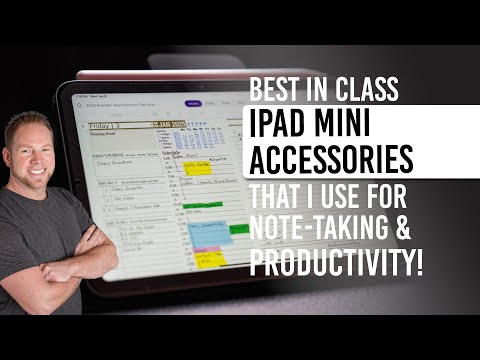
Leveling Up My Note-Taking with OneNote on Android
Quick Answer
OneNote on Android works best when you organize notebooks intentionally, use sections for different areas of your life, and take advantage of the drawing and handwriting tools with a stylus. While the Android version lacks some features found on iOS and Windows, it is still a powerful tool for capturing notes, planning, and syncing across all your Microsoft 365 devices.
About This Video
Are you an Android user looking to get the most out of OneNote? In this video, Branden shares productivity tips and tricks that will level up your note-taking experience on Android. Learn how to navigate the interface, optimize your tools, and make the most of OneNote's features, even on Android where functionality can feel limited compared to iOS or Windows.
Video Transcript (click to expand)
Full transcript coming soon. Watch the video above for Branden's complete walkthrough and review.
Frequently Asked Questions
Level Up Your Digital Note-Taking
Get productivity tools, planners, and tutorials designed for serious note-takers.