



Custom vs Built-In Templates reMarkable Comparison
reMarkable Custom Templates: The Complete Guide › Custom Templates vs. Built-In Templates Device Guides reMarkable Custom Templates vs. Built-In Templates: What Actually Changes By Branden
Save up 65% on 2026 planners when you bundle with your 2027 order.
SAVE even more when you bundle 2026 & 2028 with your 2027 planner.
Bundling your 2026/2028 planner with your 2027 order is a great way to save and ensure you have everything you need for the upcoming years. Follow these steps to easily complete your bundle order:
1. Select Your Application:
OneNote (with Hyperlinks): If you want to have hyperlinks in your OneNote planner, click on the appropriate link for OneNote.
PDF Planner: For GoodNotes, Samsung Notes, Notability, or any other PDF annotation app, select the PDF planner option.
eInk Readers: If you are using an eInk reader like Remarkable, choose the option specifically for Remarkable.
2. Choose Your Edition:
Select the edition that fits your needs: Personal, Professional, Business, Executive, or Complete.
Complete Edition: This includes not only the OneNote Executive Hyperlink Planner but also the PDF Executive Planner, all journals, the communication planner, CMR toolkit, all tiles, free installation support, and a 30-minute session.
3. Select Your Product:
Click on the product you wish to order. This will take you to the individual product page for the 2026 planner.
Scroll down to find the “Bundle & Save” section.
74. Bundle and Save:
To take advantage of the bundle discount, check the box next to the appropriate 2026 / 2028 planner.
Start the process by adding both items to your cart.
5. Checkout Process:
Once you’ve added the items to your cart, click on the cart button to start the checkout process.
Verify that both the 2026 and/or 2028 planners are in your cart. Note that it will appear as one product. Proceed with the checkout process.
6. Receiving Your Order:
Note that your initial order will not include the bundle items.
You will receive an additional email within the next two business days with the add-on items.
Discover the versatility of the 2027 Key2Success Planner, available in four distinct versions tailored to your unique needs:
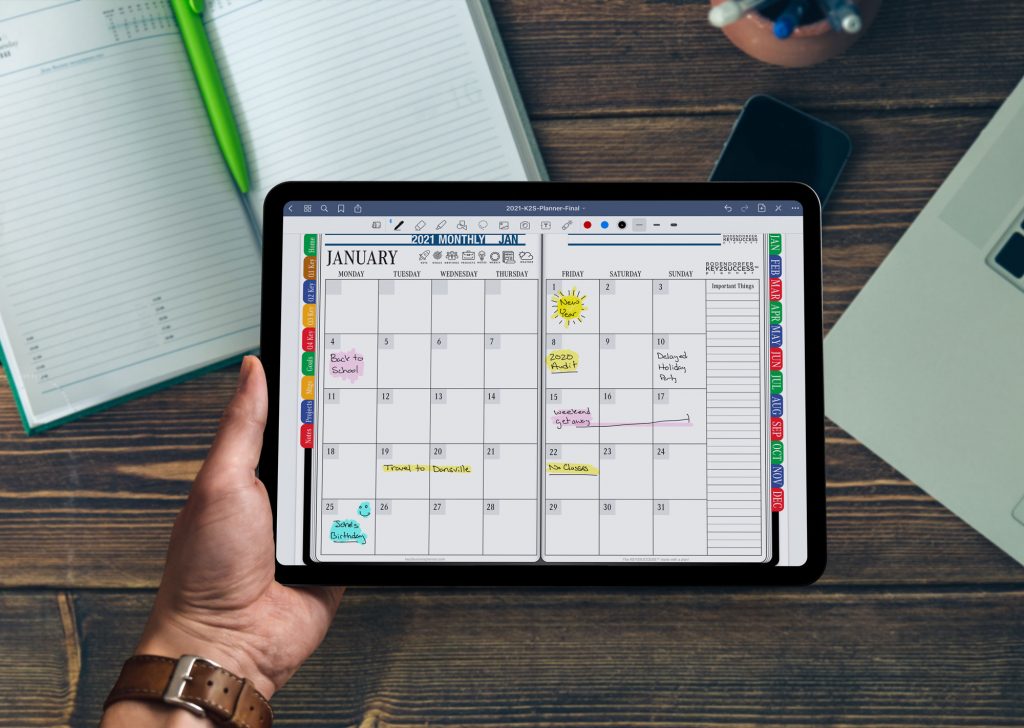
Choose a planner that suits your lifestyle, as the 2027 Key2Success Digital Planner offers options for Monday and Sunday start dates. Experience a modernized layout that not only enhances aesthetics but also expands your planning surface for greater efficiency.
Unlock the power of Tiles, enabling optional 24-Hour Scheduling for personalized organization. In 2026, our Key2Success Planning system advanced long-term planning goals, setting the stage for elevated personal productivity starting January 1, 2027.
“This digital planner is your weekly catalyst for progress,” states Bodendorfer, the creator, who also provides one-on-one training. Brace yourself for bold layout changes in the 2027 Key2Success Planner, accompanied by new tools for professional and business development.

reMarkable Custom Templates: The Complete Guide › Custom Templates vs. Built-In Templates Device Guides reMarkable Custom Templates vs. Built-In Templates: What Actually Changes By Branden

reMarkable Custom Templates: The Complete Guide › How to Add Custom Templates Device Guides How to Add Custom Templates to Your reMarkable (Step-by-Step) By Branden

Process Improvement How to Apply Elon Musk’s Algorithm: A Step-by-Step Implementation Guide By Branden Bodendorfer • June 27, 2026 Quick Answer Elon Musk’s Algorithm is
Device Guides reMarkable Paper Pure AI Features: What It Does and What It Doesn’t By Branden Bodendorfer | June 21, 2026 Quick Answer The reMarkable
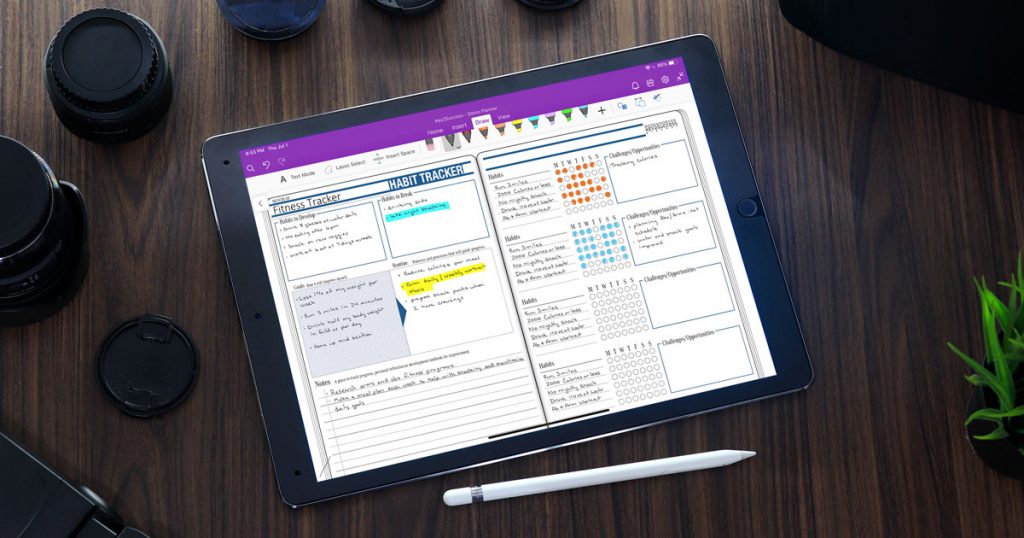
The Key2Success Digital Planner offers a range of benefits that cater to both personal and professional planning needs. Users can effectively organize their schedules, set and track goals, and enhance productivity through its intuitive design and features.
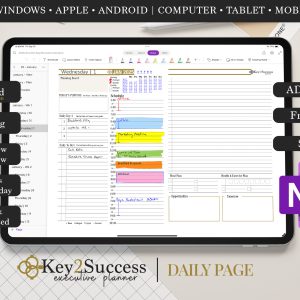
For instance, the planner includes customizable templates for daily, weekly, and monthly views, allowing users to tailor their planning experience. Additionally, features like habit trackers and goal-setting sections help individuals maintain focus on their objectives, making the planner a valuable tool for success.
To get the most out of your Key2Success Digital Planner, it's essential to implement strategies that enhance its usability. Regularly reviewing and updating your goals can ensure you stay on track and make necessary adjustments as your priorities shift.
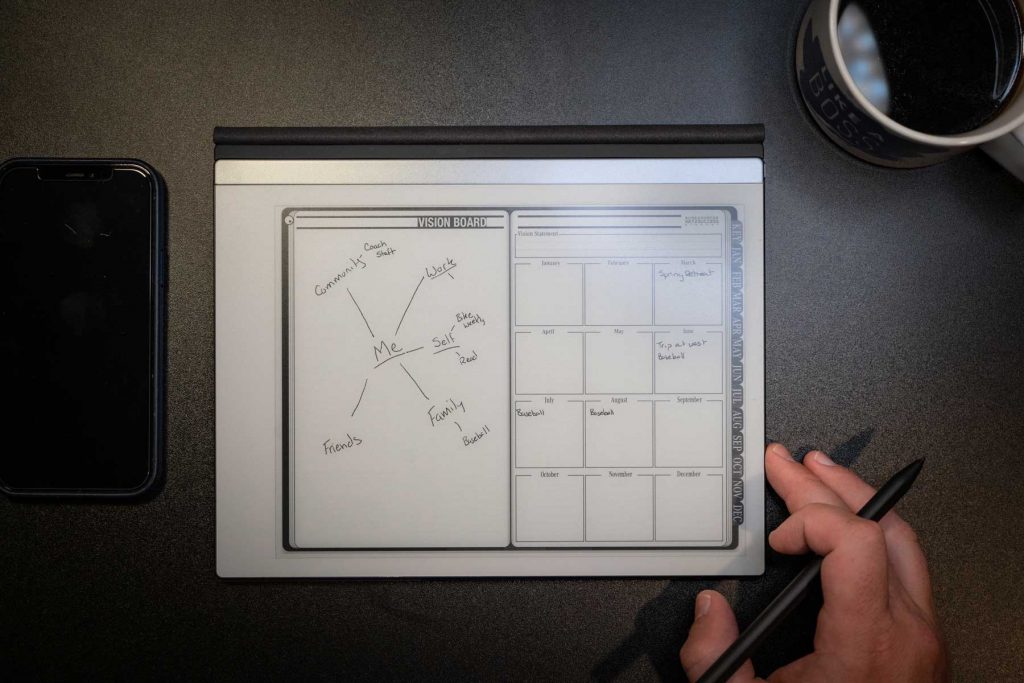
Moreover, utilizing the planner's features, such as the vision board and habit tracker, can provide visual motivation and accountability. Engaging in one-on-one training sessions with Branden Bodendorfer can also offer personalized insights and tips tailored to your specific planning style.
Key2Success offers robust customer support to assist users with any questions or issues they may encounter. The dedicated support team is available through chat and email, ensuring that help is just a message away for all users.
In addition to direct support, the website provides a wealth of resources, including tutorial videos and FAQs, to guide users through the features of the planner. This commitment to customer satisfaction ensures that every user can fully leverage the capabilities of their digital planner.
As the Key2Success Digital Planner continues to evolve, users can look forward to exciting new features in upcoming editions. The development team is focused on integrating user feedback to enhance functionality and user experience.
Future updates may include advanced analytics for tracking productivity trends, additional customization options, and enhanced collaboration tools for teams. Staying tuned to announcements from Branden Bodendorfer will keep users informed about these innovative enhancements.