key to success planner, key2success, key2success planner, key2success digital planner, planner customization, tiles, digital stickers
Benefits of Customizing Your Digital Planner
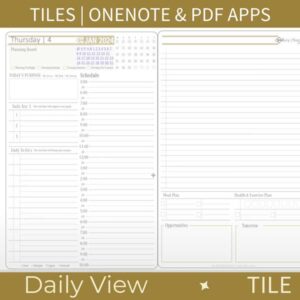
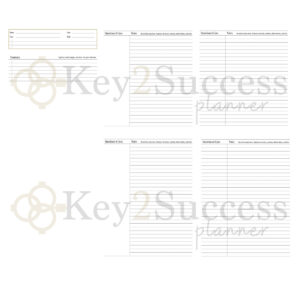
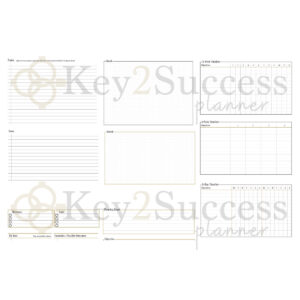
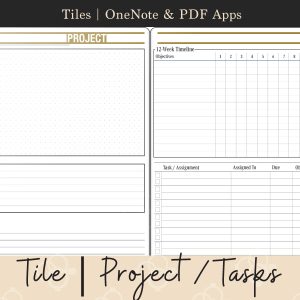
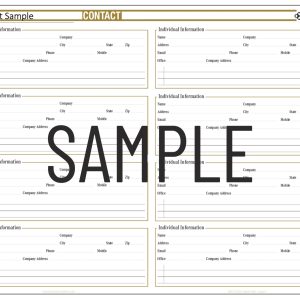
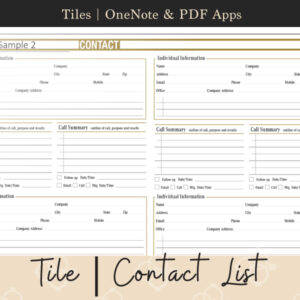
Customizing your digital planner with Key2Success tiles enhances your planning experience by allowing you to tailor layouts to your specific needs. This personalization enables users to focus on what matters most, whether it be tracking goals, managing tasks, or organizing schedules.
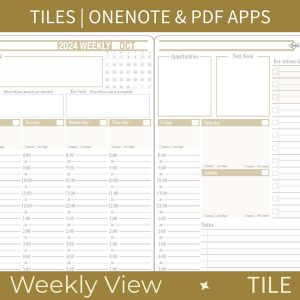
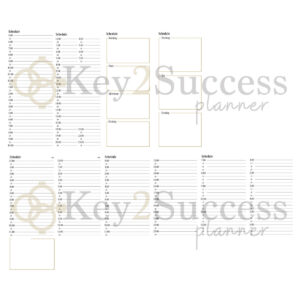
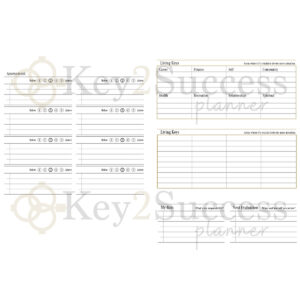
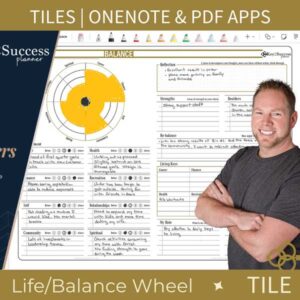
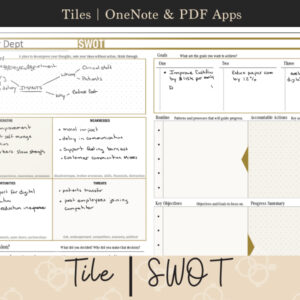
For example, users can create a unique weekly view that highlights important deadlines or incorporate a life balance wheel to monitor personal and professional commitments. The flexibility of customization ensures that every user can design a planner that truly reflects their lifestyle and preferences.
Customer Testimonials
Hear from satisfied Key2Success users who have transformed their planning habits with our customizable tiles. Many customers report increased productivity and a more organized approach to their daily tasks after integrating our planner tiles into their digital workflow.
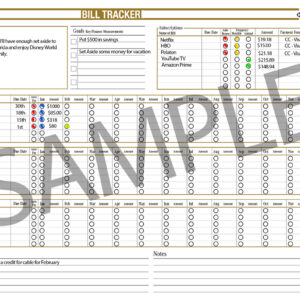
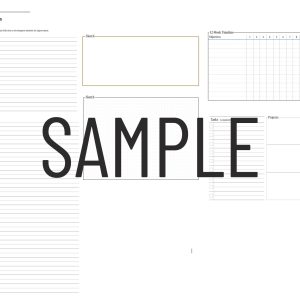
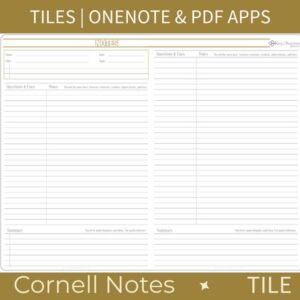
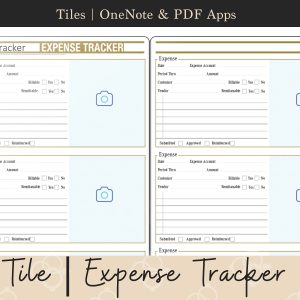
For instance, one user shared how the Expense Tracker tile helped them manage their budget more effectively, while another praised the Cornell Notes Method tile for enhancing their study sessions. These testimonials highlight the practical benefits of using Key2Success products in everyday life.
How to Choose the Right Tiles for Your Needs
Selecting the appropriate tiles for your digital planner can significantly impact your planning efficiency. Key2Success offers a variety of tiles designed for different purposes, making it essential to identify your specific planning needs before making a purchase.
Consider factors such as the type of tasks you need to manage, your preferred layout style, and whether you require additional features like time tracking or note-taking capabilities. By assessing these criteria, you can choose tiles that will best support your planning goals.
Frequently Asked Questions about Key2Success Tiles
Many users have questions regarding the functionality and features of Key2Success tiles. This section addresses common inquiries, providing clarity on how to effectively utilize the tiles for optimal results.
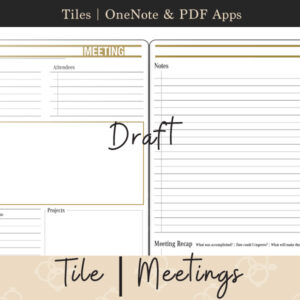
For example, users often ask about compatibility with various digital platforms, such as OneNote and GoodNotes, or how to import and customize tiles. Providing comprehensive answers to these questions ensures users can maximize their experience and get the most out of their digital planner.