eTiles for reMarkable – Create Custom Templates & Pages with Digital Stickers
- Home
- eTiles for reMarkable – Create Custom Templates & Pages with Digital Stickers

REMARKABLE eTiles
DIGITAL STICKER SHOP
Welcome to the official shop for eTiles by Key2Success®, the ultimate digital sticker solution for reMarkable tablets.
Whether you use reMarkable 1, reMarkable 2, or the reMarkable Paper Tablet Pro, our eTiles make it easier than ever to customize your notes, build your own templates, and personalize your digital planning workflow.
What Are eTiles?
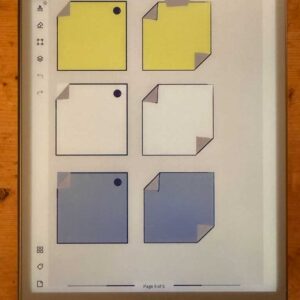
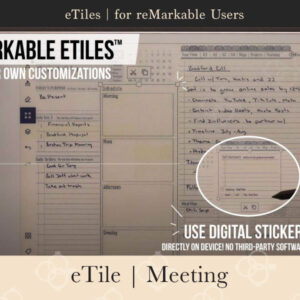
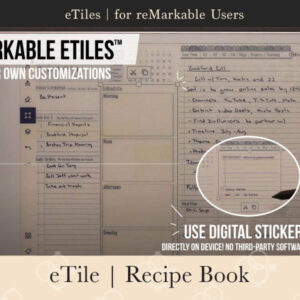
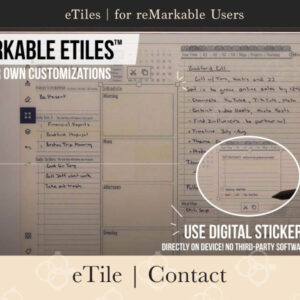
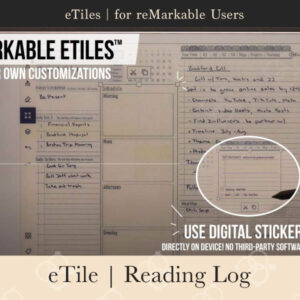
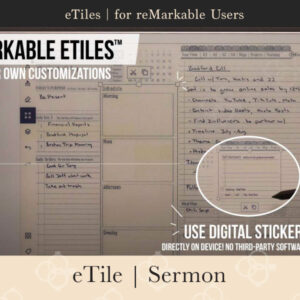
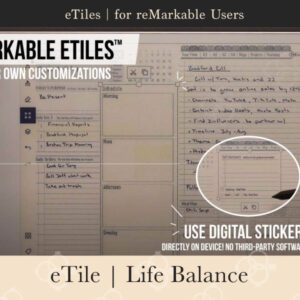
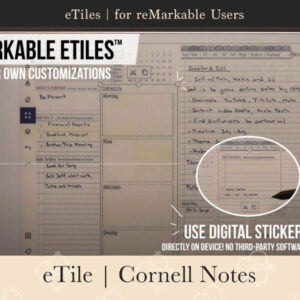
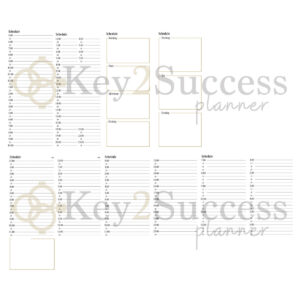
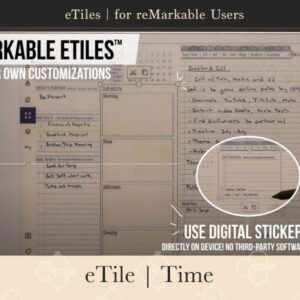
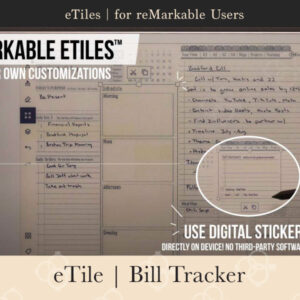
eTiles are reusable digital sticker elements designed for reMarkable users who want more flexibility and functionality in their notebooks.
You can:
- Copy and paste eTiles to any notebook or page
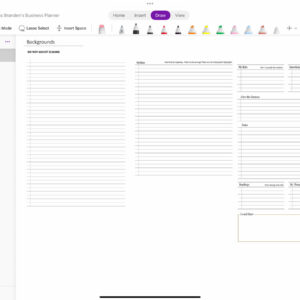
- Build your own planning templates
- Combine multiple tiles to design layouts that match your goals
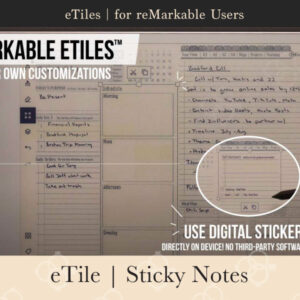
- Use tiles directly on your reMarkable device or through the desktop app
No need for coding, external apps, or complicated template uploads. Just drag, drop, and plan.
New eTiles are published each week. Check the product page for availability.
Key2Success eTiles™
eTile Bundles
Key2Success eTiles™
How Professional reMarkable Stickers Help
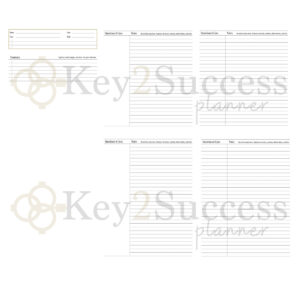
If you’re a digital planner, entrepreneur, student, or professional using the reMarkable tablet, eTiles offer an easy way to take your planning and productivity to the next level. They provide reusable, flexible layouts without needing any extra software. With eTiles, you can fully customize your planner experience, stay organized, and save time.
- Add professional-style layouts to any notebook or planner
- Copy and paste templates without third-party apps
- Customize your schedule with 15-minute or 24-hour time blocks
- Track meetings, calls, goals, sales, and personal projects
- Keep notes and tiles separate using layers
- Save time by copying layouts across days or weeks
- Use tiles for productivity, journaling, family planning, or business
- Works entirely within the reMarkable system—no external tools required
- Great for creating custom planners without graphic design skills
- New tiles released regularly to expand your options
Frequently Asked Questions about eTiles for reMarkable
eTiles are reusable digital stickers designed for the reMarkable 1, reMarkable 2, and reMarkable Paper Tablet Pro. Each eTile is a productivity tool—like a habit tracker, budget sheet, or meeting layout—that you can copy, paste, and customize to create your own reMarkable templates and planner pages.
After purchase, simply download your eTile file.
Step 1: Import eTiles to Your reMarkable
You can import your eTile document to your device in two simple ways:
Option 1: Import via USB
- Connect your reMarkable tablet to your computer using a USB-C cable.
- Open the reMarkable desktop app.
- Drag and drop the eTile PDF into the app window or your notebook folder.
- The file will sync automatically to your tablet.
Option 2: Import via Drag-and-Drop (Cloud Sync)
- Open the reMarkable desktop app.
- Drag and drop the eTile file into the sidebar or desired folder.
- Make sure your device is connected to Wi-Fi to sync.
How to Copy a Tile:
Tap the Lasso Tool from your reMarkable toolbar.
Circle the tile (or group of tiles) you want to use.
Tap the selection and choose “Copy”.
How to Paste a Tile:
Navigate to the notebook or page where you want to place the tile.
Tap and hold on the screen, then tap “Paste”.
Move and resize the tile as needed.
💡 Pro Tip: Want to duplicate tiles quickly? Just copy once and paste multiple times!
Accordion Content
Accordion Content
Yes! eTiles are designed to help you build custom reMarkable templates. Use the included tiles to design layouts that suit your workflow—weekly planners, project dashboards, financial trackers, and more.
Yes. eTiles are fully compatible with:
reMarkable 1
reMarkable 2
reMarkable Paper Tablet Pro
They also work with the reMarkable desktop app for Mac and Windows.
Each eTile pack includes:
A reMarkable-compatible PDF
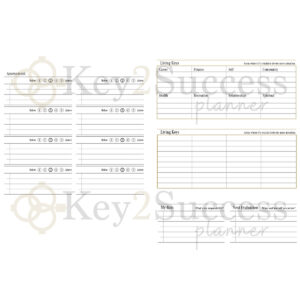
A set of reusable digital stickers (tiles)
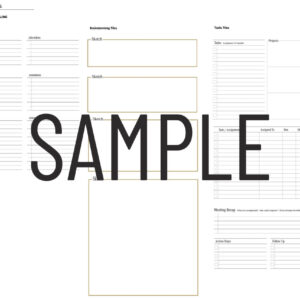
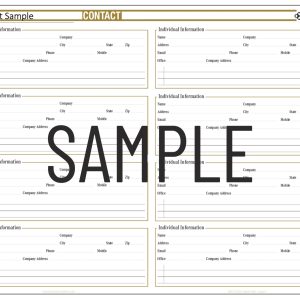
A sample layout using the tiles
Unlimited reuse rights across your notebooks and pages
Not exactly. Traditional reMarkable templates are fixed page backgrounds. eTiles are interactive digital elements that you can move, copy, and combine—giving you more freedom to build your own dynamic templates and layouts.
No. While eTiles are based on tools from the Key2Success Planner system, they are fully standalone and can be used by any reMarkable user looking to improve organization, planning, or productivity.
Yes. Once imported, you can copy and paste eTiles into as many notebooks and pages as you like. They’re fully reusable across your entire reMarkable device.
Yes. We offer:
Individual eTile packs by theme
Curated eTile bundles
A Complete eTiles Collection for those who want all available tools in one download
Yes. We plan to expand the eTiles library with new packs and categories based on user feedback and popular productivity needs. Check back regularly or join our email list to stay updated.
eTiles are built for those who want more control, clarity, and creativity in how they plan and organize on the reMarkable tablet. Whether you’re mapping out your workweek, tracking personal goals, or building a fully customized planner from scratch, eTiles give you the freedom to design a workflow that fits your life. Start exploring the full potential of digital planning today—right on your reMarkable device, no extra tools required.