Syncing Between reMarkable Devices
Quick Answer
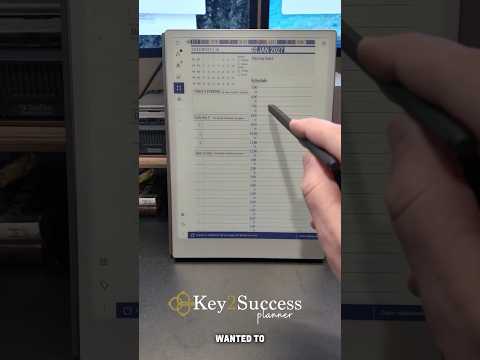
reMarkable devices sync through the reMarkable cloud. Any document or notebook you write on one device automatically appears on all other linked reMarkable devices within seconds. Branden Bodendorfer shows this in action with the reMarkable Paper Pro and Paper Pro Move running the Key2Success Digital Planner.
About This Video
If you use more than one reMarkable device, understanding how syncing works is essential for keeping your notes and planner consistent across both. Branden Bodendorfer demonstrates the sync process between the reMarkable Paper Pro and the reMarkable Paper Pro Move, showing how the Key2Success Digital Planner updates across both devices after writing. reMarkable's cloud sync works automatically in the background. When you write on one device and set it down, the changes push to the reMarkable cloud and pull down to your other device the next time it connects. The sync is fast and reliable for text and handwriting. This is especially useful if you use one reMarkable at your desk and carry the other when traveling. Your planner and notes stay current on both.
Video Transcript (click to expand)
Full transcript coming soon. Watch the video above for Branden's complete walkthrough.
Frequently Asked Questions
Set Up Sync Across Your reMarkable Devices
- Confirm each of your reMarkable devices is signed into the same reMarkable account before testing sync.
- Create a test note on one device and confirm it appears on your other reMarkable device or the desktop/mobile app within a few minutes.
- Check your Wi-Fi connection on both devices if a note doesn't sync right away, since sync requires an active connection.
Ready to Level Up Your Planning System?
Branden uses the Key2Success Digital Planner across every device he reviews. Get the same system.
Get the Key2Success Planner