OneNote Digital Planner · 2027
Key2Success OneNote Planner
★★★★★ Rated 5.0 by digital planners
SKU: K2S-ON27-PRO
$59.99
$49.99
Save 17%
✓ Instant download. A OneNote .one notebook — works on OneNote for Windows, Surface, iPad, Mac & Android.
1. Choose Your Edition
2. Navigation
Add full hyperlink navigation (+$15)Tap any date to jump straight to that page. Upgrades to the Hyperlinked edition.
3. Add Tiles
Tile Packs · best value
Complete Pack — 2026 All-NewEverythingEvery tile we make, in one pack.
+$169.99
Professional PackBusiness + productivity tiles.
+$69.99
Planning PackCore planning tile set.
+$34.99
Essential PackStarter set of the most-used tiles.
+$19.99
Or pick individual tiles — $9.99 each ▾
4. Add a Service
Remote Installation SupportWe set the planner up with you, live.
+$9.99
Coaching with Branden
30-Minute Coaching SessionOne-on-one setup & planning session.
$99.99+$64.99
DIG-IN Bundle — 3 SessionsThree 30-minute personalized sessions.
$269.99+$169.99
Annual Coaching — 12 SessionsA full year of monthly 30-minute sessions.
+$649.99
5. Two-Year Bundle
Add the 2026 planner FREE, or save 80%Bundle both years to add the 2026 Personal planner free, or take 80% off your matching 2026 edition.
+$49.99
View Full OneNote Shop & Page Layouts
Not sure which edition?
Personal covers daily life and goals. Professional adds business planning tools. Business and Executive layer in CRM, projects, and leadership. Complete gives you every app and edition. Use the Planner Finder ›
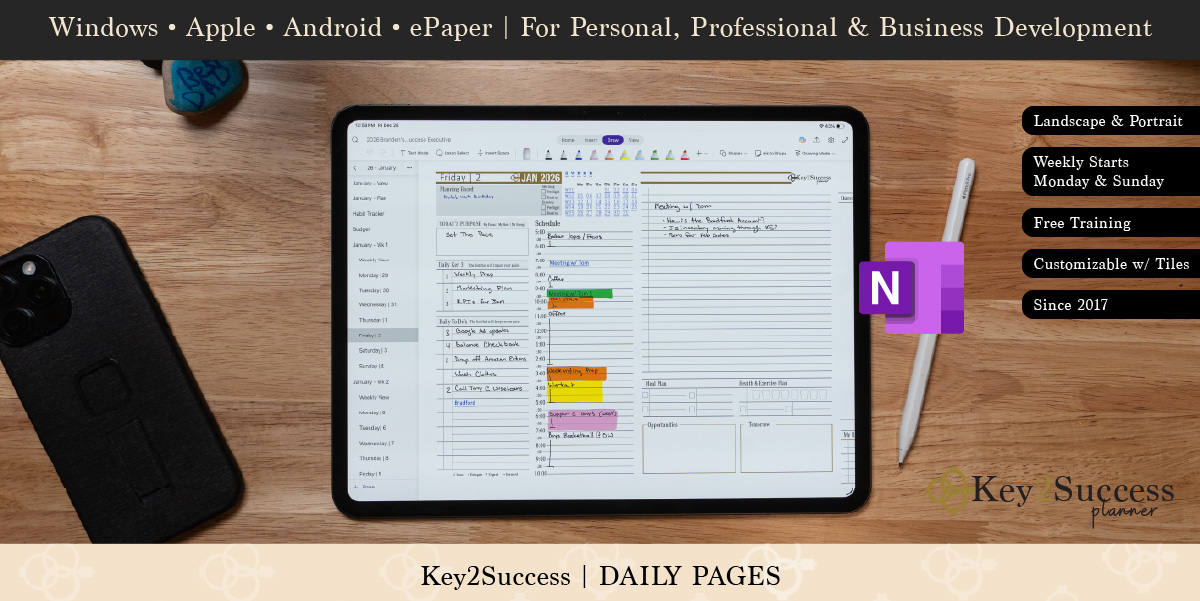
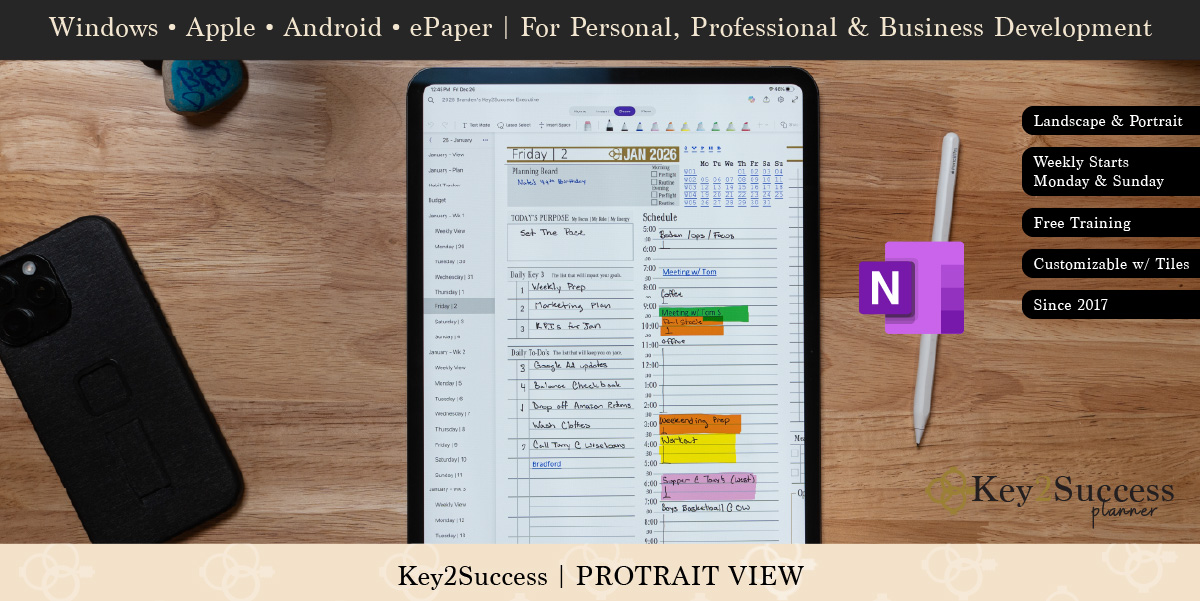
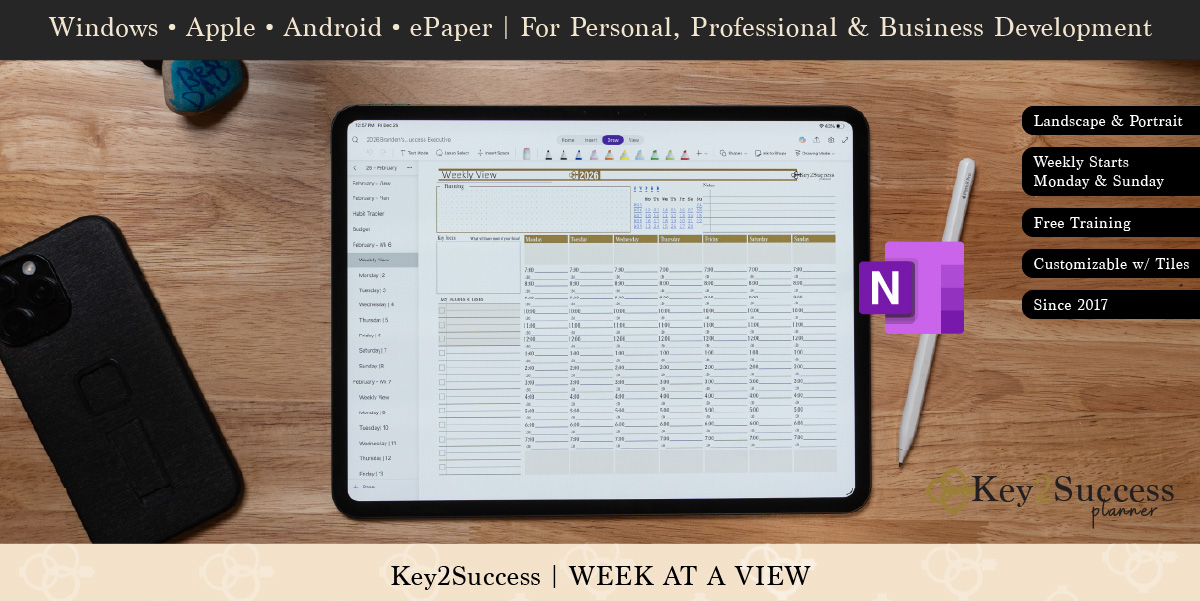
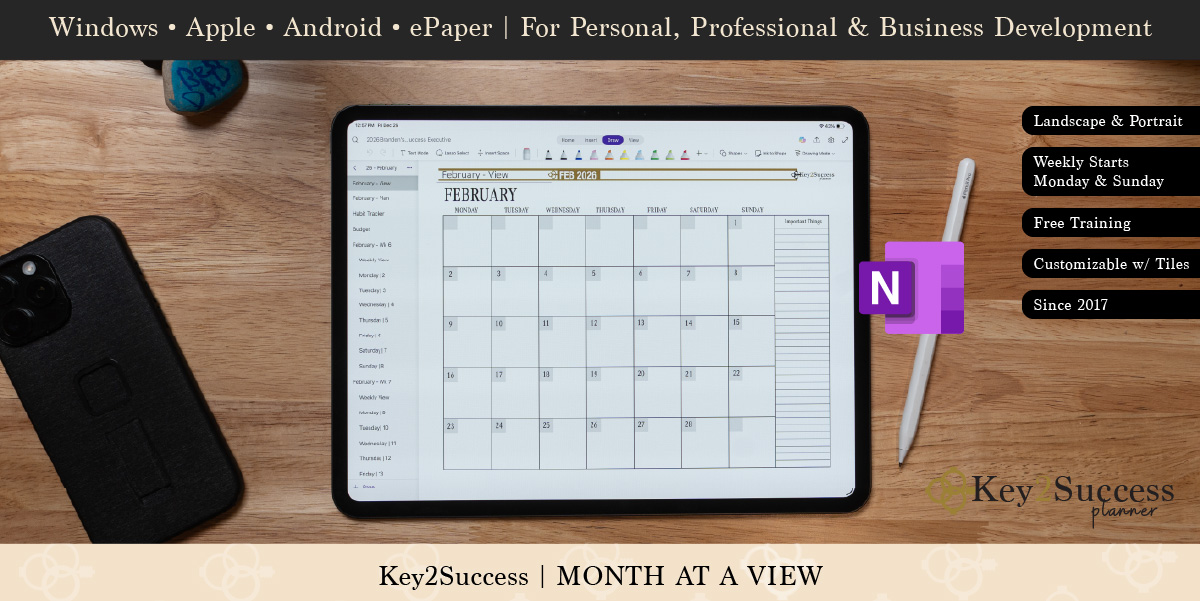
The 2027 Key2Success OneNote Planner is a complete goal, schedule, and task system built as a OneNote notebook. Every edition builds on the one before it, so you can start where you are and upgrade as your planning grows. Turn on full hyperlink navigation to tap any date and jump straight to that page.
In every edition
- Annual, monthly, weekly & daily pages
- Section-tabbed navigation
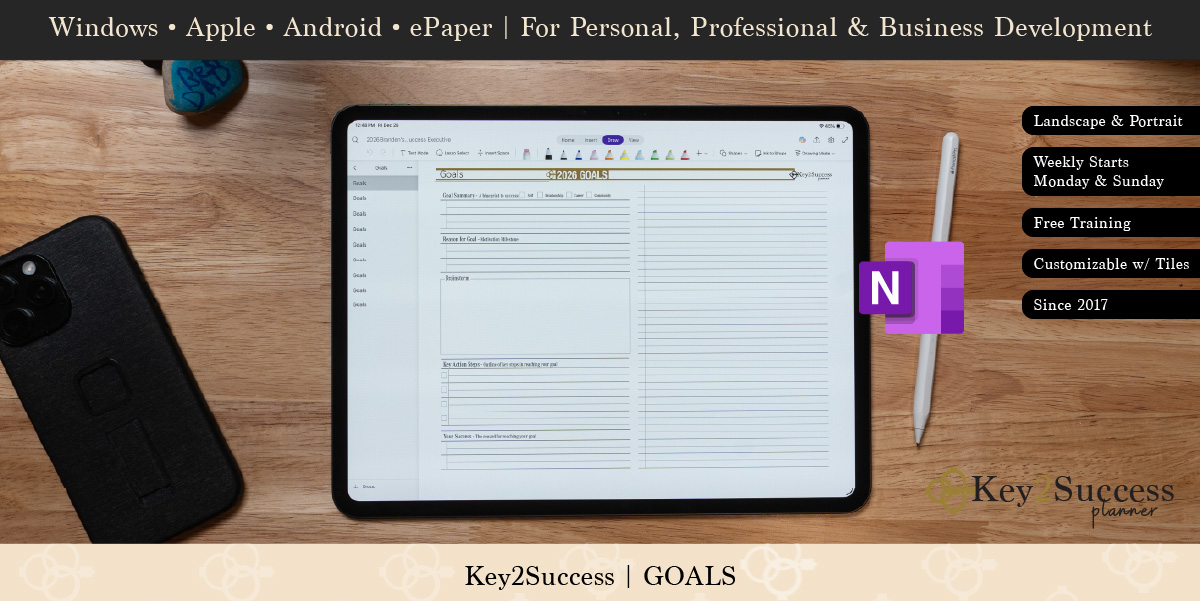
- Goal-setting & review framework
- Task & project tracking tiles
- Note & brainstorm sections
- Delivered as a .one file
Hyperlink upgrade: the Hyperlinked edition adds full date-to-date linking so you tap any day, week, or month and jump right to it — no scrolling.
Editions & pricing
| Edition | Best for | Standard | Hyperlinked |
|---|---|---|---|
| Personal | Daily life, habits & goals | $29.99 | $44.99 |
| Professional | Work planning & productivity | $49.99 | $64.99 |
| Business | CRM, projects & team work | $99.99 | $114.99 |
| Executive | Leadership & full business system | $149.99 | $164.99 |
| Complete | Every app + every edition | $269.99 | Included |
The OneNote edition runs anywhere Microsoft OneNote runs. Import the .one notebook once and it syncs across your devices through your Microsoft account.
| Platform | Works with |
|---|---|
| Windows & Surface | OneNote for Windows 10 / Microsoft 365 |
| Apple | OneNote on iPad, iPhone & Mac |
| Android | OneNote on Samsung, tablets & phones |
| Web | OneNote Online in any browser |
You will be planning in minutes:
- Buy and download your .one file from the confirmation page and email.
- Open OneNote on your device and import the notebook.
- Let it sync to your Microsoft account so it is on every device.
- Tap a tile or date and start planning.
Want us to set it up for you? Add Remote Installation Support above before you add to cart.
Does this work with OneNote on Windows, iPad, and Android?
Yes. It is delivered as a .one notebook that opens in OneNote on Windows, Surface, Mac, iPad, iPhone, Android, and OneNote Online. Sync happens through your Microsoft account.
What is the difference between Standard and Hyperlinked?
Standard uses section tabs to move around. Hyperlinked adds full date-to-date navigation so you tap any day, week, or month and jump straight there. Flip the toggle above to switch.
Can I bundle the 2026 planner and save?
Yes. Flip on the two-year bundle above to add the 2026 Personal planner free, or take 80% off your matching 2026 edition. Great for finishing this year strong and rolling straight into 2027.
Is this a one-time purchase or a subscription?
One-time purchase for each planner year. Add the 2026 planner here to bundle both years.
Can you help me install it?
Yes. Follow the free install guide, or add Remote Installation Support above and we will set it up with you.
Instant DownloadStart planning today
Every DeviceWindows, iPad, Mac & Android
Free SupportGuides & help when you need it
Secure CheckoutTrusted by planners worldwide
Also Available