

Page Layouts - Every Page in the System
See every page template inside the Key2Success Planner, tap any page to view it larger, and see the daily page on the app or device you actually use. Every layout is fully hyperlinked and looks the same across the platforms we support.
See the Daily Page on Your Device
One template, every device. The same daily page works wherever you plan. Choose a view below to see it in a note-taking app, as a PDF, and on an e-ink tablet.
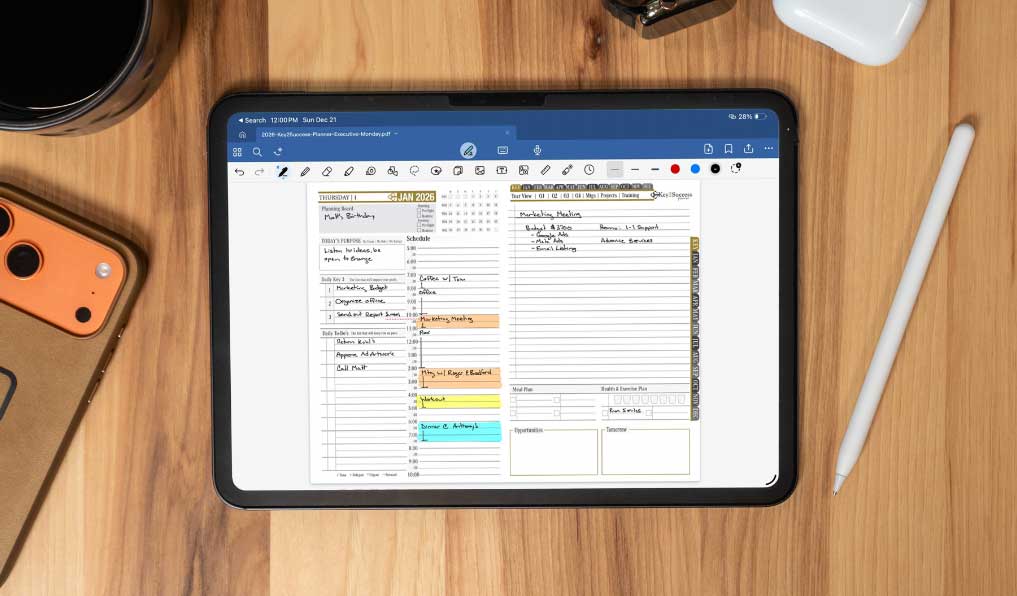
Daily page in a note-taking app on iPad
All Page Templates
Every page template in the Key2Success system, grouped by the edition it becomes available in. Tap any page to see it larger. The higher your edition, the more page types you unlock.
Foundational Planning
In every edition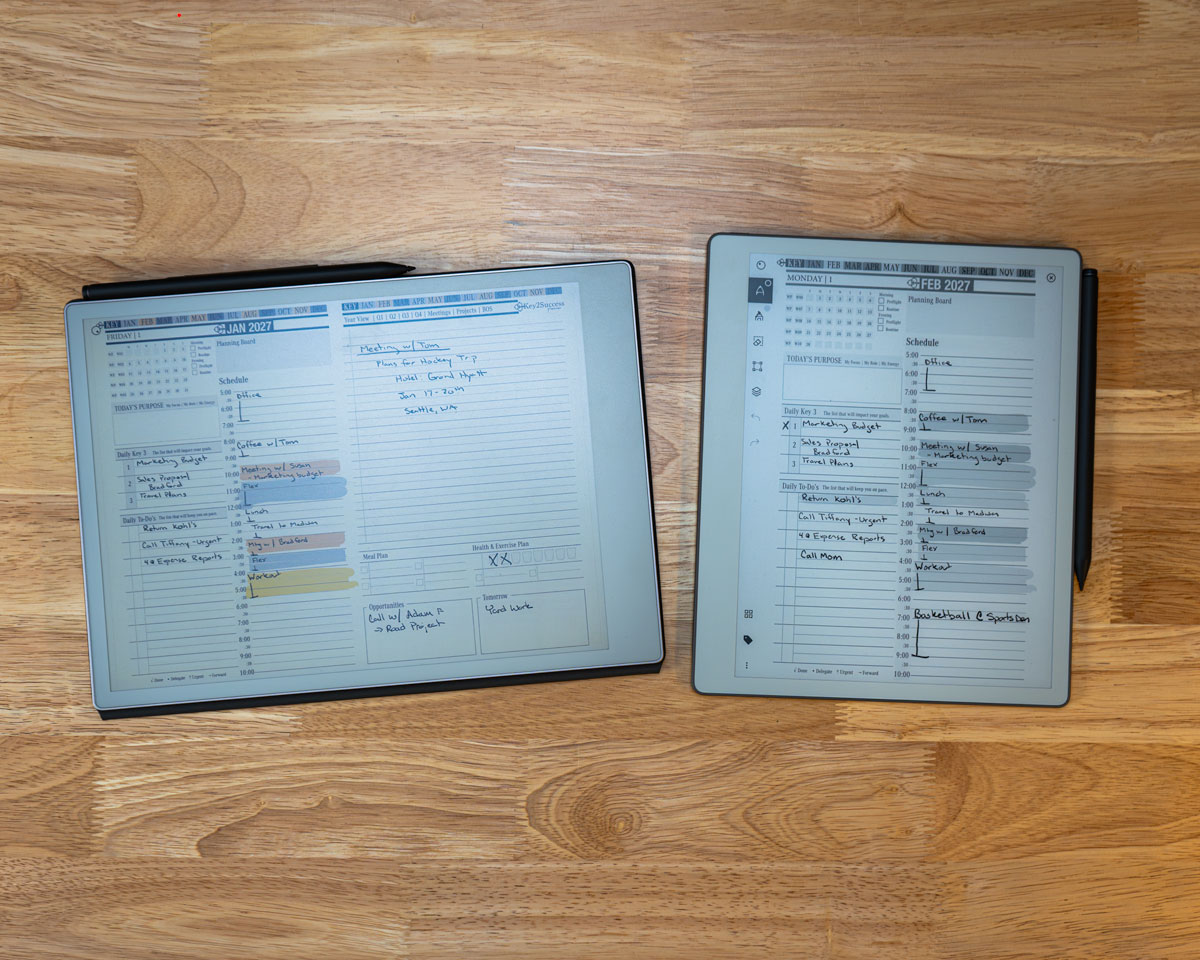
Plan each day around your Key3, with a task list, day timeline, notes, and calls.
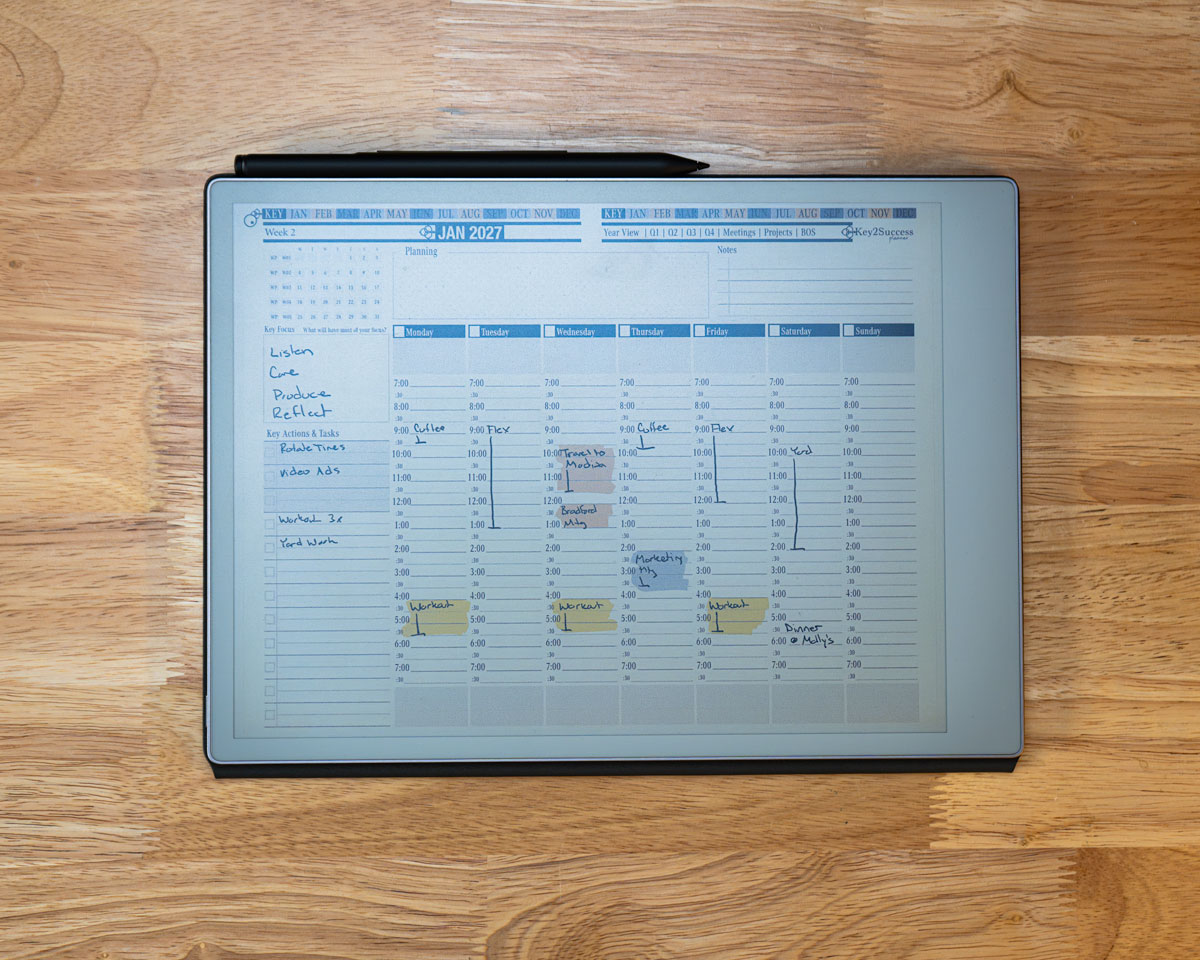
Set your weekly agenda and connect goals to the days that carry them out.
Capture the vision that anchors your year before you plan the details.
Outline the year and the handful of keys that will define it.
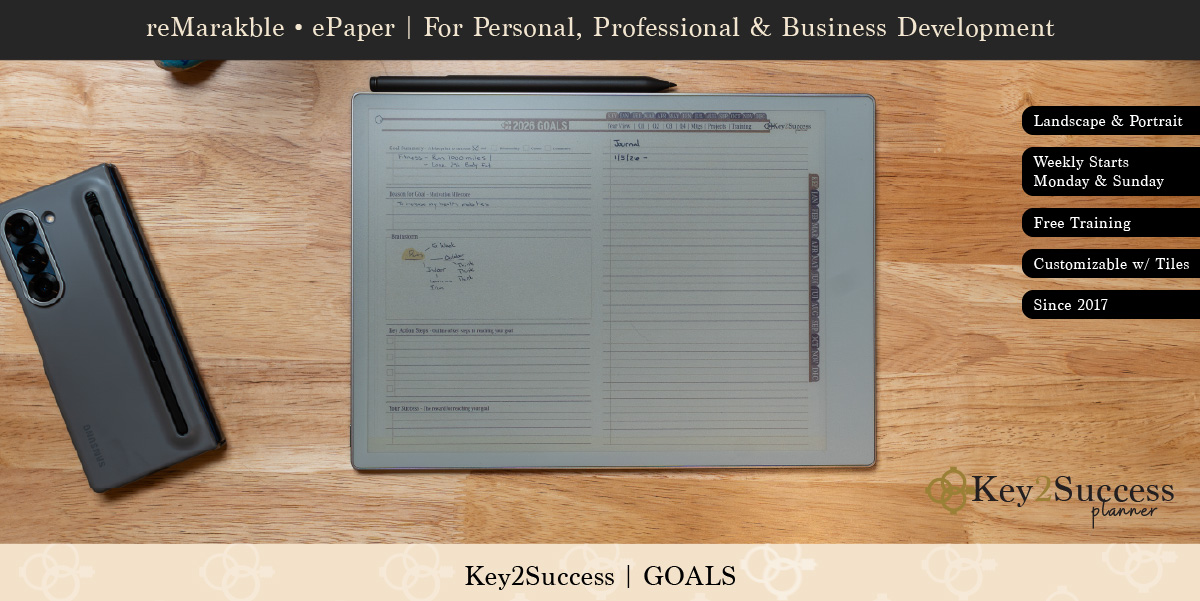
Turn your vision into concrete goals with clear action steps.
A dedicated space for notes, ideas, and reflection.
Design your ideal week and time-block how it should flow.
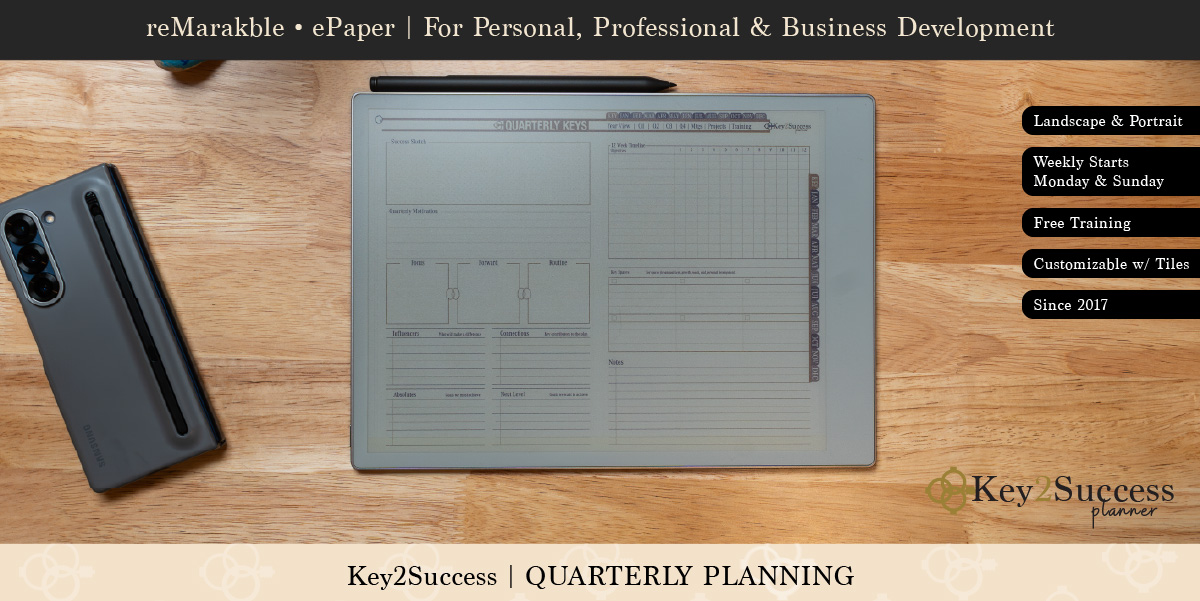
Plan each quarter and reflect on the one before it.
Productivity and Work
Professional and higherTrack the daily habits that compound into real progress over time.
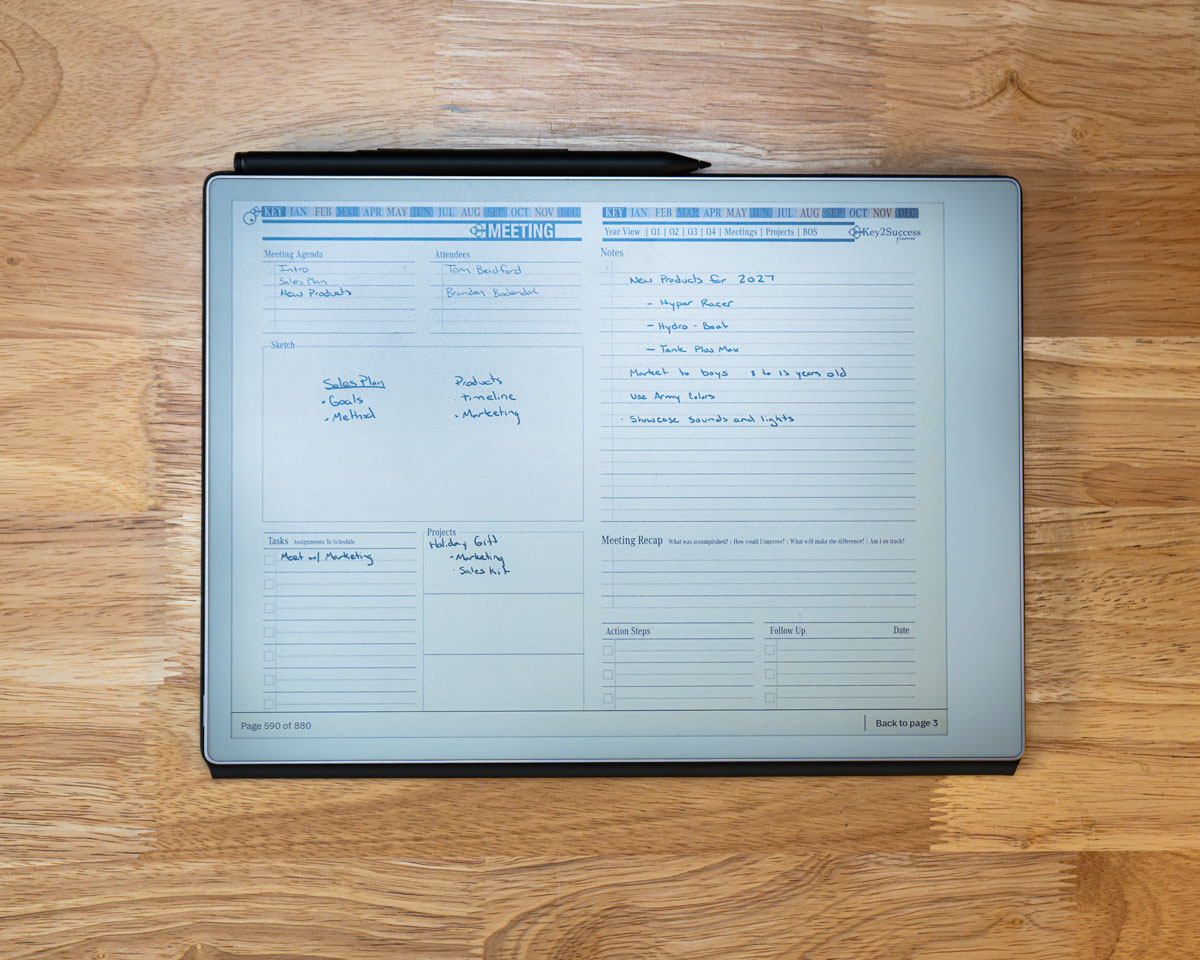
Capture agendas, notes, and follow-ups tied back to your plan.
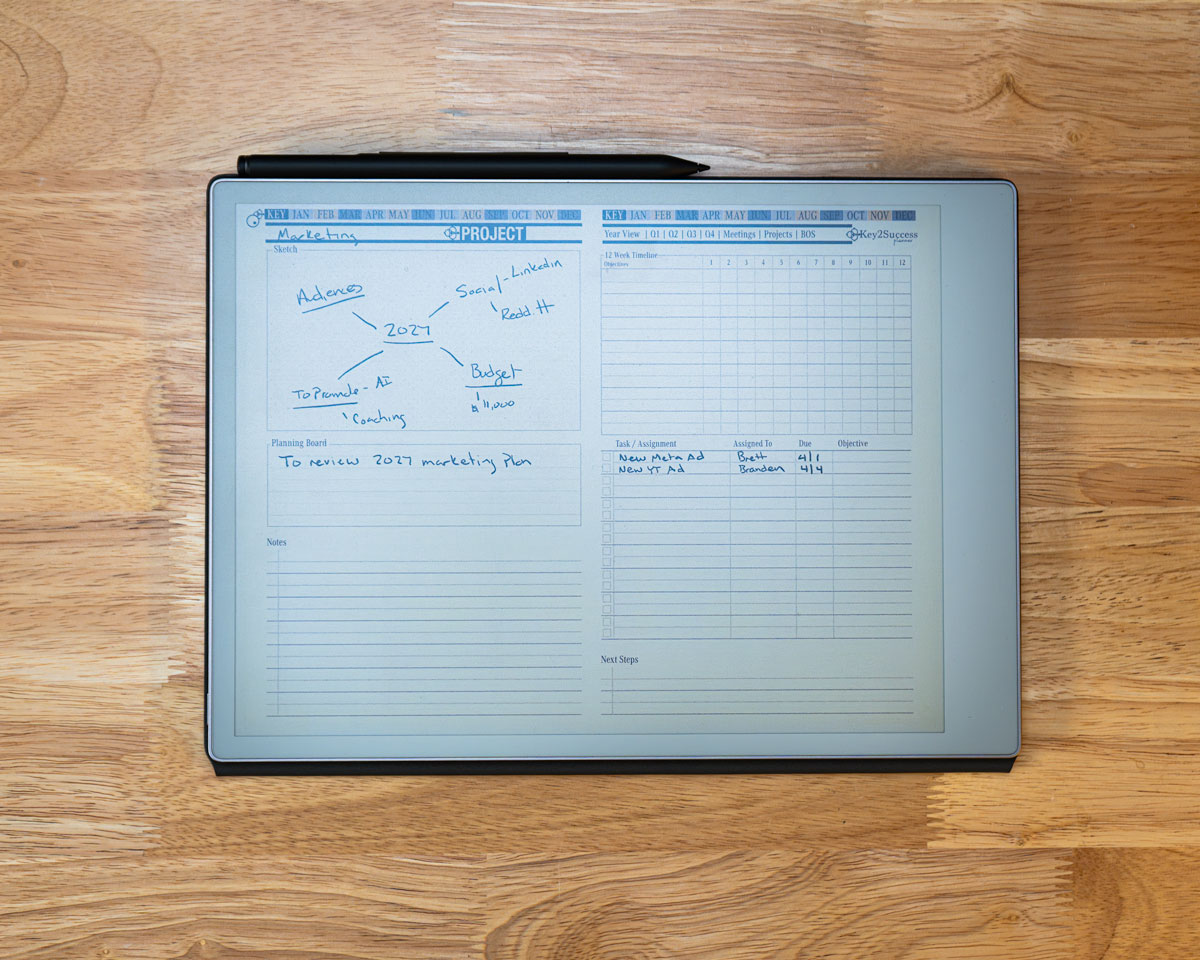
Plan and track projects from start to finish in one place.
Business and Operations
Business and higherKeep spending and budget right next to your plan.
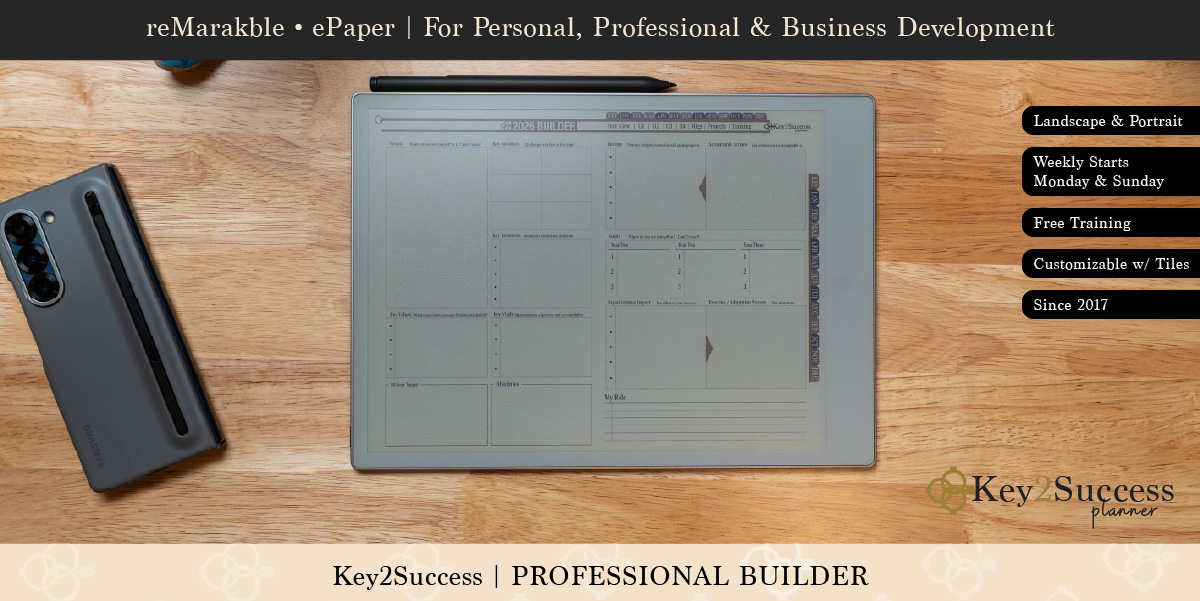
Build out your professional plan and priorities in a structured page.
Leadership
Executive and higher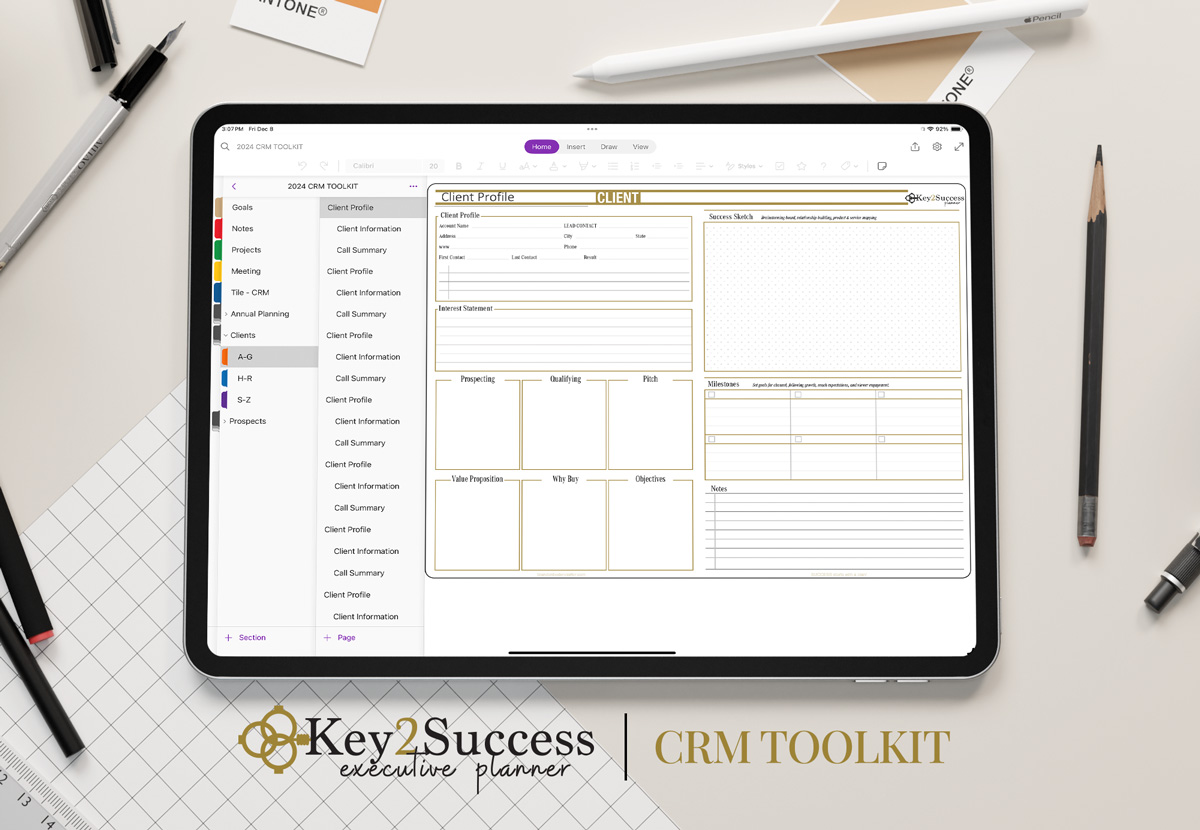
Track the key relationships and follow-ups that matter to your role.
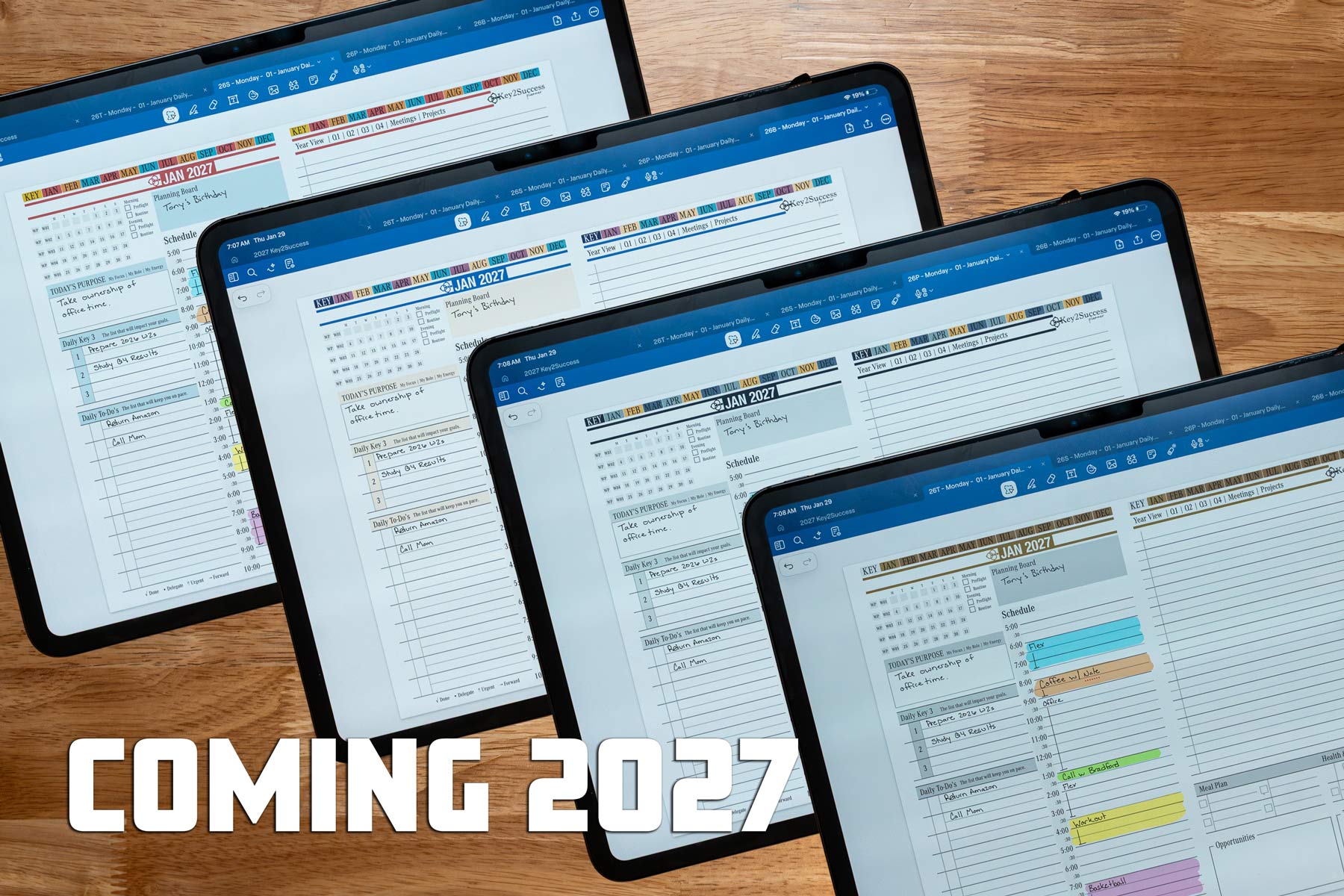
Four Color Palettes
Every edition comes in four color palettes, so your planner looks the way you want on screen or in e-ink. Choose the palette that fits your style when you download.
One Design, Every App and Device
These layouts look and work the same across every app and device we support. The planner is a fully hyperlinked file, so it imports the same way whether you plan on an iPad, a Samsung tablet, or an e-ink device.
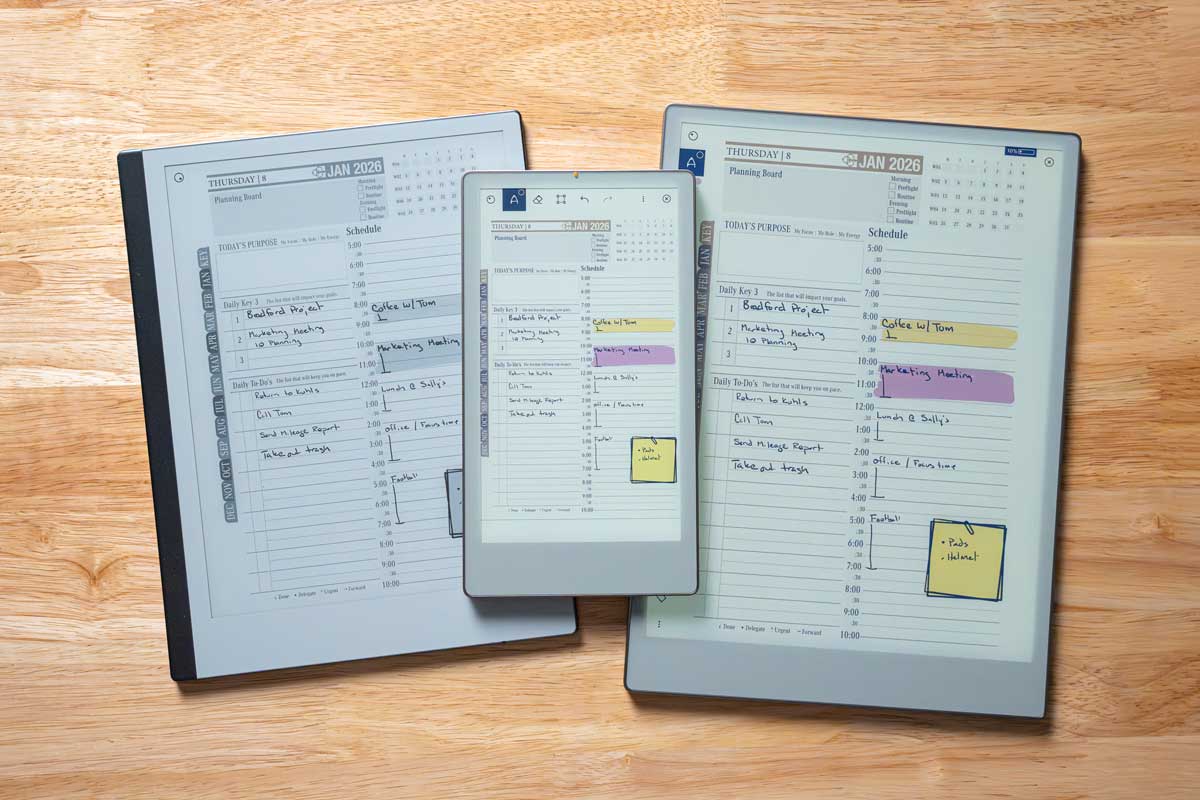
Available in both PDF and app-specific hyperlinked formats, in Monday and Sunday start, and in four color palettes. The core design stays consistent across every platform.
Which pages come with which edition?
Compare all five editions side by side to see exactly which layouts and tools are included in each.
Love It, or Your Money Back
Add our 5-day money-back guarantee for $8.99 and get a planner tile free, a $9.99 value. If the planner is not the right fit within 5 days, request a full refund of your planner purchase.
Get the Planner on Your App or Device
Ready to start? Choose your app or device to see pricing and add your edition to your cart.
Page Layout FAQ
How many page templates are in the Key2Success Planner?
The Key2Success system includes eight core planning pages in every edition: Daily, Weekly, Vision Board, Annual Keys, Goal Planner, Notes and Journal, Ideal Week, and Quarterly Planning and Reflection. From there it adds more page types as you move up: Habit Tracker, Meeting, and Project pages with the Professional Edition, Expense Tracker and Professional Builder with the Business Edition, and the CRM Toolkit with the Executive Edition. The compare page shows exactly which pages come with each edition.
Are the page layouts the same on every app and device?
Yes. The layouts are designed to look and work the same across GoodNotes, OneNote, Noteshelf, Notability, Samsung Notes, Penly, and e-ink devices including reMarkable, Onyx Boox, and ViWoods. It is a fully hyperlinked file, so it imports the same way on each platform.
Which page layouts are included in each edition?
The foundational planning pages are in every edition. Productivity and work pages like habit tracking, meetings, and projects start with the Professional Edition. Business and operations pages like budgeting begin with the Business Edition, and the CRM toolkit comes with the Executive Edition. The Complete Edition includes everything plus extras. See the compare page for the full breakdown.
Are the pages hyperlinked, and can I choose Monday or Sunday start?
Yes to both. Every page is connected with hyperlinks so you tap between your year, month, week, and day without scrolling. Every edition is available in both Monday start and Sunday start, and in four color palettes.
Ready to Start Planning?
See how the editions compare, then choose the app or device you already use and download in minutes.


