link digital notes to calendar meetings
Articles Dec 28
By Branden Bodendorfer 0 Comments
link digital notes to calendar meetings

Link Digital Notes to Calendar Meetings Easily

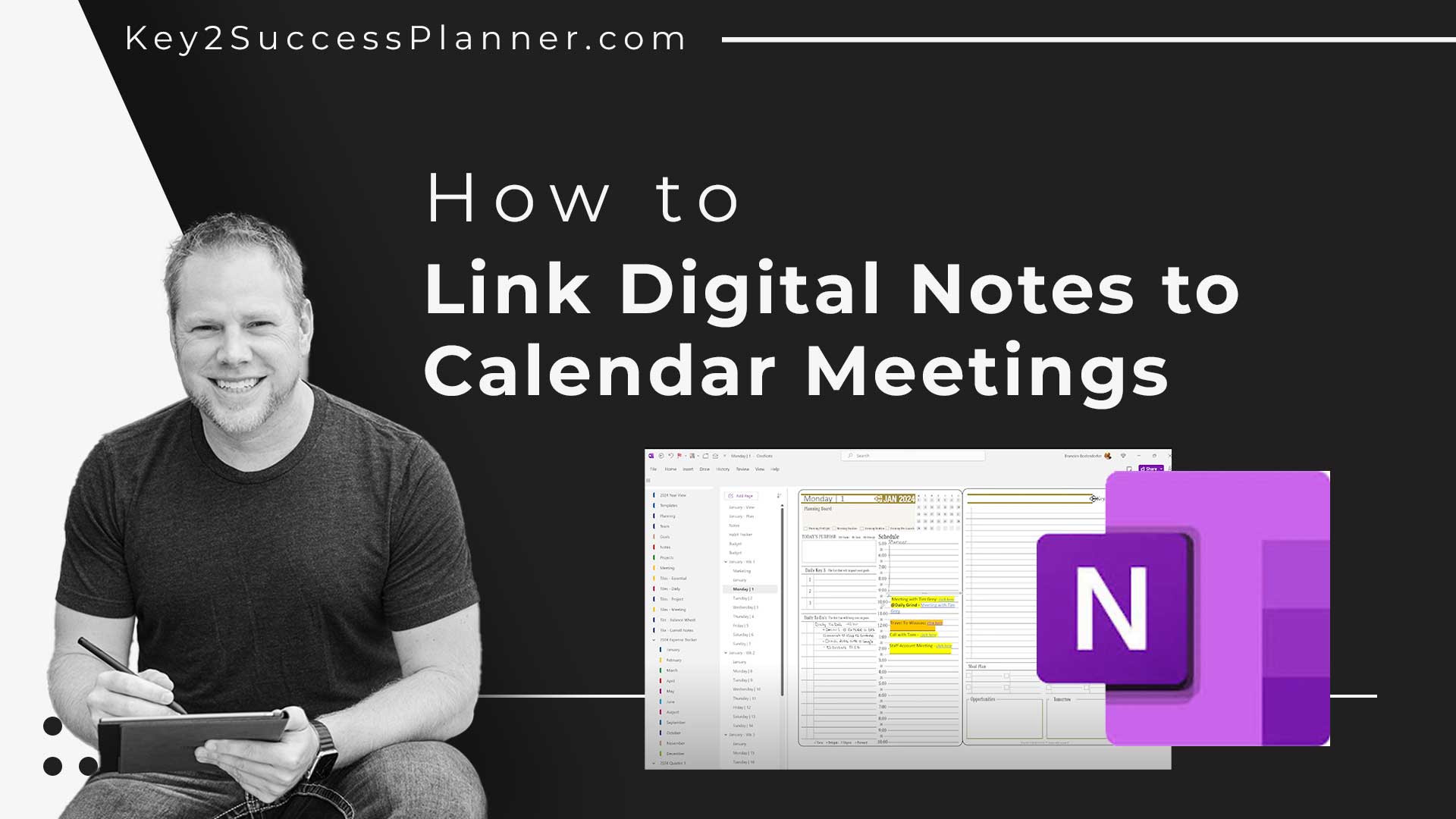
Want to link digital notes to calendar meetings? Looking to sync a calendar with a digital planner? There isn’t quite the technology to make it seamless, however there is a way to connect a calendar to a digital planner. Watch a video on how to link digital notes to calendar meetings.

Step 1: Create a Dedicated Meeting Page

  • In your planner, generate a new page for the meeting with essential details.

Step 2: Copy the Page Link

  • Copy the link to the meeting page, usually available via the right-click menu.

Step 3: Paste Link into Calendar Event

Today is the best day to start planning with Key2Success digital planner, featuring a money-back guarantee, promotional savings, and a call to action for personal and professional planners.
  • Access your calendar, locate the corresponding event, and paste the copied link into the event details.

Now, with a simple click on the meeting icon, easily access your centralized meeting notes for efficient planning and organization.

(Now, you can use AI to create calendar events!)

Today is the best day to start planning with Key2Success digital planner, featuring a money-back guarantee, promotional savings, and a call to action for personal and professional planners.

Leave a Comment