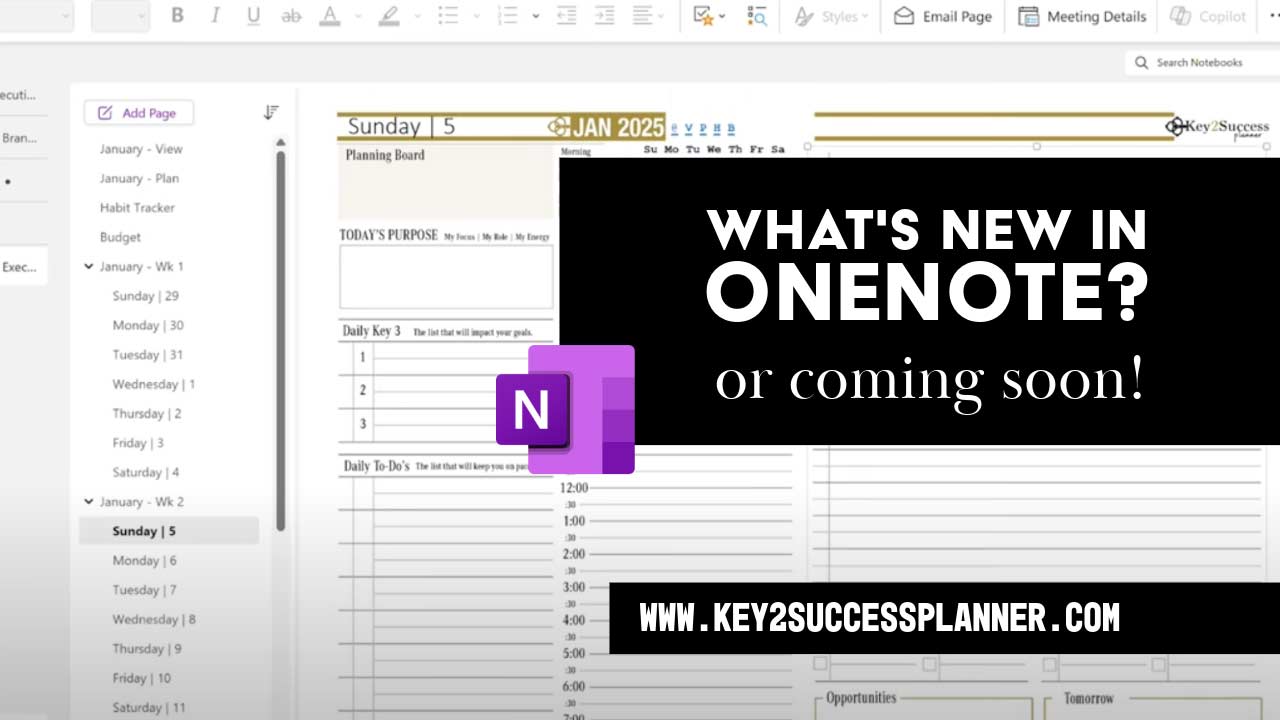
What’s New in OneNote?
Digital planners thrive on tools that streamline organization, boost creativity, and enhance productivity. In 2025, Microsoft OneNote rolled out a suite of updates that make it an even more powerful companion for digital planner users. Whether you’re managing schedules, annotating templates, or collaborating on projects, these new features are designed to elevate your planning game. Here’s a deep dive into the OneNote 2025 updates that matter most to digital planner enthusiasts.
1. Enhanced Meeting Integration for Seamless Scheduling
For digital planners who juggle meetings and tasks, OneNote’s upgraded meeting integration is a game-changer. The modernized Microsoft Teams integration brings Loop collaborative notes into the fold, allowing you to create real-time, shared notes during meetings. Meeting details, recordings, transcripts, and agendas are now automatically synced and embedded in your OneNote notebooks.
Why It Matters: Digital planners can centralize all meeting-related content—schedules, notes, and follow-up tasks—in one place. No more flipping between apps to track action items or reference meeting outcomes.

Pro Tip: Use the new meeting details pane to embed your weekly planner template alongside meeting notes, creating a unified hub for your schedule and tasks.
2. Advanced Inking Tools for Personalized Planning
OneNote’s 2025 inking updates are a dream for digital planners who love the flexibility of handwritten notes. These tools make your planners visually appealing and highly functional:
- Ink Straightening Tool: Uneven handwriting from quick notes? This tool polishes your scribbles with a single click, giving your planner a clean, professional look.
- Eye Dropper Tool: Create custom pen colors by picking hues from your screen. Match your planner’s aesthetic or color-code tasks for better organization.
- Ink-to-Text Conversion: Improved accuracy means your handwritten plans can be converted to searchable, editable text, perfect for updating task lists or sharing notes.
- Ink Stickiness: Annotations on planner templates, PDFs, or images stay locked in place, even when you resize or move elements.
Why It Matters: These tools let you customize and refine your digital planner with precision, making it easier to maintain a cohesive, visually appealing system. Whether you’re sketching habit trackers or annotating a monthly spread, your notes stay organized and legible.
Pro Tip: Use the Eye Dropper to match your pen colors to your planner’s theme, and leverage ink stickiness to annotate PDF planner templates without losing alignment.
Why These Updates Are a Win for Digital Planners
OneNote’s 2025 features cater directly to the needs of digital planner users by offering more control over customization, better integration with productivity tools, and a smoother experience for managing templates and schedules. Whether you’re a student planning study sessions, a professional tracking projects, or a creative designing aesthetic layouts, these updates make OneNote a more versatile and powerful tool.
Ready to level up your digital planning? Download the latest OneNote app, experiment with the new inking tools, and integrate your meeting notes into the Key2Success Digital Planner!