

Using a Vision Board to Plan Your Year: The Key2Success Vision Board Overview
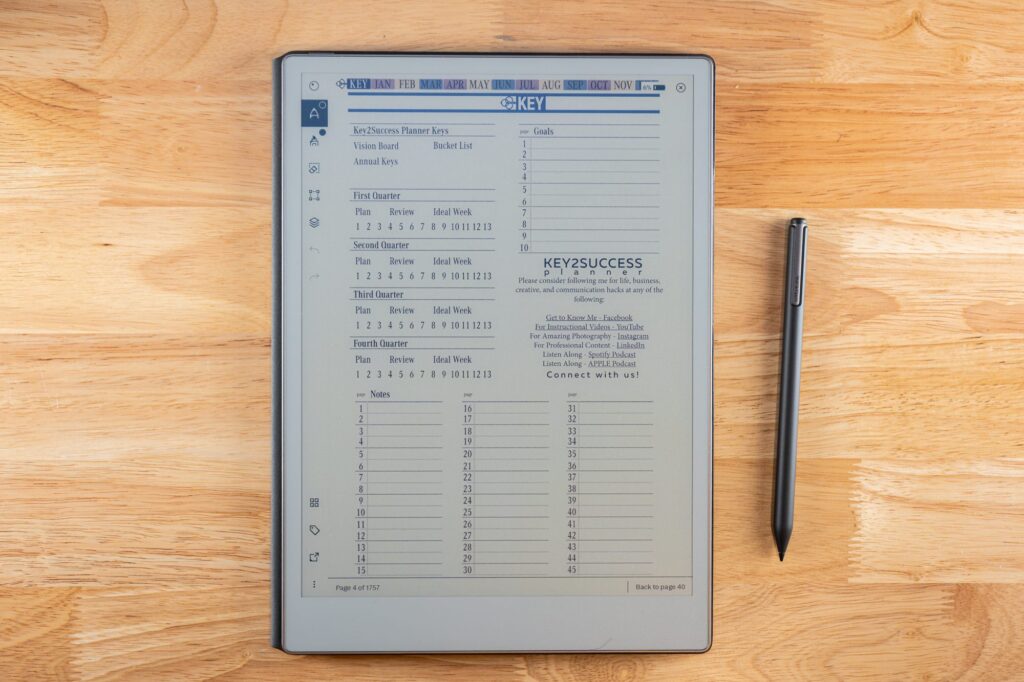
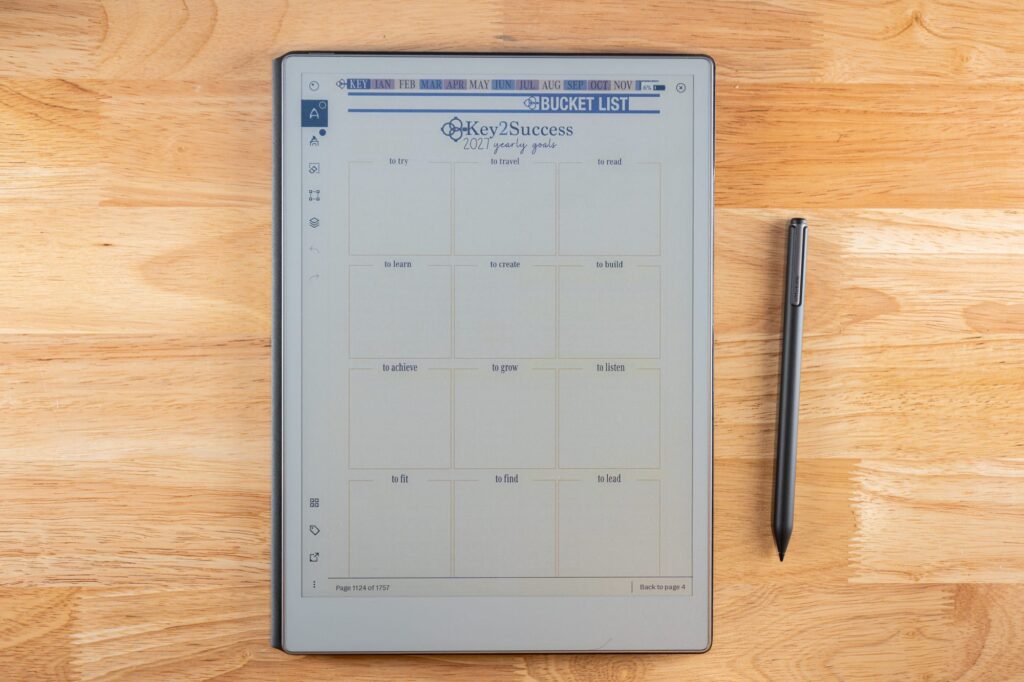
The Key2Success Vision Board is a digital planning page where you collect images, goals, and words that represent what you want the year to look like, giving you a visual reference point you can return to when setting monthly and daily priorities.
A written goal list is useful, but a visual one sticks with you differently. This video introduces the Key2Success Vision Board, a dedicated page inside the planner built for exactly that.
I walk through what the vision board page looks like, how to add your own images and goal statements, and how it connects to the rest of your yearly and monthly planning inside the Key2Success system.
By the end of this video you'll understand how to build your own vision board and use it as an actual planning tool rather than just a one-time exercise you do in January and forget.
Video Transcript
A vision board only works as a planning tool if it's tied back to something you actually check regularly, not just something you make once in January and forget by February. Placing the vision board where you'll see it during your weekly or monthly planning session keeps the goals it represents connected to real decisions, instead of sitting there as decoration. The images matter less than the review habit built around them. For more on how visualization supports goal-setting, see Positive Psychology's overview of vision boards. Most people find their board actually influences decisions once it's tied to a regular review.
Vision Board Overview: Frequently Asked Questions
What is the Key2Success Vision Board?
It's a dedicated digital page inside the Key2Success Planner for collecting images and goal statements that represent your vision for the year.
How is a vision board different from a goals list?
A vision board adds a visual element that many people find easier to connect with emotionally than a plain text list of goals.
How often should I update my vision board?
Most people update it annually, though you can revisit and adjust it any time your goals shift significantly.
Do I need special software to build a vision board in OneNote?
No, you just need images saved to your device and OneNote's built-in insert tools, which this video walks through.
Does the vision board connect to the rest of the Key2Success Planner?
Yes, it's designed to sit alongside your monthly and daily planning sections so your vision stays visible while you plan day to day.
Build Your Own Vision Board
- Collect three to five images that represent your goals for the year.
- Add one word or short phrase to each image describing the goal.
- Place the vision board somewhere you'll see it during monthly planning.
Get the Vision Board in Your Planner
The Key2Success Planner includes a built-in Vision Board page ready to customize.
Explore the Key2Success Planner
