
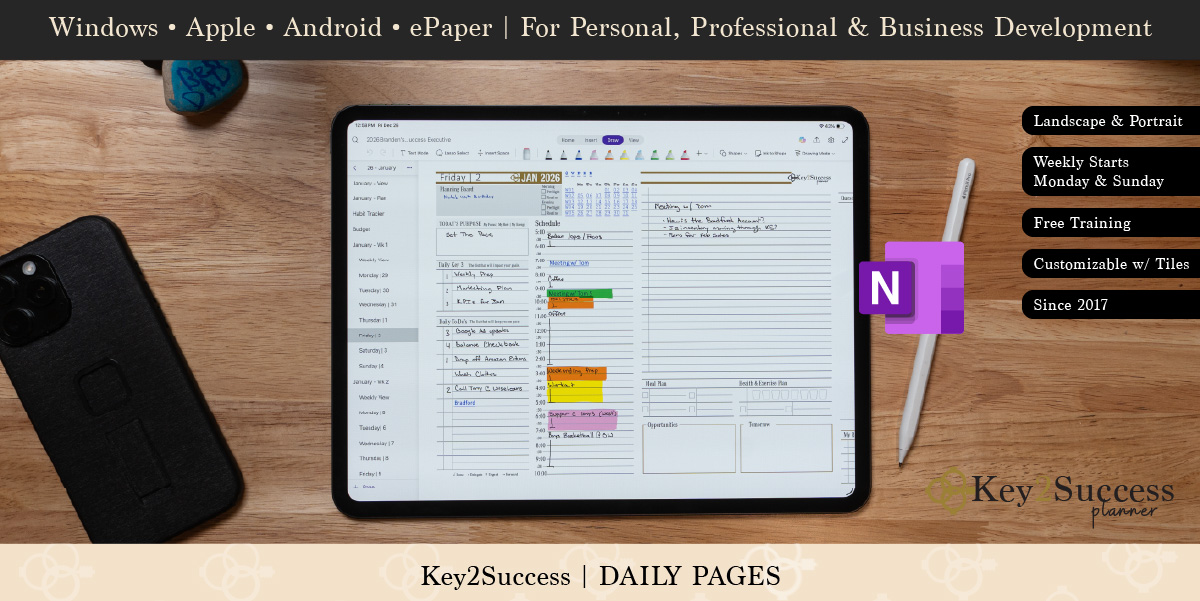
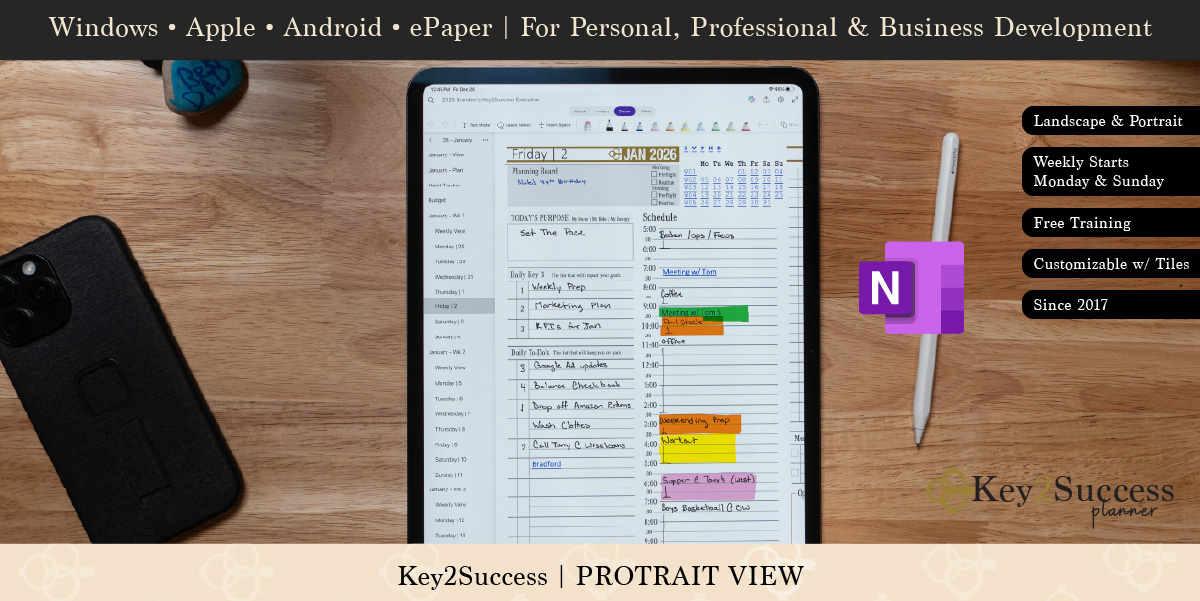
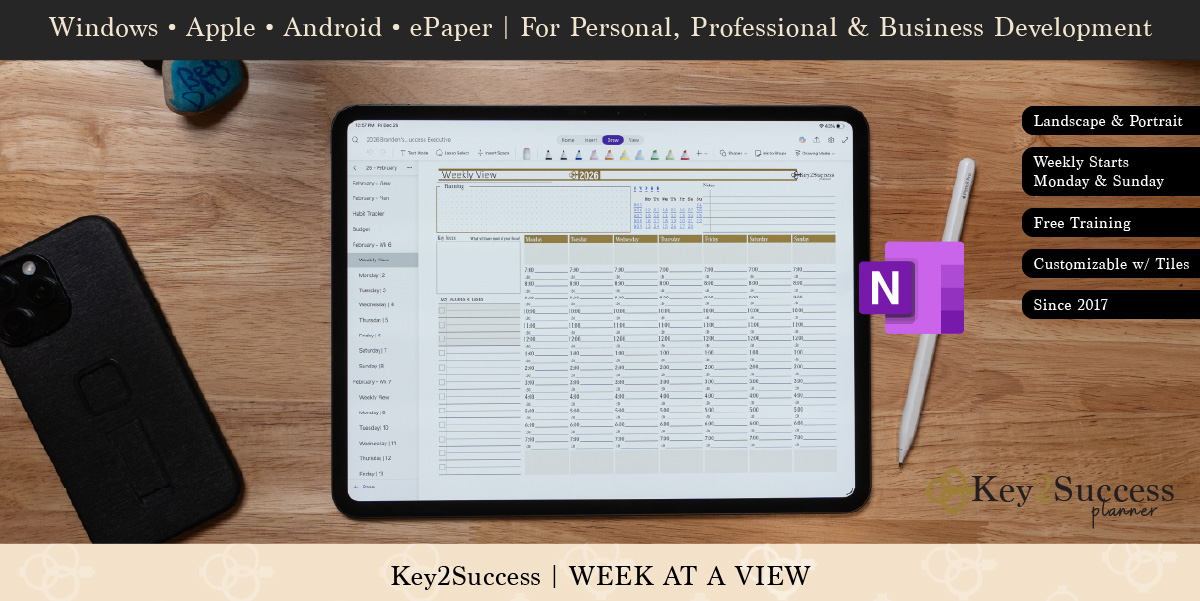
OneNote Digital Planner · 2028
Key2Success OneNote Planner
★★★★★ Rated 5.0 by digital planners
SKU: K2S-ON28-PRO
$59.99
$41.99
Save 30%
2028 Pre-Launch Pricing
Up to 39% off through Friday, Nov. 27 at 11:59 PM Central. Pre-order now and your files are delivered by email in spring 2027.
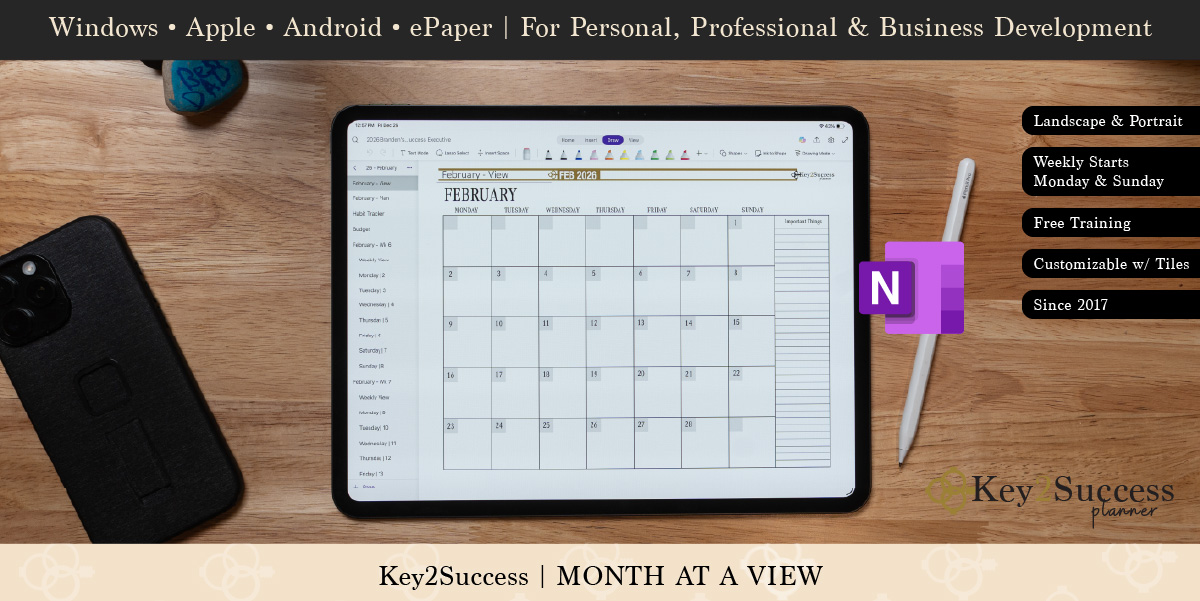
Preview images show the 2027 edition. The 2028 edition uses the same layout with 2028 dates.
✓ Pre-order now, delivered by email in spring 2027. A OneNote .one notebook — works on OneNote for Windows, Surface, iPad, Mac & Android.
1. Choose Your Edition
2. Navigation
Add full hyperlink navigation (+$10)Tap any date to jump straight to that page. Upgrades to the Hyperlinked edition.
3. Add Tiles
Tile Packs · best value
Complete Pack — 2026 All-NewEverythingEvery tile we make, in one pack.
+$169.99
Professional PackBusiness + productivity tiles.
+$69.99
Planning PackCore planning tile set.
+$34.99
Essential PackStarter set of the most-used tiles.
+$19.99
Or pick individual tiles — $9.99 each ▾
4. Add a Service
Remote Installation SupportWe set the planner up with you, live.
+$9.99
Coaching with Branden
30-Minute Coaching SessionOne-on-one setup & planning session.
$99.99+$64.99
DIG-IN Bundle — 3 SessionsThree 30-minute personalized sessions.
$269.99+$169.99
Annual Coaching — 12 SessionsA full year of monthly 30-minute sessions.
+$649.99
5. Bundle and Save
Add the matching 2027 planner and 30% comes off it automatically in your cart.
Add the matching 2026 planner and 30% comes off it automatically in your cart.
View Full OneNote Shop & Page Layouts
Not sure which edition?
Personal covers daily life and goals. Professional adds business planning tools. Business and Executive layer in CRM, projects, and leadership. Complete gives you every app and edition. Use the Planner Finder ›
The 2028 Key2Success OneNote Planner is a complete goal, schedule, and task system built as a OneNote notebook. Every edition builds on the one before it, so you can start where you are and upgrade as your planning grows. Turn on full hyperlink navigation to tap any date and jump straight to that page.
In every edition
- Annual, monthly, weekly & daily pages
- Section-tabbed navigation
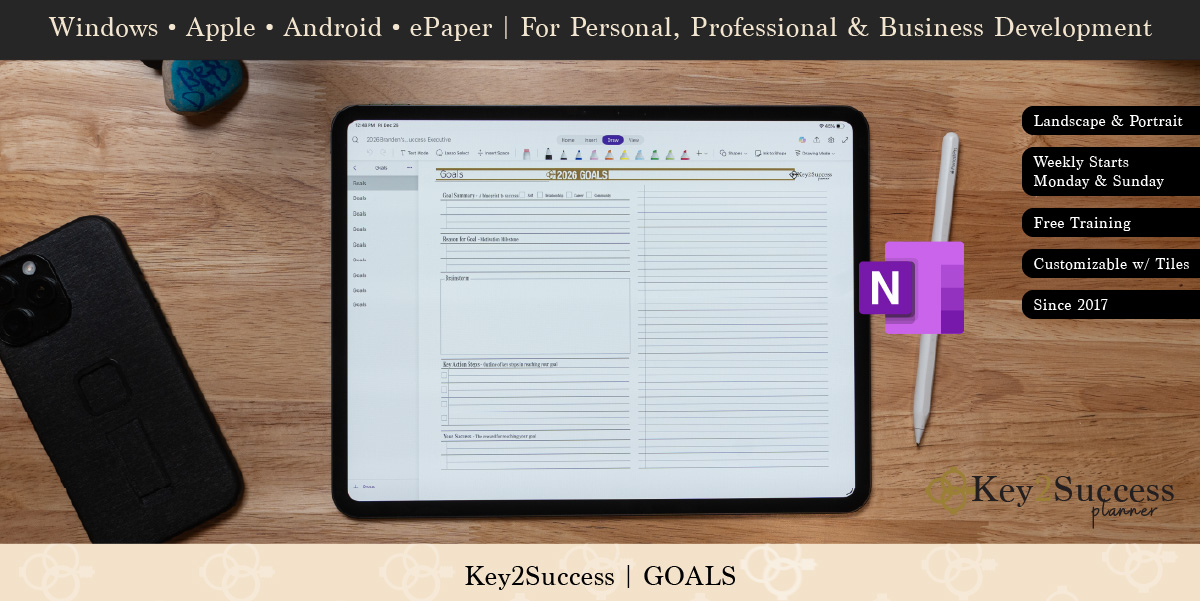
- Goal-setting & review framework
- Task & project tracking tiles
- Note & brainstorm sections
- Delivered as a .one file
Hyperlink upgrade: the Hyperlinked edition adds full date-to-date linking so you tap any day, week, or month and jump right to it — no scrolling.
Editions & pricing
| Edition | Best for | Standard | Hyperlinked |
|---|---|---|---|
| Personal | Daily life, habits & goals | $24.49 | $34.49 |
| Professional | Work planning & productivity | $41.99 | $51.99 |
| Business | CRM, projects & team work | $82.49 | $92.49 |
| Executive | Leadership & full business system | $129.49 | $139.49 |
| Complete | Every app + every edition | $224.00 | Included |
The OneNote edition runs anywhere Microsoft OneNote runs. Import the .one notebook once and it syncs across your devices through your Microsoft account.
| Platform | Works with |
|---|---|
| Windows & Surface | OneNote for Windows 10 / Microsoft 365 |
| Apple | OneNote on iPad, iPhone & Mac |
| Android | OneNote on Samsung, tablets & phones |
| Web | OneNote Online in any browser |
Once it is delivered, you will be planning in minutes:
- Pre-order now. Your .one file is emailed and added to your account when the 2028 planner releases in spring 2027.
- Open OneNote on your device and import the notebook.
- Let it sync to your Microsoft account so it is on every device.
- Tap a tile or date and start planning.
Want us to set it up for you? Add Remote Installation Support above before you add to cart.
Does this work with OneNote on Windows, iPad, and Android?
Yes. It is delivered as a .one notebook that opens in OneNote on Windows, Surface, Mac, iPad, iPhone, Android, and OneNote Online. Sync happens through your Microsoft account.
What is the difference between Standard and Hyperlinked?
Standard uses section tabs to move around. Hyperlinked adds full date-to-date navigation so you tap any day, week, or month and jump straight there. Flip the toggle above to switch.
Is this a one-time purchase or a subscription?
One-time purchase for each planner year.
Can you help me install it?
Yes. Follow the free install guide, or add Remote Installation Support above and we will set it up with you.
Pre-Order PricingDelivered spring 2027
Every DeviceWindows, iPad, Mac & Android
Free SupportGuides & help when you need it
Secure CheckoutTrusted by planners worldwide
Also Available