




















2027 OneNote Business Digital Planner
Original price was: $119.99.$99.99Current price is: $99.99.
2027 OneNote Business Digital Planner Available for Instant Download
SAVE 30% – Pricing Locked through 2030 | Low As $7.00 Per Month
For our loyal customers, we’re introducing the Key2Success Planner Subscription—a more innovative way to save while staying on top of your goals. Plus, you will receive both our OneNote and PDF Planner for all note-taking devices and applications. Enroll today and lock in your pricing through 2030. Subscribers enjoy up to 30% off the annual cost of the planner, with flexible payment options: pay annually for the best value or pay over time for convenience. CLICK HERE TO GET STARTED
Includes:
- 2027 – OneNote Business Planner
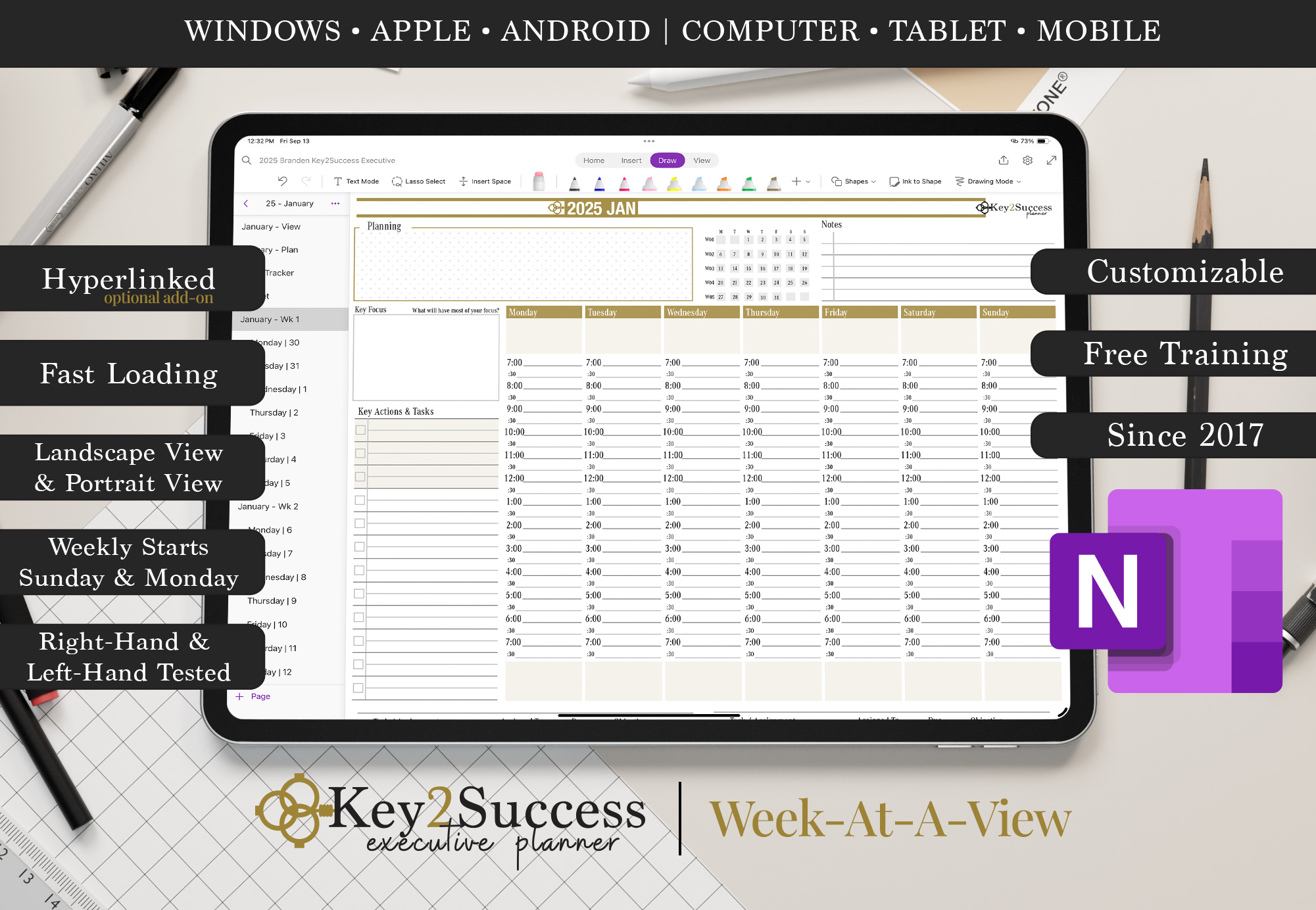
- Monday and Sunday Week Start Dates
- Product Development Tools (See Description)
- Installation Instructions Included
(Click Here to View Instructions)
Description
2027 OneNote Business Digital Planner – Key2Success™
Unleash the power of productivity with the 2027 KEY2SUCCESS™ OneNote Business Digital Planner—a professional planning system designed for entrepreneurs, executives, and ambitious business professionals. Whether you’re optimizing strategy, tracking goals, or improving operations, this powerful OneNote planner is built to support your success every step of the way.
Now available for OneNote on Windows, Android, and Apple devices, this planner offers full compatibility and cloud-syncing across your digital ecosystem.
Why Choose the 2027 Key2Success™ Business Planner?
- Versatile Compatibility: Use across Windows PCs, macOS, iPads, Android tablets, and smartphones via Microsoft OneNote.
- Digital Efficiency: Streamline your productivity with a downloadable, fillable planner system—no paper clutter, no printing required.
- No Subscription Required: A single purchase gives you access to the full 2027 planner—no recurring fees, no hidden costs.
OneNote Integration & Optional Hyperlinks
This planner uses the standard OneNote navigation structure. It is not pre-hyperlinked by default, but you can upgrade to a premium hyperlinked version for easier navigation:
🔗 Get the Hyperlinked Version Here
You can also add your own hyperlinks in OneNote manually. Learn how here.
2027 OneNote Business Digital Planner – Key Features:
- 50% OFF Tiles: Limited-time discounts to get the most value out of your planning tools.
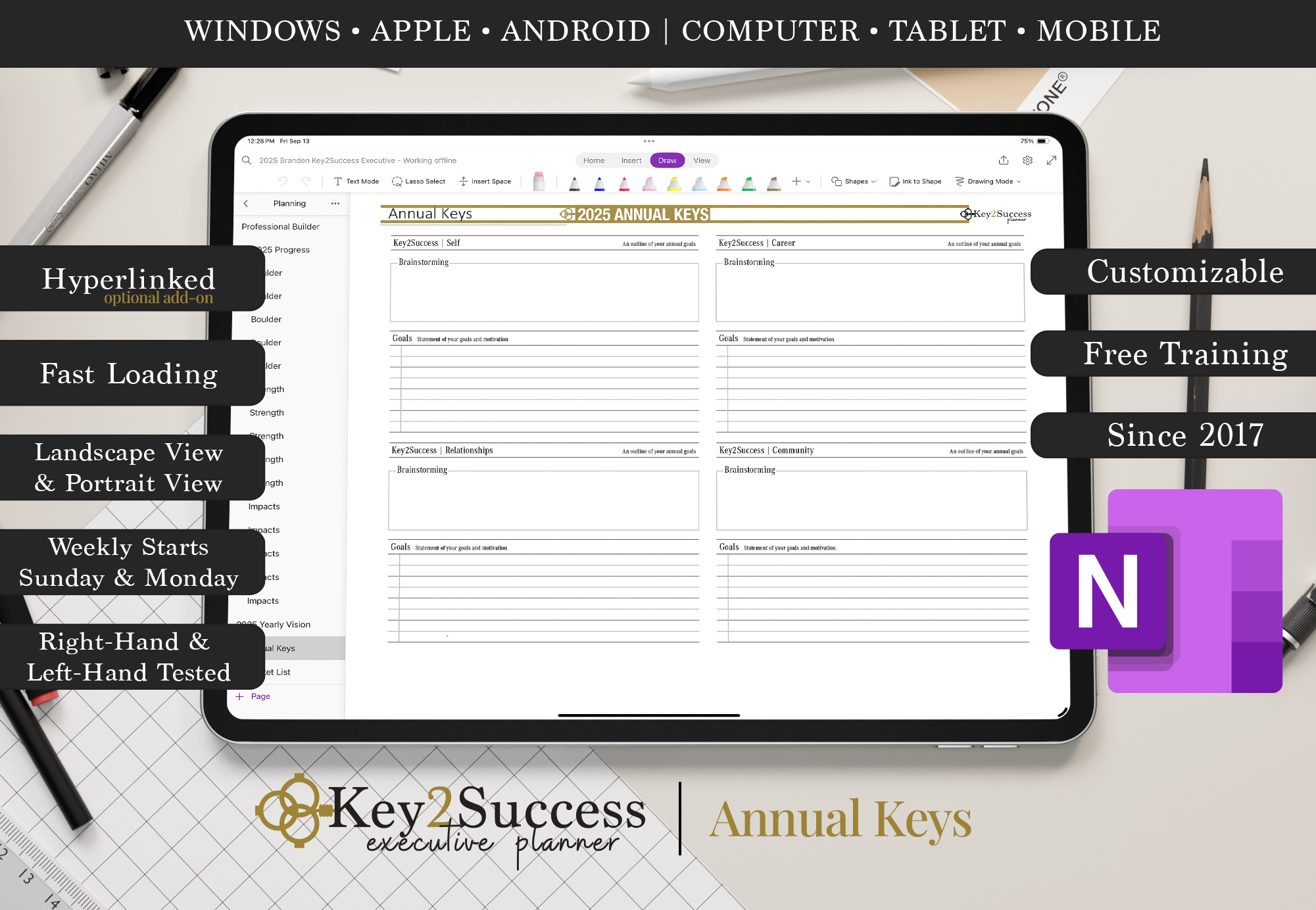
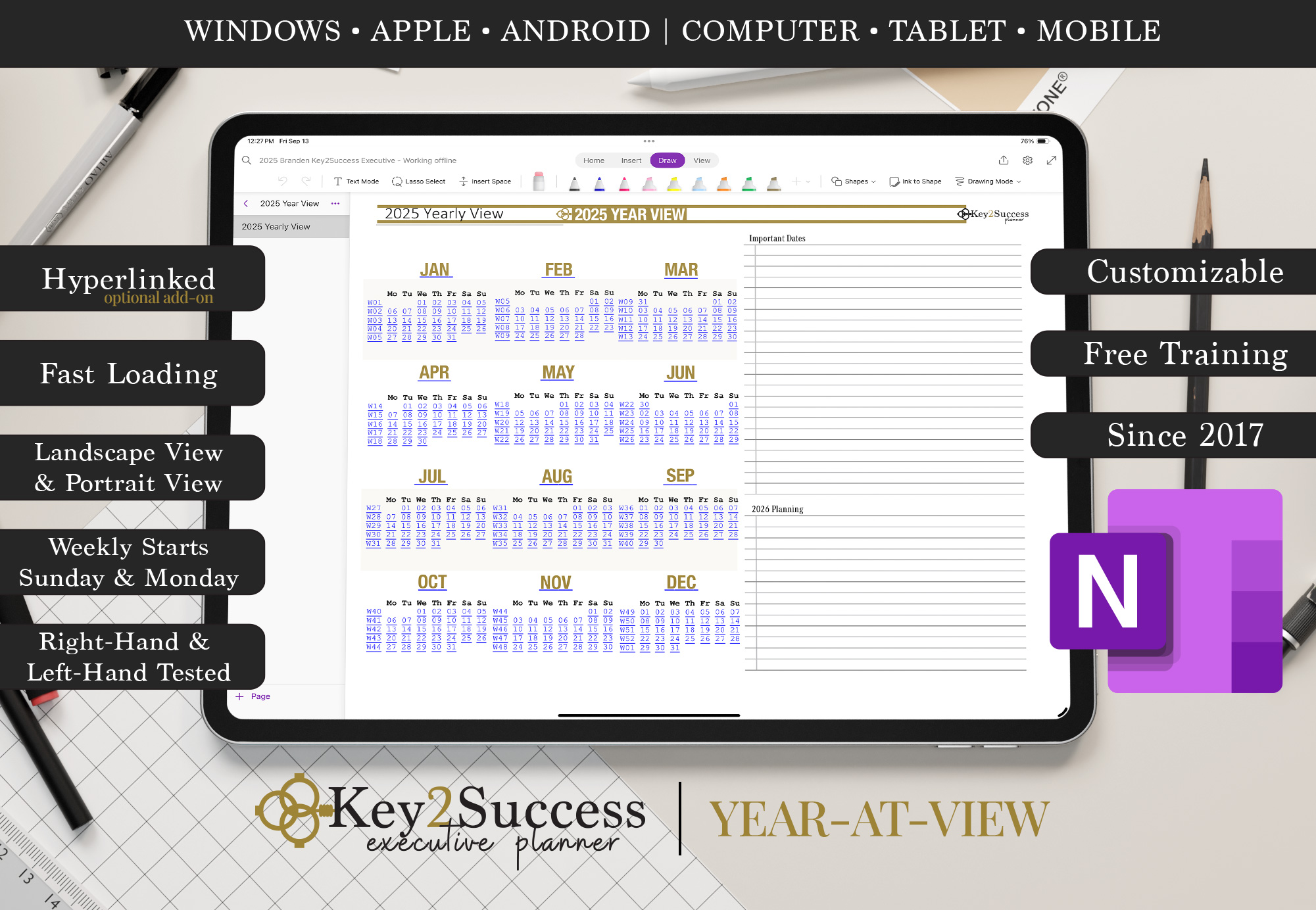
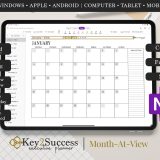
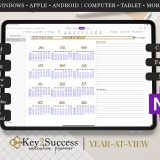
- Year-View: Gain a high-level view of your business calendar to plan strategically across all four quarters.
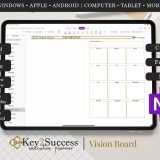
- Vision Board: Set and visualize your long-term business goals and aspirations.
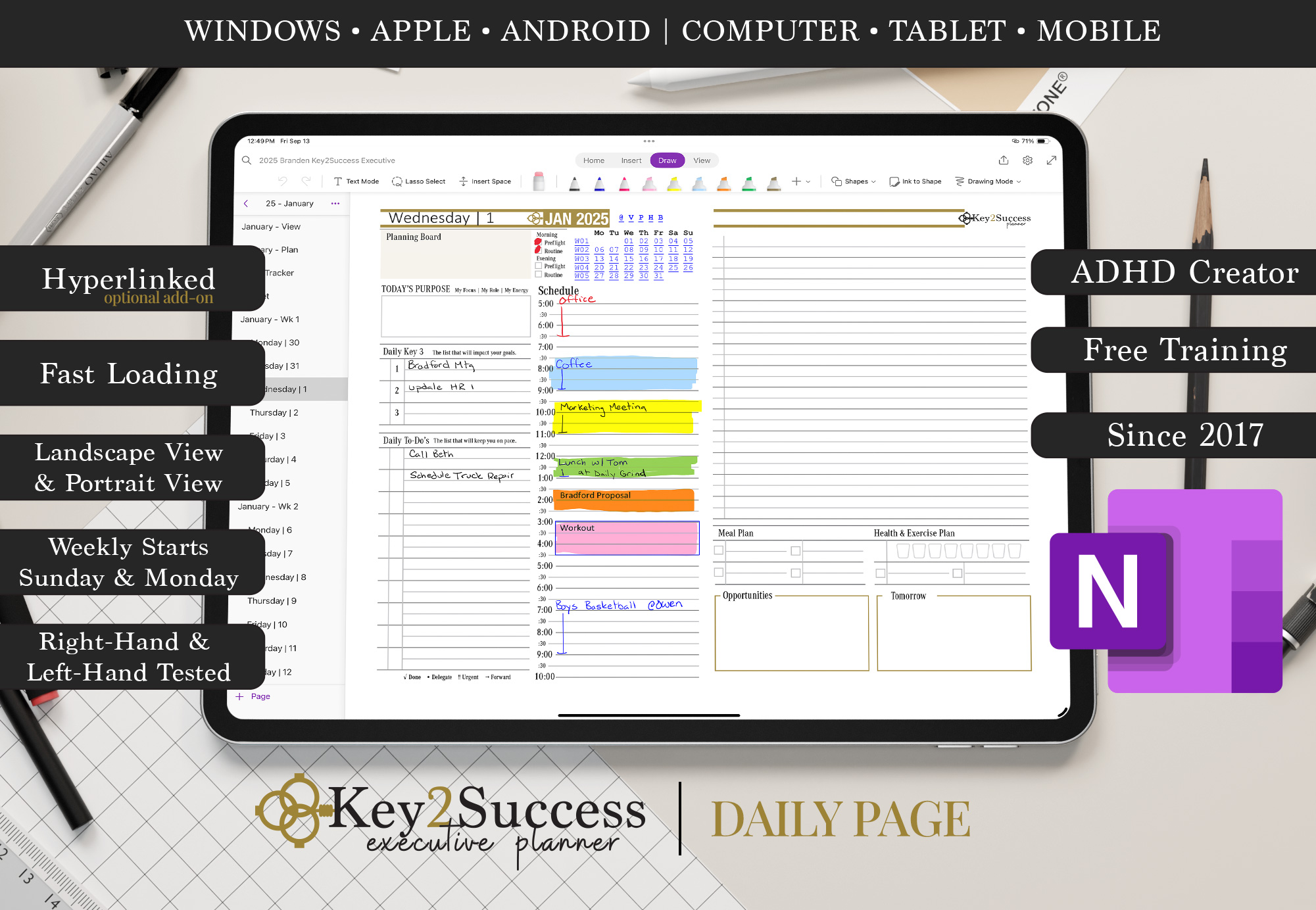
- Daily Pages: Stay on top of daily priorities, appointments, and productivity goals.
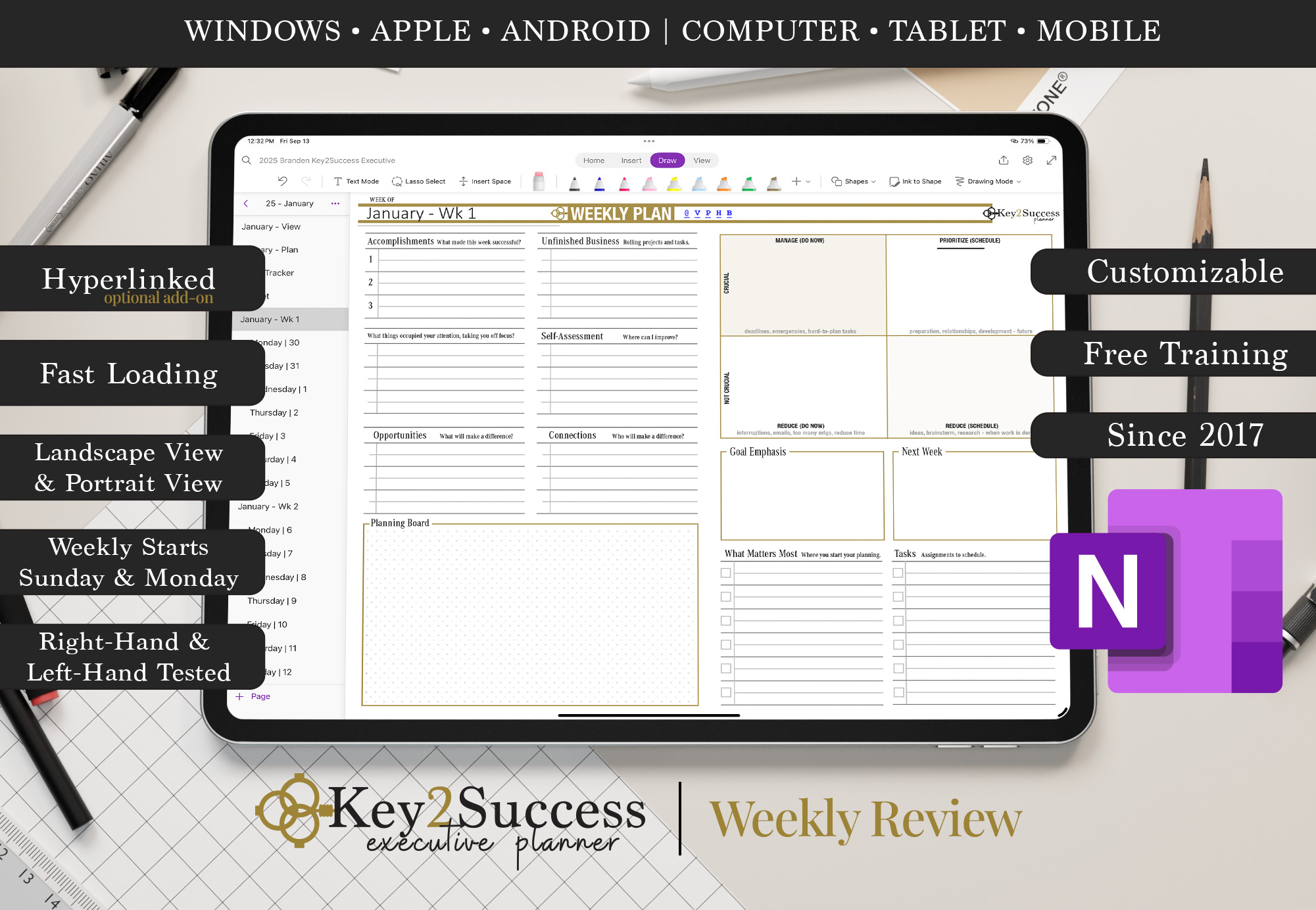
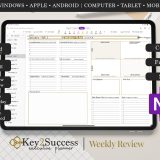
- Weekly Review: Reflect weekly, evaluate outcomes, and realign for growth.
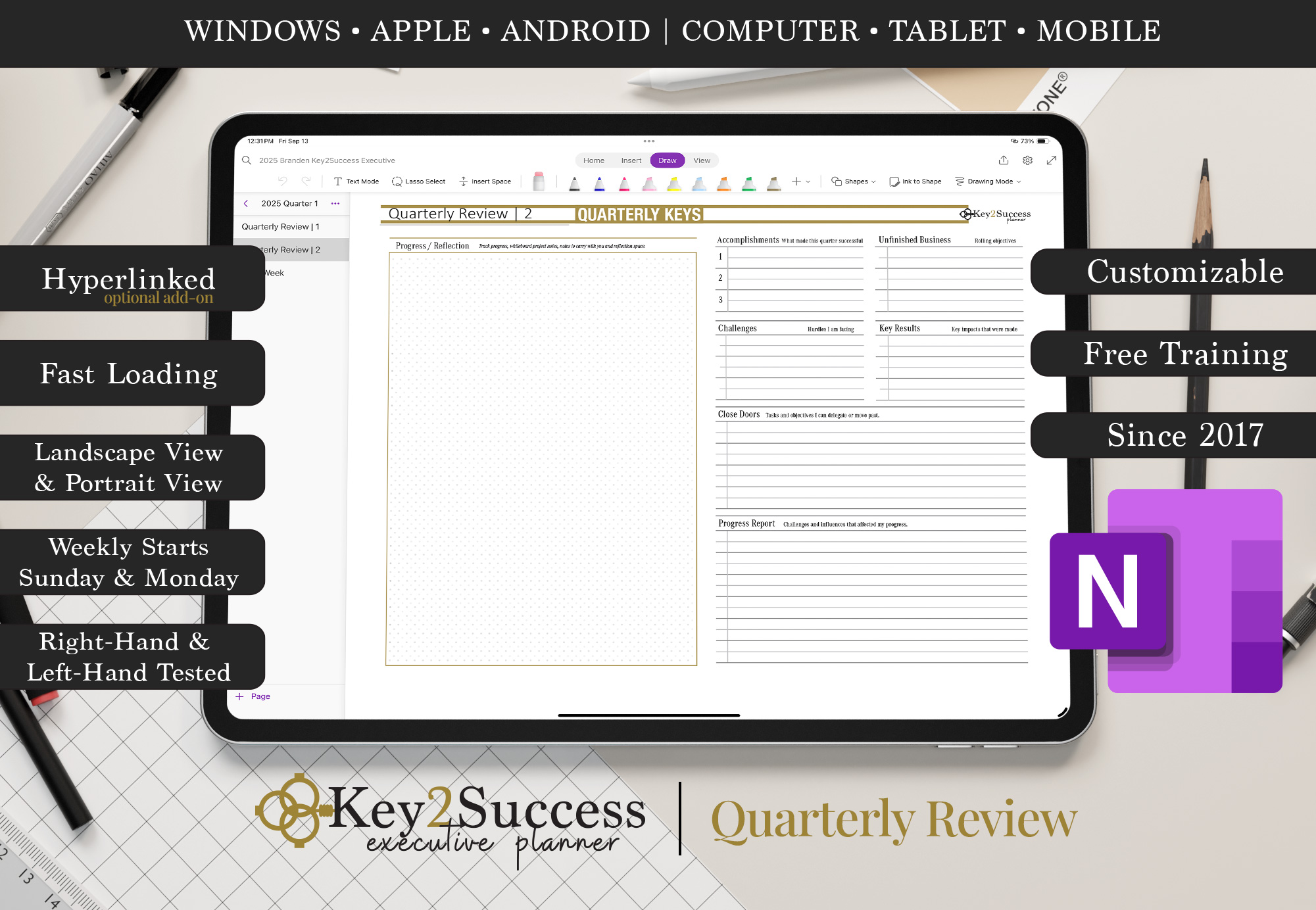
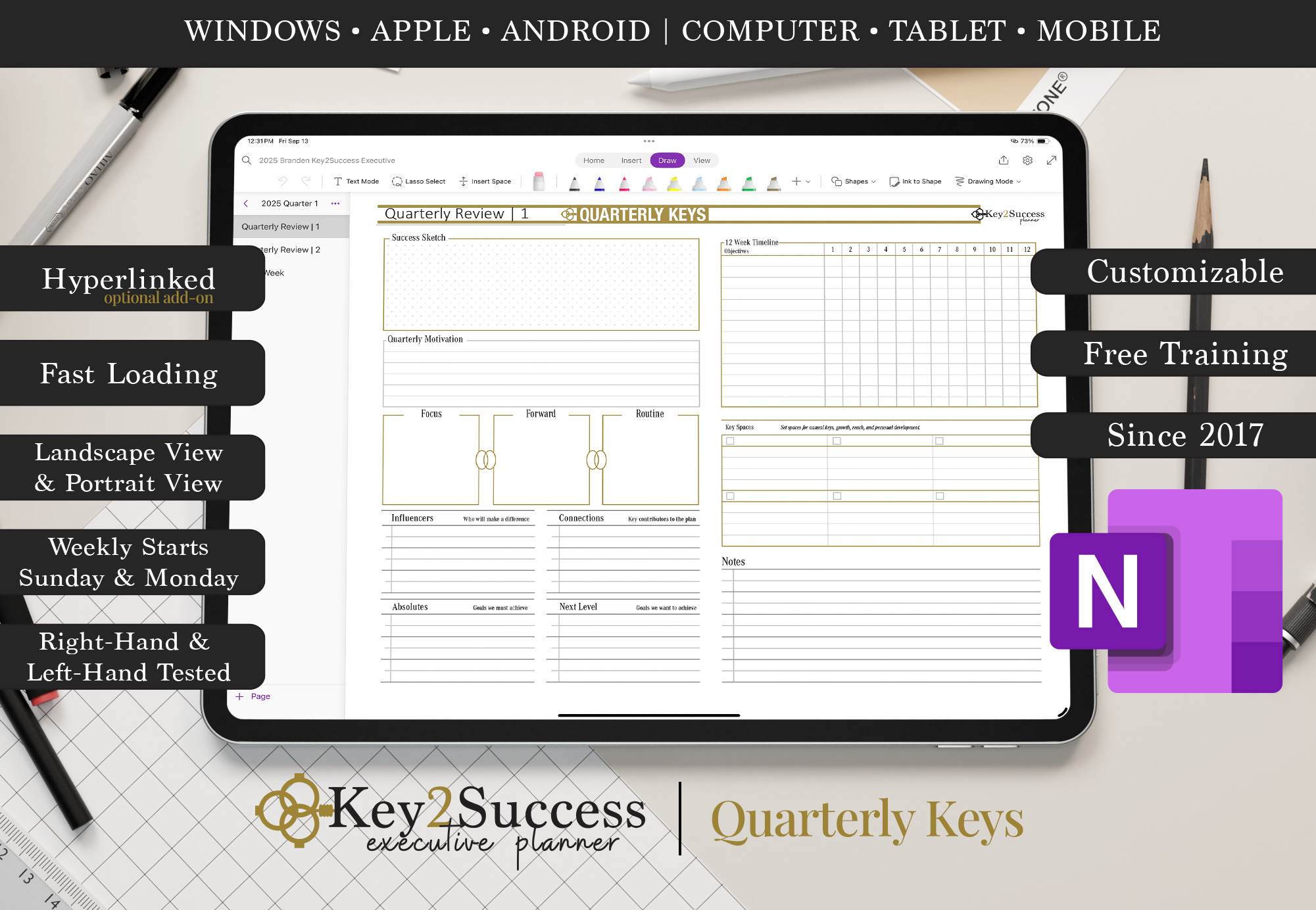
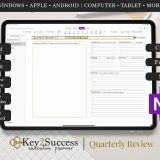
- Quarterly Review: Break the year into strategic checkpoints with quarterly insights.
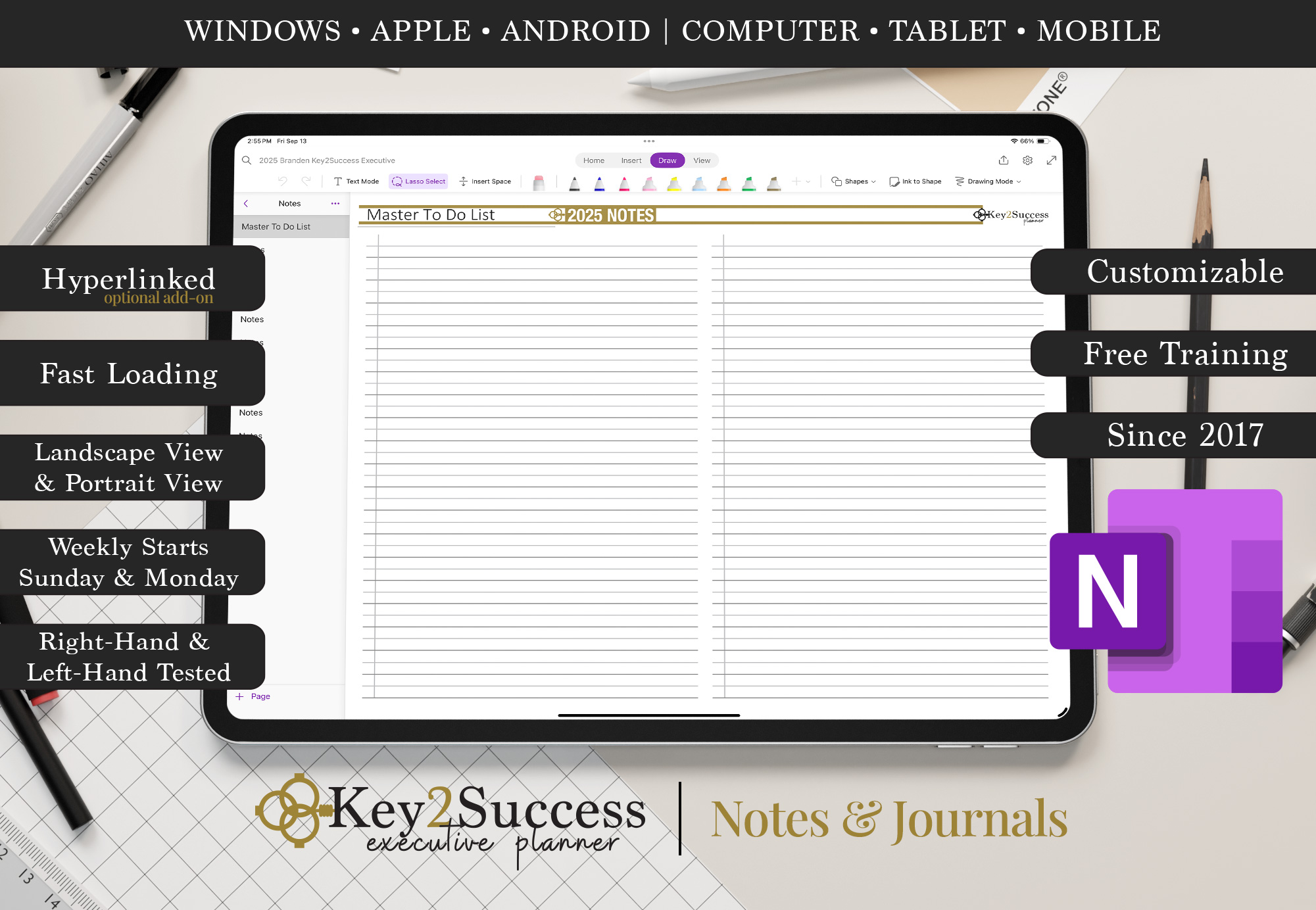
- Notes & Journal: Keep detailed business notes, ideas, and reflections organized in one place.
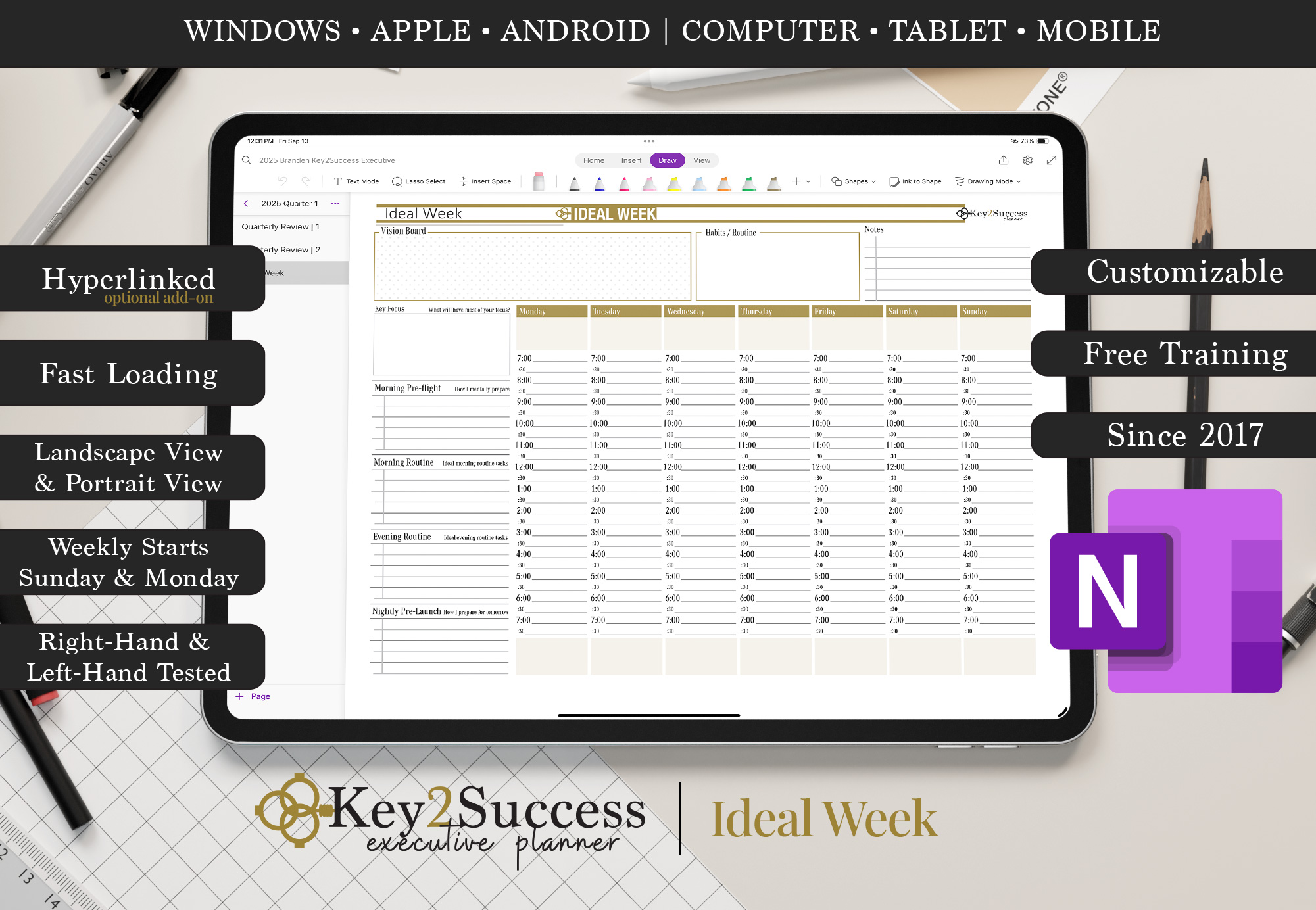
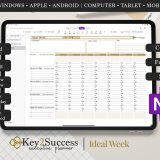
- Ideal Week Planner: Design your perfect week for peak performance and routine management.
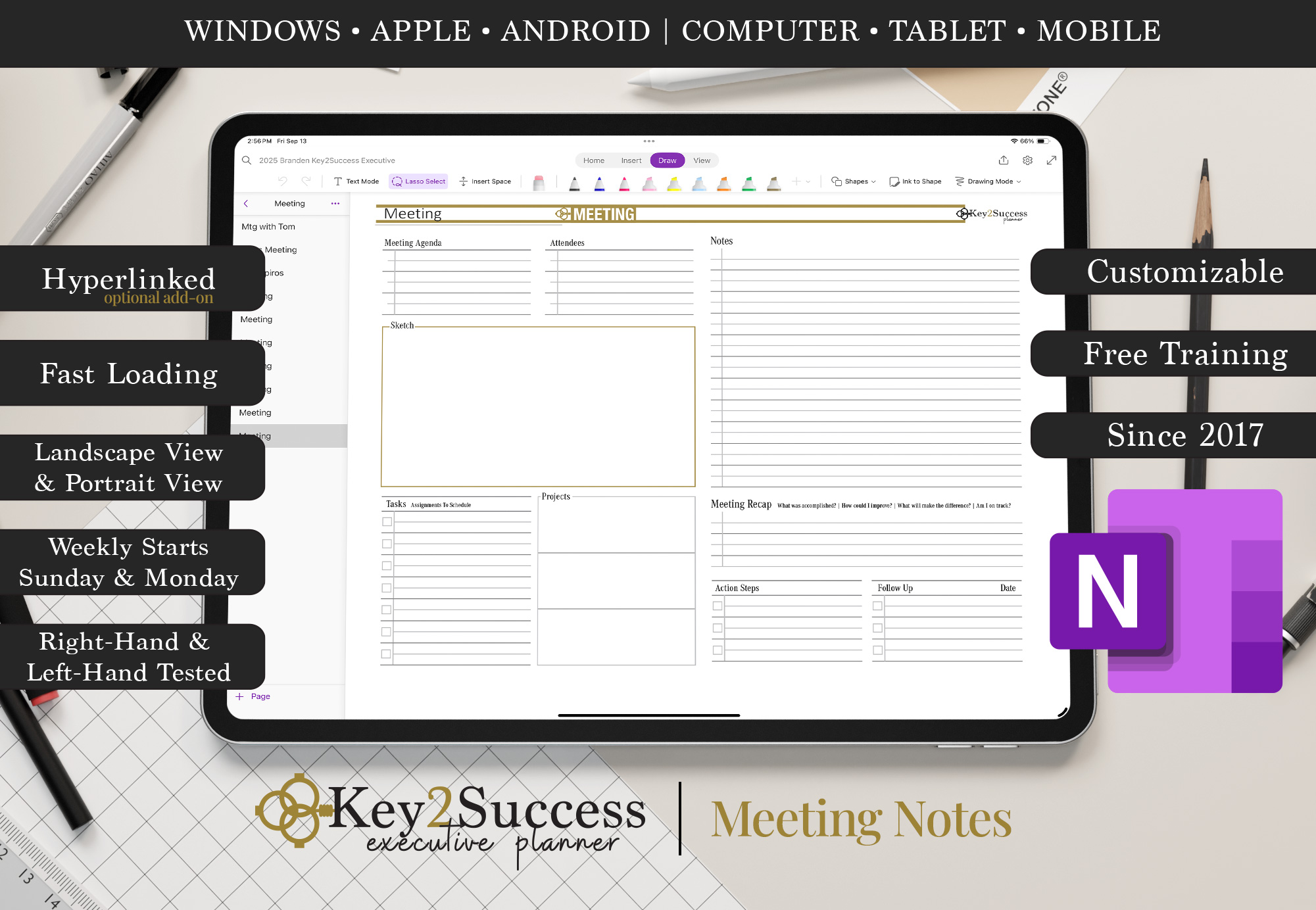
- Meeting Pages: Document agendas, discussions, and action items for business meetings.
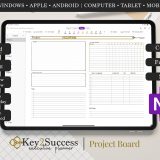
- Project Pages: Plan, track, and execute key business projects with clarity.
- Budget Planner: Control your finances and set annual revenue targets.
- Habit Tracker: Reinforce habits that contribute to your personal and business success.
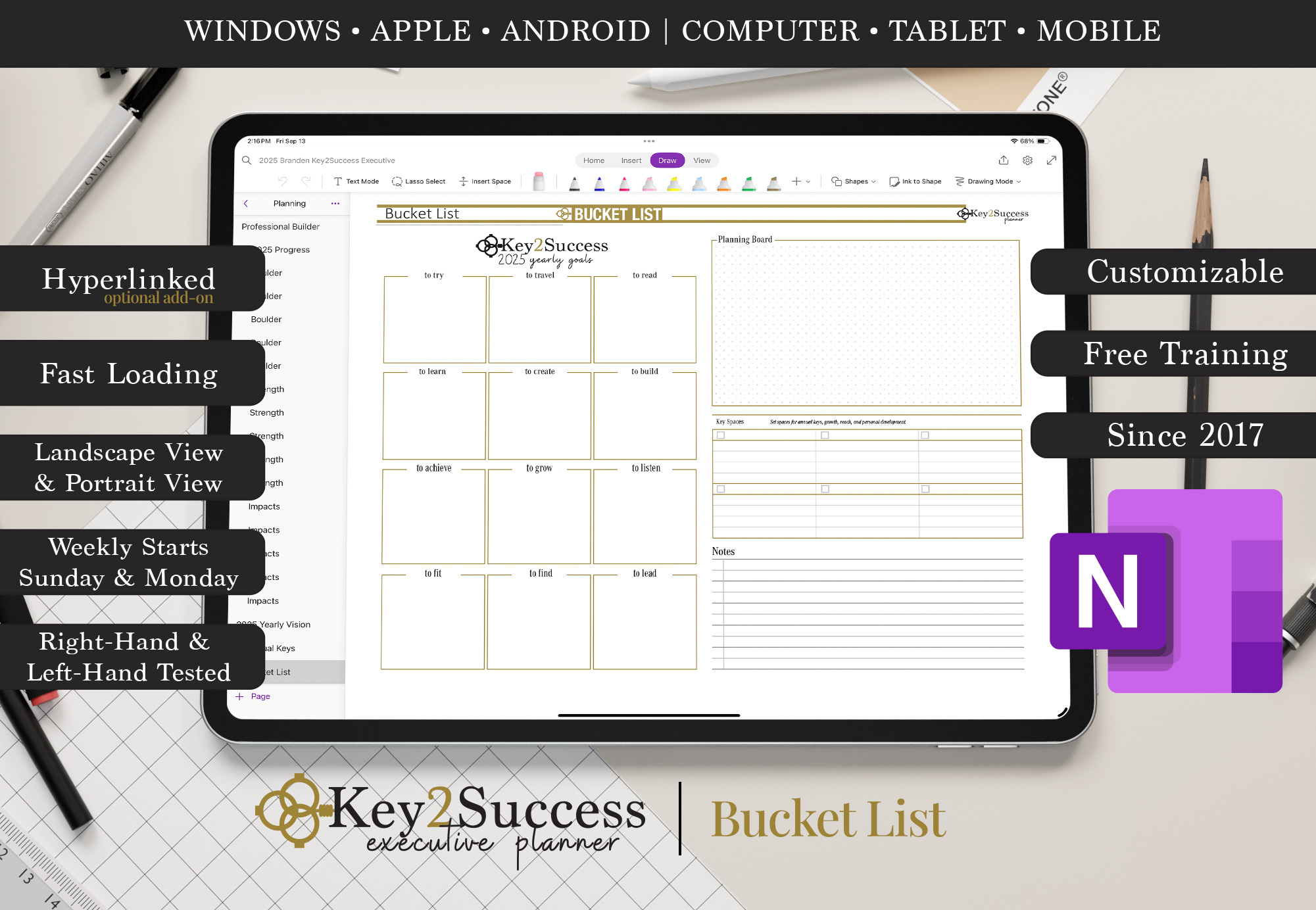
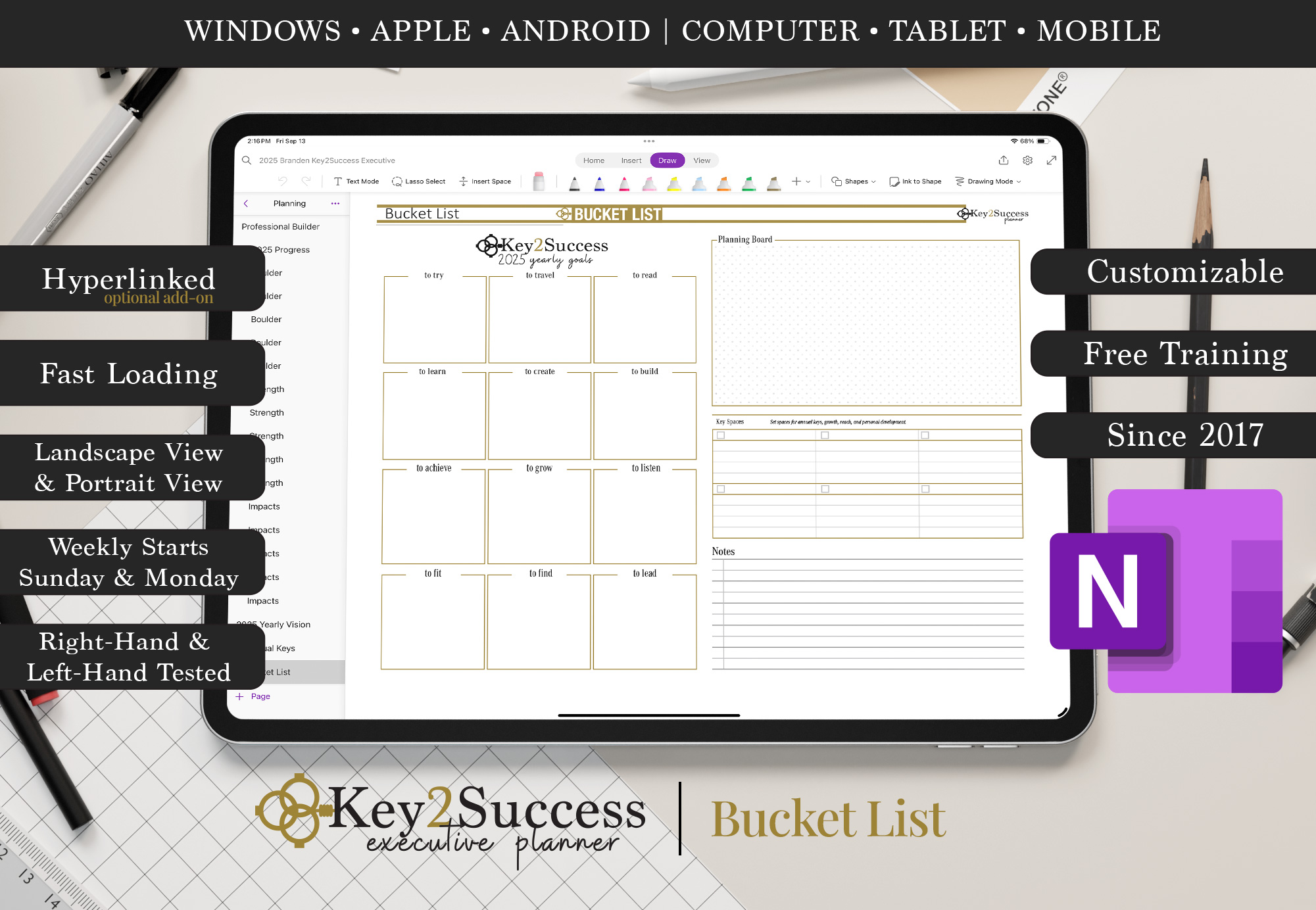
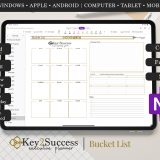
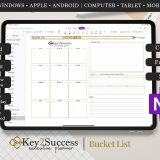
- Business Bucket List: Set bold goals and initiatives you want to accomplish in your career or company.
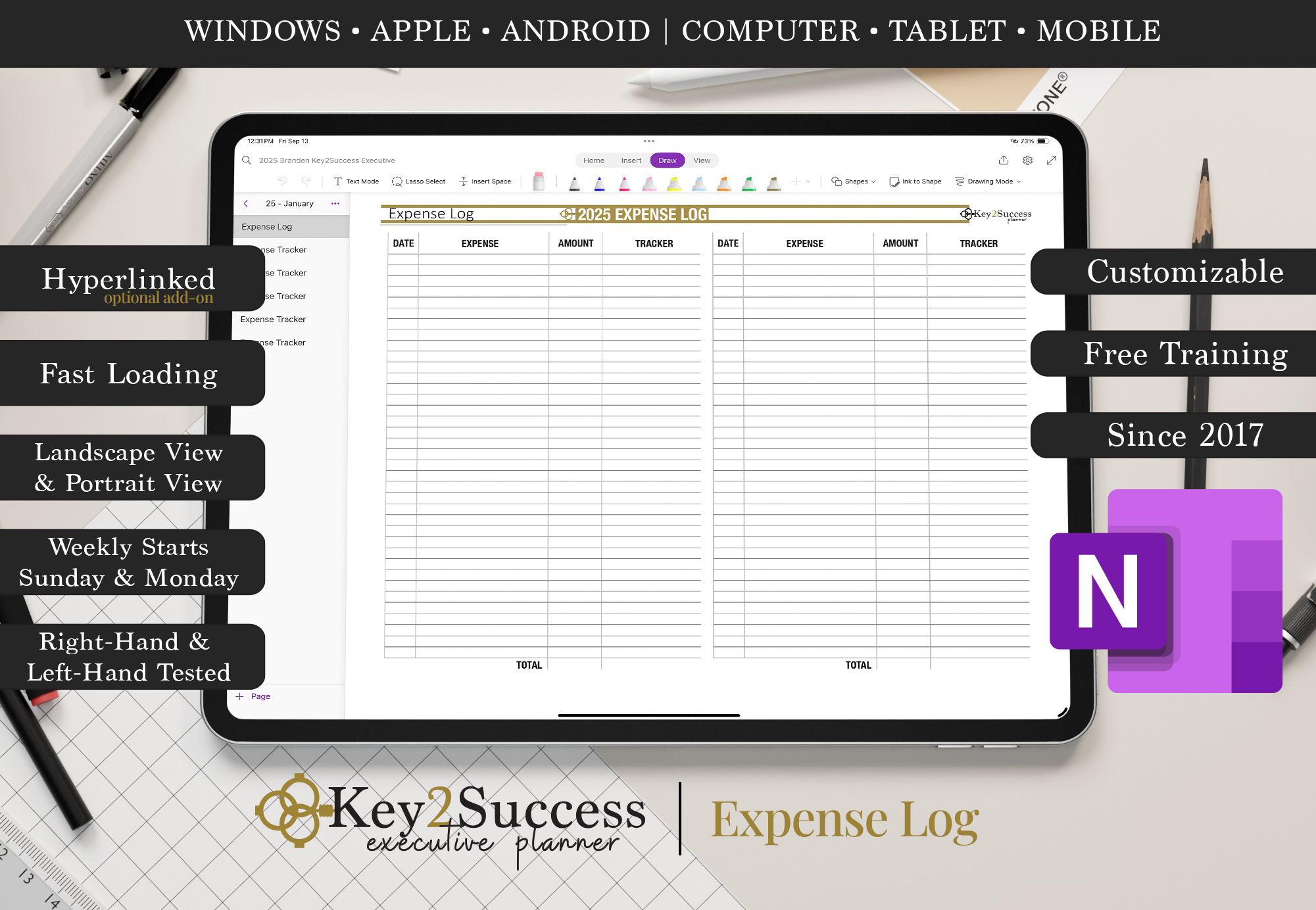
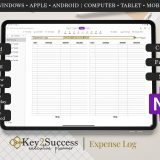
- Expense Tracker: Track business spending and monitor cash flow efficiently.
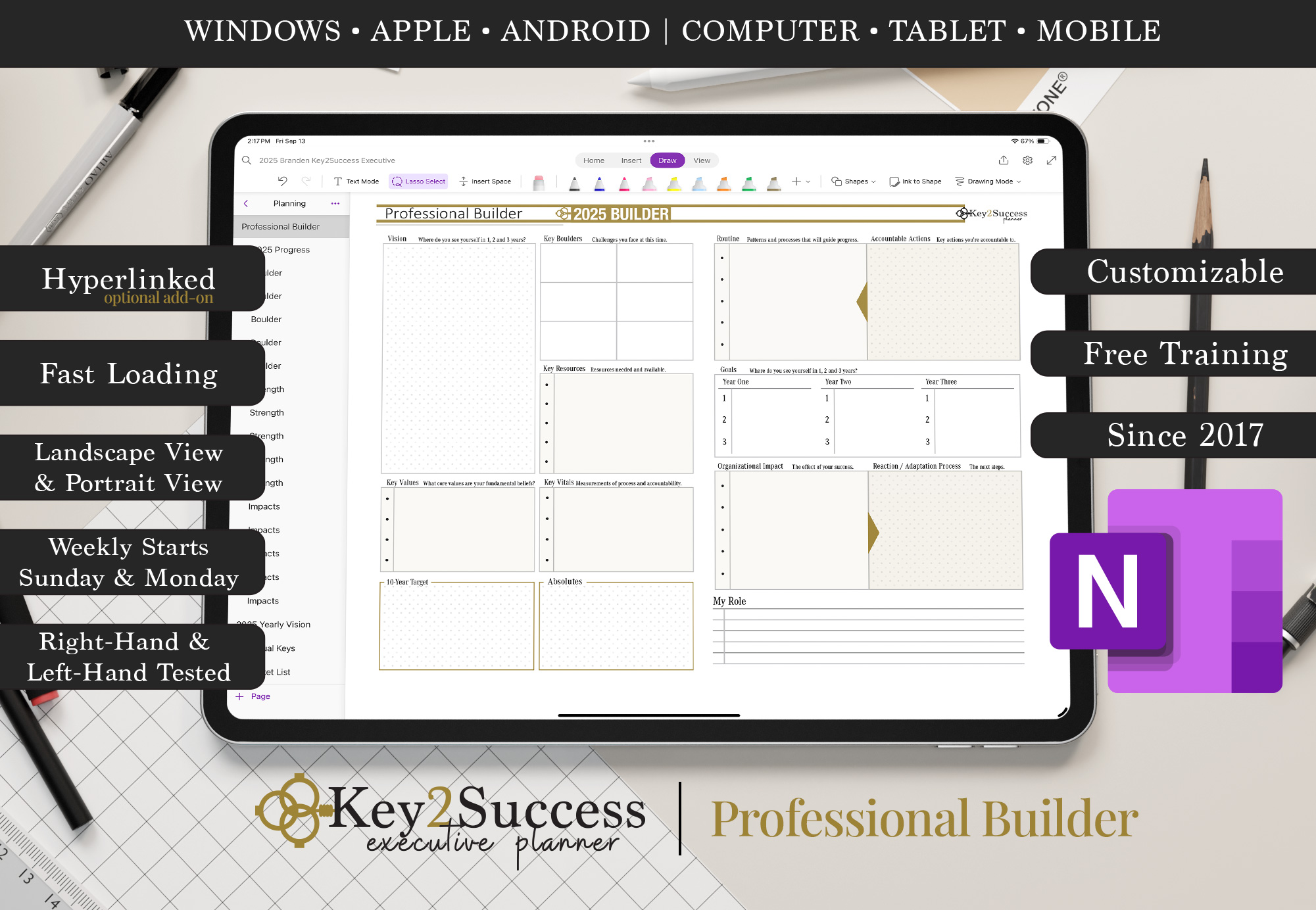
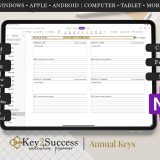
- Professional Builder: Map out professional development and career growth strategies.
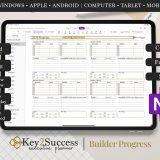
- Progress Tracker: Visualize your growth with milestone-based tracking.
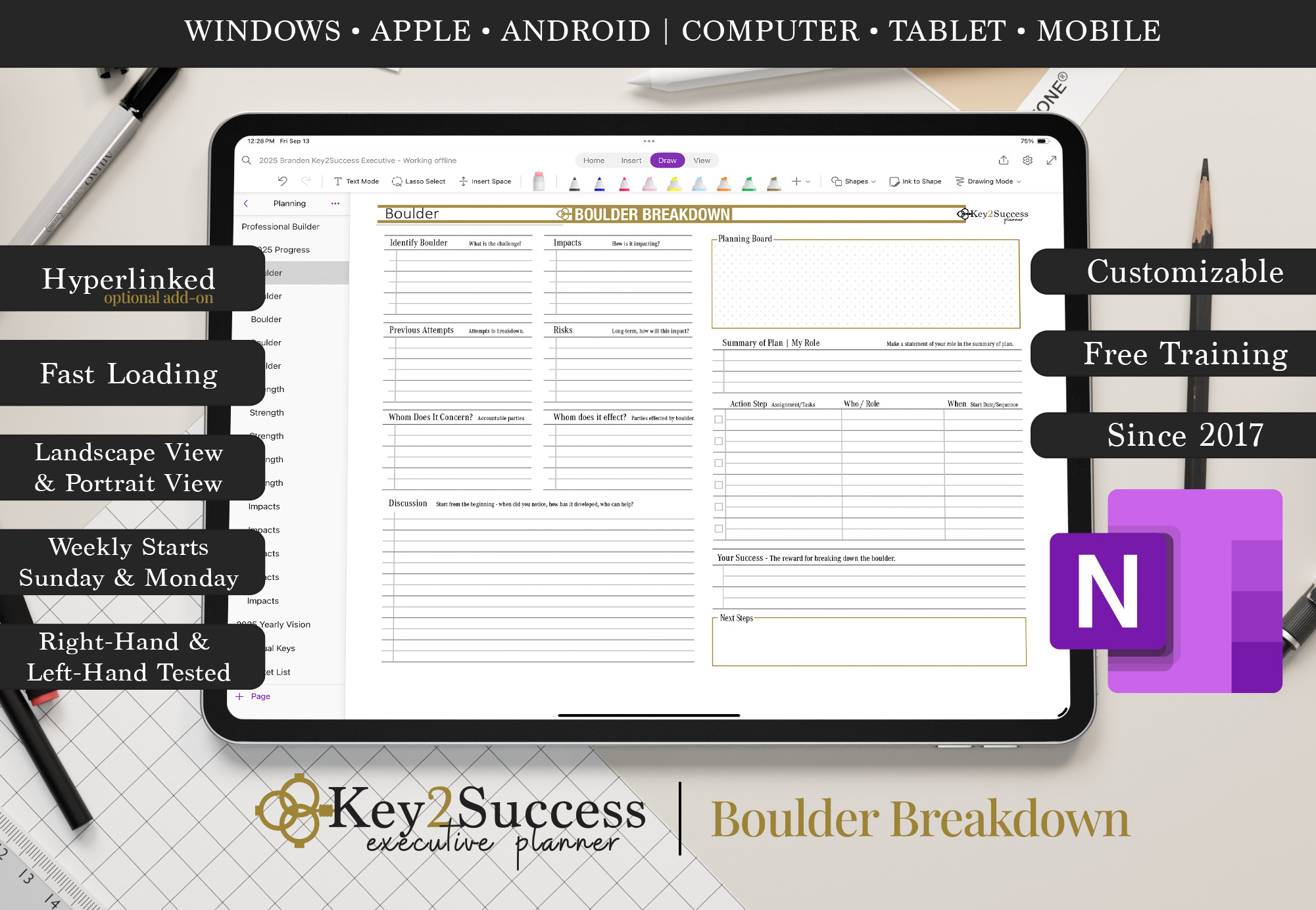
- Boulder Breakdown: Tackle business challenges using strategic breakdown and resolution methods.
- Strength Maximizer: Identify key strengths and apply them to critical areas of your business.
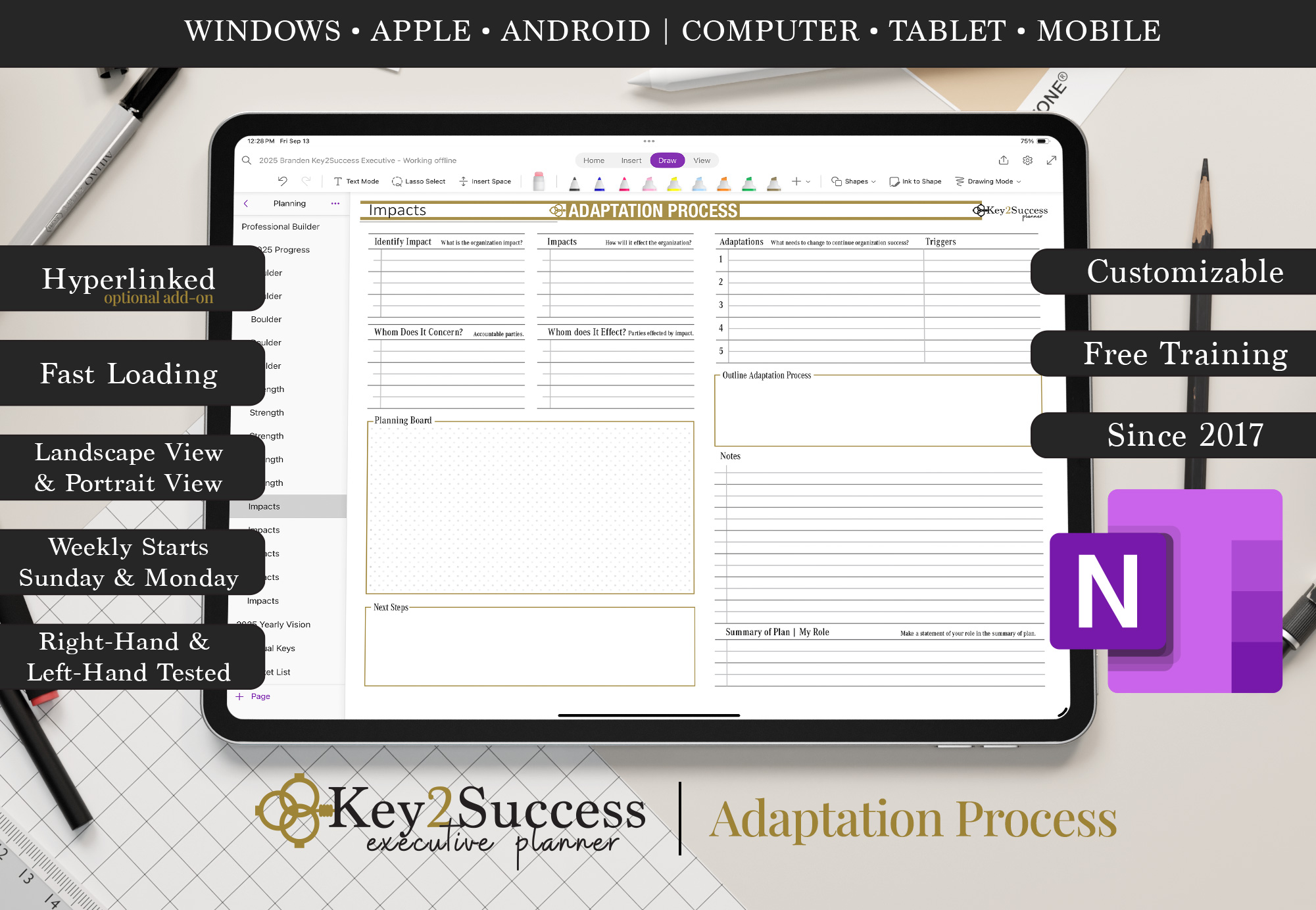
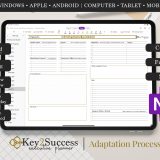
- Process Adaptation Monitor: Stay agile by tracking evolving business processes and innovations.
- Essential Tiles: Access streamlined tiles for mission-critical planning areas.
- Installation Guide: Get started fast with step-by-step setup instructions for OneNote.
📘 Ready to transform your workflow? Explore all versions of the Key2Success OneNote Planner and compare features:
Visit the Key2Success OneNote Planner Shop
What Is Microsoft OneNote?
Microsoft OneNote is a powerful, cross-platform digital note-taking application that allows you to organize content in notebooks, sections, and pages. Ideal for business use, OneNote supports:
- Multi-Notebook Structure: Organize content across projects, teams, and departments with ease.
- Rich Media Support: Add handwritten notes, images, links, audio recordings, and more.
- Touchscreen Drawing: Use pens or styluses on tablets for freehand sketching and note-taking.
- Collaboration: Share notebooks and collaborate with your team in real time.
- Cloud-Synced Access: Access your planner across all your devices via OneDrive cloud syncing.
- Advanced Search & Tagging: Find and organize information quickly with built-in tags and search features.
- Microsoft Office Integration: Seamlessly work with Excel, Word, and other Office tools.
OneNote is available for Windows, macOS, iOS, and Android, making it the perfect platform for digital planning and business productivity.
Related Products




Be the first to review “2027 OneNote Business Digital Planner”
You must be logged in to post a review.