

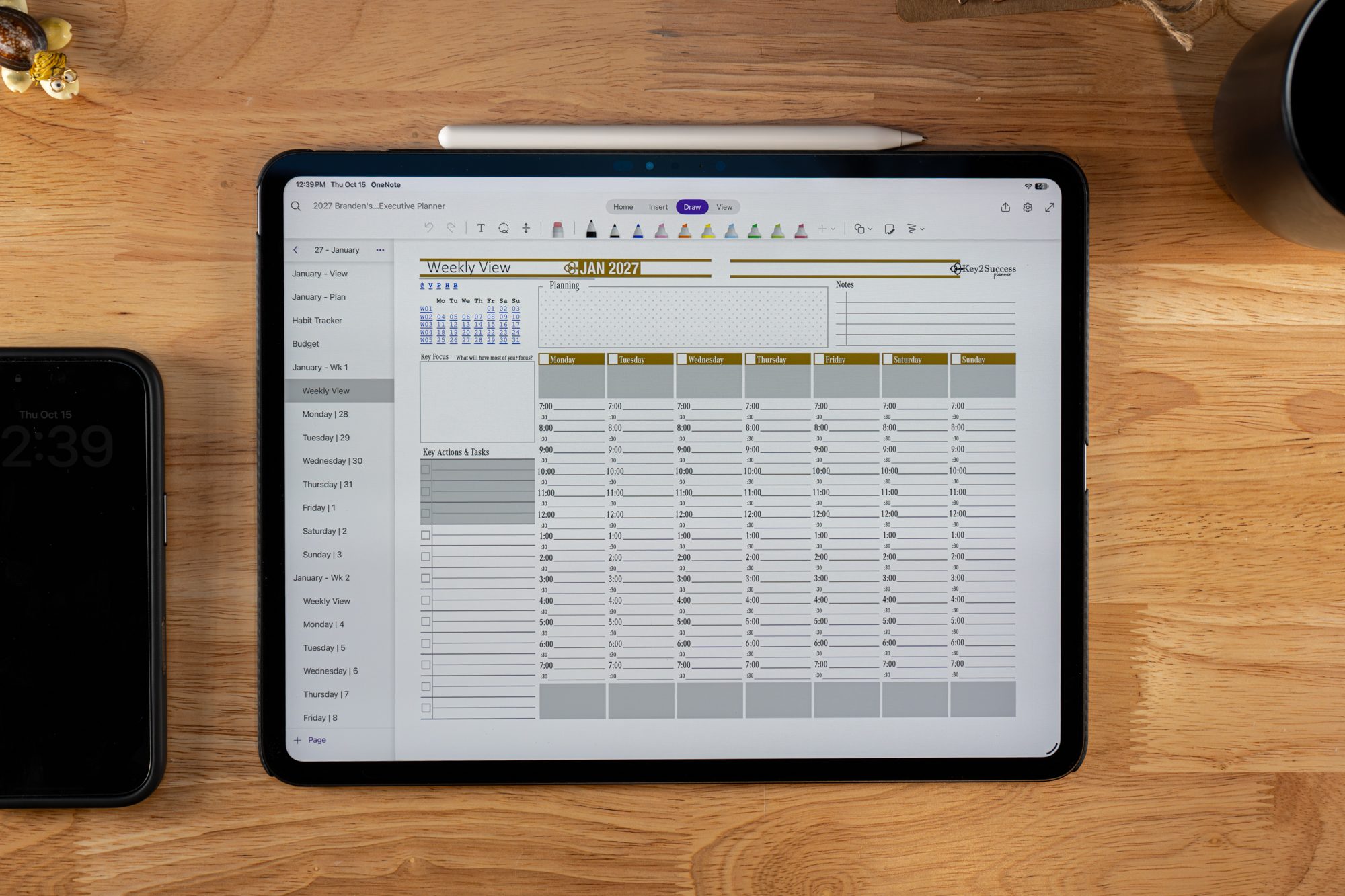
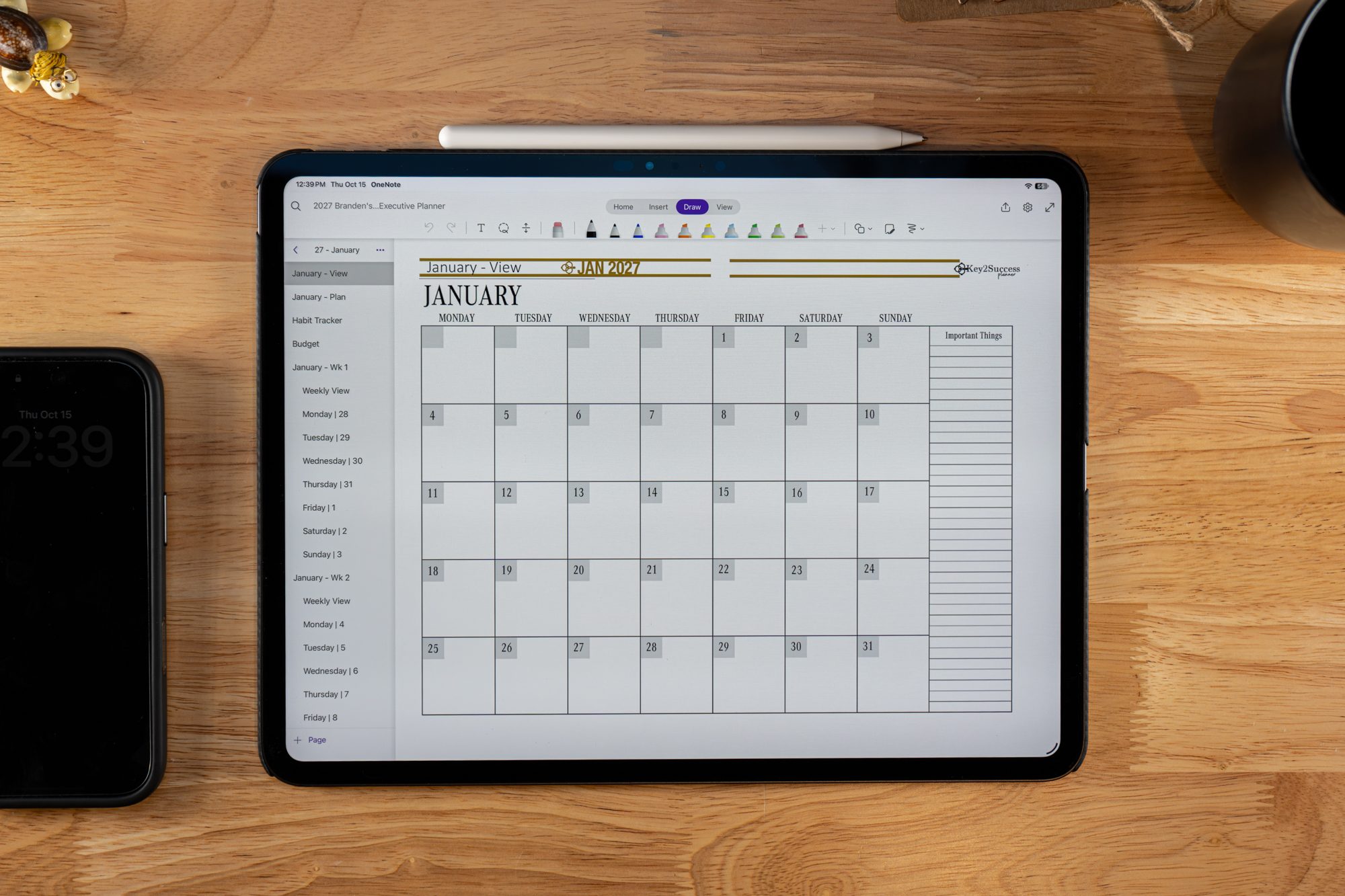
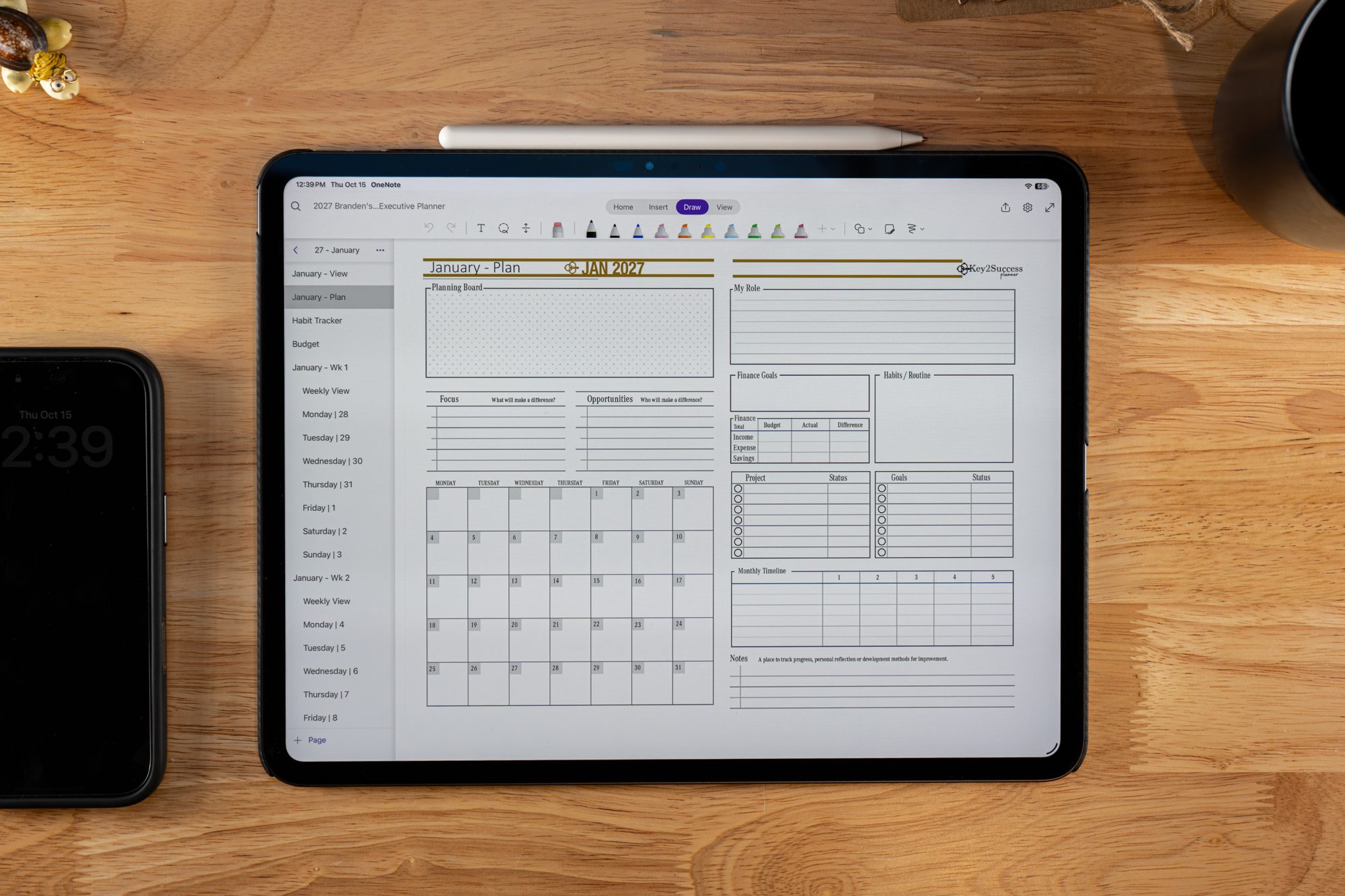
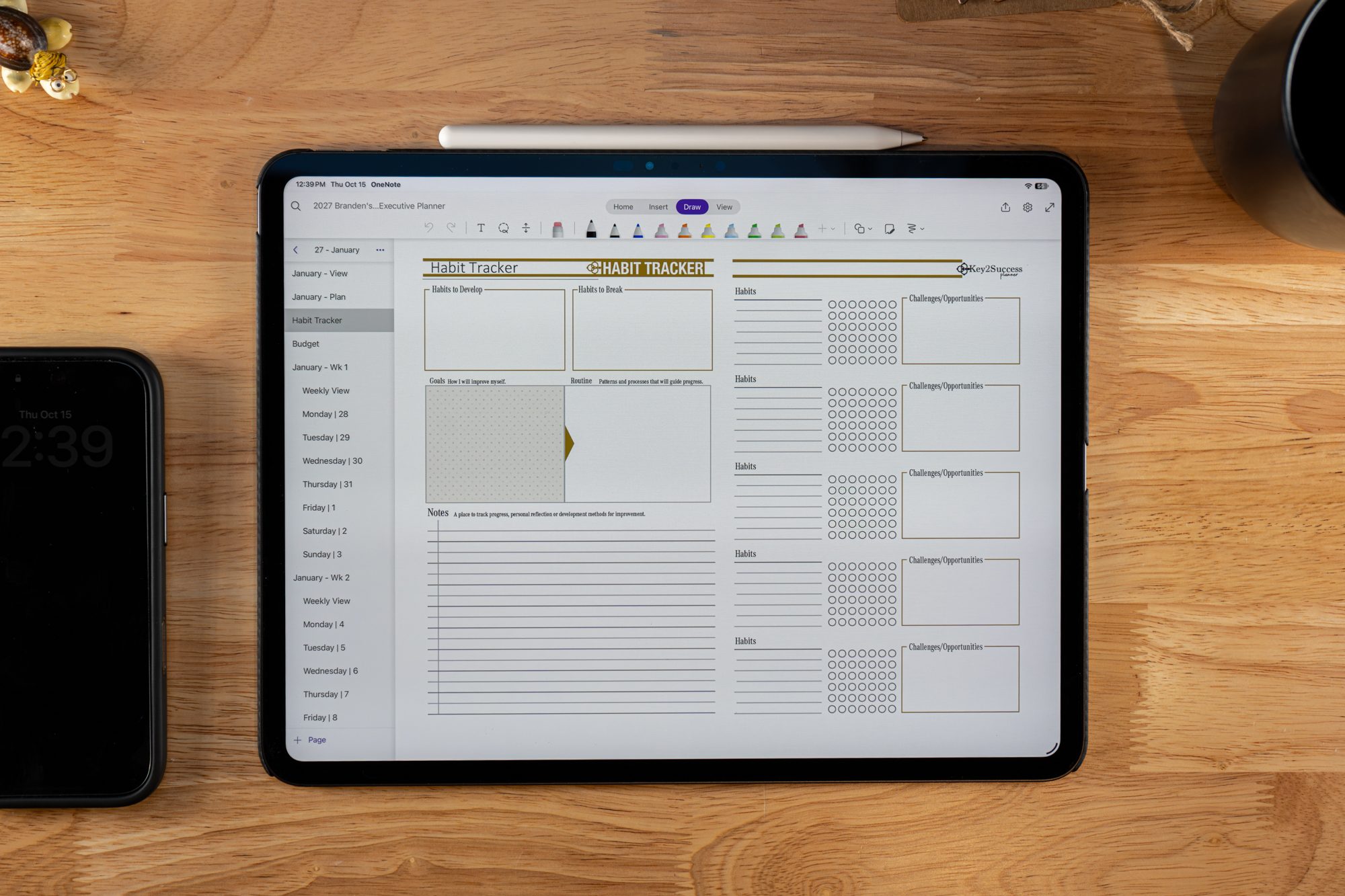
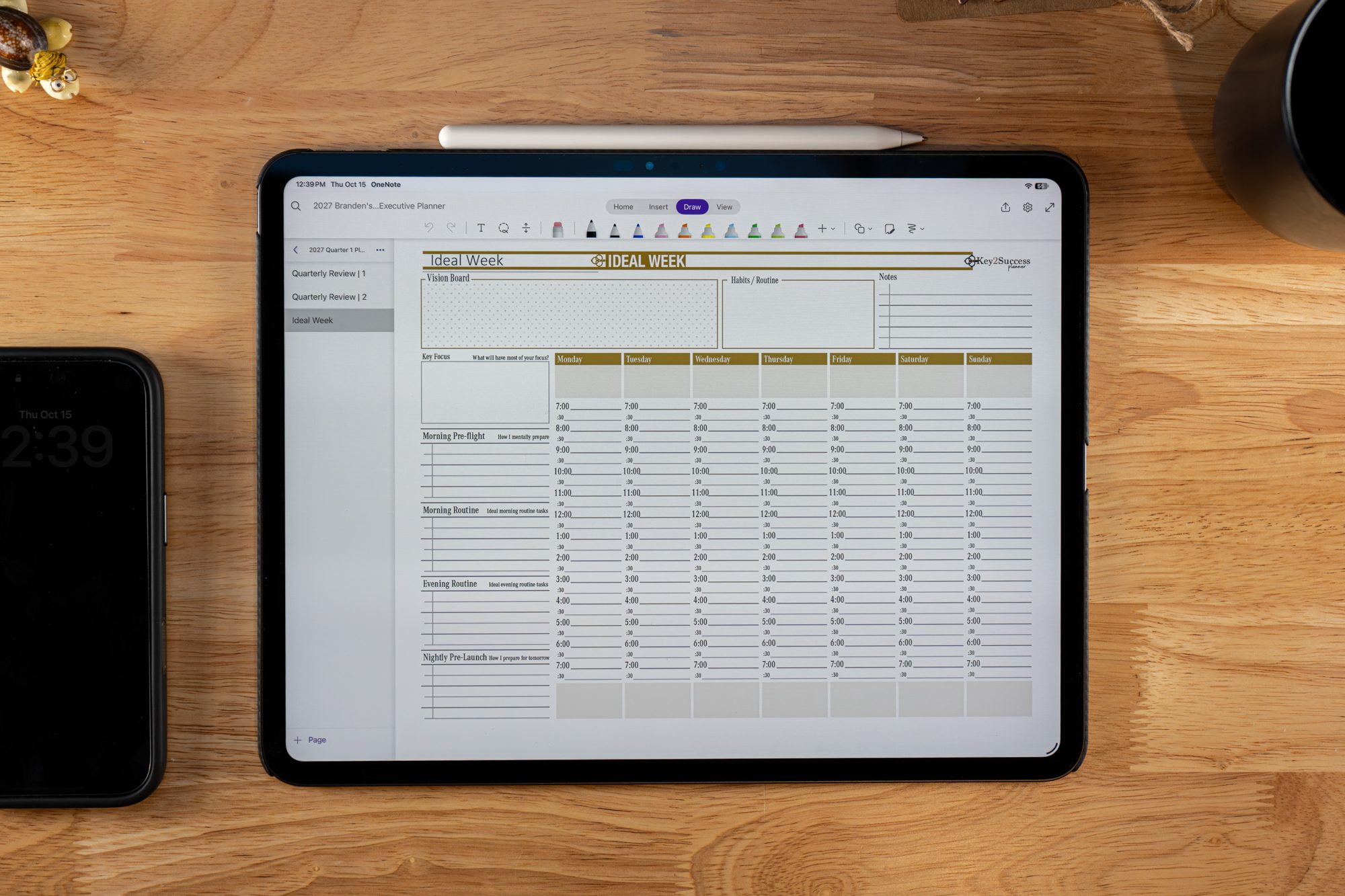
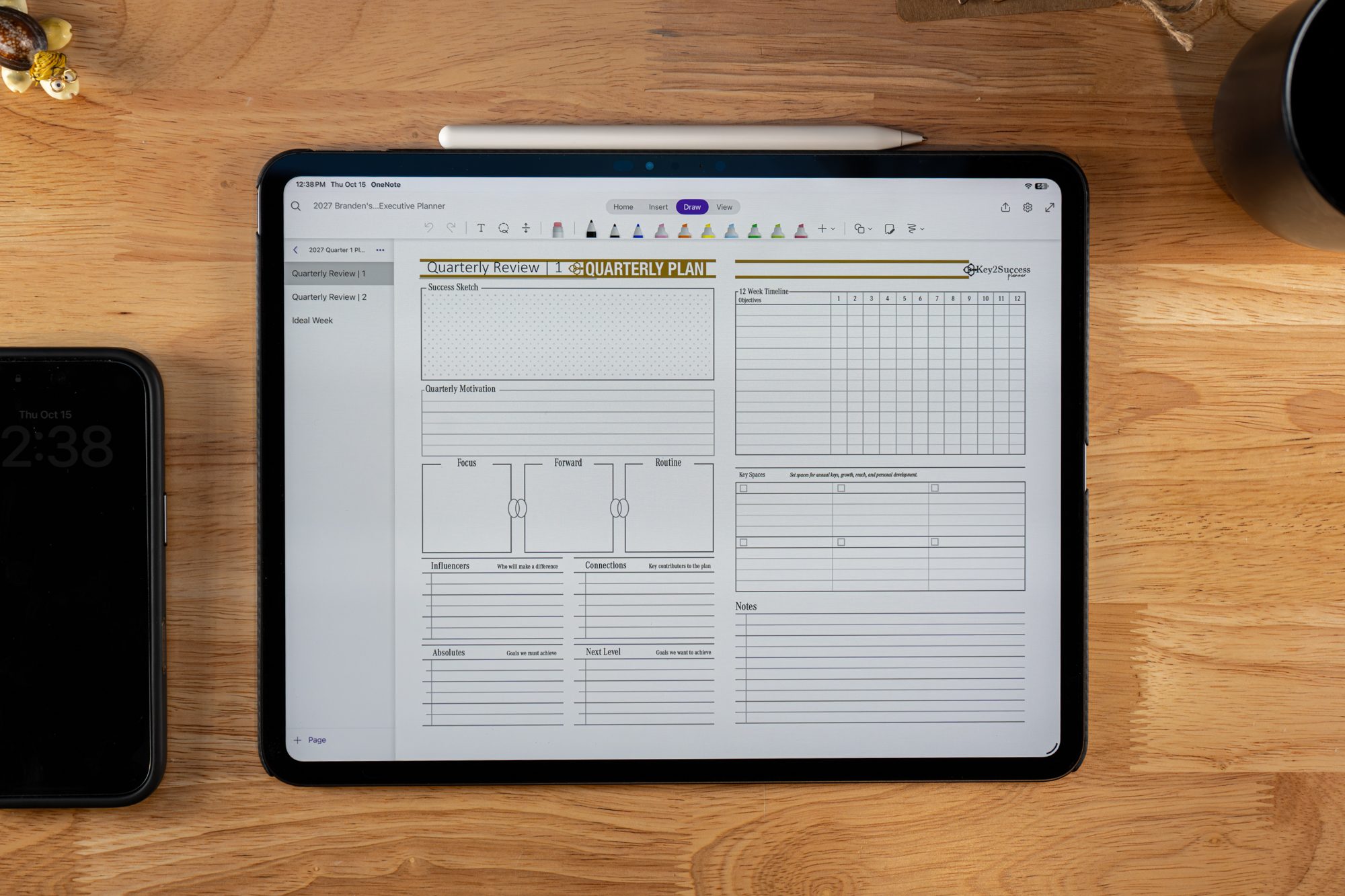
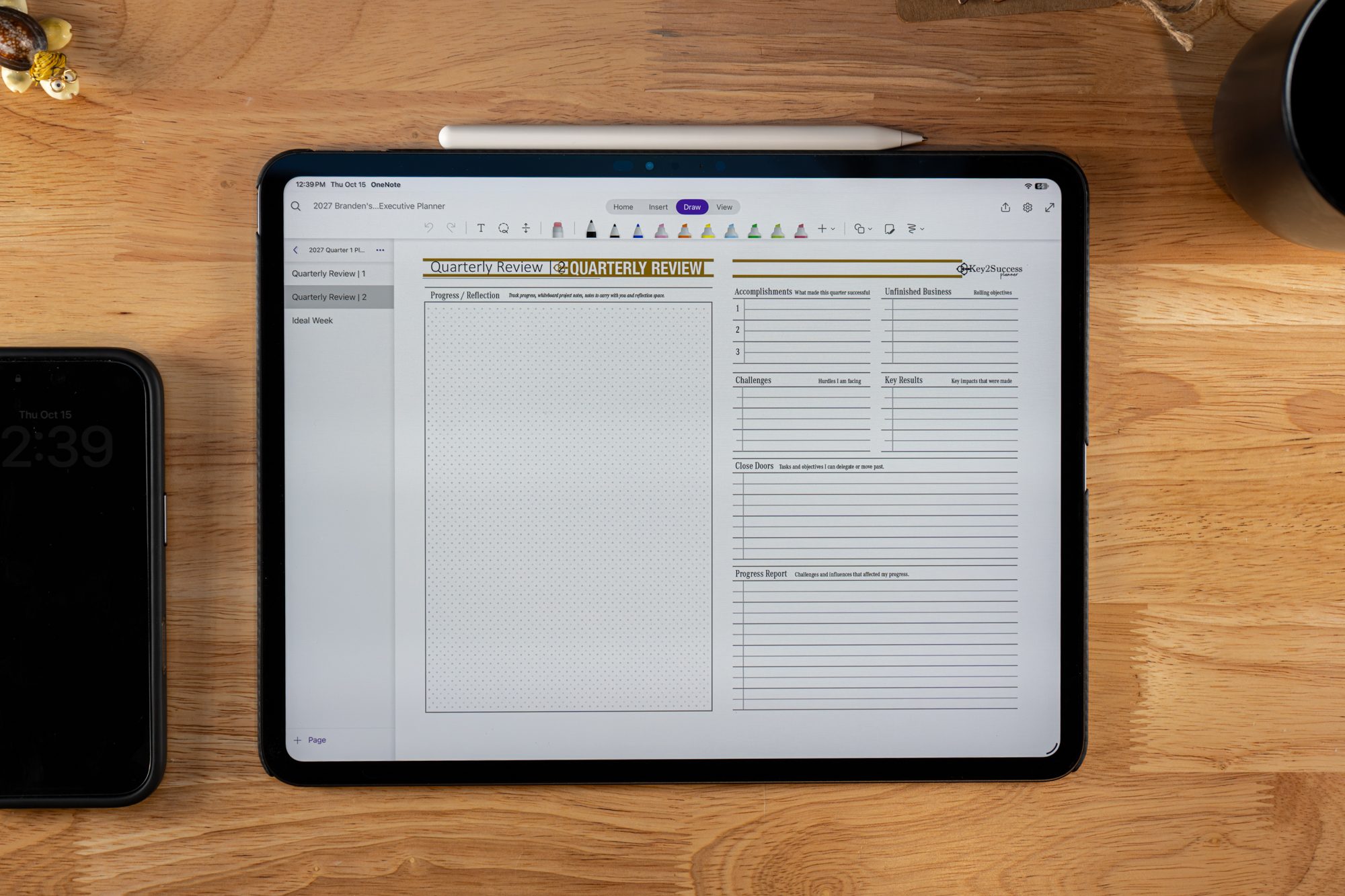
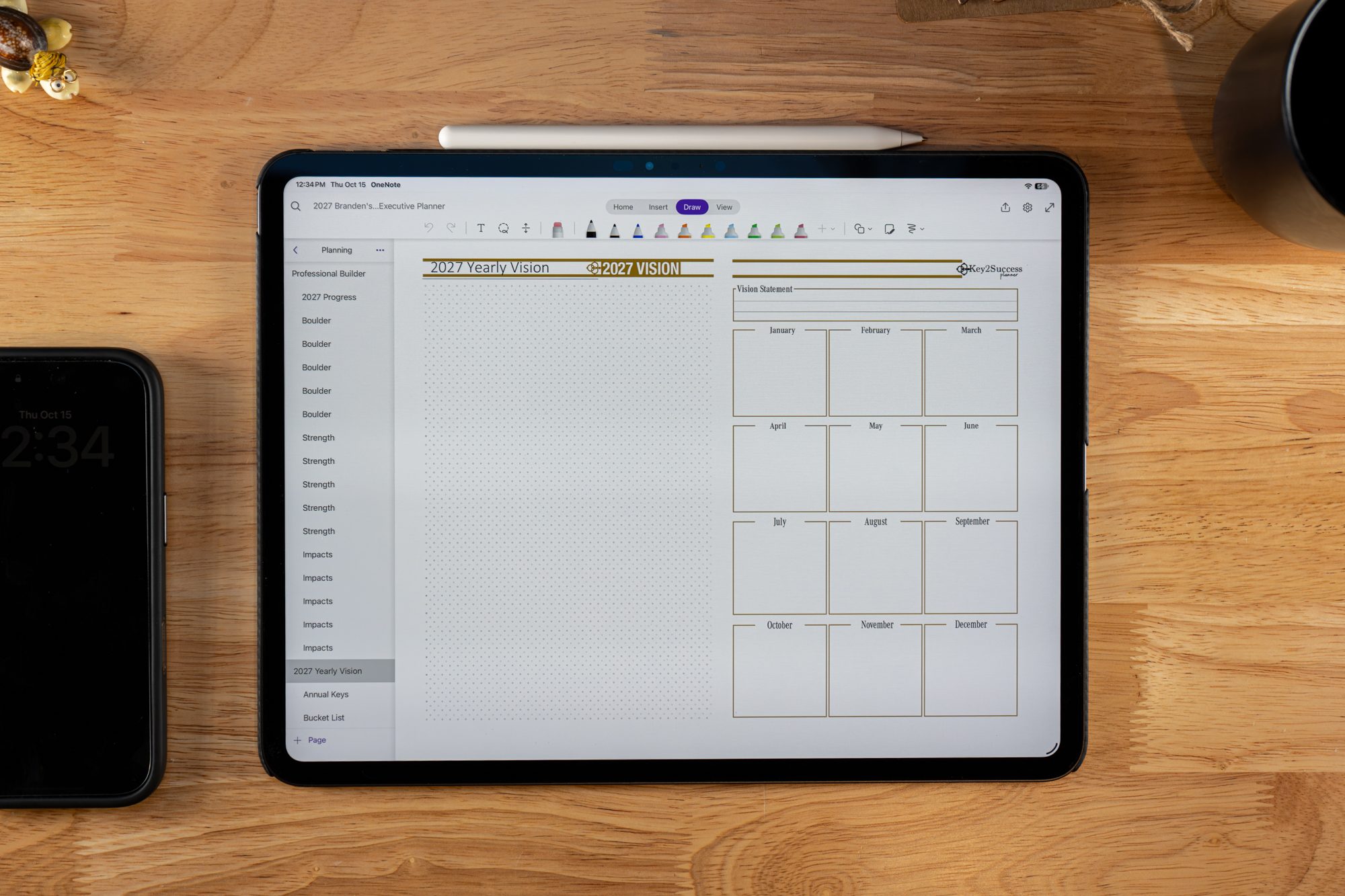



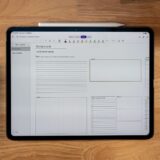
2027 OneNote HYPERLINKED Business Digital Planner
Original price was: $134.99.$114.99Current price is: $114.99.
Available for Instant Download
SAVE 30% – Pricing Locked through 2030 | Low As $7.00 Per Month
For our loyal customers, we’re introducing the Key2Success Planner Subscription—a more innovative way to save while staying on top of your goals. Plus, you will receive both our OneNote and PDF Planner for all note-taking devices and applications. Enroll today and lock in your pricing through 2030. Subscribers enjoy up to 30% off the annual cost of the planner, with flexible payment options: pay annually for the best value or pay over time for convenience. CLICK HERE TO GET STARTED
Includes:
- 2027 – OneNote Hyperlinked Business Planner
- Monday and Sunday Week Start Dates
- Product Development Tools (See Description)
- Installation Instructions Included
(Click Here to View Instructions)
Description
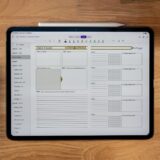
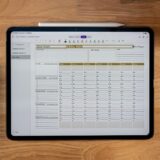
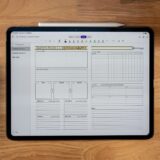
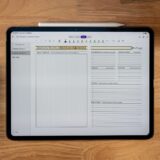
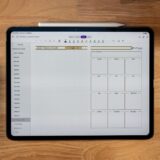
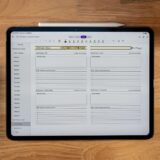
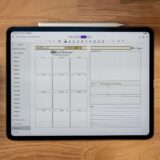
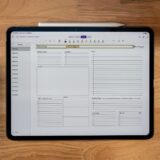
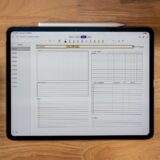
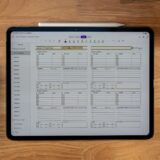
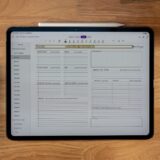
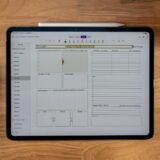
2027 Hyperlinked OneNote Business Digital Planner
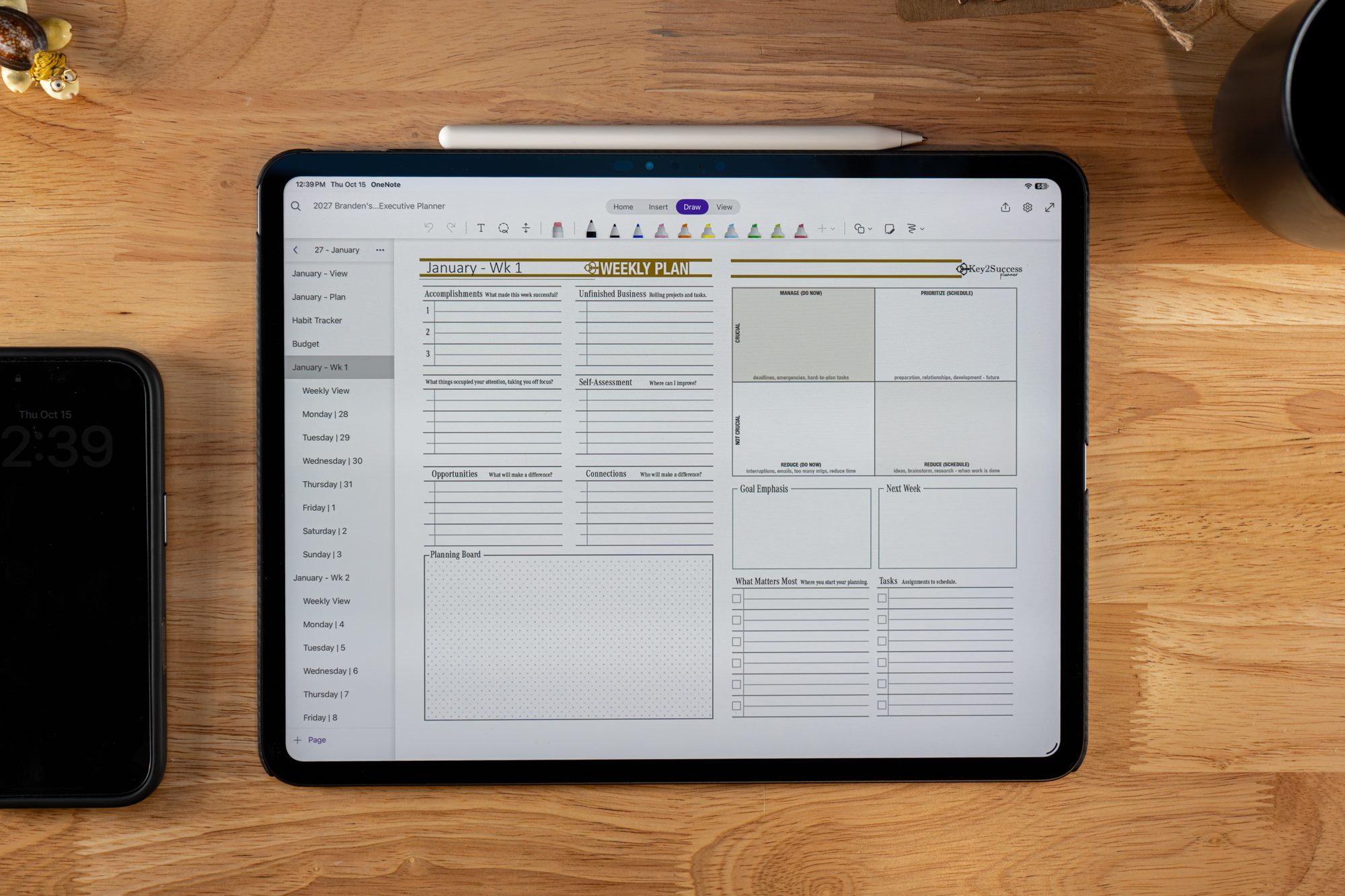
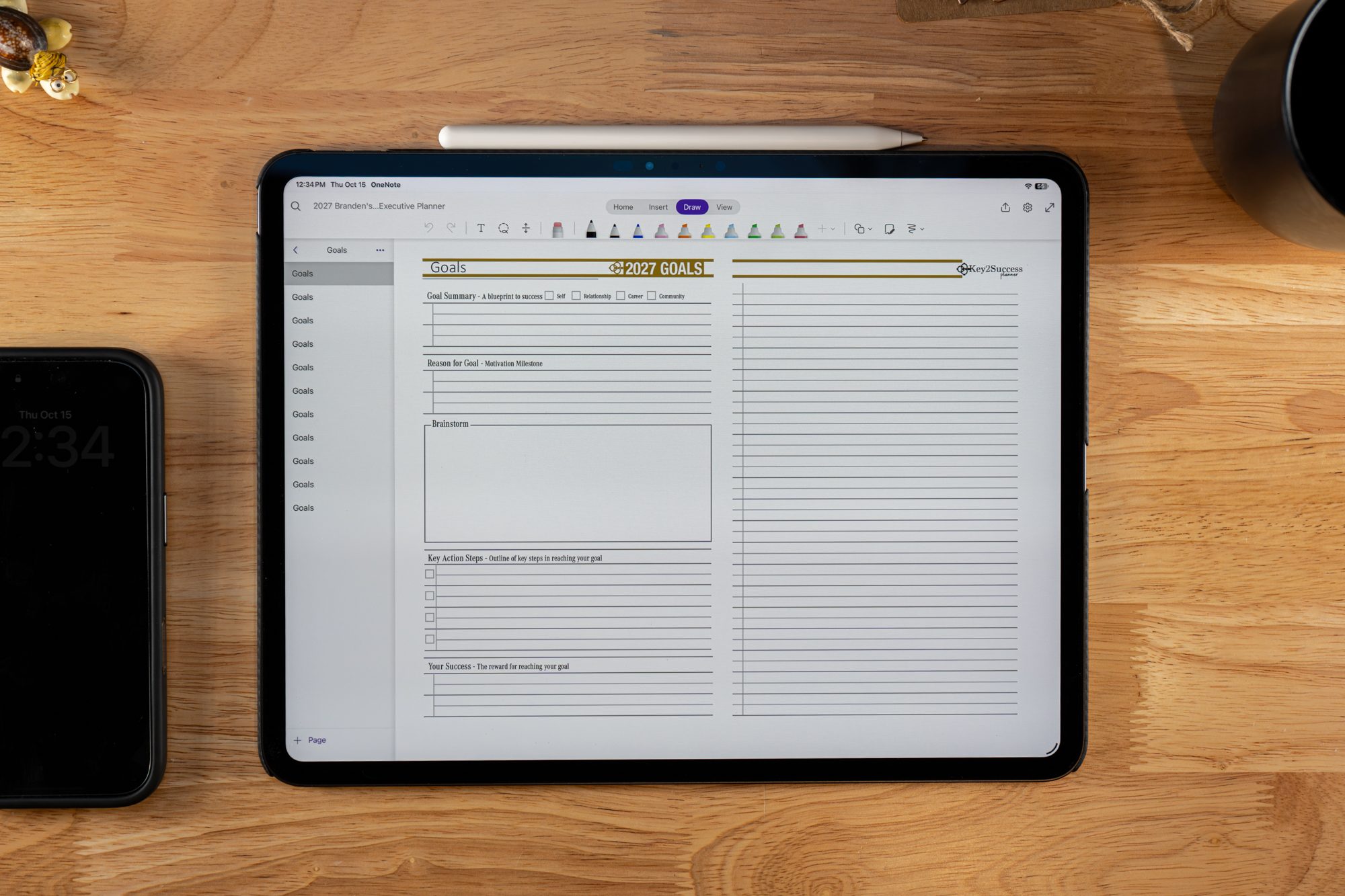
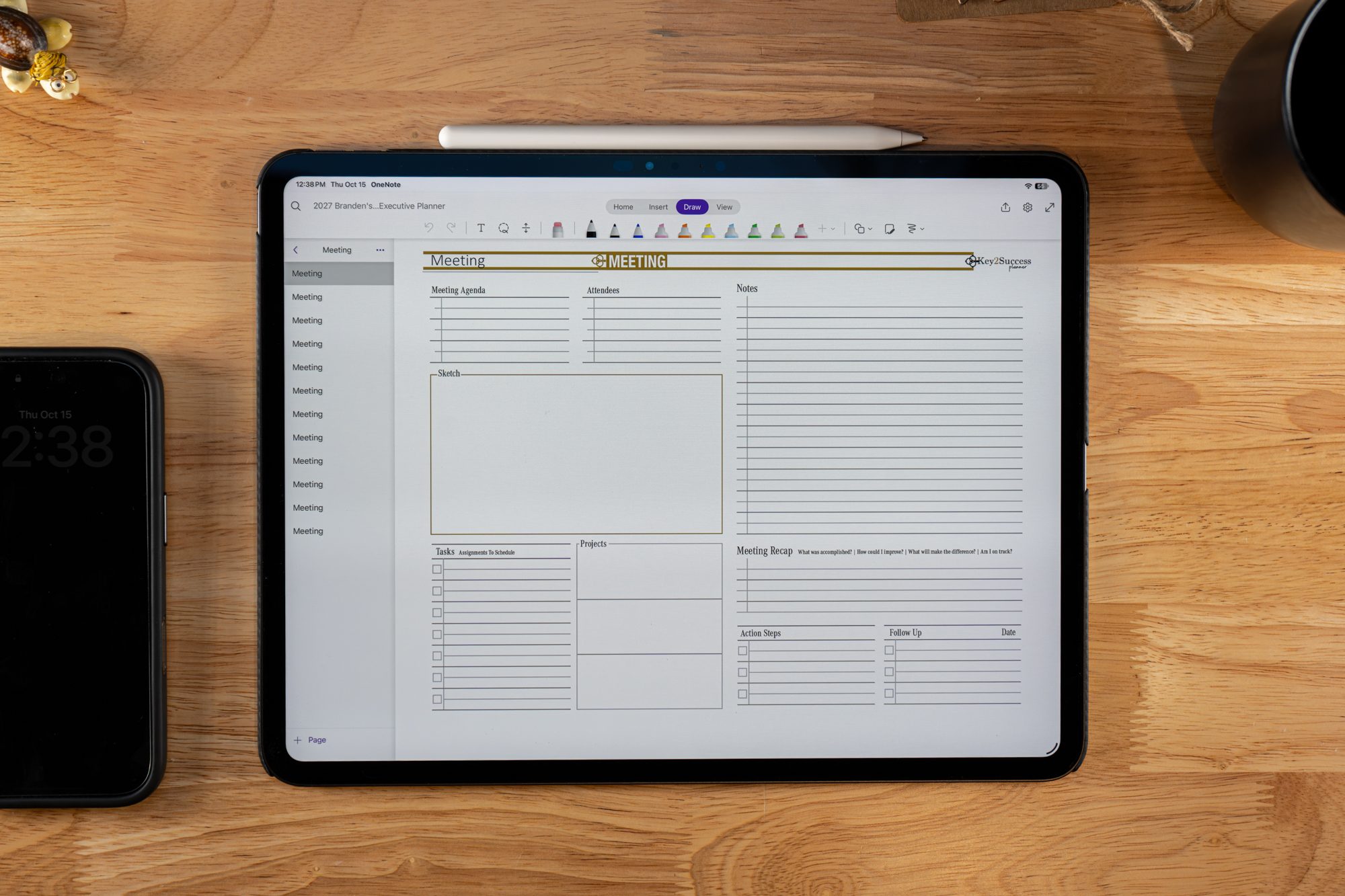
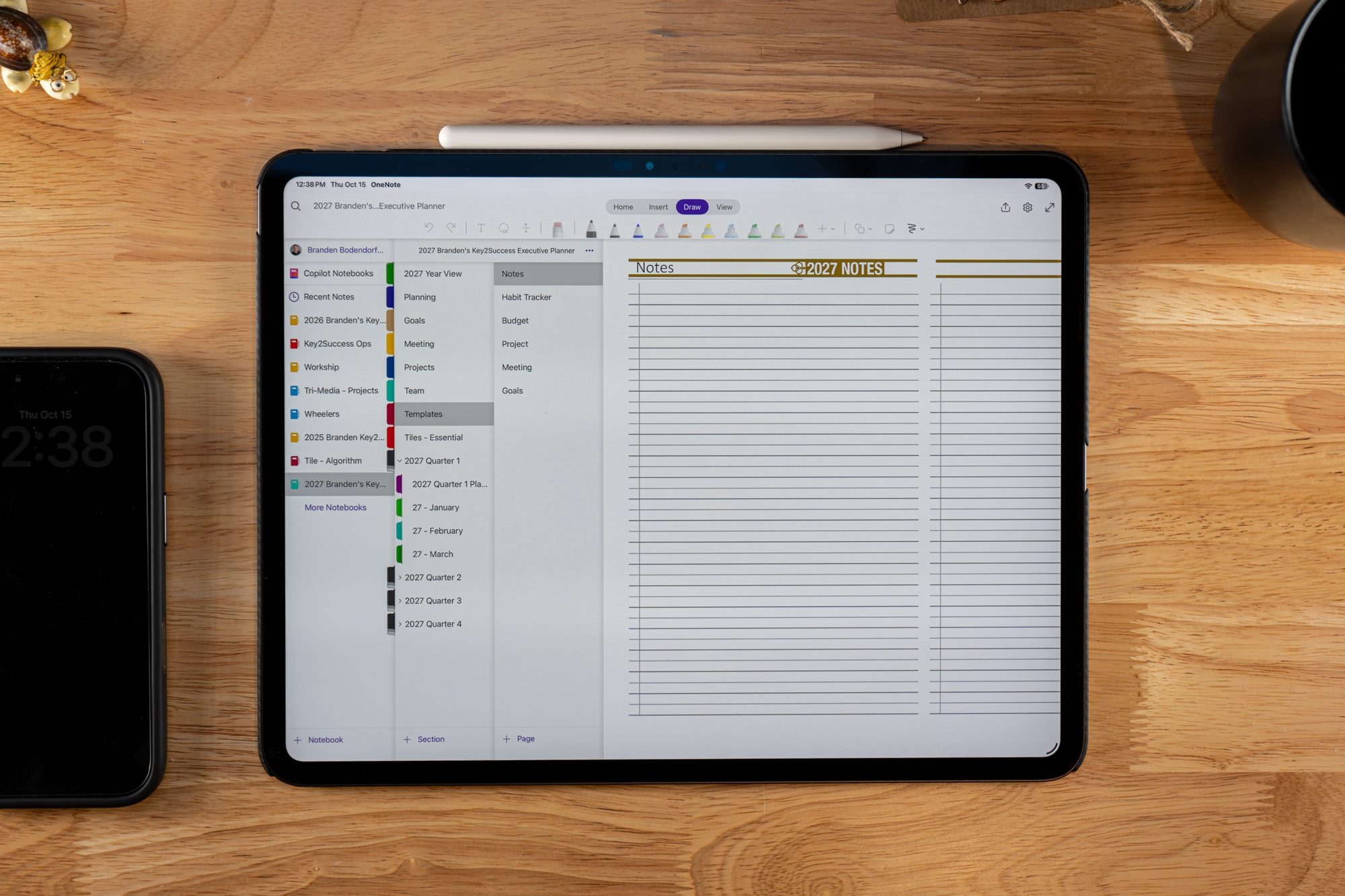
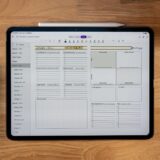
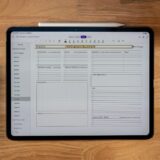
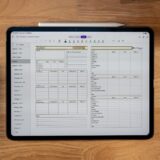
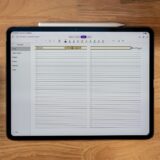
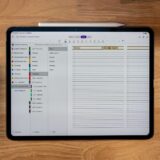
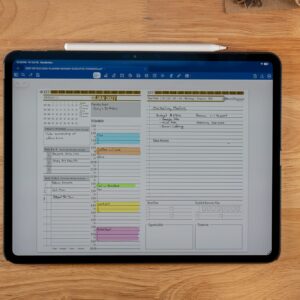
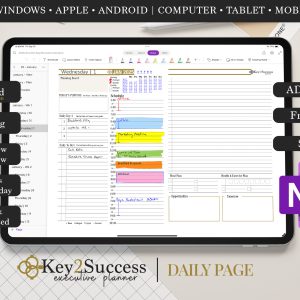
The Key2Success Hyperlinked Business Digital Planner for OneNote offers a seamless, traditional paper-like planner experience in a modern digital format. Designed with similar principles as leading planners like Franklin Covey, Full Focus, and Day Timer, this planner is built to work within the OneNote application, offering a streamlined approach to managing your goals and tasks.
With a one-time purchase and lifetime license, it’s compatible across Windows, Apple, and Android devices, allowing you to effortlessly sync and access your planner from any device.
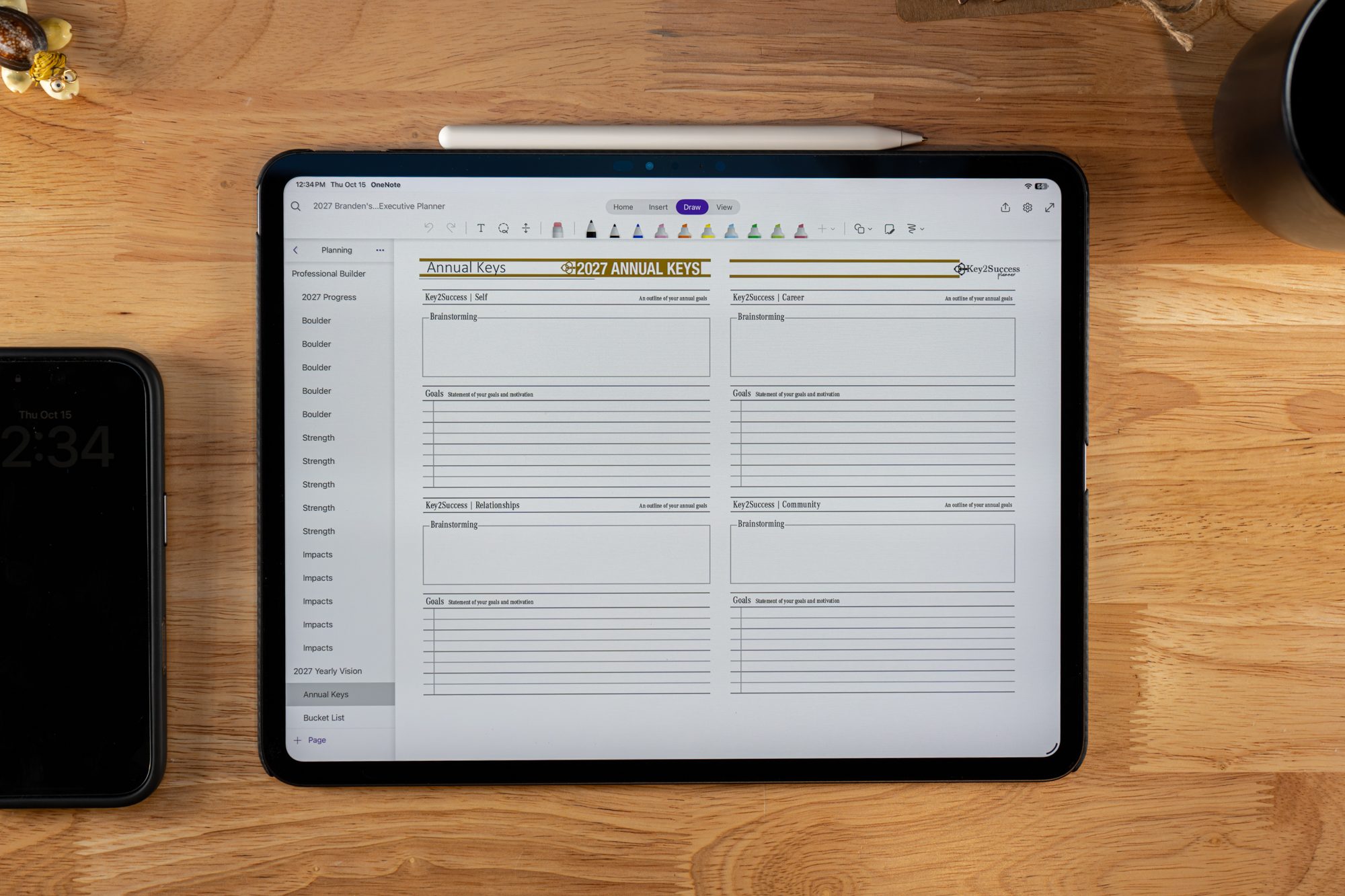
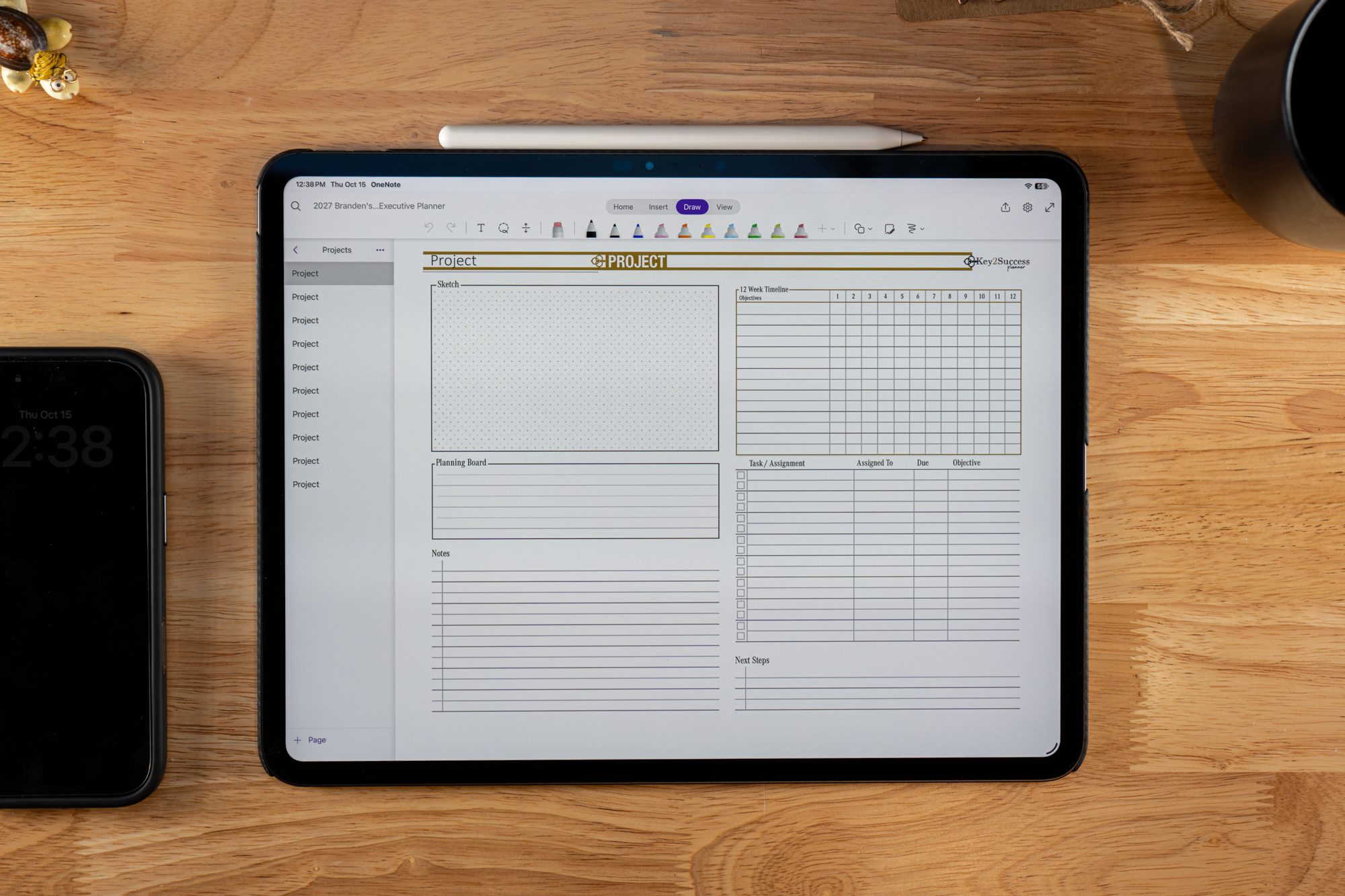
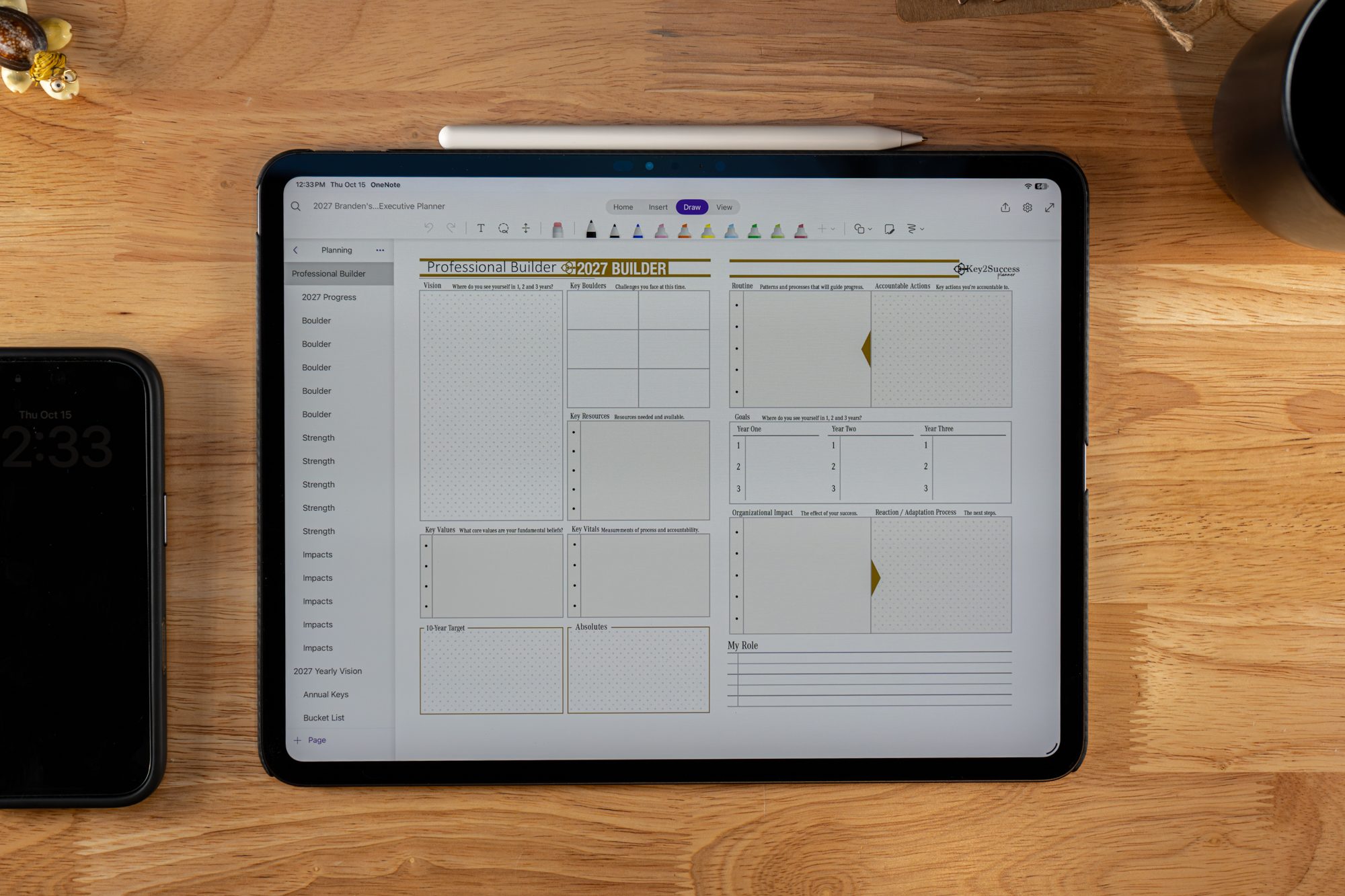
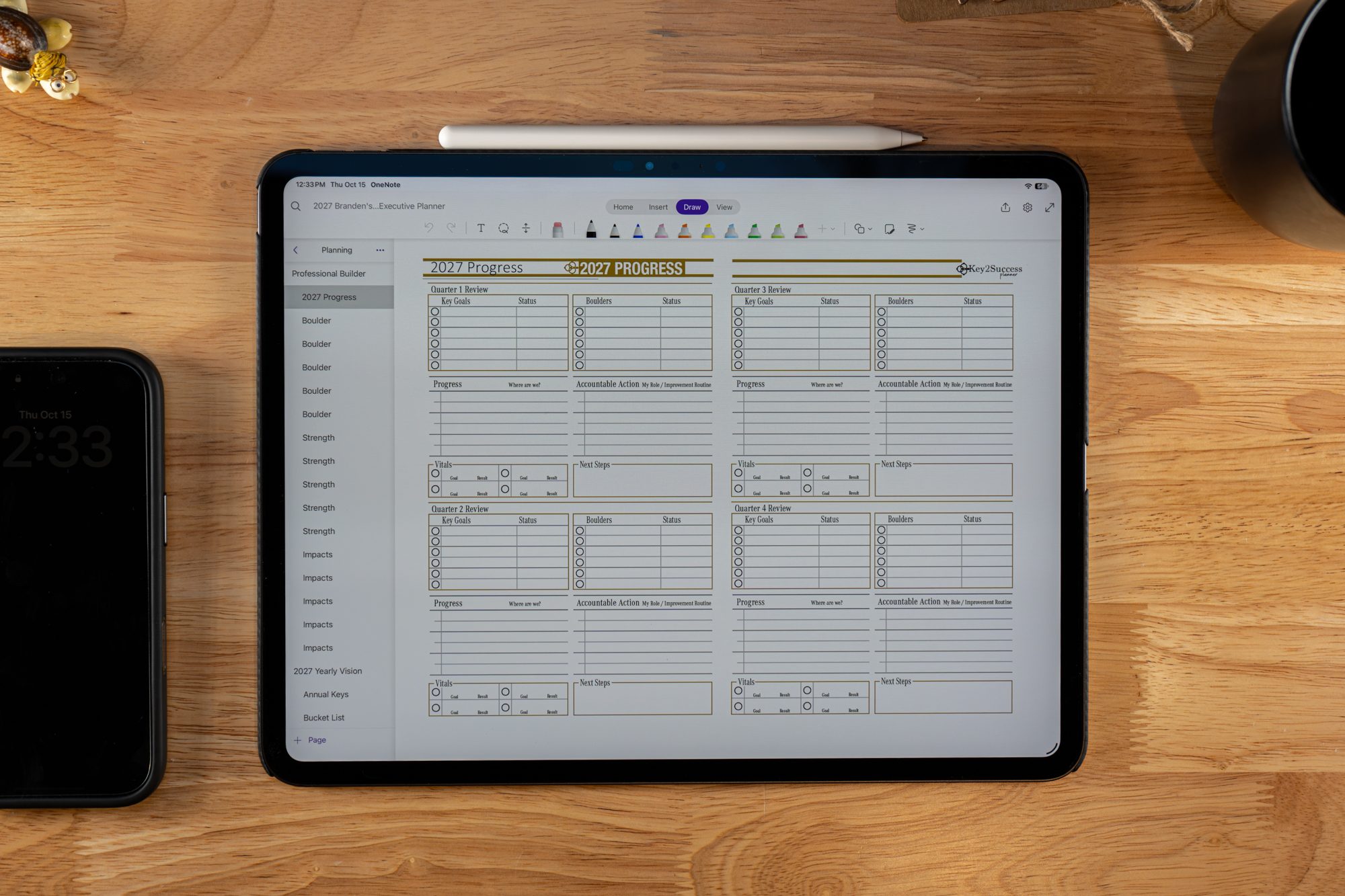
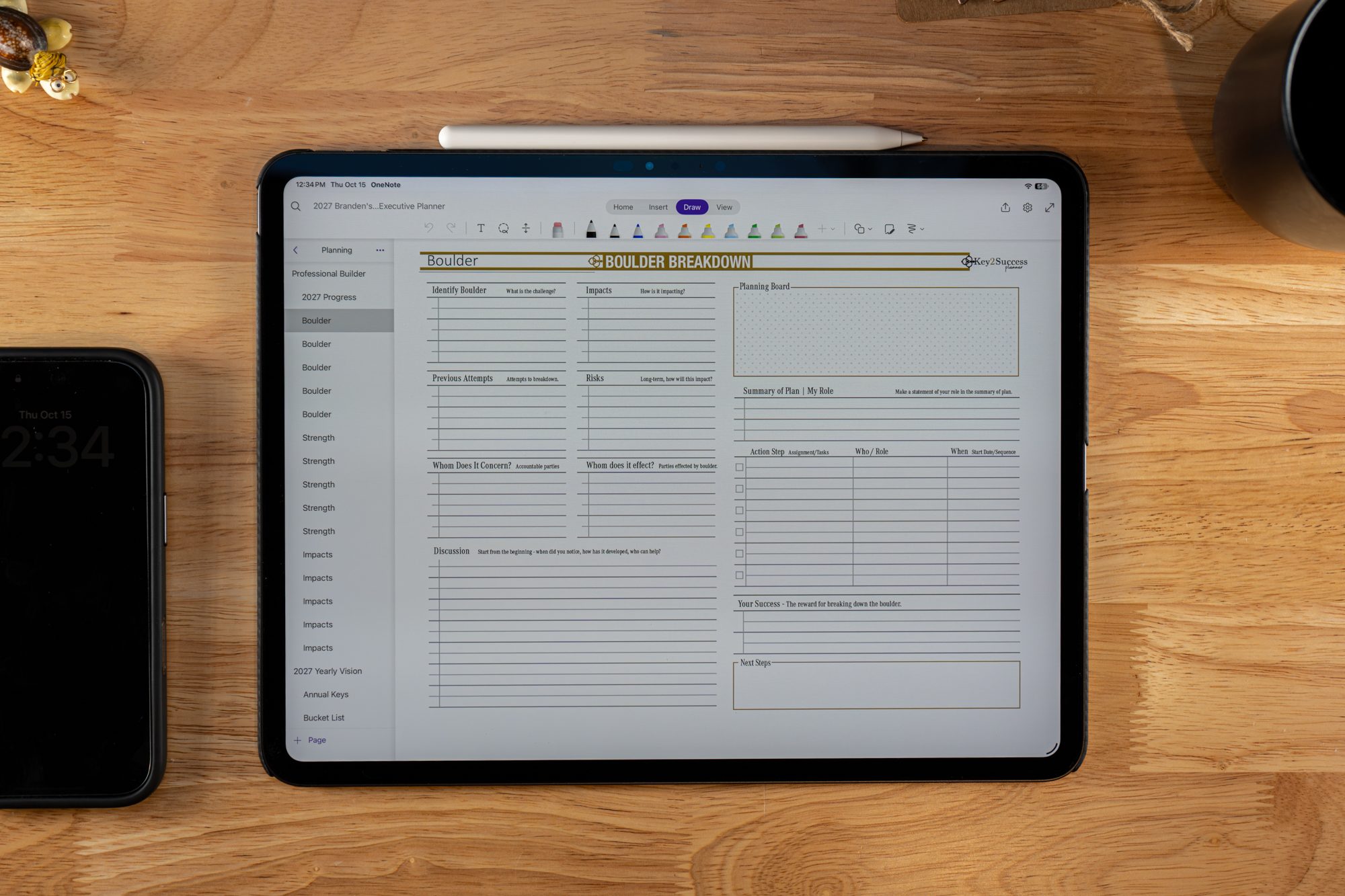
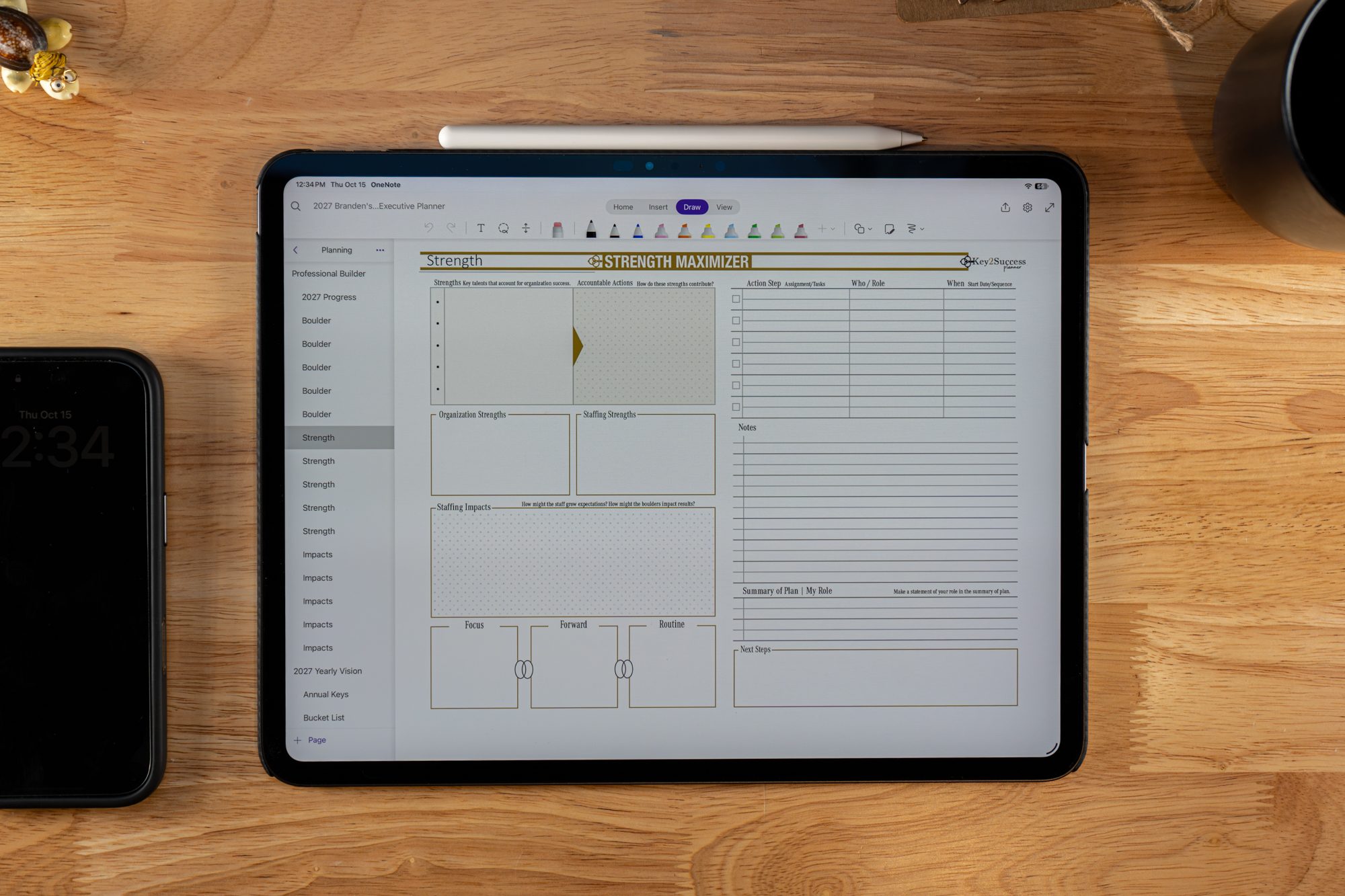
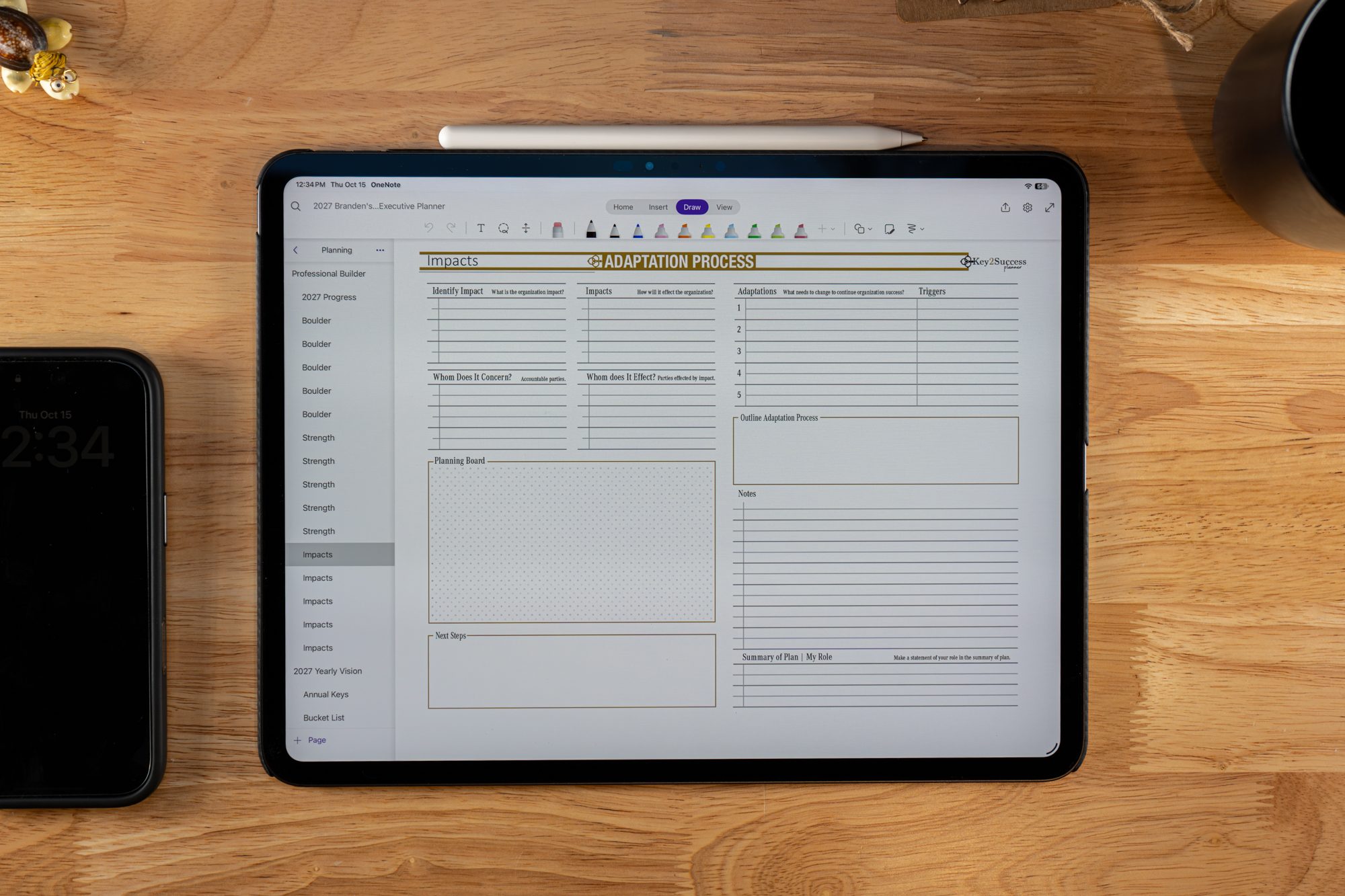
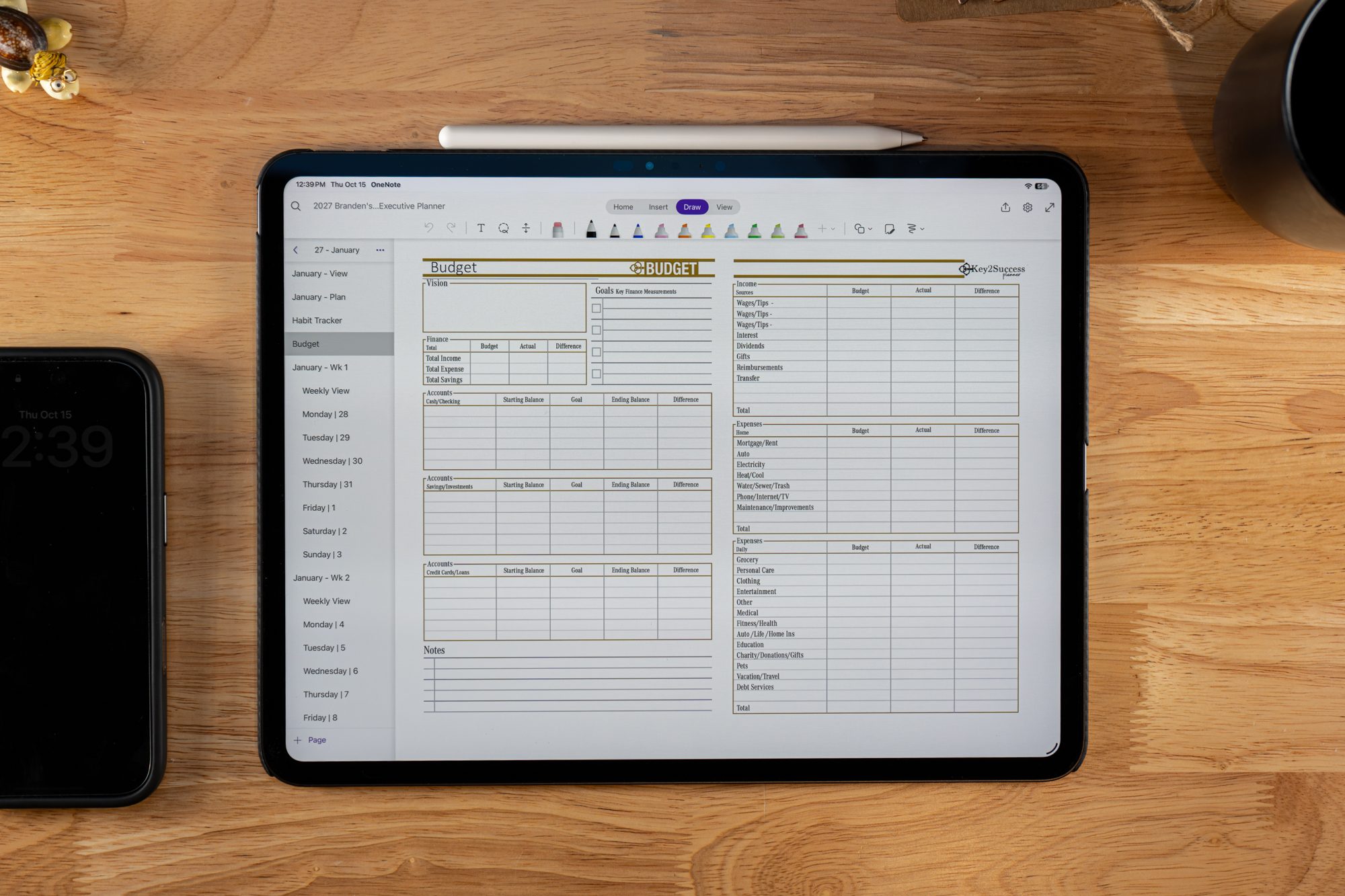
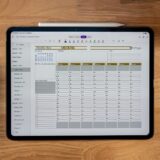
- The Business Planner is crafted for entrepreneurs and business owners who need a comprehensive system to manage not just personal tasks but also their company’s operations. This version includes advanced tools like an expense tracker, progress tracker, professional builder, and tools for breaking down large goals (Boulder Breakdown) and optimizing strengths. It’s the right choice for business professionals who need strategic planning tools to monitor progress, track expenses, and focus on growth.
- Key Features:
- Includes all features from the Professional Planner
- Expense Tracker, Professional Builder, Progress Tracker
- Boulder Breakdown, Strength Maximizer, Process Adaption Monitor
- 50% off Tiles
Traditional Meets Digital: Paper-Like Experience with Digital Benefits
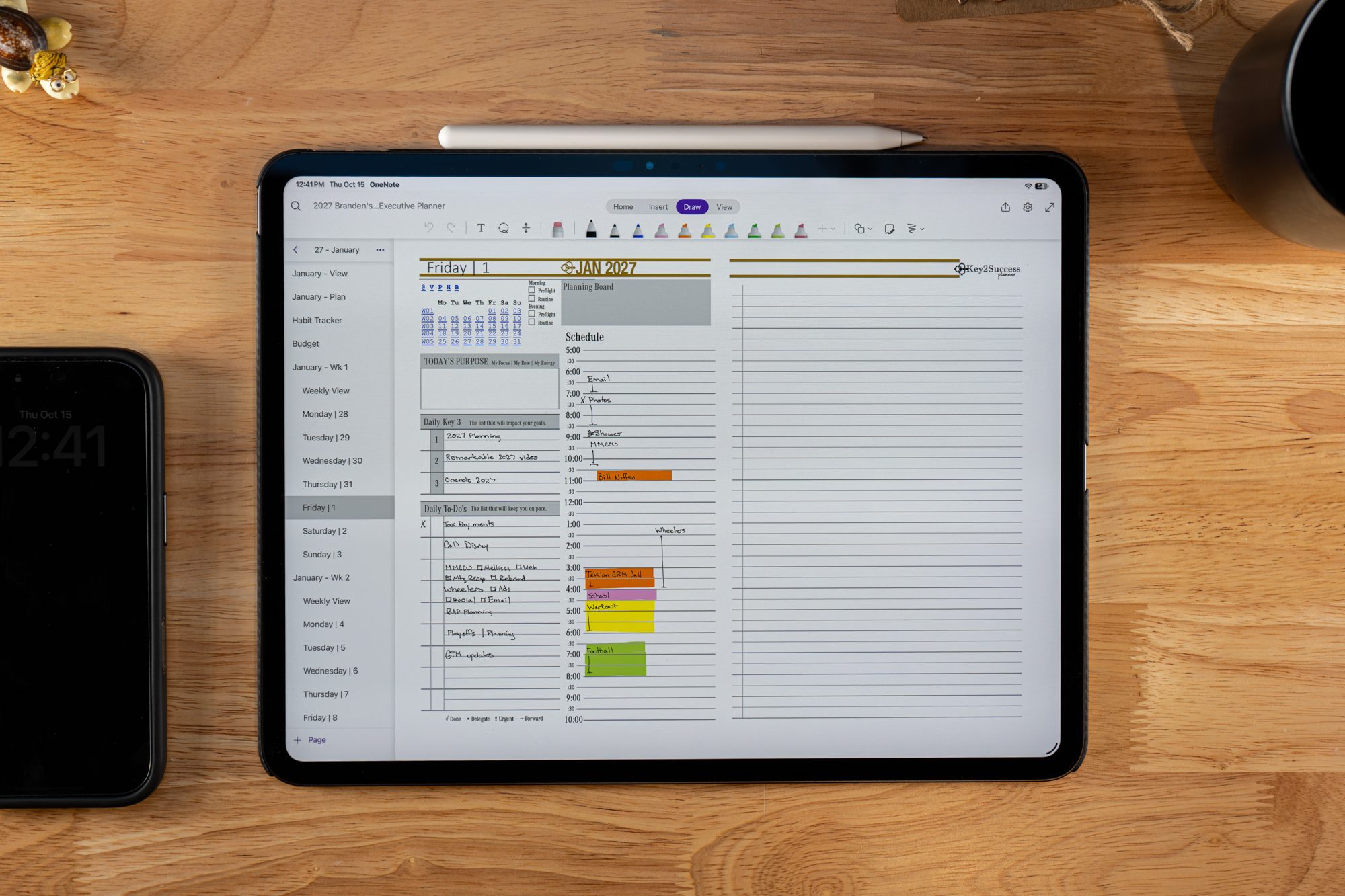
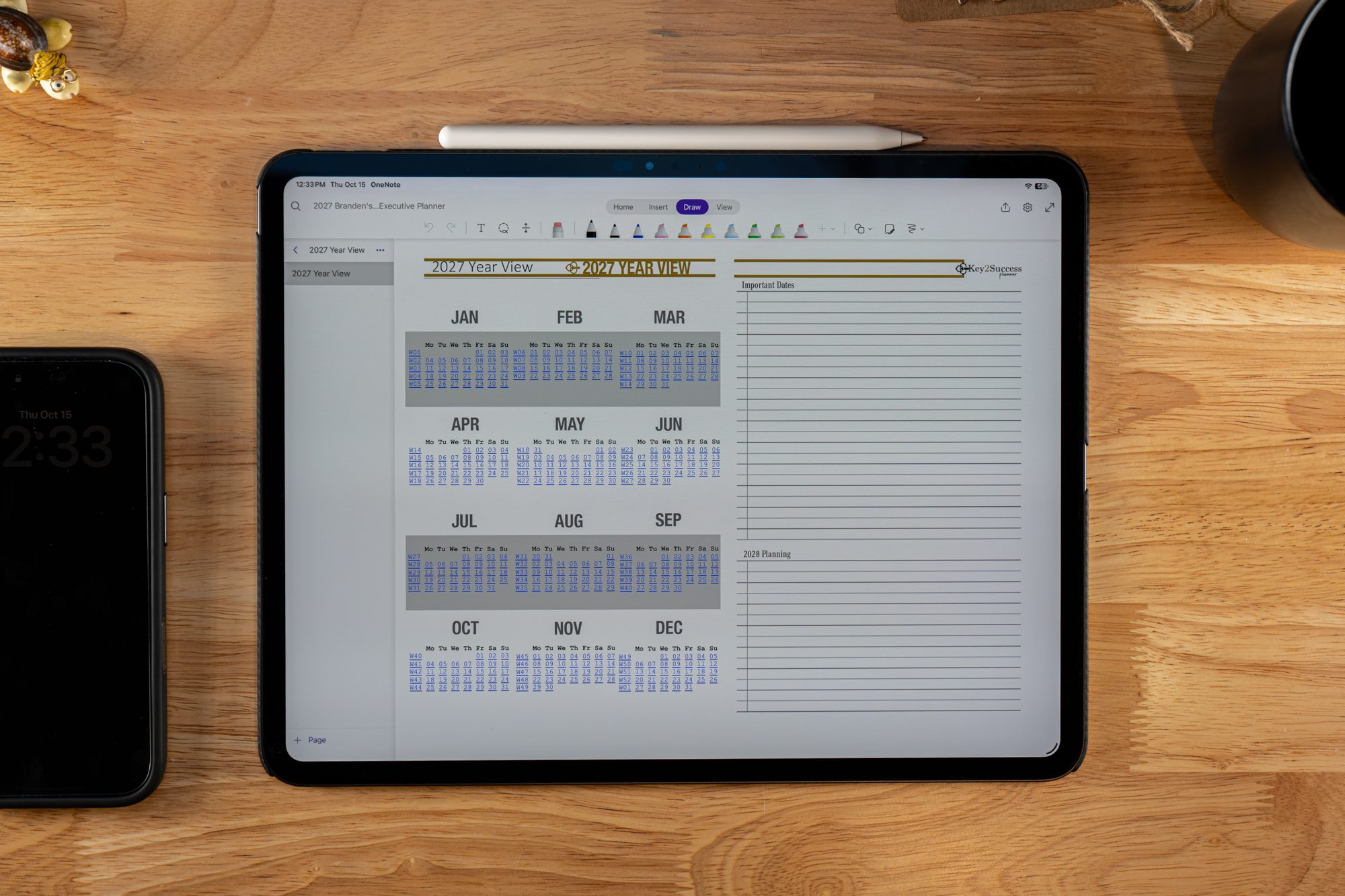
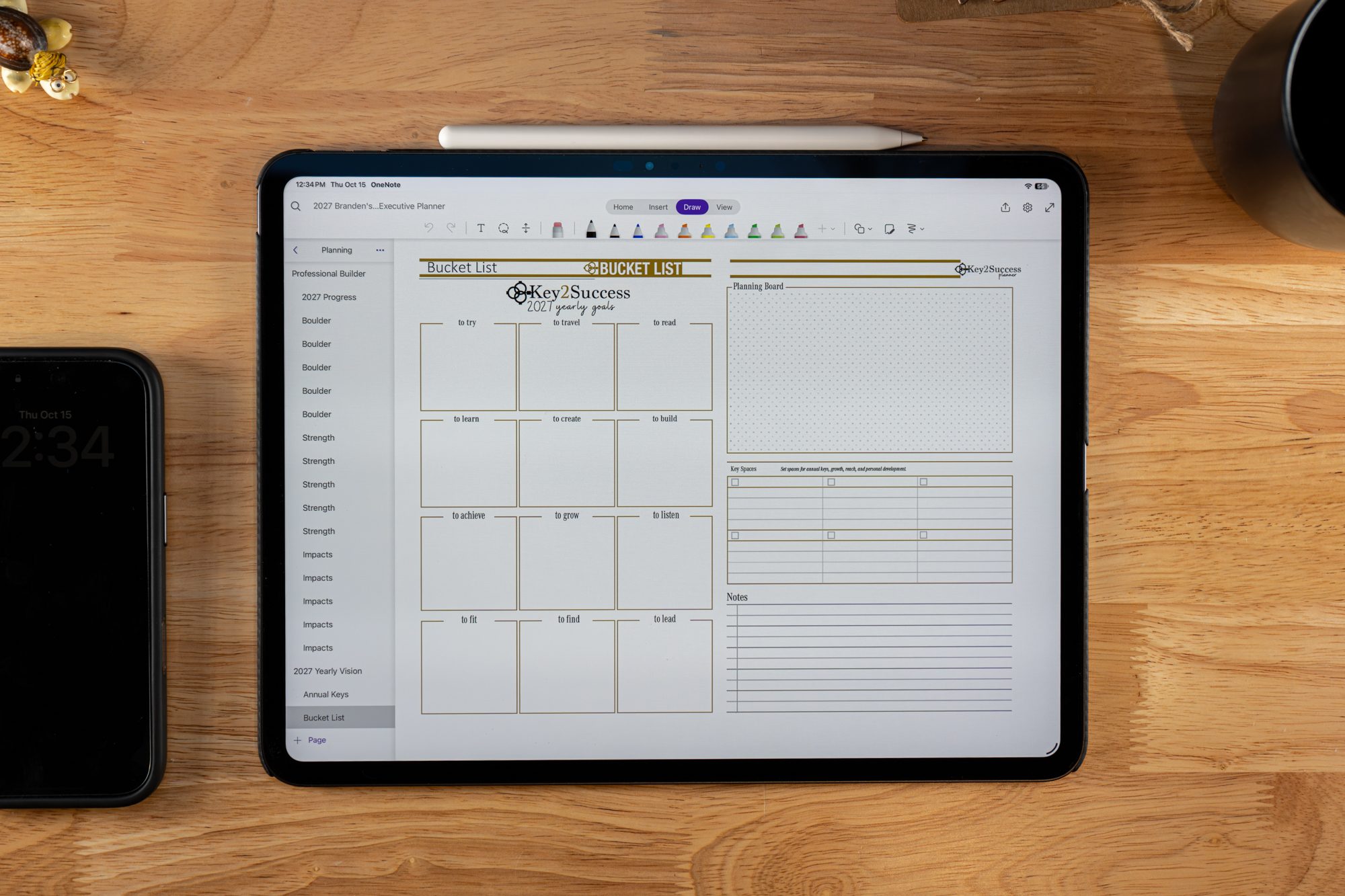
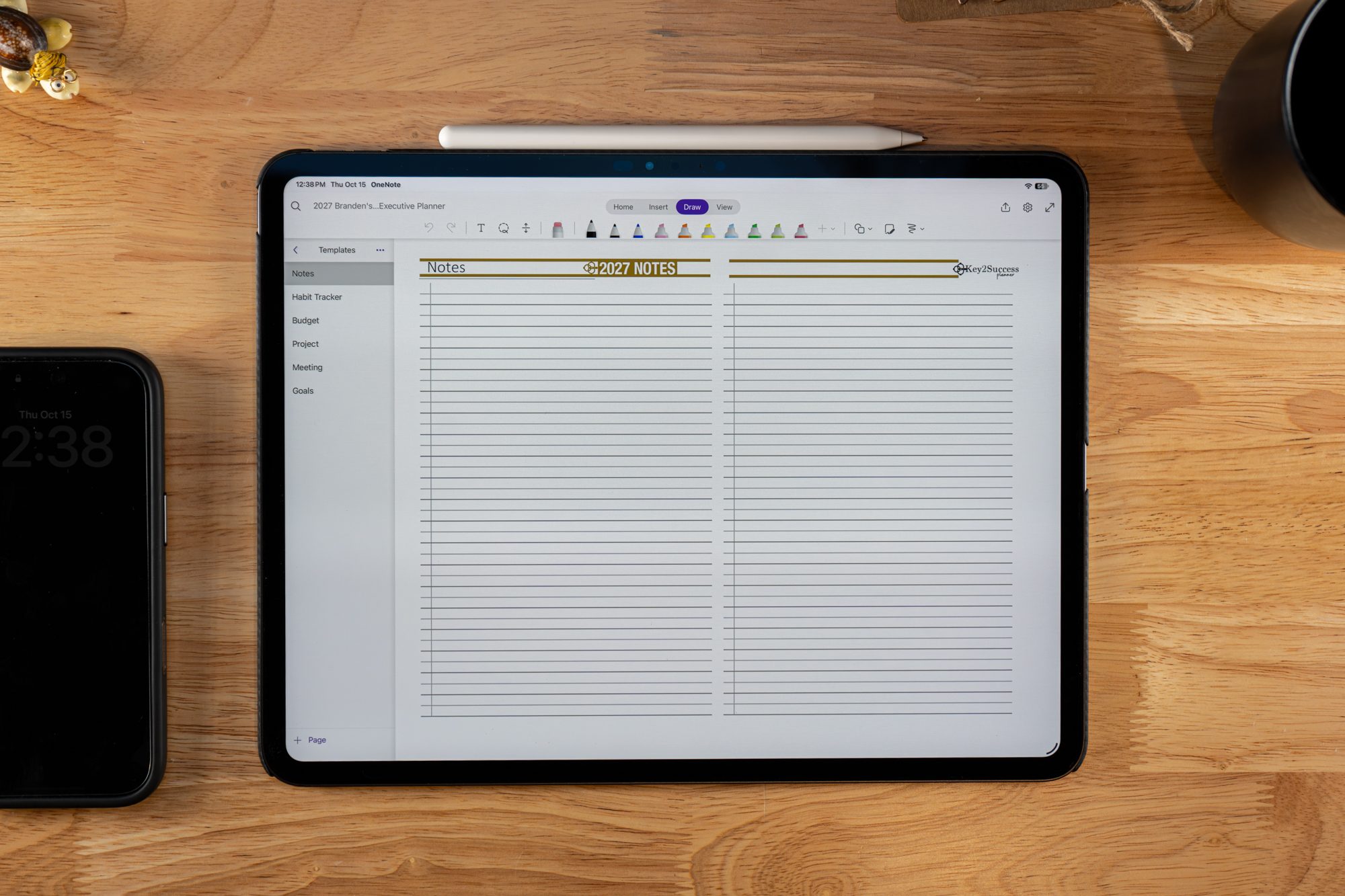
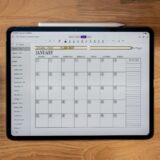
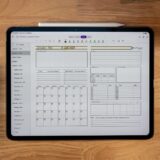
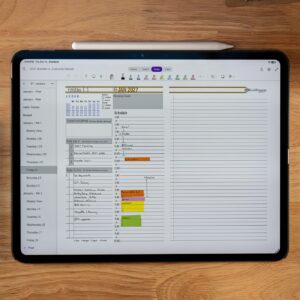
The Key2Success Personal Digital Planner combines the best of both worlds. Whether you prefer a Monday or Sunday start, this planner offers features like daily planning pages, monthly and yearly tools, and a vision board to help you stay on top of your goals. It also functions as a journal and note-taking tool, making it a versatile companion for personal organization.
With its hyperlinked navigation, this planner works like a traditional OneNote notebook but with the added convenience of fast, easy access to different sections. The hyperlinks allow you to quickly move between pages, saving you time and keeping you focused.
Customizable Tiles for Enhanced Organization
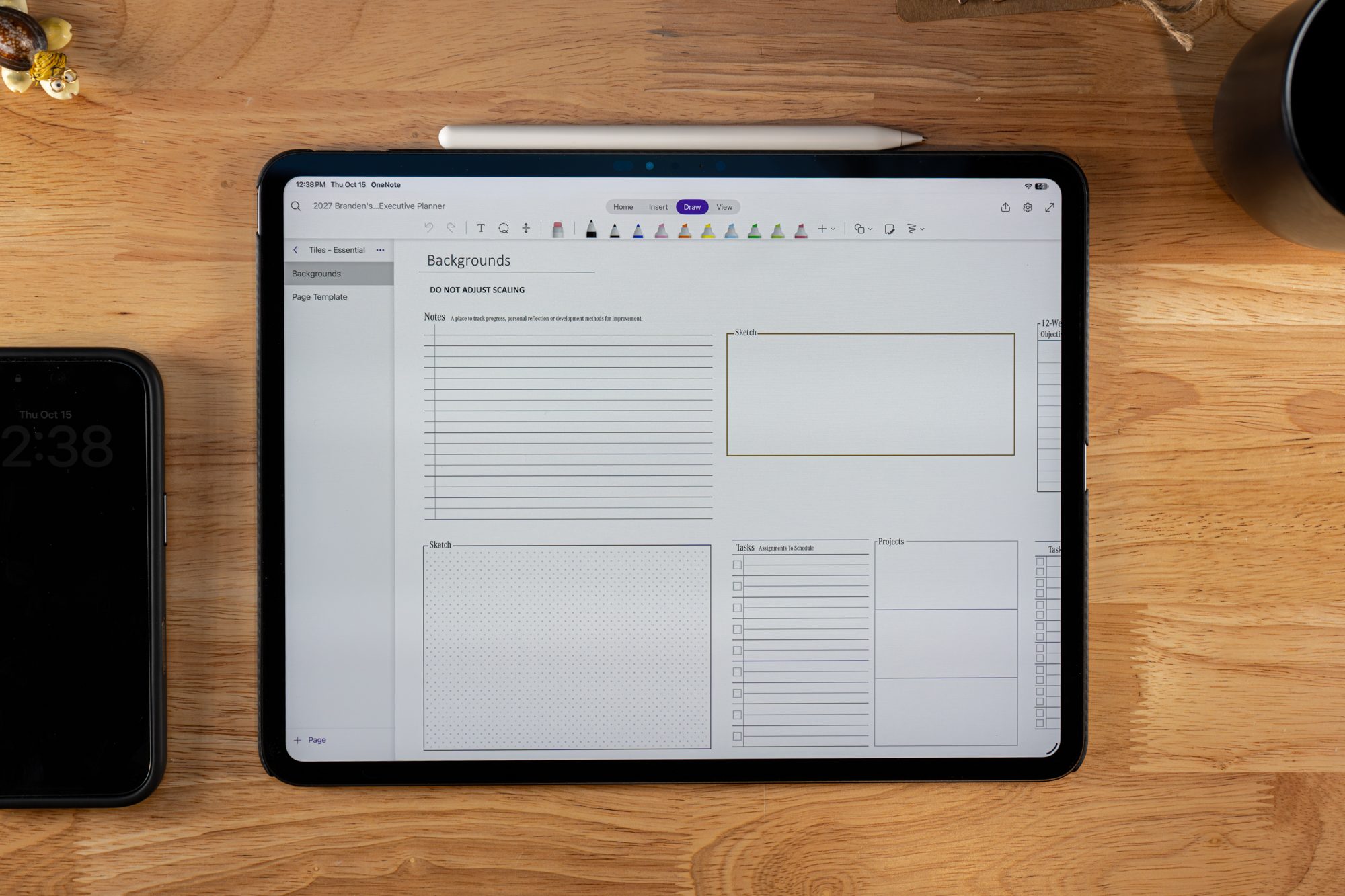
One of the standout features of the Hyperlinked Key2Success Personal Digital Planner for OneNote is its ability to integrate with Tiles. Choose from a variety of options such as 24-hour, weekly, or daily tiles, allowing you to track your schedule, appointments, and tasks in the format that best suits your needs. This makes time management even more efficient and tailored to your preferences.
Why Choose the Key2Success OneNote Planner?
- Lifetime License: Pay once and use forever.
- Cross-Device Compatibility: Works seamlessly on Windows, Apple, and Android devices, syncing your planner across all platforms.
- Tiles & Hyperlinks: Customize your experience with flexible layout options and easy navigation between sections.
- Proven Track Record: Testimonials from satisfied users highlight the planner’s ability to boost organization, efficiency, and productivity.
Many users have praised the Hyperlinked Key2Success Personal Digital Planner for OneNote for its traditional planner experience combined with the power of digital technology. Whether you’re a busy professional, student, or stay-at-home parent, this planner is the perfect solution for improving your organizational skills.
Explore the Key2Success OneNote Planner Today
Ready to take your planning experience to the next level? Explore the Key2Success OneNote shop page to compare versions and find an in-depth explanation of all the features available.
What is the OneNote Application?
Microsoft OneNote is a digital note-taking app developed by Microsoft. It allows users to create and organize digital notebooks that can include text, images, audio, and other multimedia content. OneNote is designed to mimic the experience of writing in a traditional notebook, but it offers additional features and benefits associated with digital note-taking.
Key features of OneNote include:
- Notebooks: Users can create multiple notebooks, each containing multiple sections and pages. This hierarchical organization makes it easy to structure and categorize notes.
- Sections and Pages: Within each notebook, you can create different sections and pages to further organize your content.
- Rich Content Support: OneNote supports various types of content, including text, images, audio recordings, sketches, and more. This makes it a versatile tool for capturing and organizing information.
- Handwriting and Drawing: If you’re using a device with touch capabilities, such as a tablet or a touchscreen laptop, you can write or draw directly on the screen.
- Collaboration: OneNote is designed for collaboration. Users can share notebooks with others, and multiple people can work on the same notebook simultaneously. Edits and changes are synced in real-time.
- Integration with Microsoft Office: OneNote integrates with other Microsoft Office applications like Word, Excel, and PowerPoint. Users can easily insert content from these applications into their OneNote notebooks.
- Cloud Syncing: OneNote notebooks can be stored in the cloud using Microsoft’s OneDrive service. This allows users to access their notes from different devices and ensures that changes are synchronized across all devices.
- Tagging and Search: OneNote allows users to tag specific content, making it easy to categorize and find information later. The search functionality is powerful, allowing users to quickly locate specific notes or content within a notebook.
OneNote is available as a standalone application for Windows and macOS, and it is also included as part of the Microsoft Office suite. Additionally, there are mobile apps available for iOS and Android, making it easy to access and edit your notes on the go.
Reviews
Add a review
You must be logged in to post a review.
Related Products




Customizable & offers a ton of usable features