Planner Testimonial · Franklin Covey Switch
From Franklin Covey to Digital: How Thomas Chapman Switched to Key2Success
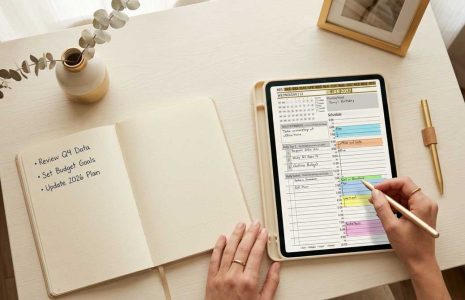
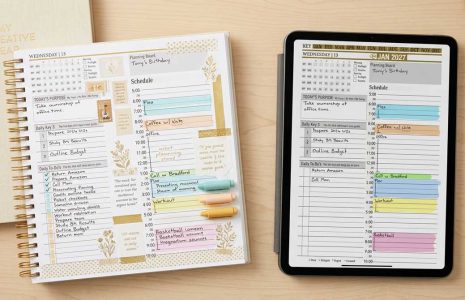
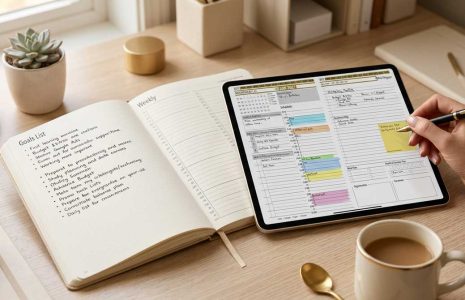
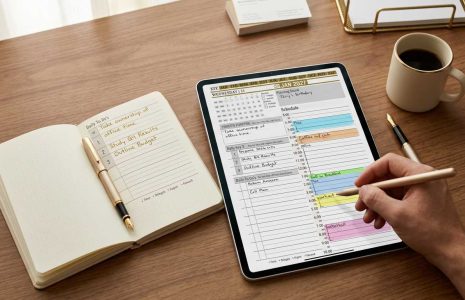
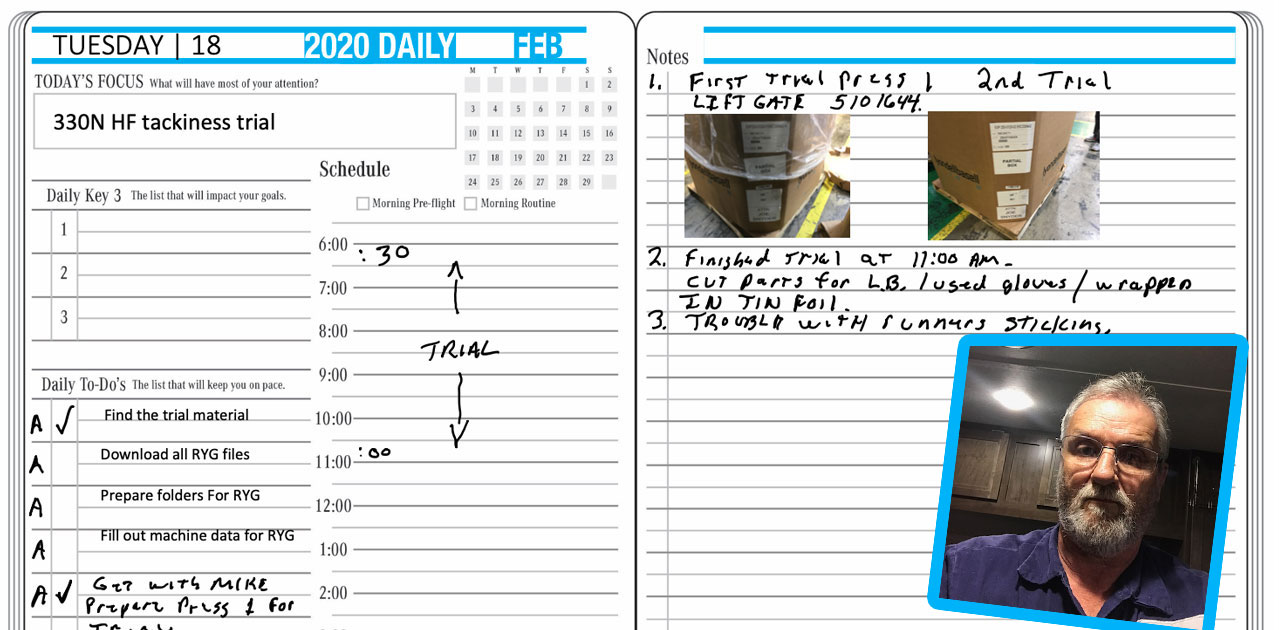
Thomas Chapman, a process engineer, switched from the Franklin Covey paper planner to the Key2Success Planner in OneNote because he could never find his notes in a paper book. Digital gave him searchable, synced planning across his iPad, iPhone, and work computer, plus the ability to photograph machine screens on the floor and update his process sheets back at his desk.
Why he left the Franklin Covey planner
Thomas was a longtime Franklin Covey user. The system worked, but the paper did not keep up with the way he actually needed to find information. The breaking point was a familiar one for Franklin Covey users: when he needed an old note, he had to thumb through page after page to track it down. For an engineer moving between the plant floor and his desk all day, that was time he did not have.
So this year he made the switch to digital planning with the Key2Success Planner in OneNote, and the ability to search both his typed and handwritten entries was the feature that sold him.

What changed after the switch
The first thing Thomas noticed was that his planning finally followed him everywhere.
“It has helped me stay much more organized and on track with my goals and completing tasks. Using it with OneNote, it is always accessible on all devices wherever I am or whatever I am doing.”
The second was that the digital planner fit the reality of his job in a way paper never could. He works at the machine with his iPad in hand, and the planner became part of his workflow, not a separate book he had to remember to carry.
“I really like the ability to switch between handwritten and typed notes, plus adding pictures or taking camera pics. I use my iPad at the machine I am working on and take pictures of the machine screens so I can go back to my desk and update written process sheets.”
Thinking about the same switch?
If you are weighing a move off the Franklin Covey paper planner, start with the full breakdown: Does Franklin Covey have a digital planner? Then see the planner Thomas uses and pick your edition on the Key2Success Planner page, or go straight to the OneNote shop.
About the Author
Branden Bodendorfer is the creator of the Key2Success Planner, used by professionals in 52 countries, and a digital planning pioneer who has been building planning systems since 2013. The Planner Power Series features real professionals who switched to digital planning.