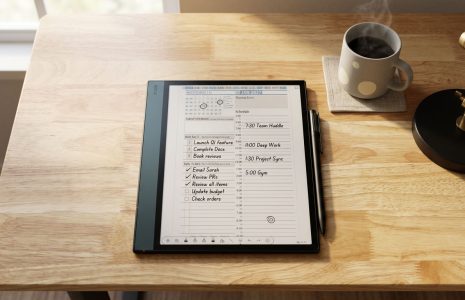
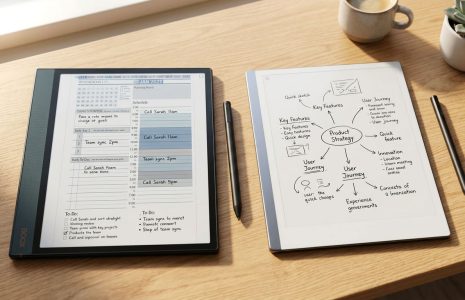
Onyx Boox Note Air 5c vs 4c: Is It Worth the Upgrade?
In This Article
The Onyx Boox Note Air 5c vs 4c debate is one I get asked about constantly, and it is easy to see why. Both devices look nearly identical. Same size, same color e-ink display, same general form factor. If you placed them side by side, you might struggle to tell them apart at a glance. But spend time with both — as I have — and a clear picture emerges about who should upgrade and who should hold off.
Think of it this way: the 4c is like a capable older sibling. Still strong, still relevant, still gets the job done. The 5c is the younger one who just came home from college — a little more mature, wearing newer clothes, carrying upgraded skills. Same family DNA, but the 5c has leveled up in ways that matter for serious digital planners and note-takers.
In this guide I am going to break down exactly what changed, what stayed the same, and give you a straight answer on whether the upgrade makes sense for your workflow — especially if you are using something like the Key2Success digital planning system as your daily driver.

Same Family, Different Generation
When Onyx Boox released the Note Air 5c, they were not reinventing the wheel. They were refining it. The 4c was already a strong device — solid color e-ink display, open Android ecosystem, good stylus performance, and genuine utility as a daily planning and note-taking tool. The 5c does not throw any of that away. It builds on it.
What you get with the 5c is a generational step rather than a generational leap. The screen technology is the same. The physical dimensions are essentially identical. The battery performance is comparable. This is important context because it means if you are currently using the 4c and it is meeting your needs, you are not working with an outdated device. The 5c just removes some friction points that, once you experience their absence, you will not want to go back to.
For those coming to the e-ink device market fresh — with no existing Boox hardware — the decision is straightforward. The 5c is the right choice at current pricing. The gap between the two in terms of feature set versus cost makes the 5c the better investment for anyone buying new in 2026.
What Actually Changed: The 5c Upgrades That Count
Not all spec bumps are created equal. Some upgrades look impressive on paper but make no real difference to how you use a device day to day. The 5c improvements are different — they address actual pain points that Boox users have flagged over time. Here is what changed and why it matters.
Android 15 vs Android 13
The 5c ships with Android 15 compared to Android 13 on the 4c. For most casual users, an OS version number does not sound exciting. For productivity app users, it is genuinely significant. Android 15 brings better compatibility with newer app versions moving forward, which means apps like OneNote for cross-device planning and annotation tools will continue to receive updates and function reliably for longer. The software support lifecycle on the 5c simply extends further into the future, meaning your hardware investment stays relevant longer.
You also get improved security with Android 15 — relevant if you are using your Boox device for work note-taking, client meetings, or storing sensitive planning data.
Keyboard Cover Connector
The 5c introduces a new pin connector that supports a keyboard cover accessory — something that was never available for the 4c. This turns the 5c into more of a workspace or laptop-adjacent experience when you want it. For planners who occasionally need to type longer notes, draft content, or work in a more traditional document-editing mode, this adds genuine versatility that the 4c simply cannot match.
Faster Fingerprint Reader
A small but noticeable improvement — the fingerprint sensor on the 5c responds noticeably faster than on the 4c. If you unlock your device frequently throughout the day, this adds up. It keeps you in flow rather than adding a small moment of friction every time you pick up the device.
The New Stylus Is the Biggest Win
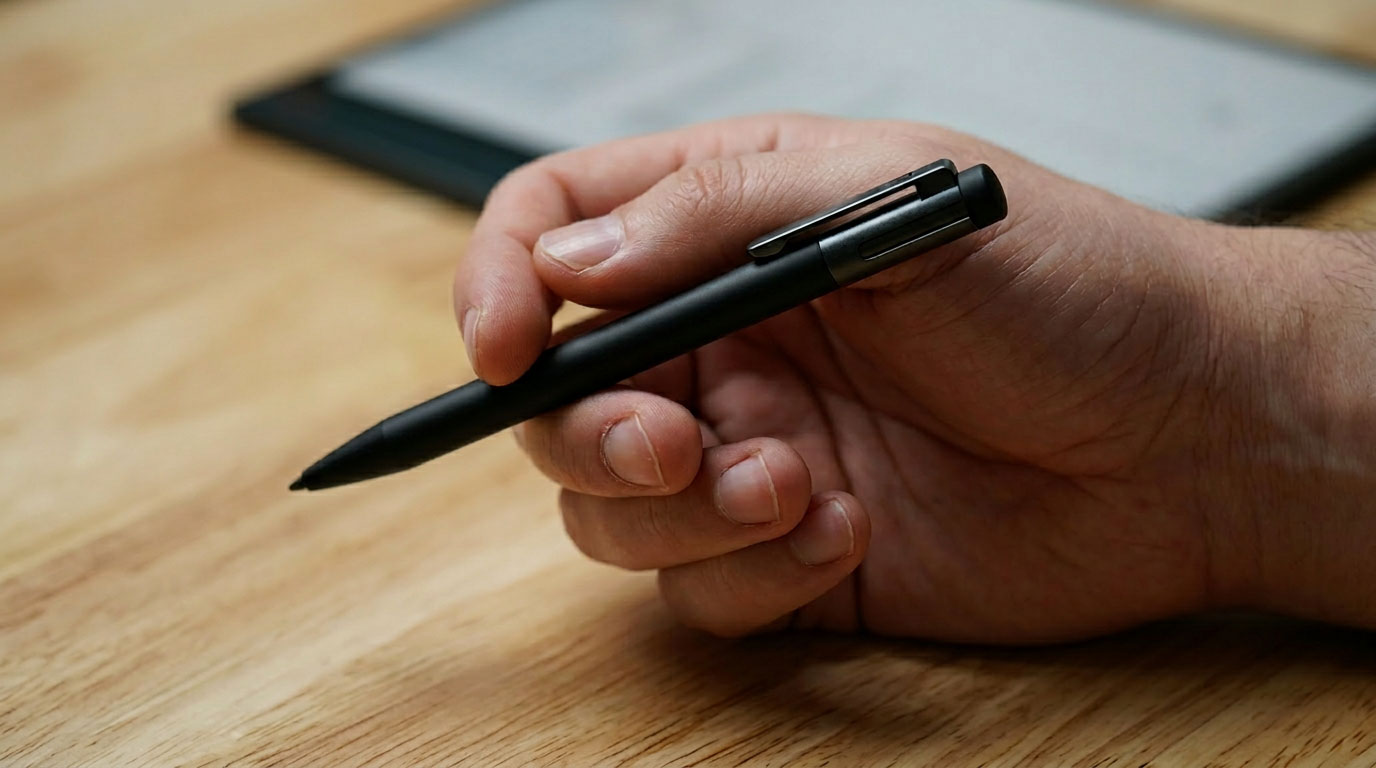
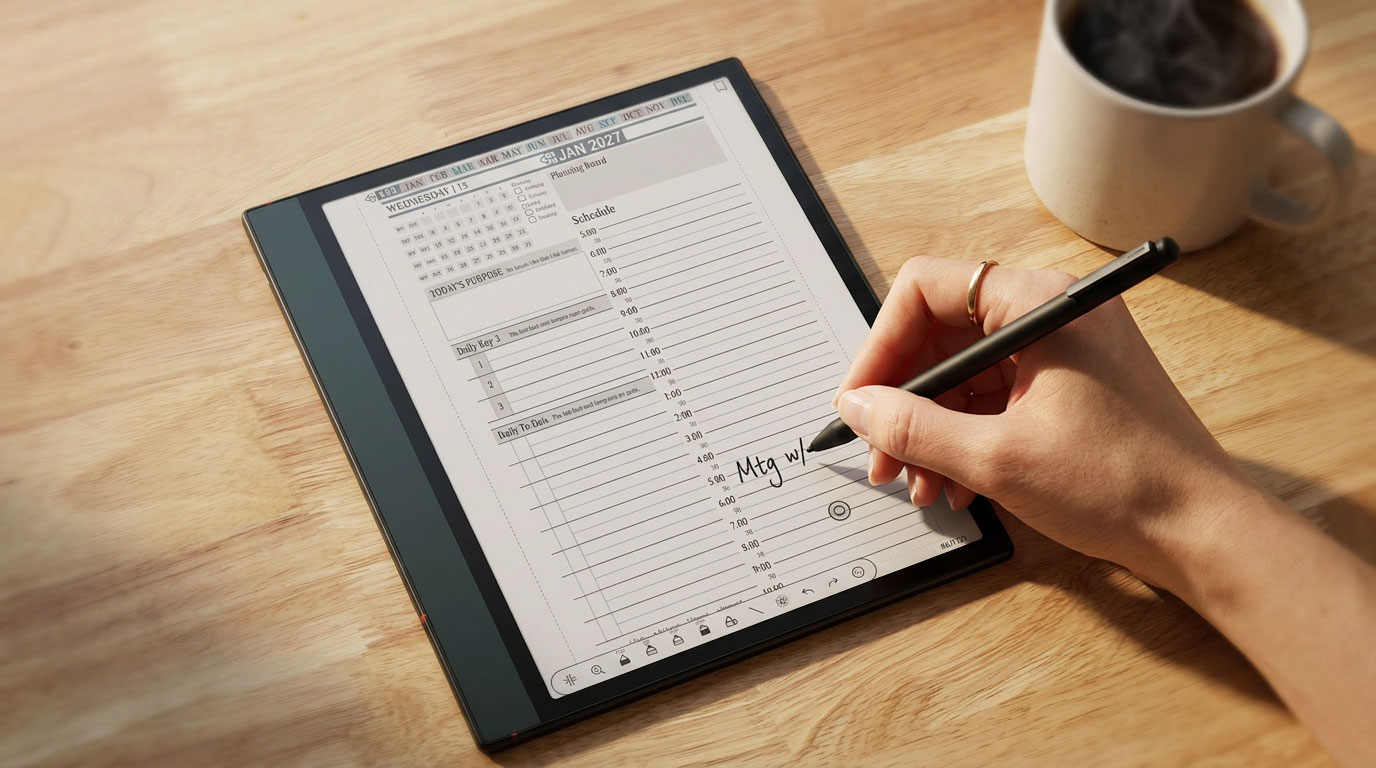
If there is one upgrade on the 5c that makes the biggest immediate difference, it is the pen. And specifically, it is one feature that sounds almost trivial until the moment you need it: built-in nib storage inside the stylus itself.
Here is the scenario that sold me on this. You are heading into one of the most important meetings of the quarter. Maybe a major sales call, a client review, a board presentation. You reach for your stylus and the nib is gone — snapped off when you dropped it last week, or worn down to nothing over months of heavy use. You now have a beautiful e-ink device and no effective way to write on it. That has happened to me. It has happened to a lot of Boox users.
With the 5c stylus, you never face that problem. Extra nibs are stored directly inside the pen itself. Pull one out, swap it in, keep writing. Never miss a note, never miss a beat. It sounds simple because it is — and that simplicity is exactly why it works so well in practice.
Other e-ink device makers have started solving this same problem — either building spare nibs into the stylus or storing them inside the device case. Onyx Boox chose the stylus-integrated approach on the 5c, which keeps everything in one place regardless of whether you have your case with you.
Beyond the nib storage, the pressure sensitivity and overall writing feel of the 5c stylus is noticeably improved. The lag between stylus contact and ink appearing on screen — something that has been a mild complaint on e-ink devices in general — is reduced on the 5c. Real-time note rendering feels more immediate, which matters when you are writing quickly in a meeting or trying to capture fast-moving thoughts in your daily planning session.
What Stayed the Same
Knowing what did not change is just as useful as knowing what did — especially if you are a 4c owner trying to decide whether to upgrade. Here is an honest accounting of what Onyx Boox kept consistent between the two devices.
| Feature | Boox Note Air 4c | Boox Note Air 5c |
|---|---|---|
| Display technology | Color e-ink | Color e-ink (same) |
| RAM | Same | Same |
| Storage | Same | Same |
| Battery life | Same | Same |
| Front light | Yes | Yes |
| Speaker & microphone | Yes | Yes |
| Fingerprint sensor | Yes | Yes (faster) |
| Writing technology | Same core tech | Improved pen feel |
| Android OS | Android 13 | Android 15 |
| Keyboard cover support | No | Yes (pin connector) |
| Stylus nib storage | No | Built into pen |
The bottom line: if you are using the 4c primarily for reading and occasional handwriting, and those core functions are working well for you, the 5c does not represent a dramatic difference in your day-to-day experience. But if you write heavily, take notes in meetings, use productivity apps, or want a device that stays supported for the next several years — those 5c upgrades add up to a meaningful improvement.
So Which One Should You Buy?
Here is the straightforward answer, because you deserve one rather than a hedged non-answer.
Buy the 5c if: You are purchasing new, you write heavily in meetings or planning sessions, you rely on apps like OneNote or GoodNotes for iPad-connected planning workflows, or you want a device that will stay fully supported and compatible with modern apps for the next several years. The Android 15 upgrade, the new pen, and the keyboard cover connector collectively make the 5c the better value at comparable price points.
Stick with the 4c if: You already own one and it is meeting your needs. The 4c still delivers that paper-like e-ink writing experience, still runs Android with access to the Play Store, and still supports PDF-based planners like the Key2Success Planner editions without issue. If budget is the deciding factor and you are choosing between a new 4c and a new 5c, lean toward the 5c — but if you are choosing between keeping your existing 4c versus spending money on the 5c, there is no urgency to upgrade right now.
The most important thing either way is that you are actually using a system. The device is only as valuable as the planning habits you bring to it. A 4c with a consistent daily planning practice will produce better results than a 5c sitting on a shelf.
Explore Key2Success Planners for E-Ink Devices
Frequently Asked Questions About the Onyx Boox Note Air 5c vs 4c
Is the Onyx Boox Note Air 5c worth upgrading from the 4c?
If you are buying new, the 5c is the better value. It includes Android 15 (vs 13 on the 4c), a new stylus with built-in nib storage, a faster fingerprint reader, and a keyboard cover connector that was not available on the 4c. The future-proofing alone makes it worth the investment. If you already own the 4c and it is working well for you, the upgrade is not urgent — but the new pen and software longevity are compelling reasons to move forward.
What is the difference between the Onyx Boox 5c and 4c?
The key differences are: Android 15 on the 5c vs Android 13 on the 4c (better app compatibility and security), a redesigned stylus with built-in nib storage, a new pin connector that supports a keyboard cover accessory, and improved fingerprint reader responsiveness. RAM, storage, battery life, front light, speaker, microphone, and core writing technology remain the same across both devices.
Does the Onyx Boox 5c stylus work with the 4c?
The new stylus that ships with the Onyx Boox Note Air 5c is designed specifically for the 5c. The nib-storage pen is a hardware redesign tied to that device generation. Check the Onyx Boox official site for current stylus compatibility details across models before purchasing accessories separately.
Can you use the Key2Success Planner on the Onyx Boox Note Air 5c?
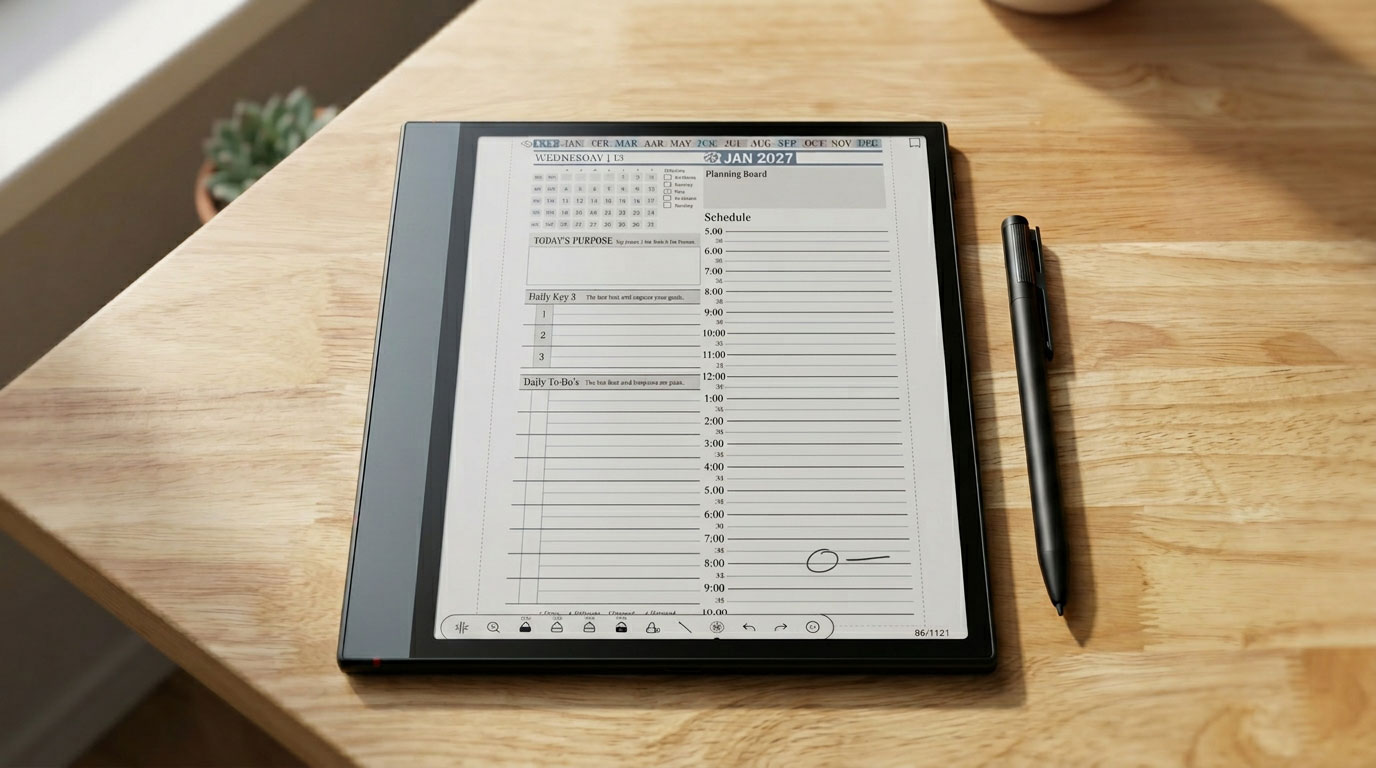
Yes. The Key2Success Planner is a PDF-based digital planner that loads directly onto the Onyx Boox 5c via Boox Drop. Once loaded, you can annotate it using the built-in note-taking tools, write with the stylus, highlight time blocks with color, use the lasso tool to move to-dos between pages, and switch between landscape and portrait modes. The open Android ecosystem on the 5c also lets you install OneNote or GoodNotes to sync your planning across devices.
What Android version does the Onyx Boox Note Air 5c run?
The Onyx Boox Note Air 5c runs Android 15, compared to Android 13 on the Note Air 4c. Android 15 brings improved app compatibility for newer applications, longer software support life, and enhanced security — all relevant for productivity app users who rely on tools like OneNote, GoodNotes, or the Key2Success Planner for daily planning.
My Take: The 5c Is the Right Call for Serious Planners
I have been using digital planning tools since 2013 and have spent time with most of the major e-ink devices on the market. Here is what I keep coming back to: the hardware matters less than the habit, but the right hardware removes friction — and friction is the enemy of consistent planning.
The 5c stylus nib storage is a perfect example of removing friction. It is a small thing. But the moment you are headed into a high-stakes meeting and your nib is intact because you could replace it in ten seconds, that small thing becomes a significant thing. The same logic applies to Android 15. You will not notice it today. In two years, when the 4c starts struggling with newer app versions and the 5c is still humming along, you will notice it.
The 4c is not a bad device. If you own one, keep using it and focus on your planning practice. But if you are buying fresh, there is no reason not to go with the 5c. The investment in the right tool supports the investment in the right habits.
If you want to build those habits with a planning system that has been refined across 52 countries and hundreds of thousands of users, start with the Key2Success Planner. It runs on the Boox 5c. It will work on whatever device comes after it too.
Onyx Boox Note Air 5c vs 4c: Key Feature Differences
Branden Bodendorfer is an entrepreneur, coach, and creator of the Key2Success Planner — a digital planning and productivity system used by professionals in 52 countries. With deep roots in Central Wisconsin, Branden has been building planning systems and helping individuals and organizations reach their goals since founding his first business in 2004.
His entrepreneurial journey spans co-founding Premier Printing in 2004, launching TriMedia in 2010 — a marketing and communications firm that grew multiple regional media brands reaching over 100,000 people per month — and developing the Key2Success Digital Planner beginning in 2013. He currently serves as Director of Marketing for Wheelers Family Auto Group , a six-rooftop Chevrolet and GMC dealer group in Central Wisconsin.
Branden is a passionate photographer, videographer, and drone pilot whose aerial and nature work has been featured on ABC World News, ESPN Monday Night Football, CNN, the NBC Today Show, and Disney platforms. He has been nominated for SBA Entrepreneur of the Year and recognized with Small Business of the Year awards. His coaching programs focus on entrepreneurship, leadership, marketing, and personal development — helping clients unlock their full potential through focused planning and intentional action.
Everything Branden publishes about productivity and planning comes from direct experience — systems he has built, tested, and used daily to manage a complex professional and entrepreneurial life.
Full Bio | brandenbodendorfer.com | Key2Success Planner | LinkedIn