




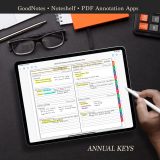
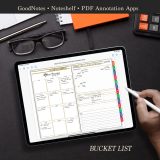
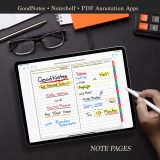
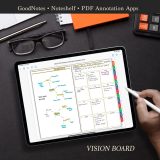
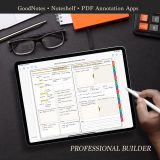
2025 – 2026 PDF Academic Digital Planner For Samsung Notes
$39.99
Available for Instant Download
Academic Digital Planner
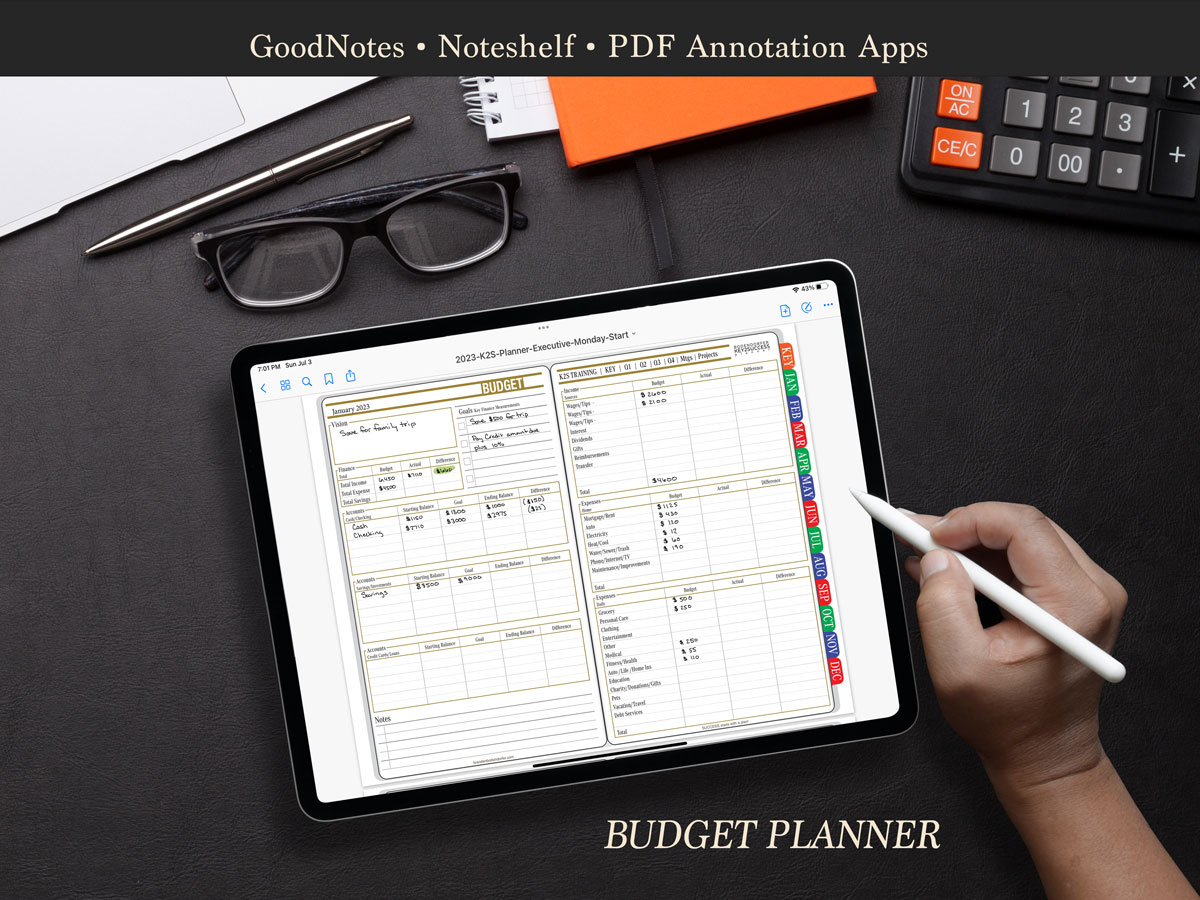
- 2025-2026 Digital Academic year (August 25 through July 26)
- Designed for Samsung Notes, GoodNotes, Noteshelf, Notability, ZoomNotes, reMarkable (1, 2 and Pro), Amazon Scribe and Onxy Boox
- Works with: Samsung Tab, Galaxy, Note, iPad, Tab, Note, SuperNote, reMarkable and other PDF and ePaper devices.
- Pages for:
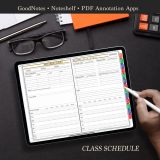
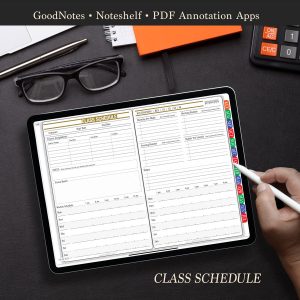
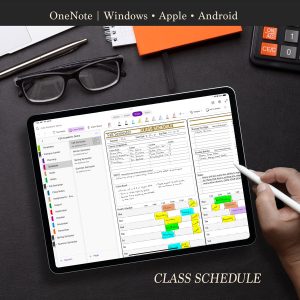
- Class schedule
- Professor information
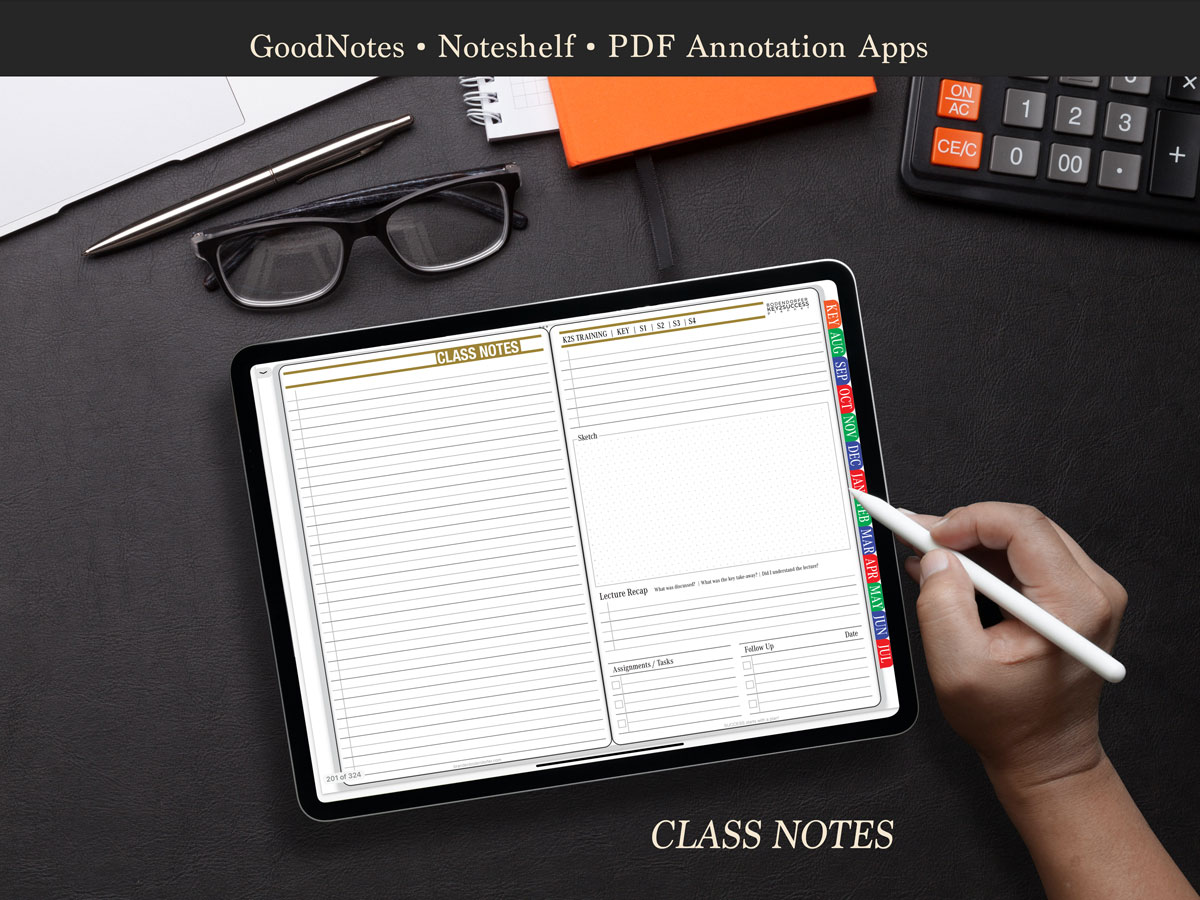
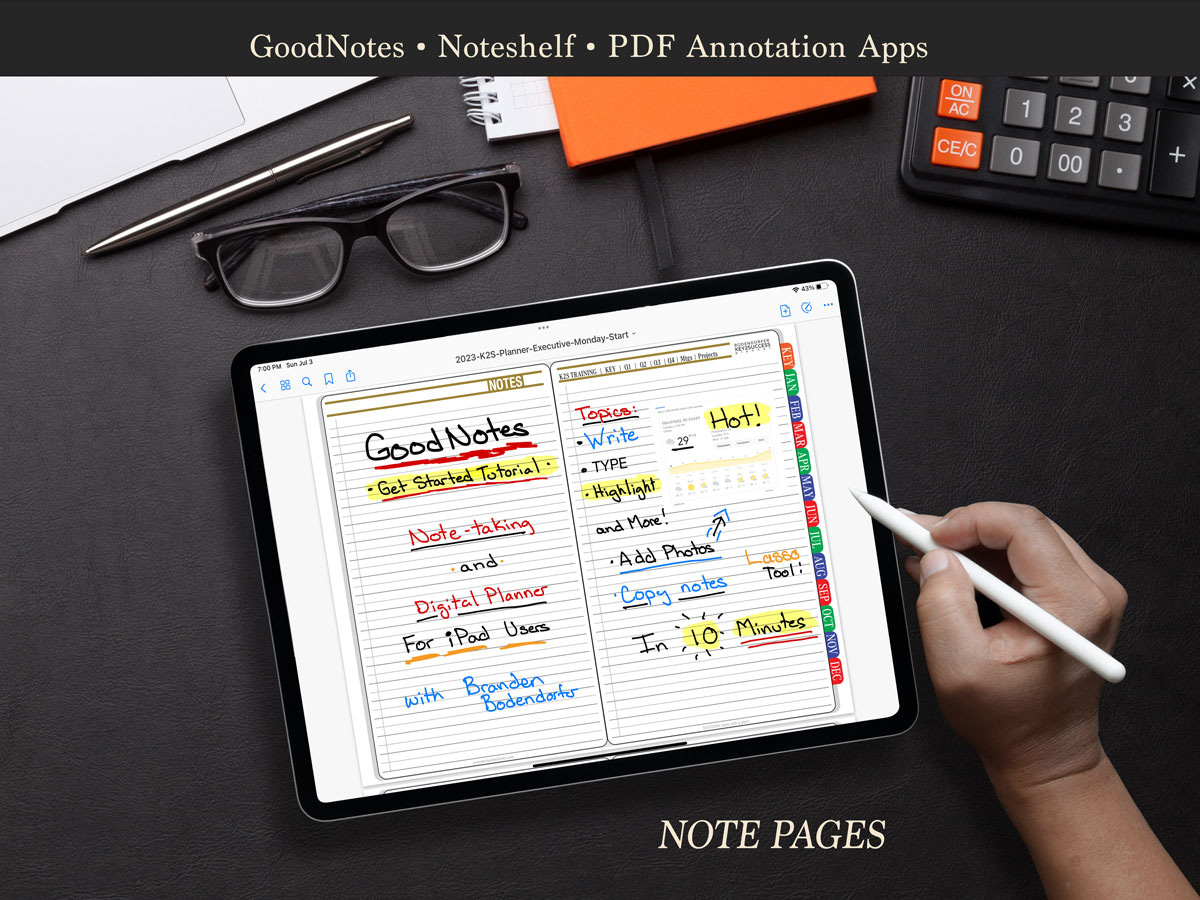
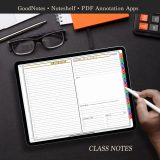
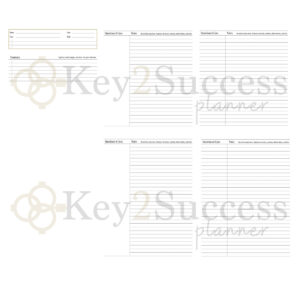
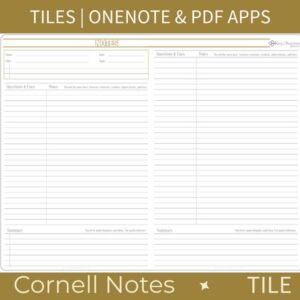
- Class Notes
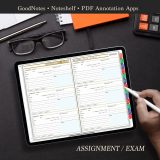
- Assignments/Exam planning pages
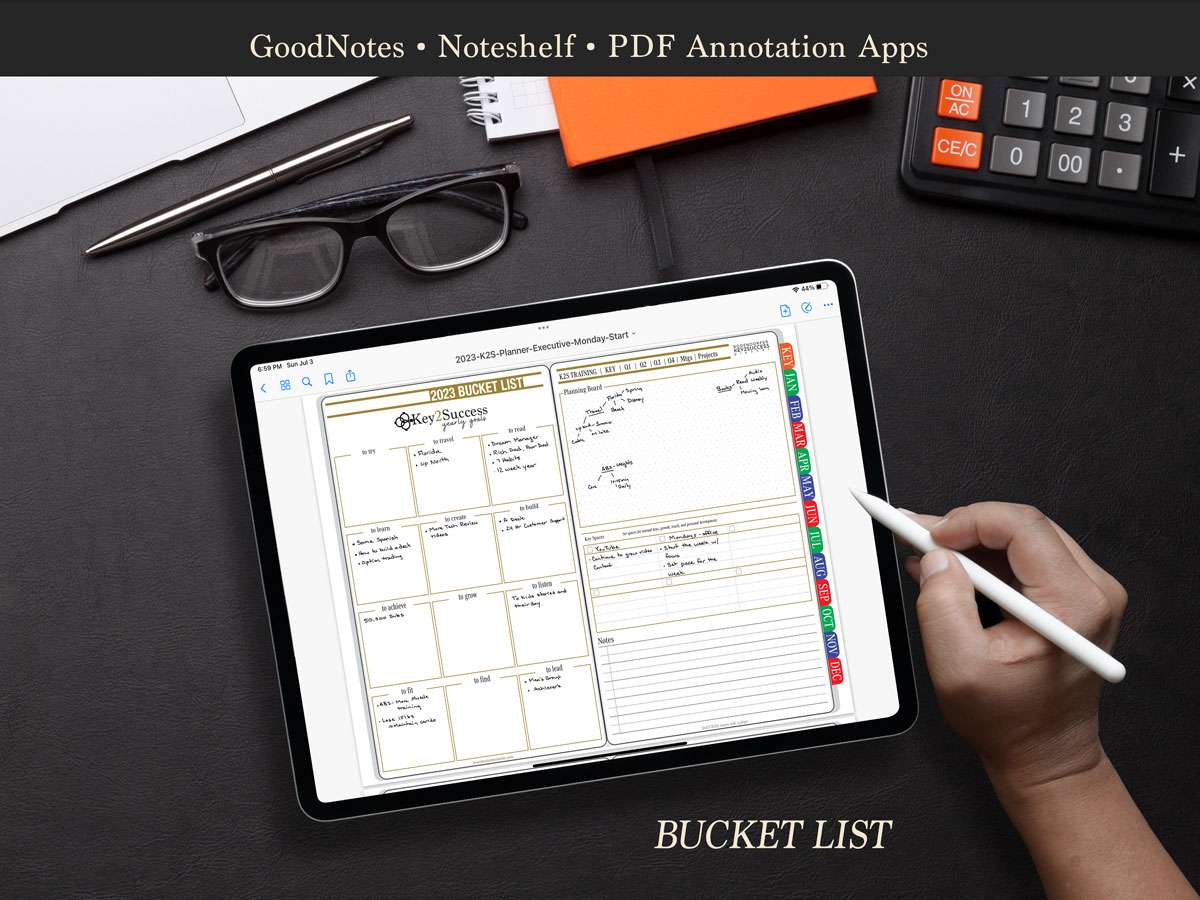
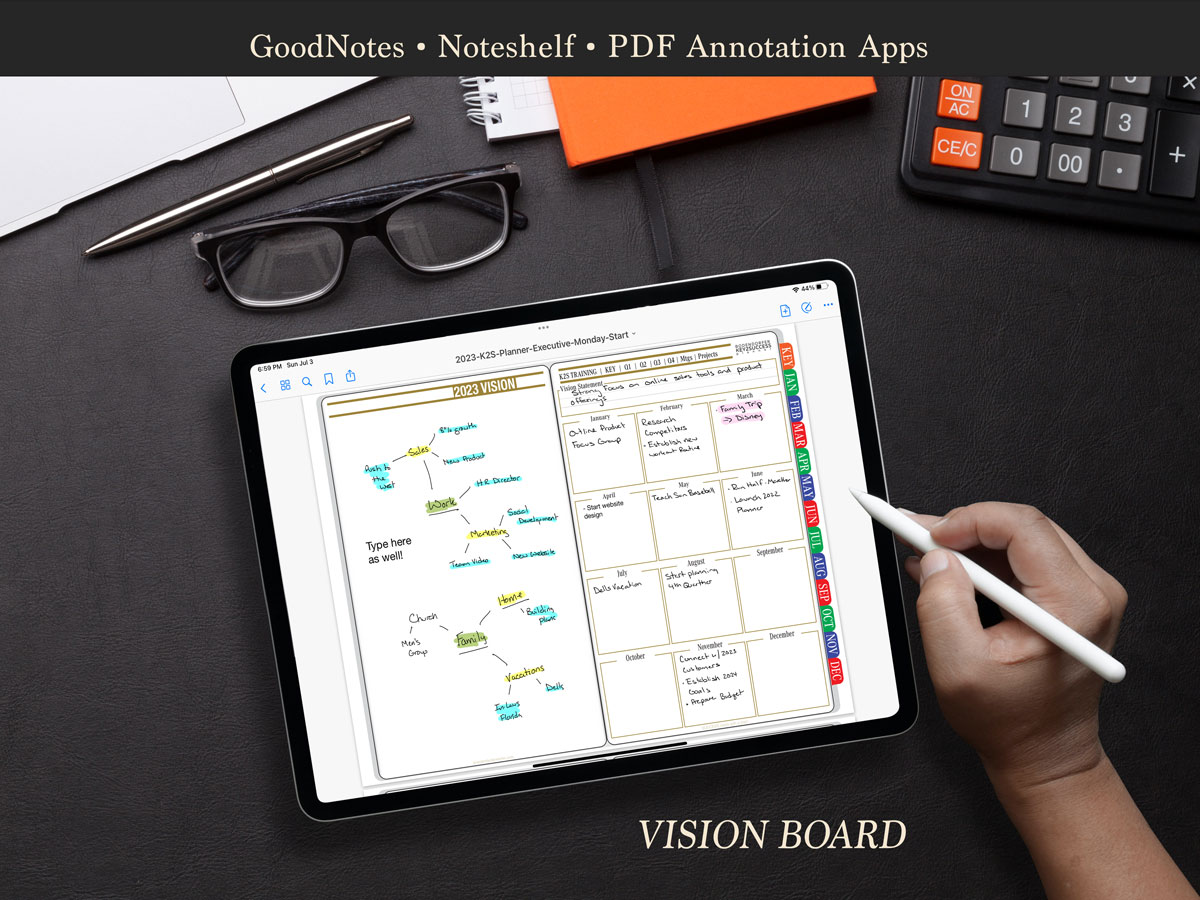
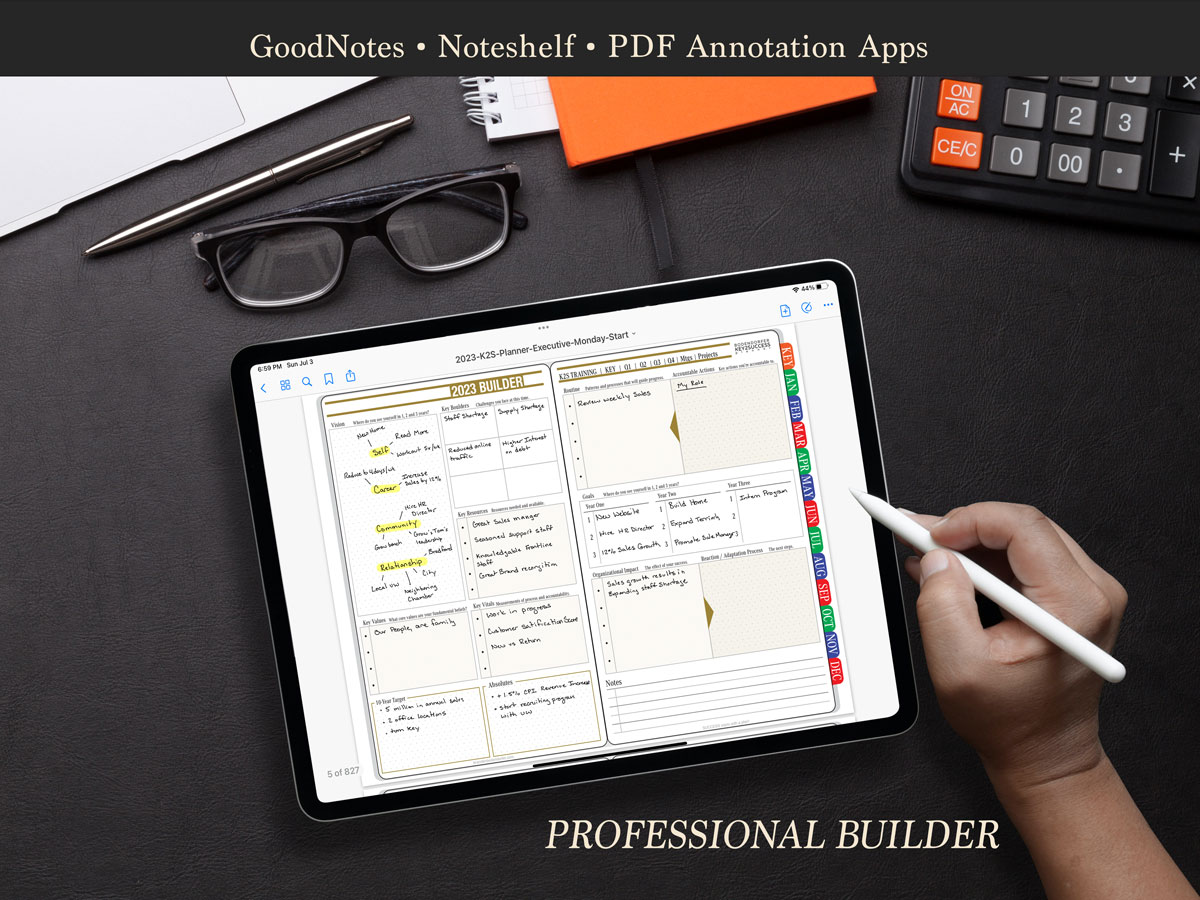
- Vision Board
- & much more!
2025 – 2026 Key2Success Academic OneNote Digital Planner
Academic
Vision Board
X
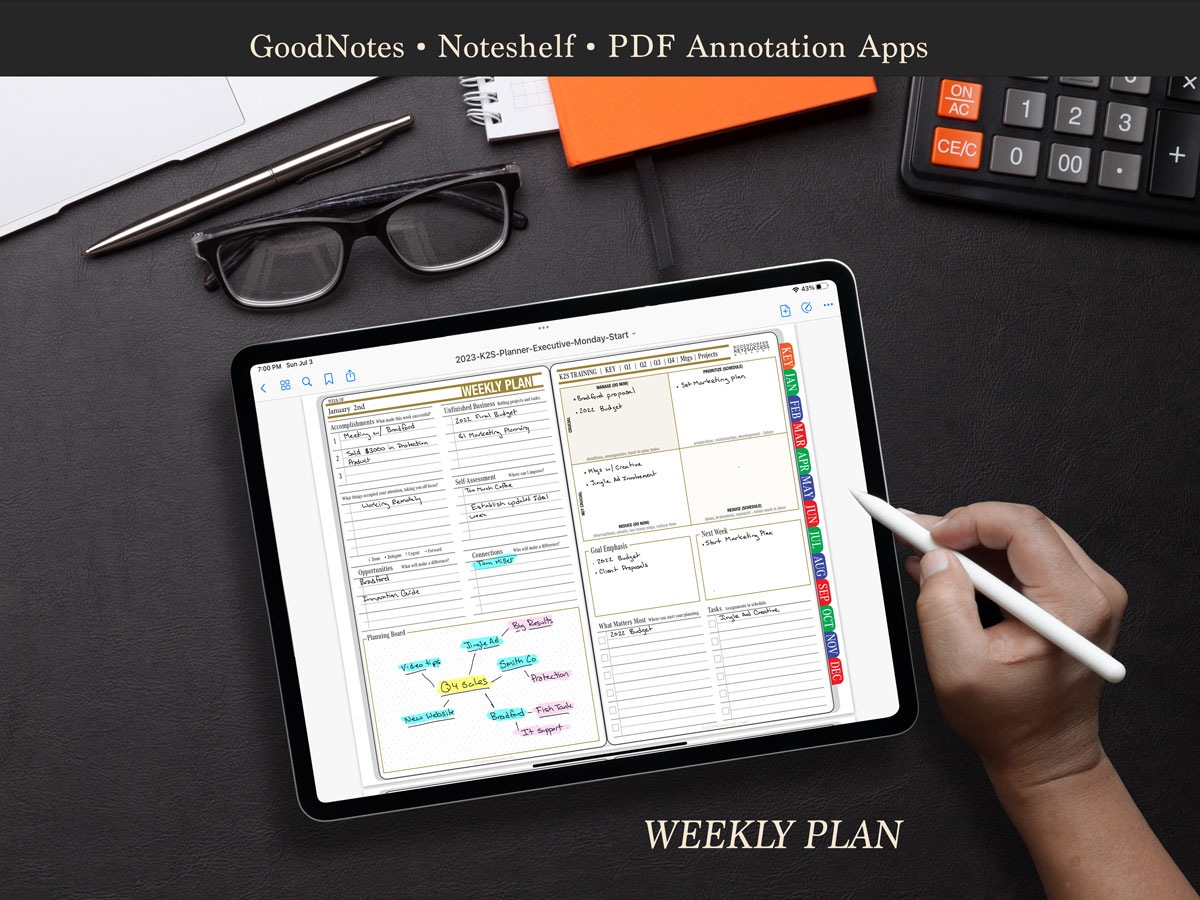
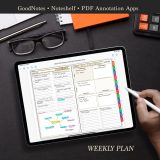
Weekly Pages
X
Weekly Review
X
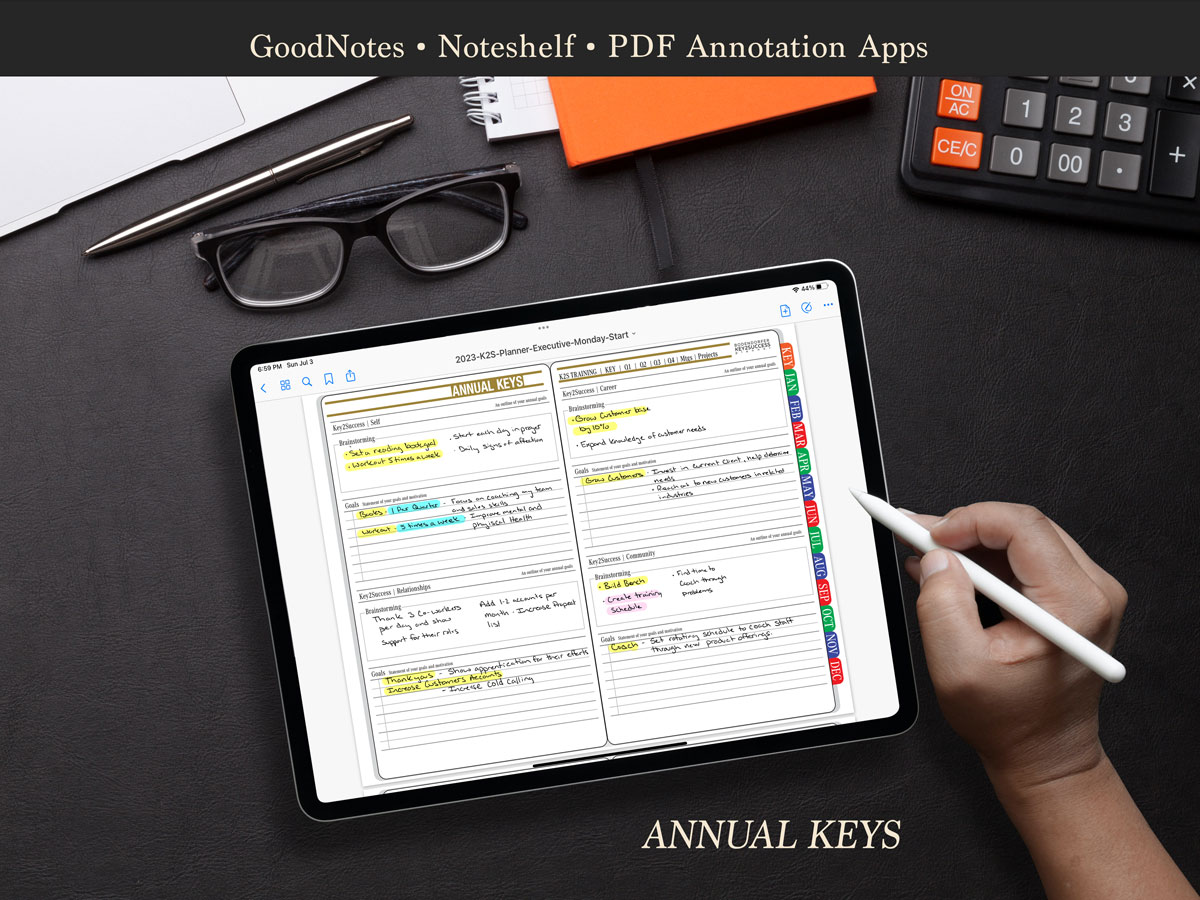
Goal Planning
X
Notes/Journal Pages
X
Ideal Week
X
Course Schedule
X
Class Assignments/Exams
X
Class Notes
X
Assignment/Exam
X
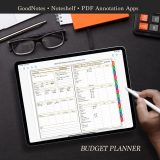
Budget Planner
X
Habit Tracker
X
3 to 5 Year Educational Builder
X
Installation Support
Description
2025-2026 Digital Academic Planner for Samsung Notes
Who Can Benefit from the 2025–2026 Academic Digital Planner for Samsung Notes?
The Key2Success Academic Planner for Samsung Notes is designed for students seeking a professional digital planner. If you want a system to help organize your class notes, assignments, schedules, and exams, this is a tool that can help you do all this and more.
Key Pages in This Edition Include:
- Weekly Pages
- Monthly Pages
- Class Notes
- Class Schedule
- Project/Exam Pages
Compatible Devices
This planner can be used on Samsung Notes or any PDF annotation app.
How Does the Application Work?
Samsung Notes is available for free download on Android devices via the Google Play Store.
Watch our video on Samsung Notes here: How to Use Samsung Notes for Note Taking and Planning.
How to Install the Planner
To install the planner, check out our installation guides:
Support and Training
If you want to get the most out of your digital planning experience, our team can help. We offer one-on-one training available in our store.
For team training, contact us at [email protected].
How Do I Sync With My Calendar?
We’re often asked: “Is there a digital planner that syncs with my calendar?” The short answer is No.
But that’s actually a good thing. Digital planning is about intentionality — not just automation.
Read more on why this approach matters: The Difference Between a Primary and Secondary Calendar.
Want to Try Digital Planning?
Try our free Sample Pack to get a feel for digital planning. Note: the academic planner is not included in the sample,
but it offers a great introduction to what our system provides for Samsung Notes users.
Explore Other Key2Success Planner Editions
Alongside the academic planner, the Key2Success System offers full planners for all aspects of life.
- Key2Success Personal
- Key2Success Personal Pro
- Key2Success Business
- Key2Success Business Executive
Learn more about the full 2025 editions here:
Key2Success Digital Planners
12-Month Academic Digital Planner for Samsung Notes and PDF Apps
The Key2Success Academic Digital Planner is a professional planning system that focuses on goal achievement,
while providing weekly and monthly planning tools to help you thrive throughout the 2025–2026 academic year (August 2025 through July 2026).
This planner is designed as a downloadable PDF that works with any annotation app — including Samsung Notes —
on Apple, Windows, and Android devices. It includes everything from vision planning to assignment tracking.
Pages Include:
- Class Schedule
- Professor Information
- Class Notes
- Assignment/Exam Planning Pages
- Vision Board
- And Much More!
Related Products





Be the first to review “2025 – 2026 PDF Academic Digital Planner For Samsung Notes”
You must be logged in to post a review.