


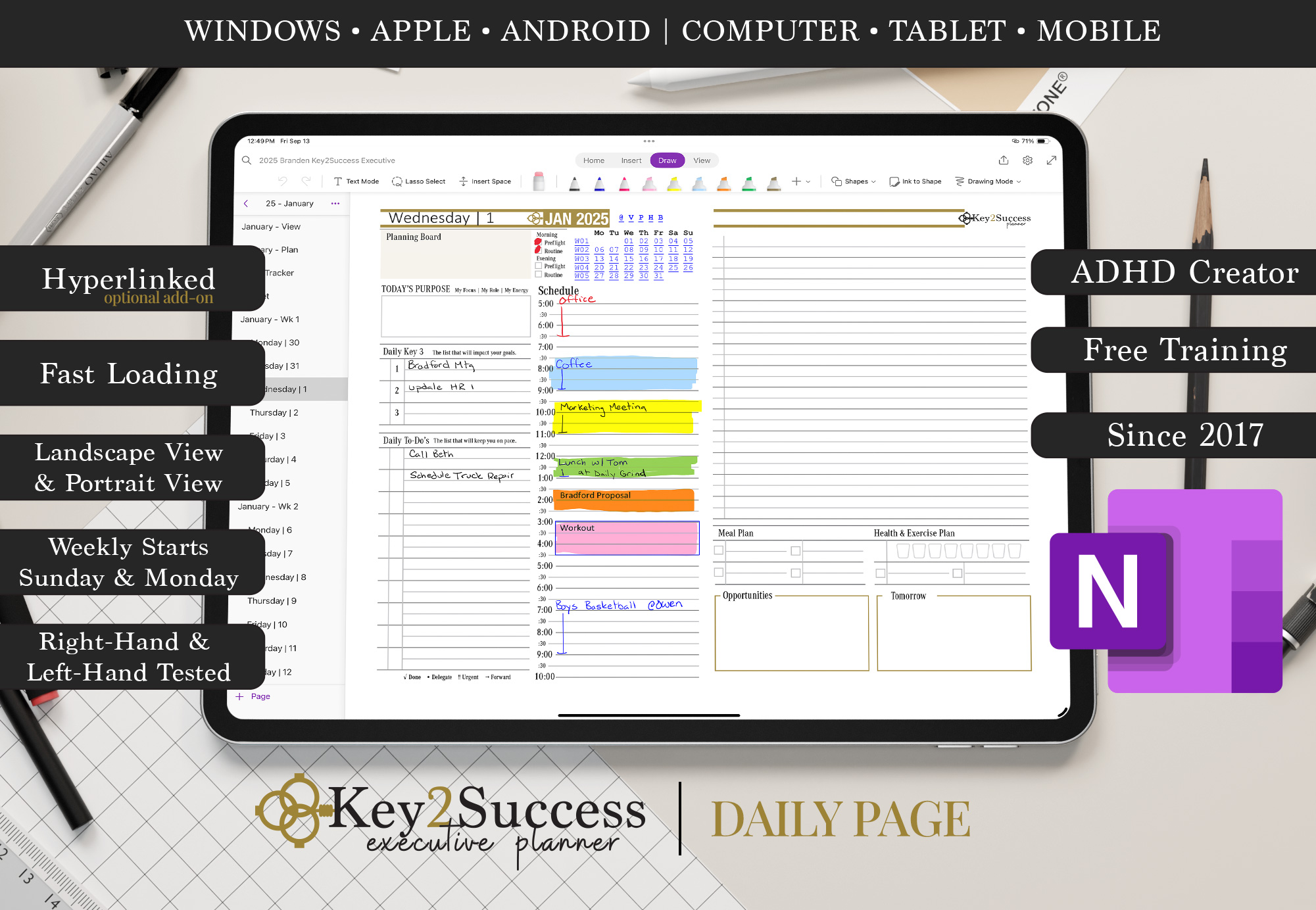
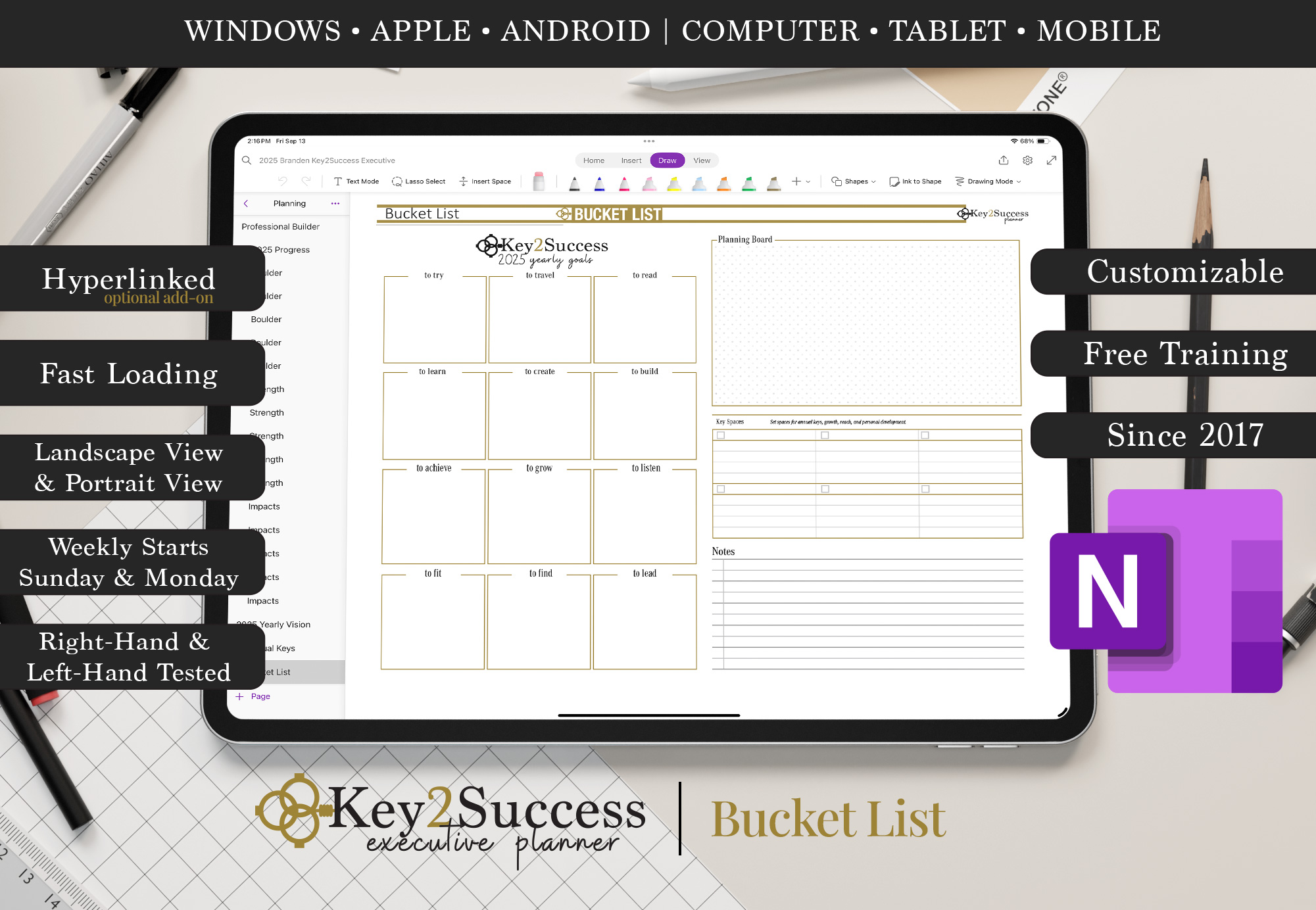

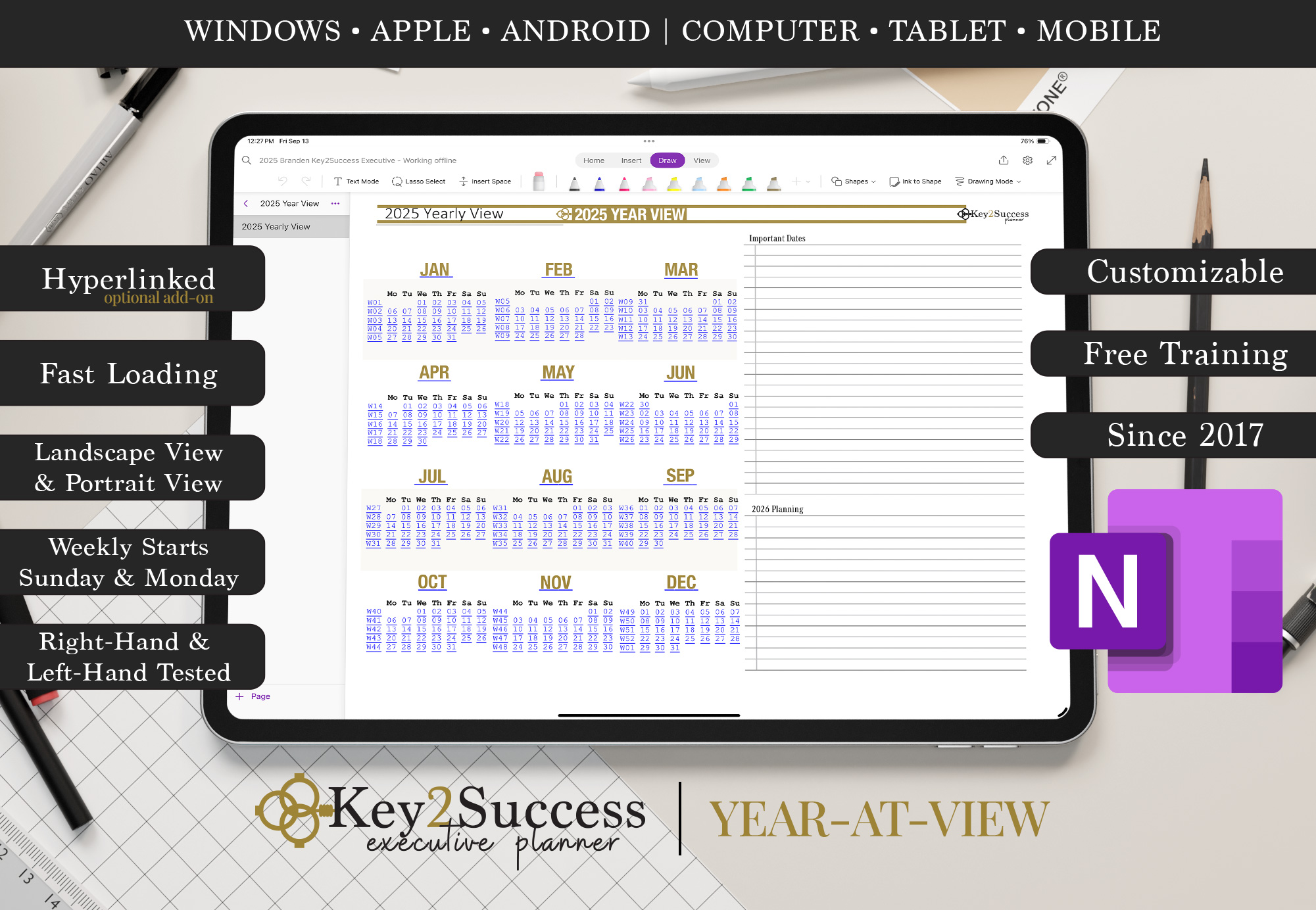

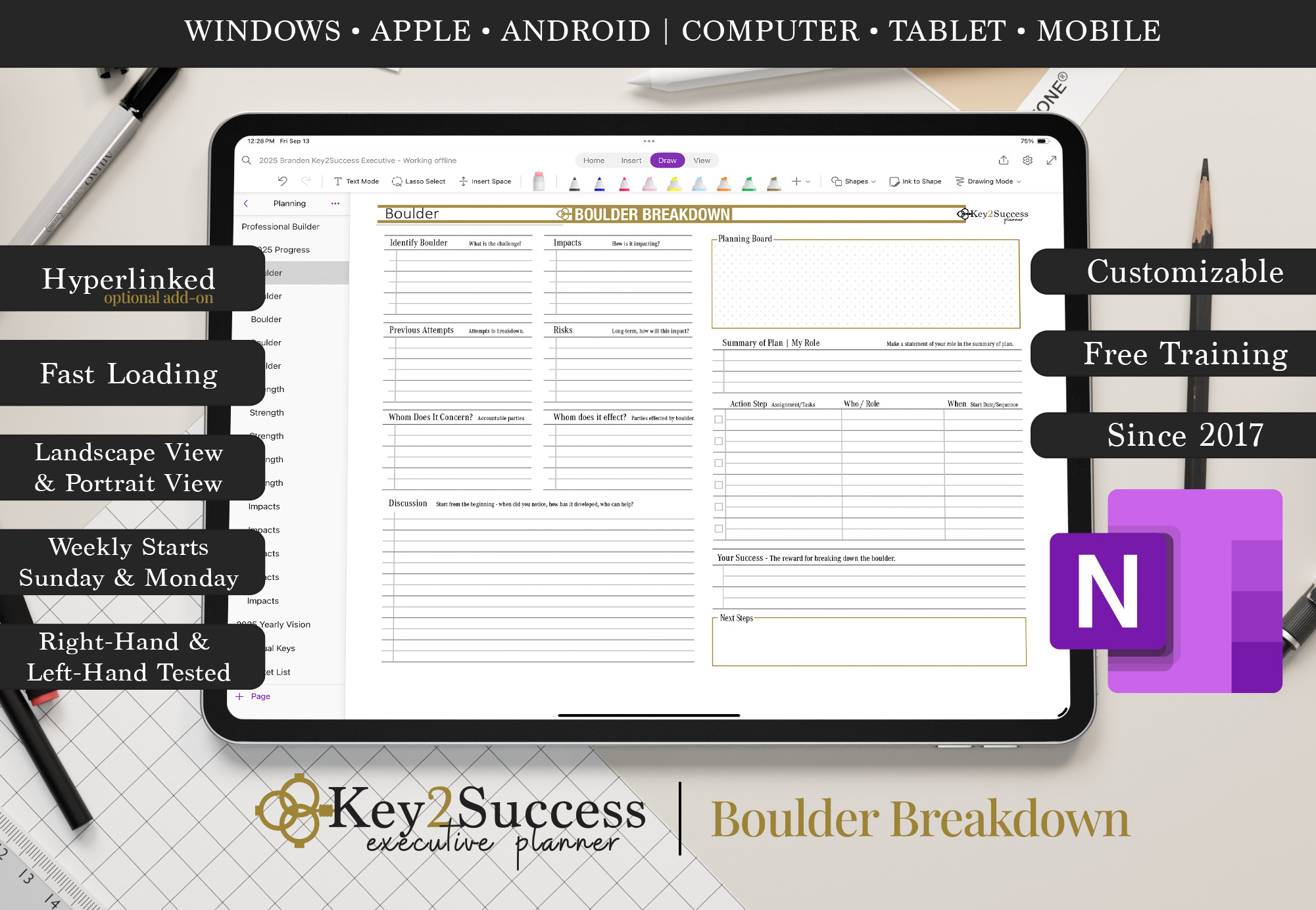

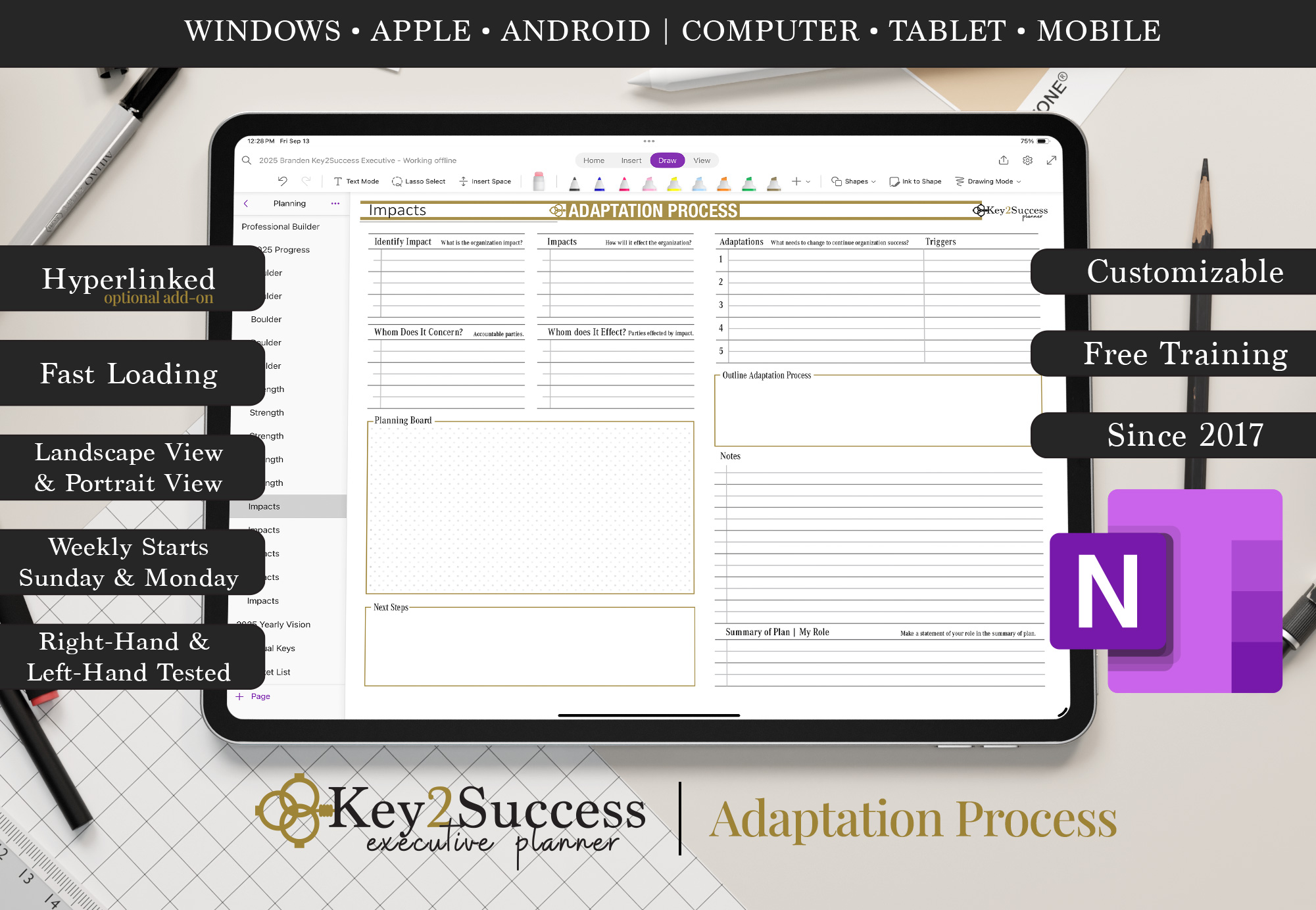

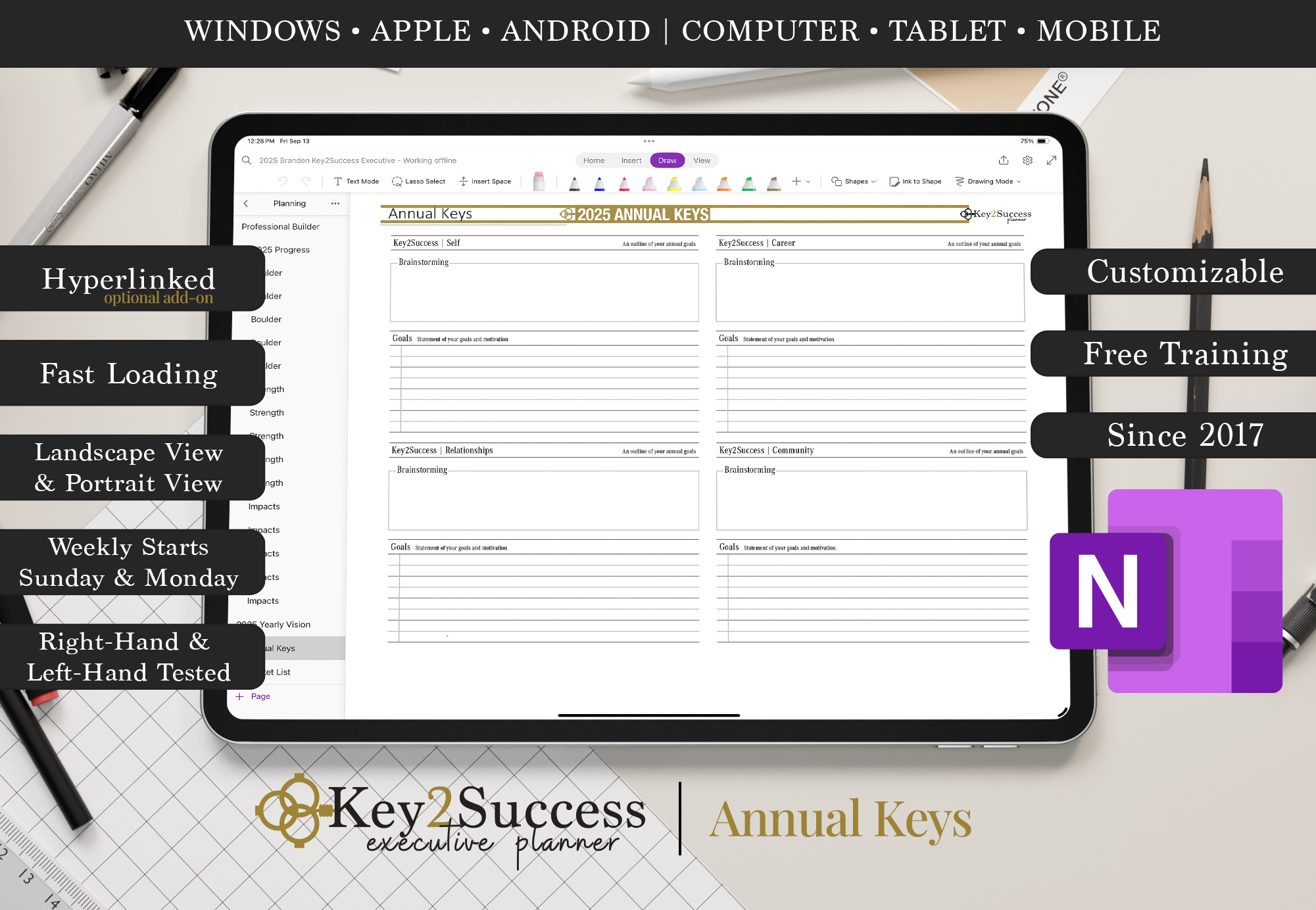

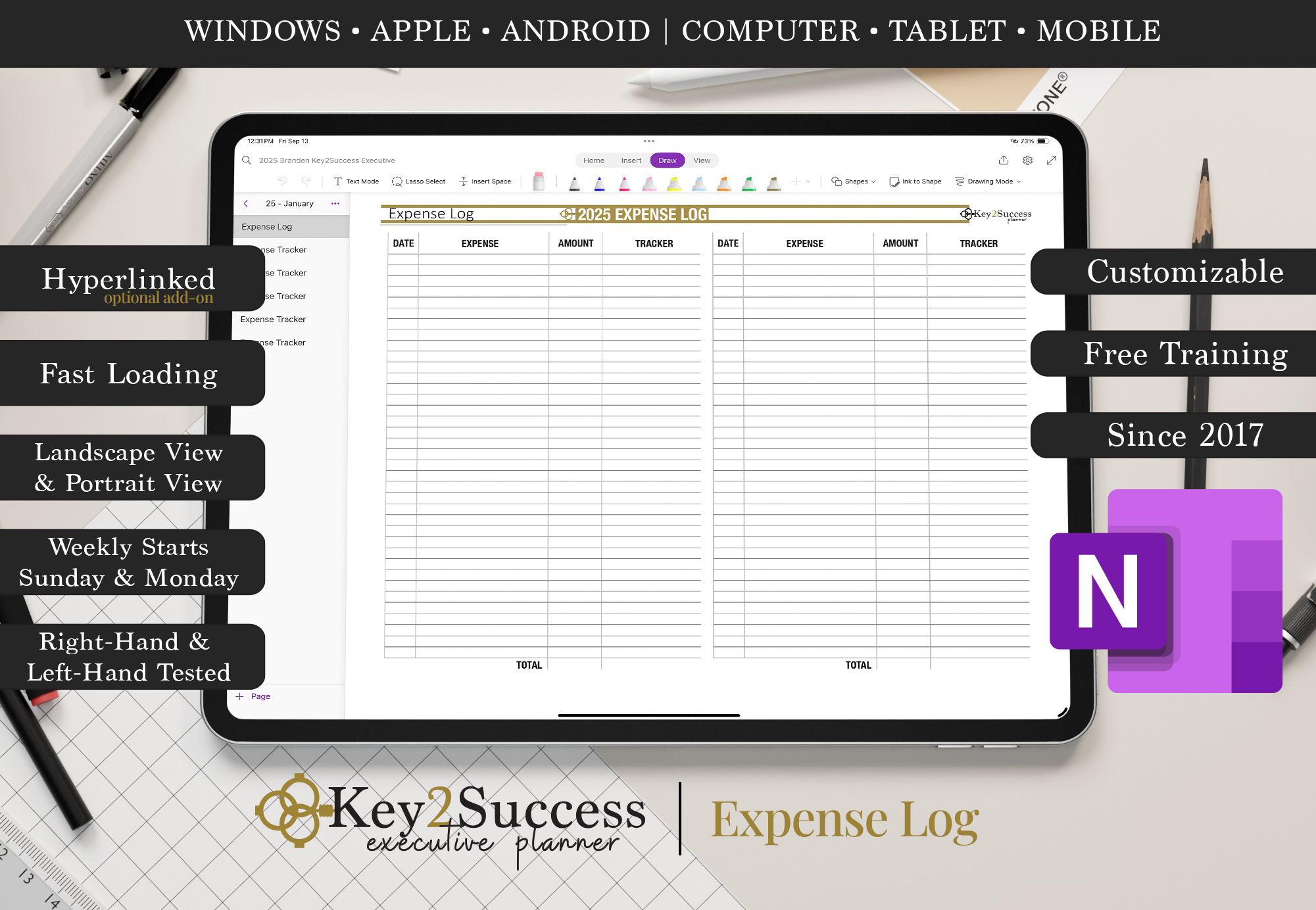

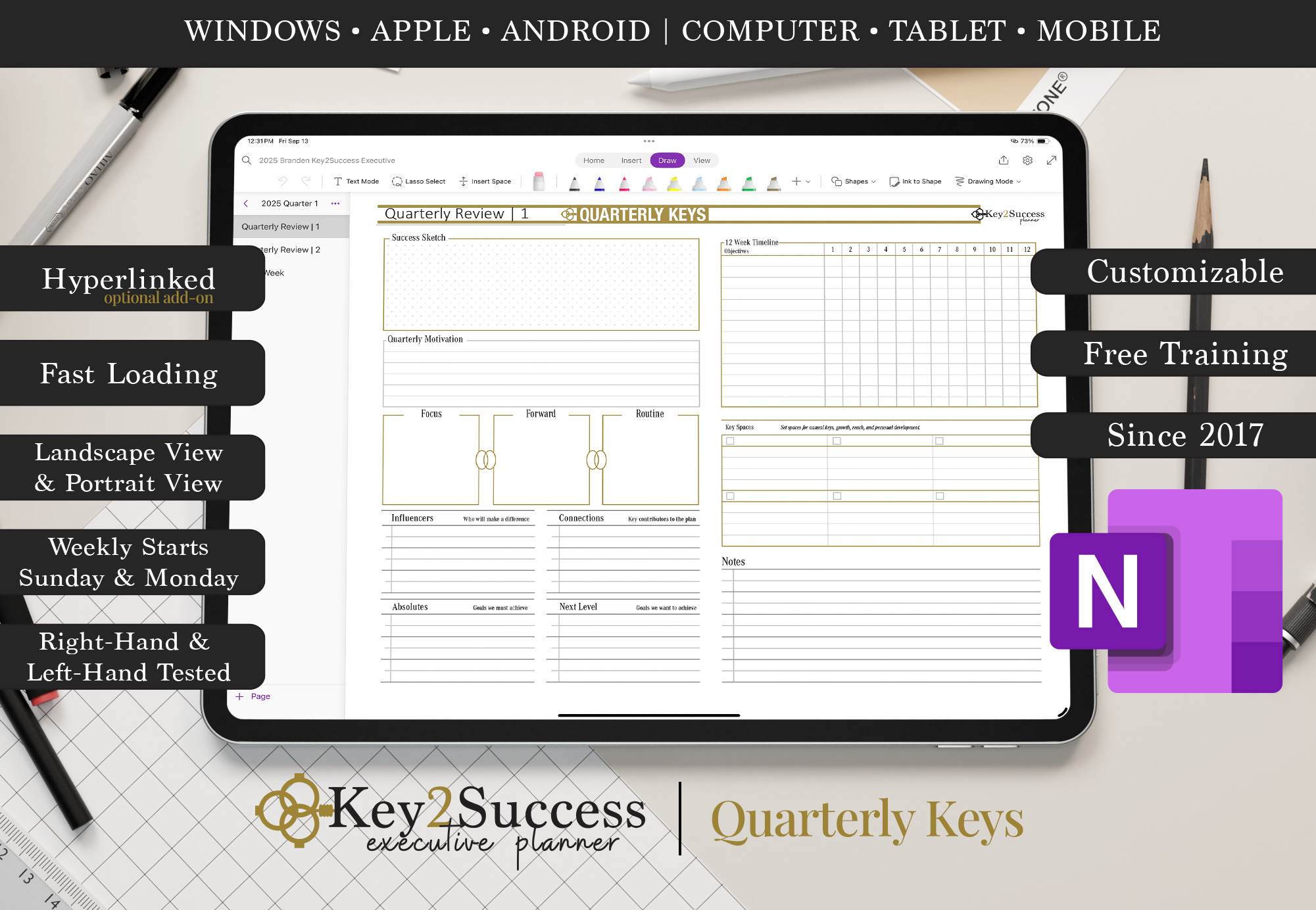
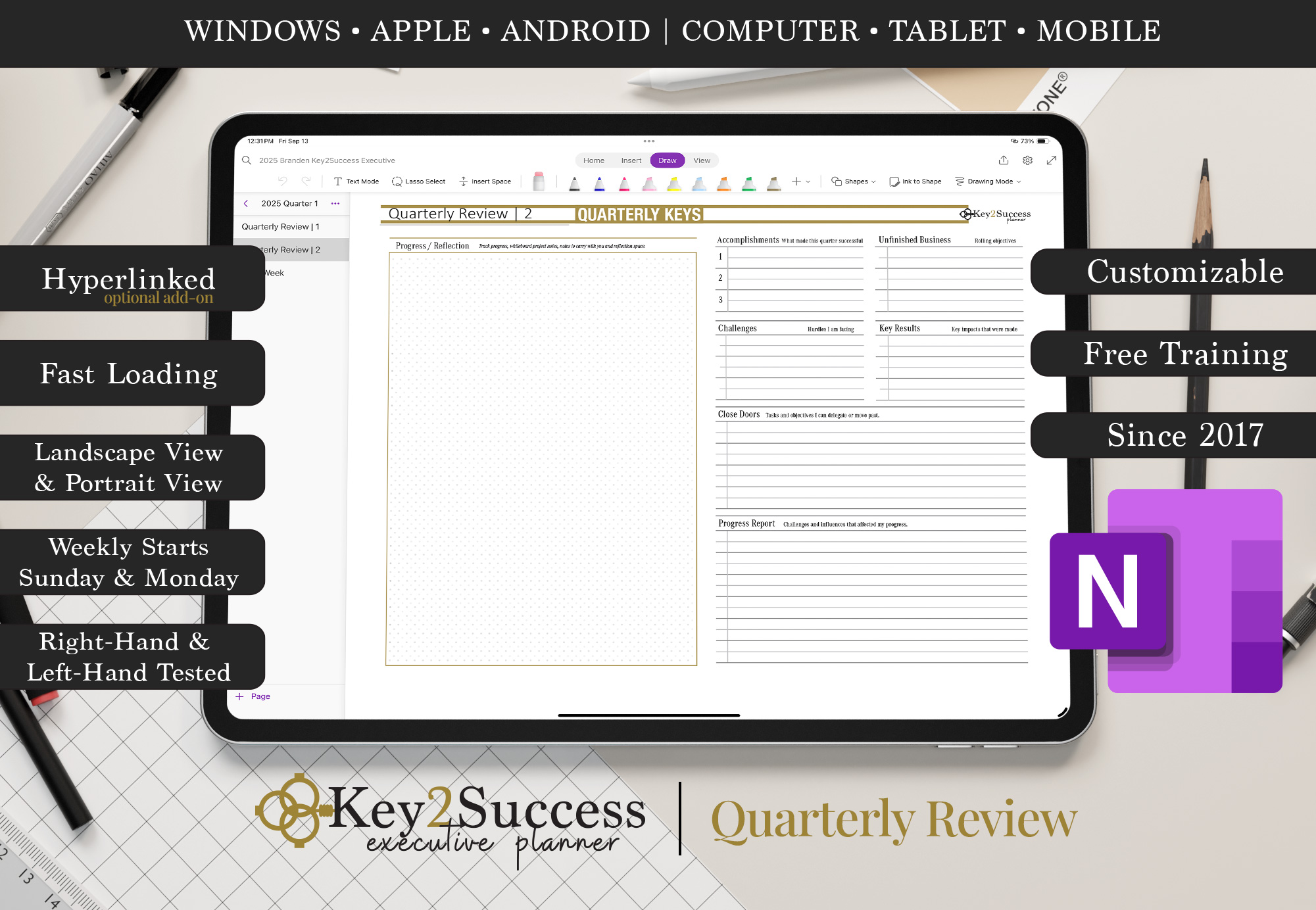
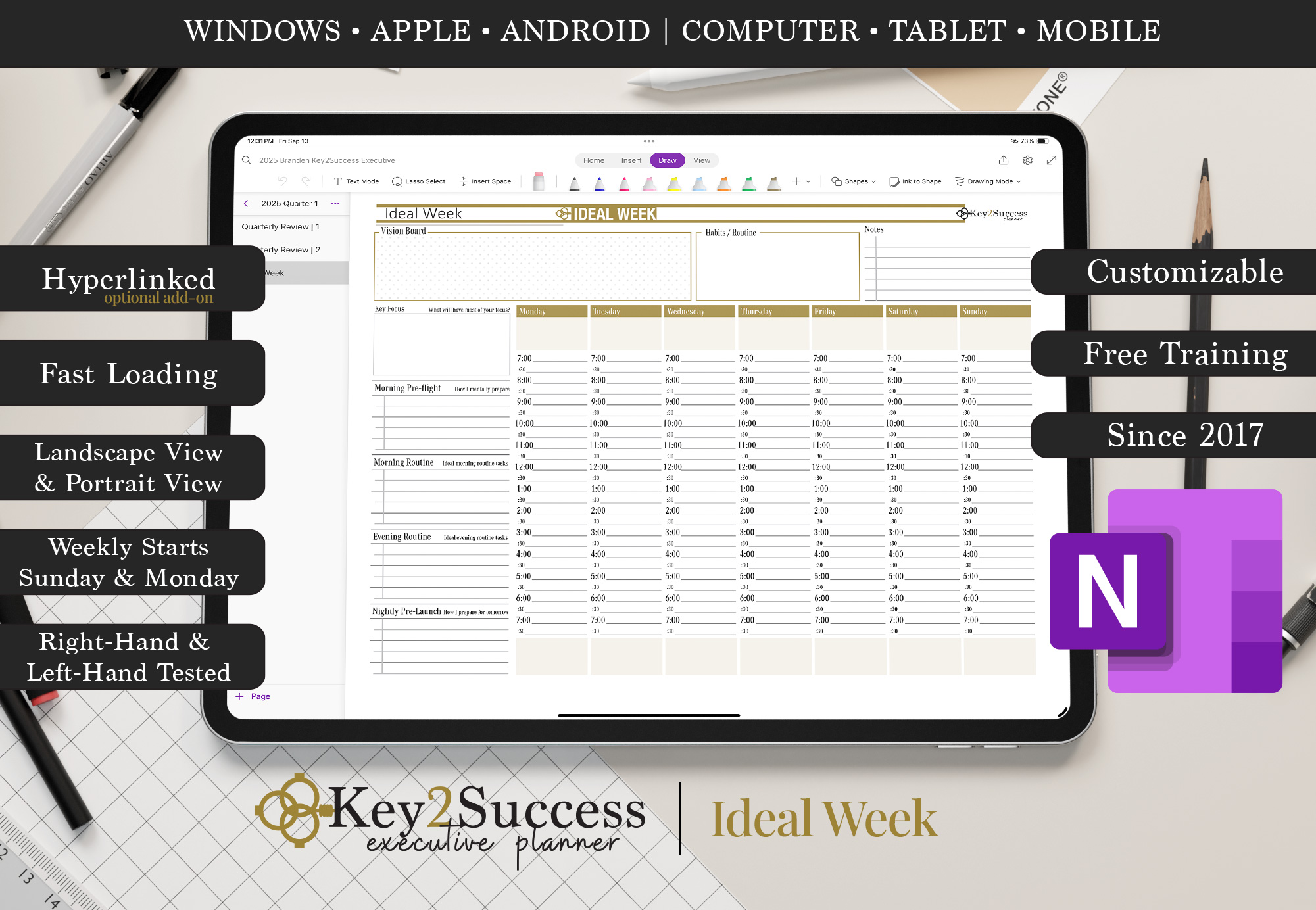


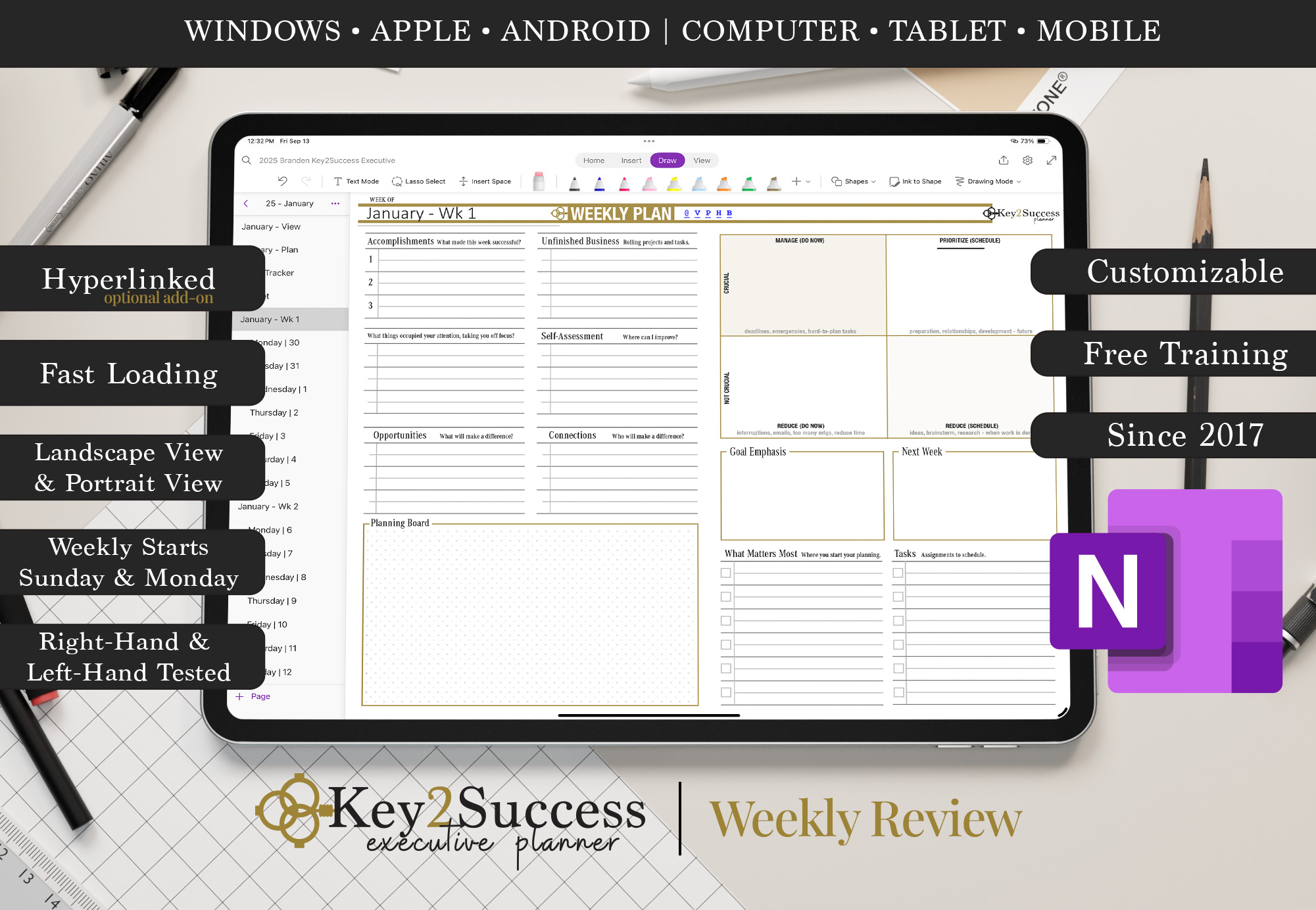
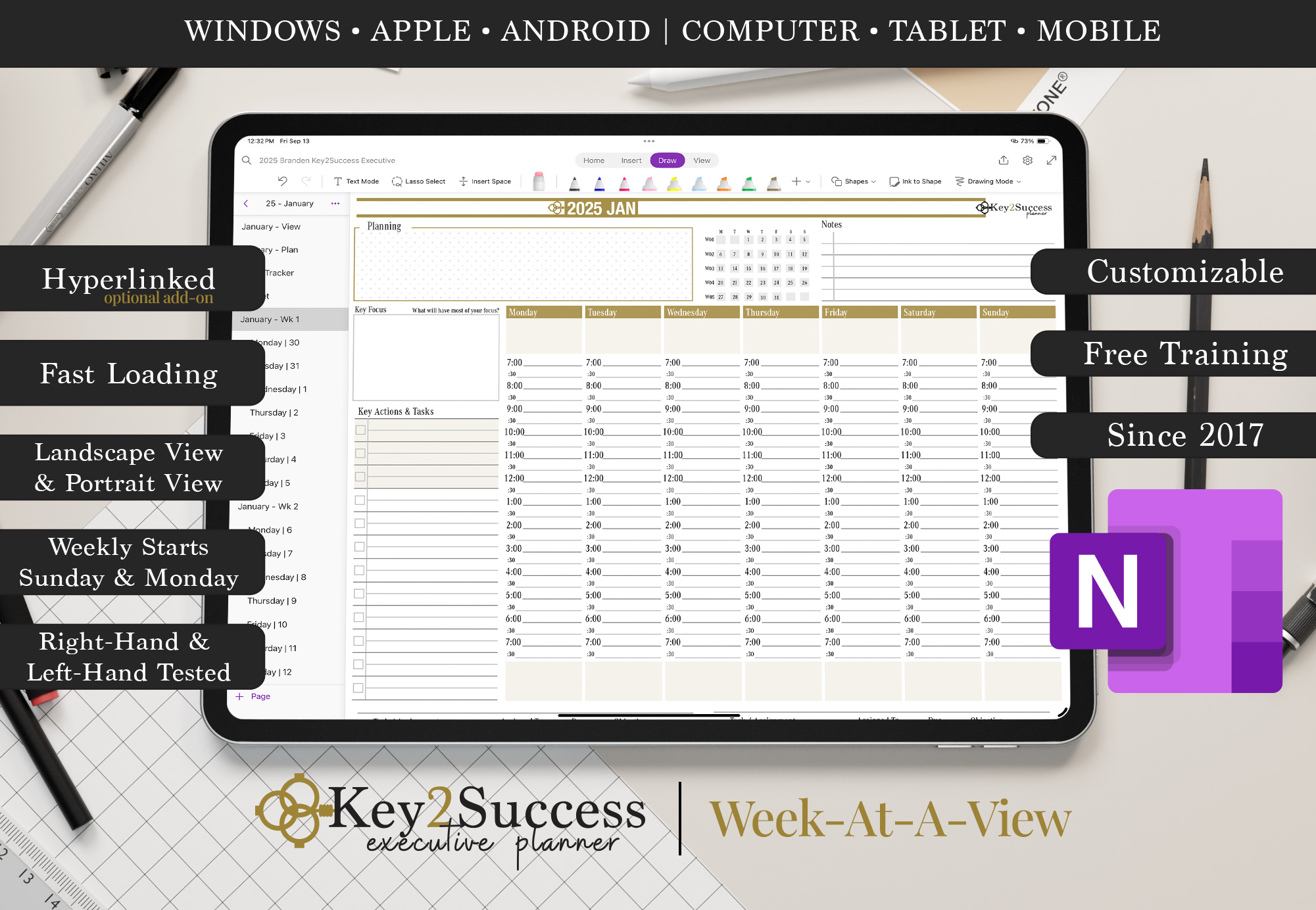
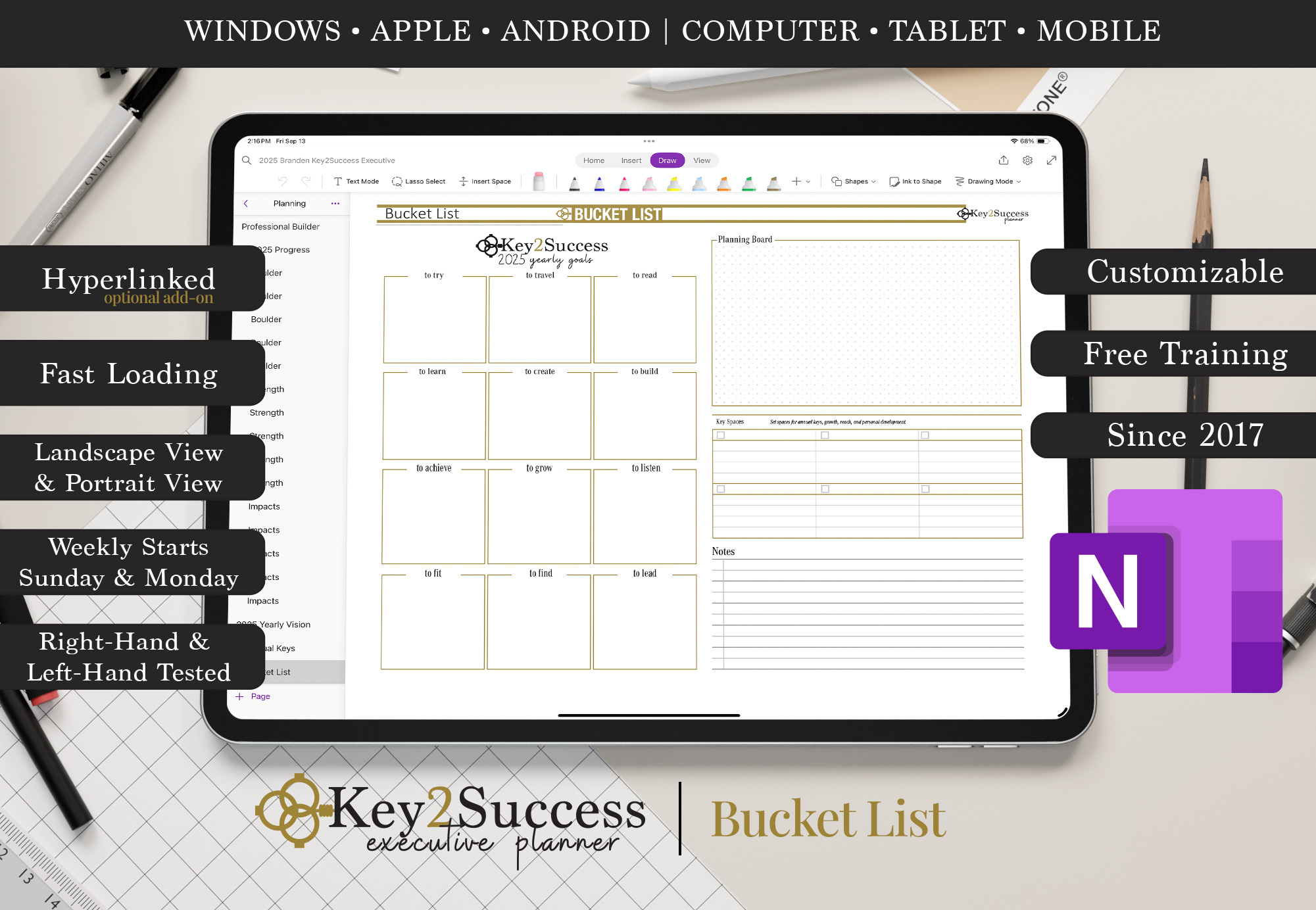
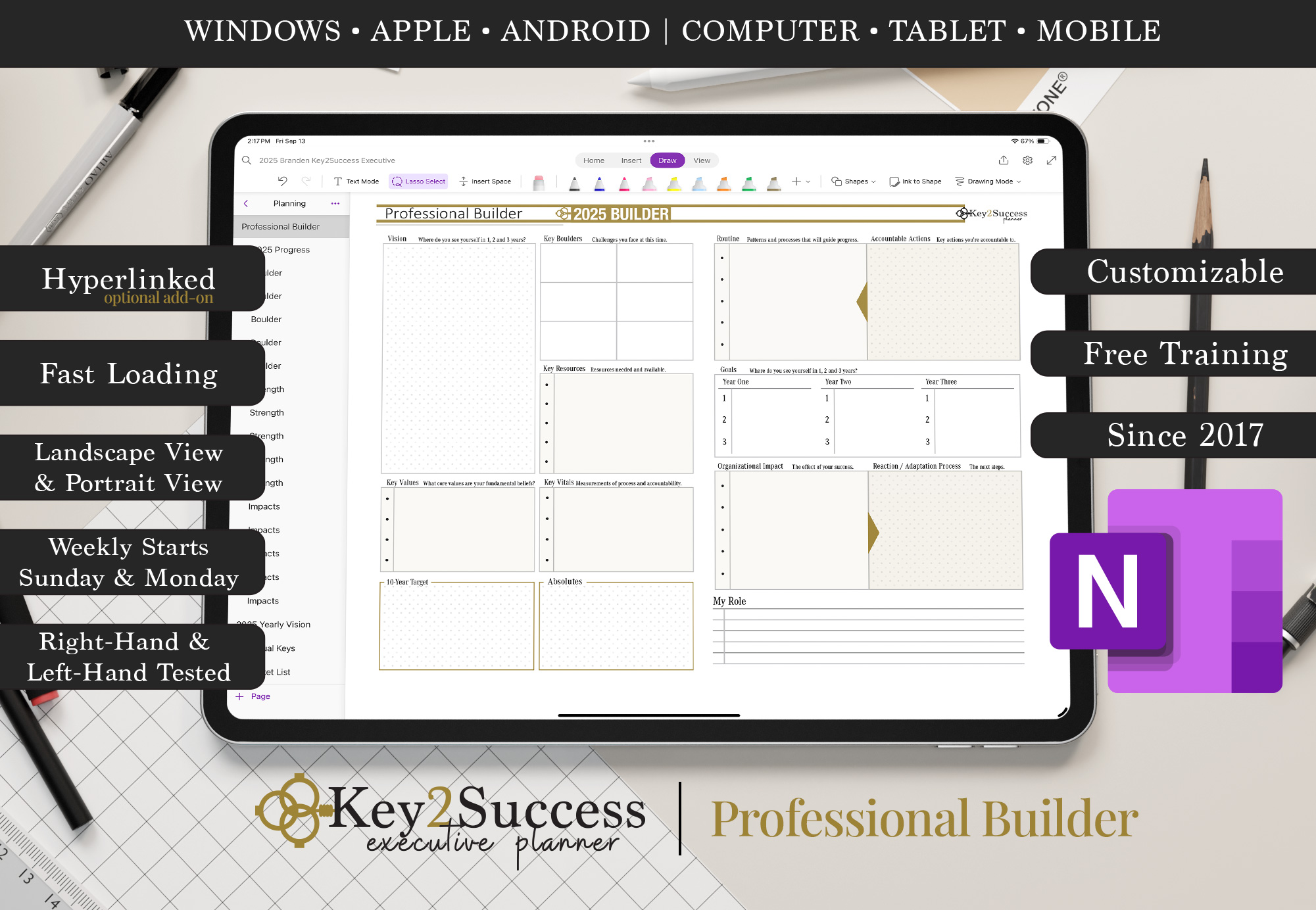

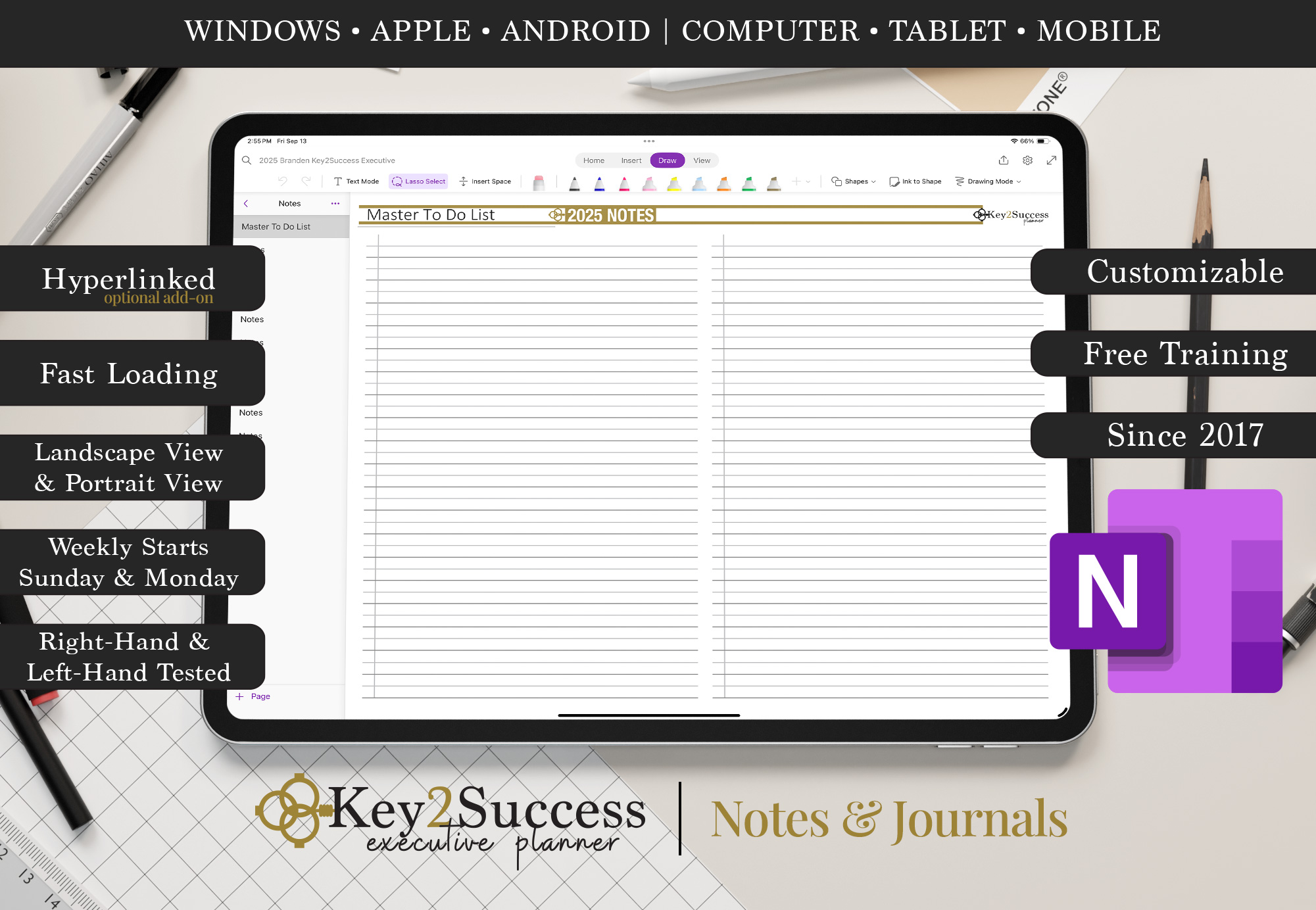
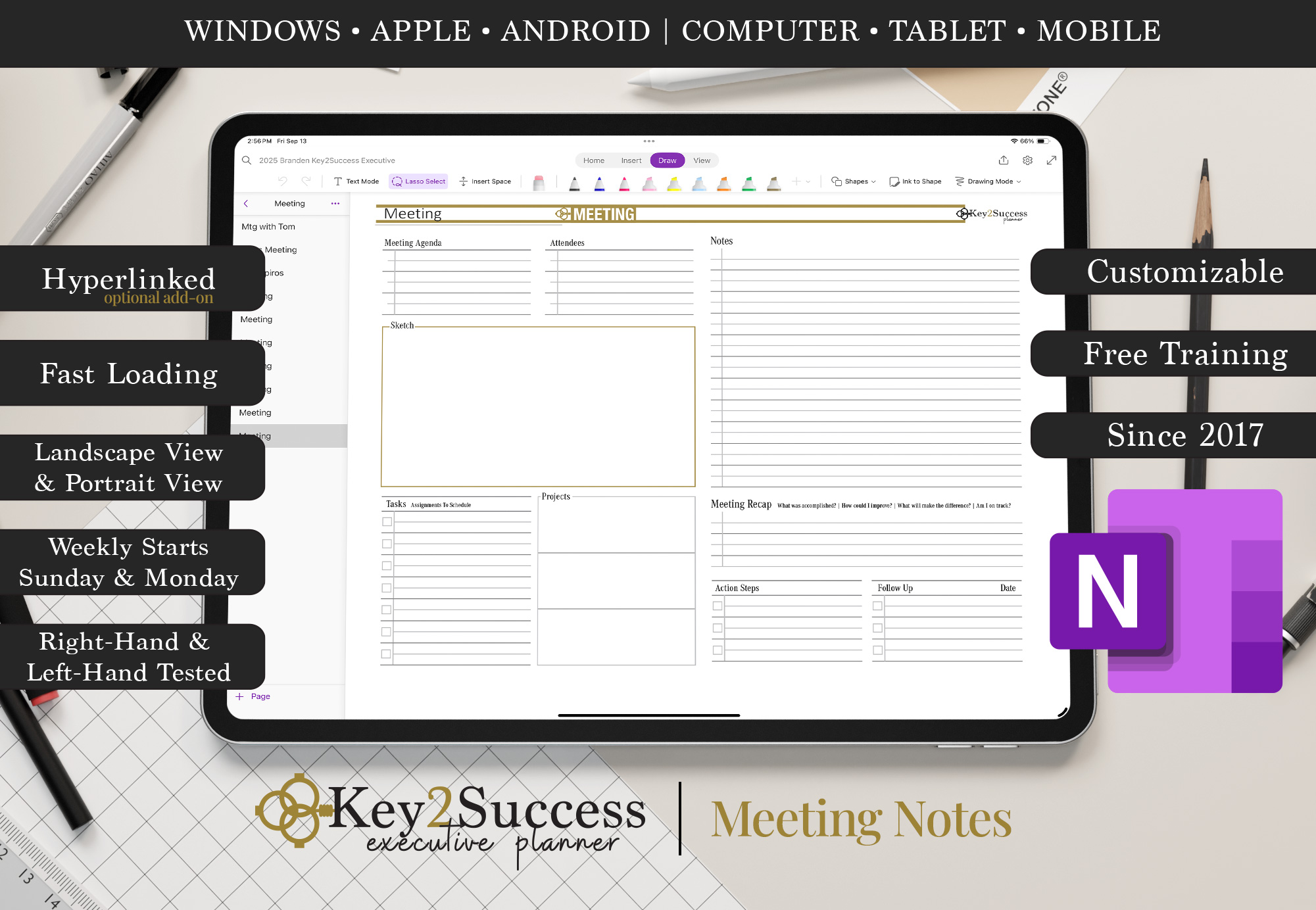

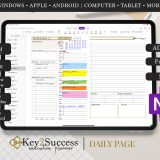
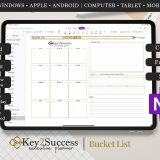

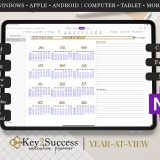
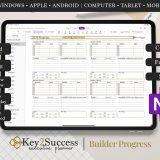


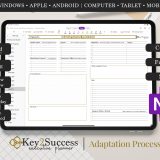
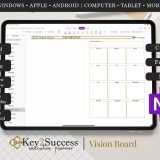
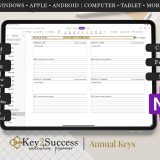
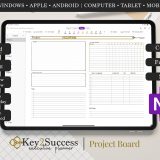
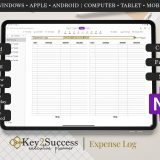


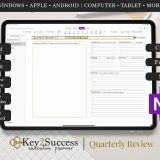
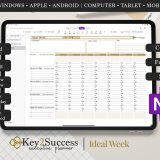
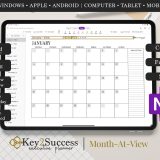


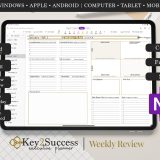
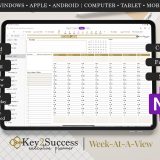
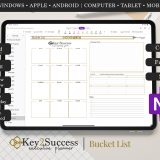

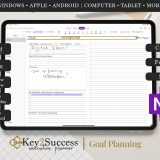

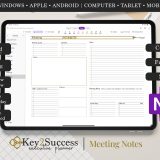
2025 OneNote HYPERLINKED Business Digital Planner
Original price was: $119.99.$84.99Current price is: $84.99.
Bundle and SAVE up to 80% on your 2025 planner with your 2026 order.
Available for Instant Download
Includes:
- 2025 – OneNote Hyperlinked Business Planner
- Monday and Sunday Week Start Dates
- Product Development Tools (See Description)
- Installation Instructions Included
(Click Here to View Instructions)
Description
What is the OneNote Application?
Microsoft OneNote is a digital note-taking app developed by Microsoft. It allows users to create and organize digital notebooks that can include text, images, audio, and other multimedia content. OneNote is designed to mimic the experience of writing in a traditional notebook, but it offers additional features and benefits associated with digital note-taking.
Key features of OneNote include:
- Notebooks: Users can create multiple notebooks, each containing multiple sections and pages. This hierarchical organization makes it easy to structure and categorize notes.
- Sections and Pages: Within each notebook, you can create different sections and pages to further organize your content.
- Rich Content Support: OneNote supports various types of content, including text, images, audio recordings, sketches, and more. This makes it a versatile tool for capturing and organizing information.
- Handwriting and Drawing: If you’re using a device with touch capabilities, such as a tablet or a touchscreen laptop, you can write or draw directly on the screen.
- Collaboration: OneNote is designed for collaboration. Users can share notebooks with others, and multiple people can work on the same notebook simultaneously. Edits and changes are synced in real-time.
- Integration with Microsoft Office: OneNote integrates with other Microsoft Office applications like Word, Excel, and PowerPoint. Users can easily insert content from these applications into their OneNote notebooks.
- Cloud Syncing: OneNote notebooks can be stored in the cloud using Microsoft’s OneDrive service. This allows users to access their notes from different devices and ensures that changes are synchronized across all devices.
- Tagging and Search: OneNote allows users to tag specific content, making it easy to categorize and find information later. The search functionality is powerful, allowing users to quickly locate specific notes or content within a notebook.
OneNote is available as a standalone application for Windows and macOS, and it is also included as part of the Microsoft Office suite. Additionally, there are mobile apps available for iOS and Android, making it easy to access and edit your notes on the go.
Reviews
Add a review
You must be logged in to post a review.
Related Products




love it! – very much different layout and useful pages included. the real deal