Best E-Ink Tablet for Digital Planning: reMarkable, Viwoods & Boox
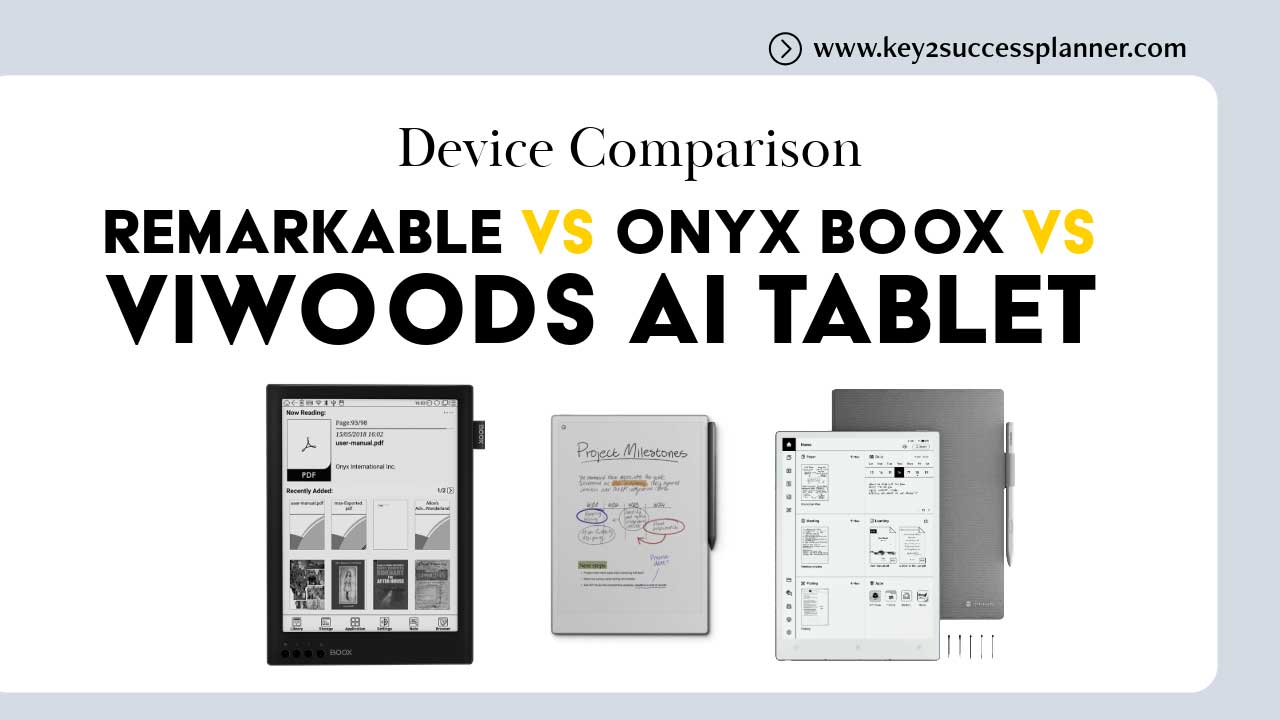
If you want a paper-like tablet for notes, PDFs, or distraction-free work, three brands dominate the premium E-Ink space: reMarkable, Viwoods, and Onyx Boox. All promise a “digital paper” experience, but they target very different users. This guide compares design, writing feel, software, features, and value so you can choose confidently.
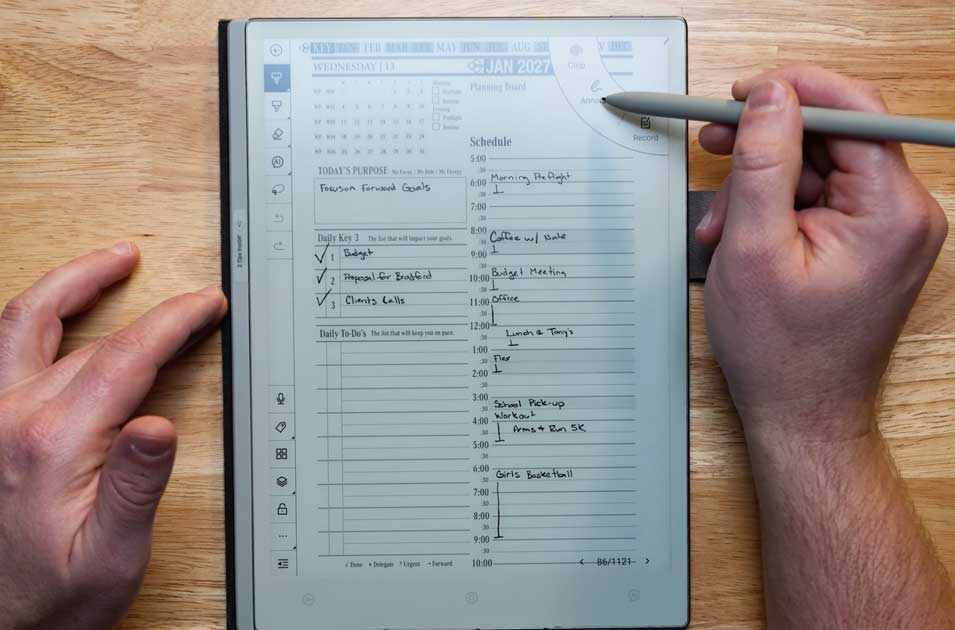
The Key2Success Digital Planner works on all of these devices.
Quick Verdict (TL;DR)
- Best for pure writing and focus: reMarkable
- Best all-around productivity tablet: Onyx Boox
- Best balance of premium writing + modern software: Viwoods
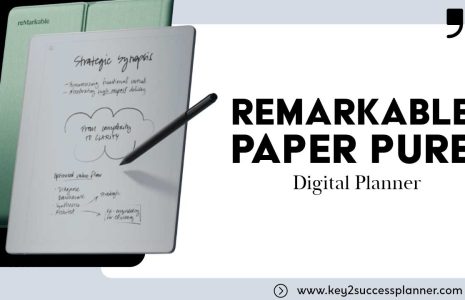
reMarkable: Minimalist Digital Paper
reMarkable devices are built to replace notebooks. No app store. No distractions. Just writing, sketching, and reading documents.
Pros
- Excellent paper-like writing feel
- Minimal interface that stays out of your way
- Thin, premium build quality
- Great for handwriting and PDF annotation
Cons
- Limited “tablet” features compared to competitors
- No Android apps or full web browsing
- Some cloud features may require a subscription
- No front light, so low-light use is tougher
Best for
- Students taking handwritten notes
- Writers who want a distraction-free device
- Professionals replacing paper notebooks
Onyx Boox: The Power User’s E-Ink Tablet
Boox devices are essentially Android tablets with E-Ink displays. You can install apps, read across multiple platforms, use email, and often multitask with split screen.

Pros
- Android-based with broad app support (varies by model)
- Great for heavy PDF workflows and research
- Split-screen multitasking on many devices
- Wide file compatibility and customization
- Front light on many models
Cons
- More complex interface and settings
- More distractions than minimalist competitors
- Battery life varies depending on apps and usage
Best for
- Researchers, academics, and PDF-heavy users
- People who want one E-Ink device for reading plus apps
- Users replacing an iPad for low-distraction work
Viwoods: Premium Writing Meets Modern Software
Viwoods aims to sit between reMarkable and Boox: a writing-first experience with modern software capabilities. It targets users who want smart features without the full complexity of a do-everything Android tablet.
Pros
- Premium hardware feel and responsive writing
- Modern software features for notes and organization
- Often more intuitive than “power user” platforms
- More capable than a strictly minimalist device
Cons
- Pricing is often in the high-end range
- Ecosystem and community may be smaller
- Battery and lighting features vary by model
Best for
- Professionals who write and organize notes daily
- Users who want modern features without overload
- People who want a premium middle ground
Writing Experience Comparison
- Best paper feel: reMarkable
- Premium smooth writing plus smart tools: Viwoods
- Great writing, but tuned for versatility: Onyx Boox
Software and Features Comparison
| Feature | reMarkable | Viwoods | Onyx Boox |
|---|---|---|---|
| Apps | None | Limited (model dependent) | Android apps (model dependent) |
| Distraction-free focus | Excellent | Very good | Fair (depends on installed apps) |
| Handwriting tools | Excellent | Very good | Very good |
| Multitasking | No | Some (model dependent) | Yes (many models) |
| PDF workflow | Great for annotation | Strong | Best overall for power users |
| Customization | Low | Medium | High |
Reading and PDF Performance
- Boox: best for deep PDF workflows, research tools, and flexibility.
- Viwoods: strong reader experience with productivity-forward features.
- reMarkable: excellent annotation, fewer advanced reading utilities.
Battery Life (General Expectations)
- reMarkable: typically strong endurance due to minimalist software.
- Boox: varies widely by model and app usage.
- Viwoods: usually solid, but depends on features and workload.
Which One Should You Buy?
Choose reMarkable if you want:
- The closest experience to paper
- Maximum focus with minimal distractions
- Simple tools for writing, sketching, and annotating
Choose Onyx Boox if you want:
- Apps, flexibility, and customization
- A powerful device for PDFs and reading platforms
- Multitasking and “tablet-like” features on E-Ink
Choose Viwoods if you want:
- Premium hardware plus modern note features
- A balanced experience between minimalist and power user
- Strong writing tools with smarter organization
FAQ
Is reMarkable better than Boox for note-taking?
If you want distraction-free handwriting that feels closest to paper, reMarkable often wins. If you want apps, split screen, and advanced workflows, Boox is stronger.
Is Viwoods more like reMarkable or Boox?
Viwoods is typically positioned as a middle option: more modern features than a minimalist device, less “everything tablet” than a full Android-first platform.
Which is best for PDFs?
Onyx Boox is usually best for heavy PDF workflows because of its power-user features and flexibility. The best choice still depends on the specific Boox model and your workflow.
Final Verdict
There is no single best E-Ink tablet for everyone. reMarkable is a digital notebook, Boox is an E-Ink productivity tablet, and Viwoods aims to blend premium writing with modern features. Choose based on whether you value focus, flexibility, or balance.
Best E Ink Tablet for Digital Planning: Comparing reMarkable, Viwoods, and Onyx Boox with the Key2Success Digital Planner
Choosing the right E Ink tablet for digital planning can significantly enhance your productivity and organization. With various options available, it’s essential to understand how each tablet performs with specific digital planners, particularly the Key2Success Digital Planner. This article will explore the compatibility of reMarkable, Viwoods, and Onyx Boox tablets with the Key2Success planner, focusing on their unique features and user experiences.
Many users struggle to find a device that seamlessly integrates with their planning needs, leading to frustration and inefficiency. By examining these tablets, we aim to provide clarity and guidance for making an informed decision. We will cover compatibility, note-taking capabilities, stylus options, and how “coaching services” can enhance your planning experience.
Which E Ink Tablet Offers the Best Compatibility with the Key2Success Digital Planner?
When it comes to digital planning, compatibility with the Key2Success Digital Planner is crucial. Each tablet offers distinct features that can enhance the user experience. The reMarkable, Viwoods, and Onyx Boox tablets each have unique strengths that cater to different planning styles and preferences. Understanding how these devices interact with the Key2Success planner can help users select the best option for their needs.
How Does the Key2Success Planner Perform on reMarkable Tablets?
The Key2Success Planner performs well on reMarkable tablets, particularly the reMarkable 2. Users appreciate the device’s responsive touchscreen and the natural feel of writing with the stylus. Customization options allow users to tailor their planning experience, making it user-friendly and efficient. Software updates have enhanced performance, helping ensure that the planner runs smoothly on this platform.
What Are the Planner Features Supported by Viwoods Tablets?
Viwoods tablets support the Key2Success Planner with a range of features designed to enhance productivity. Users can access various planner templates and tools that facilitate organization and goal tracking. Feedback from users highlights the intuitive interface and the ability to annotate directly on planner pages, which improves the planning experience. These features make Viwoods tablets a viable option for digital planning.
How Do reMarkable, Viwoods, and Onyx Boox Compare for Note Taking and Productivity?
When comparing reMarkable, Viwoods, and Onyx Boox tablets, it’s essential to consider their note-taking capabilities and overall productivity features. Each device has distinct characteristics that can impact how effectively users can take notes and manage their tasks.
| Device | Feature | Value |
|---|---|---|
| reMarkable 2 | Screen size | 10.3 inches |
| Viwoods tablet | Battery life | Up to 20 days |
| Onyx Boox Note Air | Stylus support | Yes, with pressure sensitivity |
This table illustrates key hardware differences that can affect digital planning. The reMarkable 2’s large screen size provides ample space for writing and drawing, while the Viwoods tablet’s battery life supports extended use, albeit typically up to around 20 days. Onyx Boox Note Air offers excellent stylus support, enhancing the note-taking experience.
What Are the Key Hardware Differences Affecting Digital Planning?
The hardware specifications of these tablets play a significant role in their effectiveness for digital planning. The reMarkable 2 features a high-resolution display that mimics the feel of paper, making it ideal for writing and sketching. In contrast, the Viwoods tablet boasts an extended battery life, allowing for prolonged use without frequent recharging. The Onyx Boox Note Air stands out with its stylus support, which provides a more natural writing experience. These differences can influence user satisfaction and productivity.
How Does User Experience Vary Across These E Ink Tablets?
User experience can vary significantly between the reMarkable, Viwoods, and Onyx Boox tablets. Many users report that the reMarkable 2 offers a superior writing feel, closely resembling traditional pen and paper. The Viwoods tablet is praised for its intuitive interface, making it easy for users to navigate their planners. Onyx Boox Note Air users appreciate the versatility of the device, which supports various applications and formats. Overall, the choice of tablet can impact how effectively users engage with their digital planners.
What Stylus and Accessory Options Enhance the Key2Success Planner Experience?
Selecting the right stylus and accessories can significantly enhance the experience of using the Key2Success Planner on E Ink tablets. Each tablet brand offers specific stylus options that cater to different user preferences and needs.
Which Stylus Types Are Compatible with Each Tablet Brand?
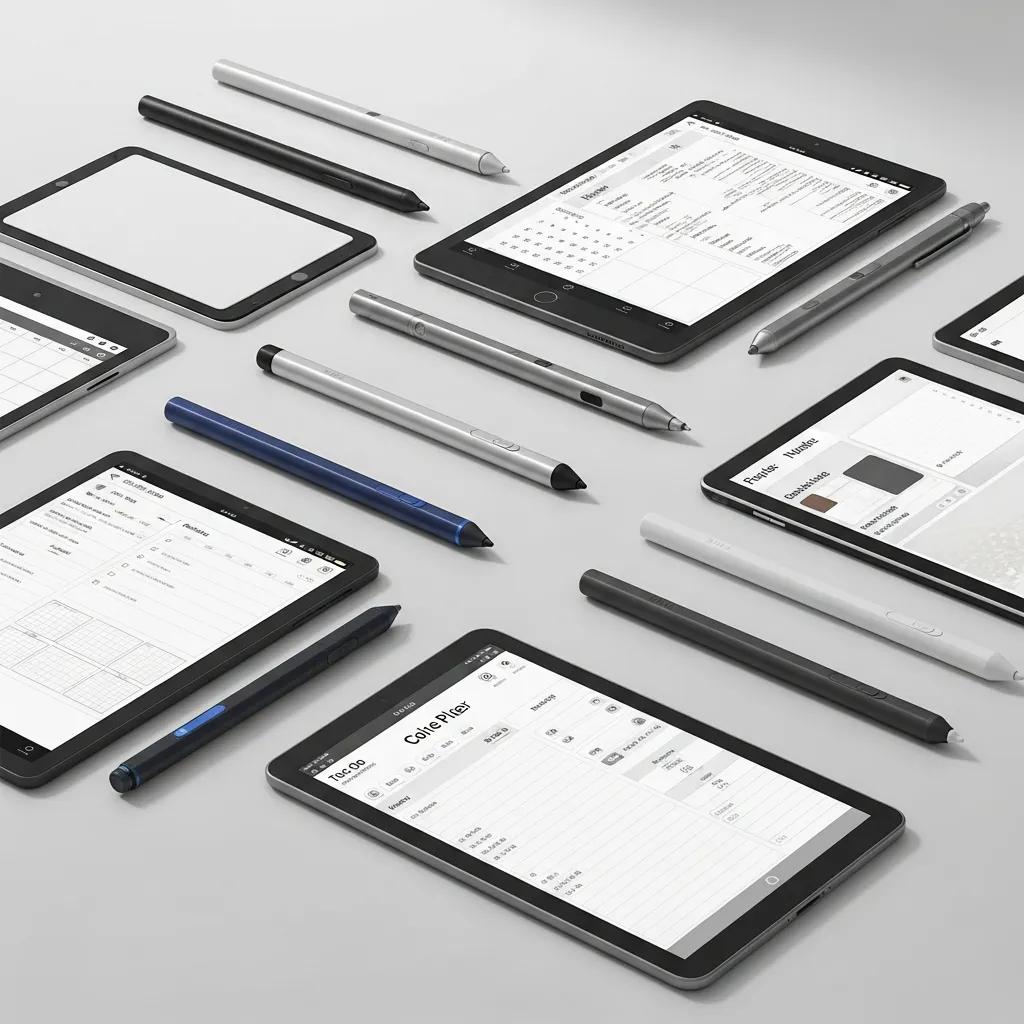
Each tablet brand has stylus options that enhance the planning experience:
- reMarkable 2: Compatible with the reMarkable Marker, which offers precision and a natural writing feel.
- Viwoods tablet: Supports various third-party styluses, providing flexibility for users.
- Onyx Boox Note Air: Works with the Boox Pen, known for its pressure sensitivity and responsiveness.
These stylus options allow users to choose the best fit for their writing style and preferences, enhancing their overall planning experience.
What Accessories Improve Productivity on E Ink Tablets?
In addition to styluses, several accessories can improve productivity when using E Ink tablets for digital planning:
- Screen Protectors: Protect the tablet’s display while maintaining touch sensitivity.
- Cases and Stands: Provide stability and protection, making it easier to use the tablet in various settings.
- Cloud Sync Services: Enable users to back up their planners and access them across multiple devices.
These accessories can significantly enhance the usability and longevity of E Ink tablets, making them more effective tools for digital planning.
How Can Coaching Services Complement Your Use of the Key2Success Planner on E Ink Tablets?
Integrating coaching services with the Key2Success Planner can provide additional support for users looking to maximize their productivity. Personalized coaching can help individuals set and achieve their goals more effectively.
What Coaching Strategies Enhance Digital Planning Success?
Effective coaching strategies can enhance the use of the Key2Success Planner. Personalized coaching sessions help users identify their goals, establish accountability, and provide feedback on their planning processes. This tailored approach ensures users remain focused and motivated in their planning efforts.
Are There Case Studies Showing Planner and Coaching Synergy?
Case studies demonstrate the synergy between the Key2Success Planner and coaching services. Users who engaged in coaching reported higher productivity and satisfaction with their planning processes. These success stories highlight the benefits of combining structured planning with personalized guidance, leading to improved outcomes for users.
Choosing between reMarkable, Viwoods, and Onyx Boox depends on whether you want a pure digital notebook, a full productivity tablet, or a balanced E-Ink device.
Last updated: February 2026