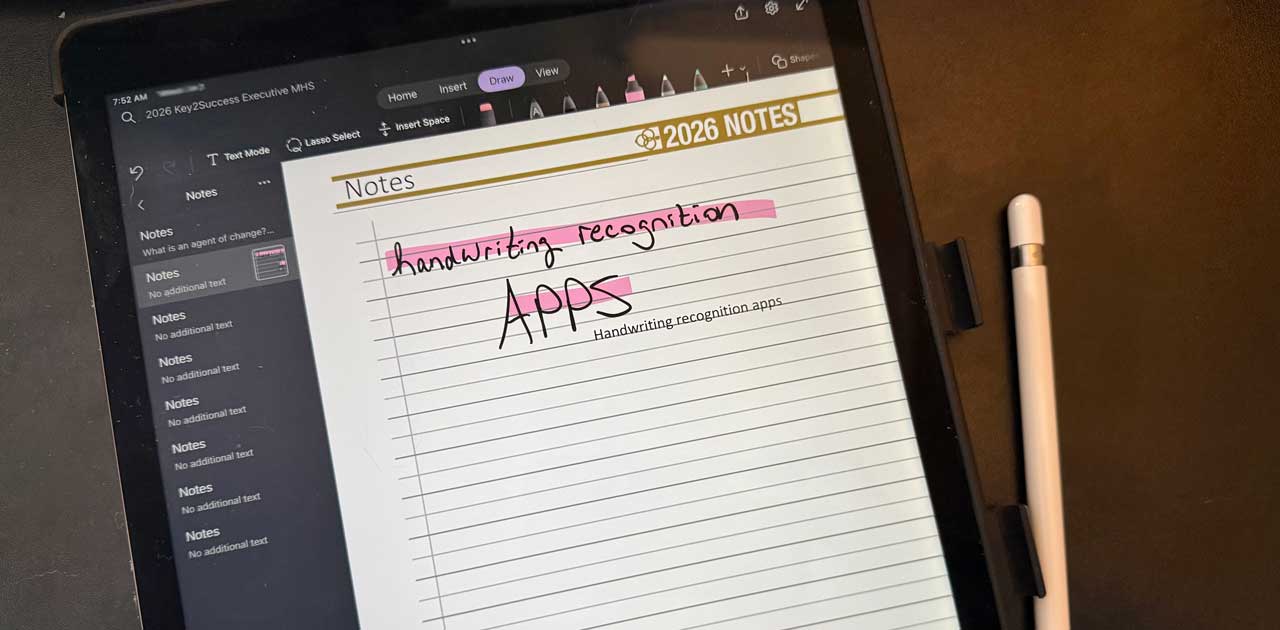
Handwriting Recognition Apps for Digital Planners with Key2Success
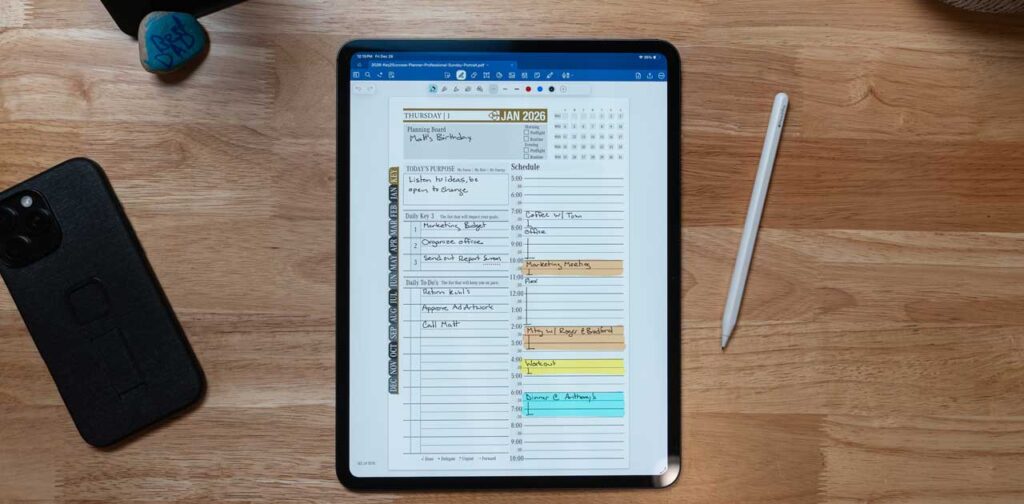
Best Handwriting Recognition Apps for Digital Planners: Using Key2Success in OneNote, Goodnotes & More
Handwriting recognition technology has revolutionized the way we interact with digital planners, allowing users to convert handwritten notes into editable text seamlessly.
This article explores the best handwriting recognition apps available for digital planners, focusing on how they enhance productivity and organization. Specifically, we will dive into the Key2Success Digital Planner, which integrates with popular applications like OneNote and GoodNotes, providing users with a comprehensive planning tool designed to boost efficiency and goal achievement.
Many individuals struggle with managing their tasks and notes effectively, often leading to disorganization and missed deadlines. By leveraging handwriting recognition, users can streamline their planning processes, making it easier to track goals and habits.
This guide will cover the benefits of handwriting recognition, how Key2Success integrates with various apps, and tips for optimizing handwriting for better accuracy.

What Are the Benefits of Handwriting Recognition in Digital Planners?
Handwriting recognition in digital planners offers several advantages that enhance user experience and productivity. This technology allows users to convert handwritten notes into digital text, making it easier to edit, search, and organize information. The primary benefits include improved productivity through faster note-taking, enhanced searchability of handwritten notes, and better organization of digital content.
Integrating handwriting recognition into digital planning tools can significantly streamline workflows. For instance, users can quickly jot down ideas during meetings and later convert them into editable text, saving time and effort. This capability not only boosts productivity but also facilitates better goal achievement by allowing users to track their progress more effectively.
How Does Handwriting to Text Improve Productivity and Goal Achievement?
Handwriting to text technology enhances productivity by enabling faster note-taking and easier review of notes. Users can write naturally without the constraints of typing, allowing for a more fluid thought process. This method is particularly beneficial during brainstorming sessions or lectures, where capturing ideas quickly is essential.
Moreover, integrating handwriting recognition with goal-setting features in digital planners helps users stay focused on their objectives. By converting handwritten notes into actionable tasks, individuals can prioritize their goals and monitor their progress more efficiently. This seamless transition from handwritten notes to digital tasks fosters a more organized approach to achieving personal and professional milestones.
Why Is Searchability and Organization Enhanced by Handwriting Recognition?
Handwriting recognition significantly enhances the searchability and organization of digital notes. Users can search for specific keywords within their handwritten notes, making it easier to locate important information quickly. This feature is particularly useful for students and professionals who need to reference past notes frequently.
Additionally, the organizational benefits of handwriting recognition allow users to categorize and tag their notes effectively. By converting handwritten content into digital text, users can create structured folders and labels, ensuring that their notes are easily accessible. This level of organization not only saves time but also reduces the stress associated with managing large volumes of information.
How Does Key2Success Integrate Handwriting Recognition Across Popular Apps?
Key2Success offers a robust digital planner that integrates seamlessly with various popular applications, enhancing the handwriting recognition experience. This integration allows users to leverage the unique features of each app while benefiting from the comprehensive planning framework provided by Key2Success.
The Key2Success Digital Planner is compatible with applications such as OneNote, GoodNotes, and Notability, making it a versatile tool for users across different platforms. This compatibility ensures that users can access their notes and plans from any device, promoting a more flexible and efficient planning process.
How to Use Key2Success Digital Planner with OneNote's Ink to Text Feature?
- Set Up Key2Success in OneNote: Download the Key2Success Digital Planner and import it into OneNote.
- Activate Ink to Text: Use the Ink to Text feature in OneNote to convert your handwritten notes into editable text.
- Edit and Organize: Once converted, you can edit the text, organize it into sections, and integrate it with your other notes.
This integration allows for a smooth transition from handwritten notes to digital text, enhancing the overall planning experience.
What Are the Steps for Handwriting Conversion in GoodNotes with Key2Success?
- Import the Planner: Open GoodNotes and import the Key2Success Digital Planner.
- Use the Lasso Tool: Select the Lasso Tool to highlight your handwritten notes.
- Convert to Text: Tap on the conversion option to transform your handwriting into digital text.
By utilizing these features, users can maximize the efficiency of their note-taking and planning processes, ensuring that their handwritten notes are easily accessible and editable.
Which Other Handwriting Recognition Apps Work Best with Key2Success?
Several other handwriting recognition apps complement the Key2Success Digital Planner, providing users with additional options for enhancing their digital planning experience. These apps offer unique features that can further improve the efficiency of handwriting conversion.
How Does Nebo's AI-Powered Recognition Enhance Digital Planning?
Nebo (now MyScript Notes) utilizes advanced AI-powered recognition technology to enhance digital planning. This app allows users to write naturally, and its intelligent algorithms convert handwriting into text with high accuracy.
MyScript Notes features include the ability to create structured notes, diagrams, and even mathematical equations, making it a versatile tool for students and professionals alike.
User testimonials highlight Nebo’s effectiveness in improving note-taking efficiency, particularly in academic settings where quick and accurate transcription is essential. This capability makes Nebo a valuable companion for users of the Key2Success Digital Planner.
What Features Do Notability and Noteshelf Offer for Handwriting Conversion?
| App | Key Features | Benefits |
|---|---|---|
| Notability | Audio recording, PDF annotation, handwriting recognition | Ideal for lectures and meetings, allows for comprehensive note-taking |
| Noteshelf | Customizable templates, multi-language support, handwriting recognition | Offers a personalized experience for diverse users |
How Can You Optimize Handwriting for Better OCR Accuracy in Digital Planners?
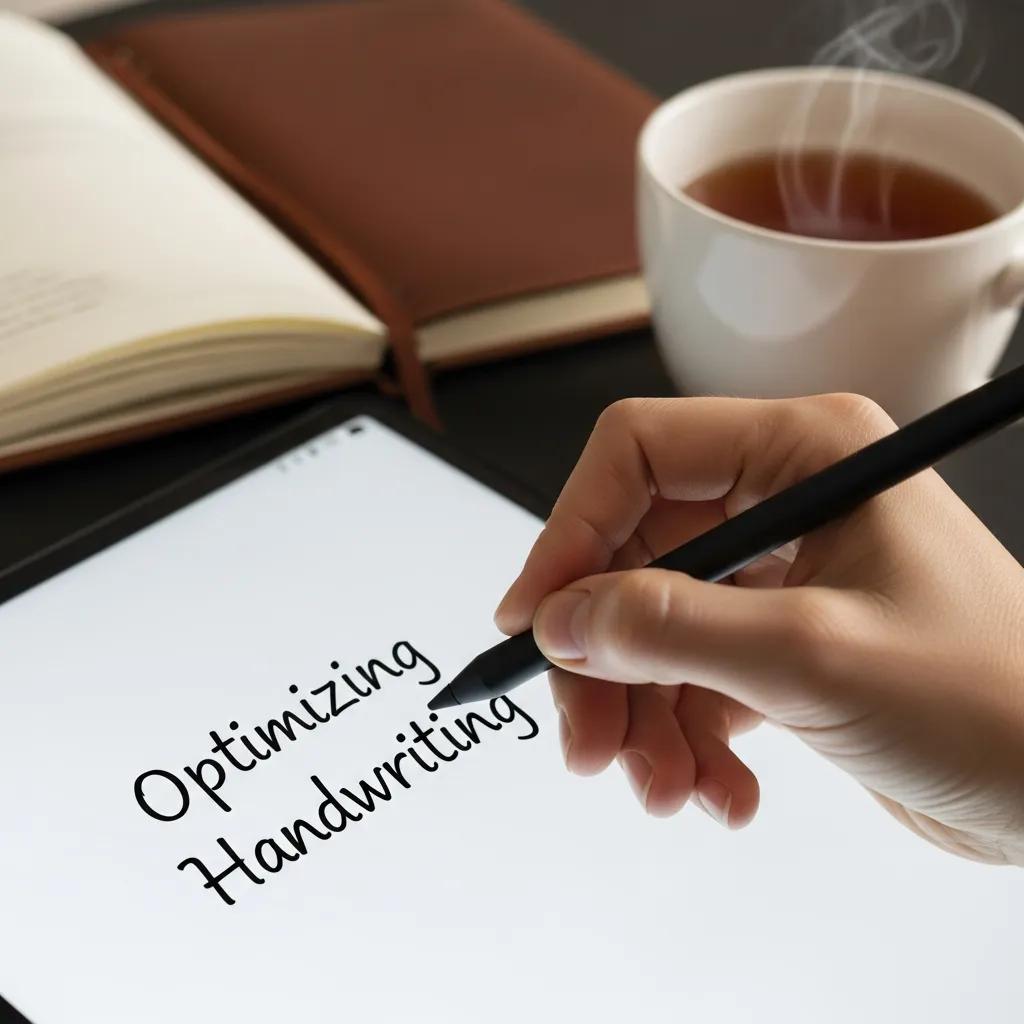
Optimizing handwriting for better Optical Character Recognition (OCR) accuracy is essential for effective digital planning. By following best practices, users can ensure that their handwritten notes are accurately converted into text.
What Are Best Practices for Stylus Use and Clear Handwriting?
- Use a High-Quality Stylus: A responsive stylus can significantly improve the accuracy of handwriting recognition.
- Maintain Consistent Pressure: Applying even pressure while writing helps the software recognize characters more accurately.
- Write Clearly: Focus on forming letters distinctly to enhance recognition accuracy.
By adhering to these practices, users can improve the effectiveness of handwriting recognition in their digital planners.
Which App Settings Maximize Handwriting to Text Conversion Accuracy?
- Adjust Sensitivity Settings: Fine-tune the sensitivity of the stylus input to match your writing style.
- Select Appropriate Language: Ensure that the app is set to recognize the correct language for optimal performance.
- Enable Handwriting Recognition Features: Activate any specific features designed to improve handwriting recognition within the app.
These adjustments can lead to a more seamless experience when converting handwritten notes into digital text.
Which Devices and App Combinations Are Ideal for Handwriting Recognition with Key2Success?
Choosing the right devices and app combinations is crucial for maximizing the benefits of handwriting recognition with the Key2Success Digital Planner. Different platforms offer varying capabilities that can enhance the user experience.
How Do Apple, Android, Windows, and E-Ink Devices Compare for Digital Planning?
| Device Type | Advantages | Disadvantages |
|---|---|---|
| Apple | High-quality stylus support (Apple Pencil), seamless integration with apps | Higher cost of devices |
| Android | Wide range of affordable devices | Inconsistent app performance and limited support for some handwriting recognition features |
| Windows | Versatile functionality with various software | Heavier devices may be less portable; handwriting recognition support varies by app |
| E-Ink | Excellent for reading and writing, long battery life | Limited app availability and generally no handwriting recognition conversion features |
What Are the Benefits of Using Key2Success Tiles and Customization on Different Platforms?
- Customization Options: Users can tailor their planners to fit their unique workflows and preferences.
- Enhanced Accessibility: Custom tiles provide quick access to essential functions, improving overall efficiency.
- User Experiences: Many users report increased satisfaction and productivity when utilizing customizable features.
These benefits highlight the importance of personalization in digital planning, making Key2Success a standout choice for users seeking a tailored experience.
How Does Key2Success Compare to Other Digital Planner Handwriting Recognition Solutions?
Key2Success stands out among digital planner solutions due to its unique features and comprehensive approach to handwriting recognition. By comparing it with other solutions, users can better understand its advantages.
What Unique Advantages Does Key2Success Offer Over Standalone Apps?
- Cross-Platform Compatibility: Key2Success works seamlessly across various devices and applications, ensuring users can access their planners anywhere.
- Integrated Coaching Services: Users benefit from personalized training sessions with Branden Bodendorfer, enhancing their planning skills.
- Robust Planning Framework: The planner integrates goal-setting, habit tracking, and project management, providing a holistic approach to productivity.
How Do User Testimonials Reflect Key2Success’s Handwriting Recognition Effectiveness?
- Positive Experiences: Users appreciate the seamless conversion of handwritten notes into digital text, which saves time and enhances efficiency.
- Impact on Productivity: Testimonials often mention how the planner has helped them achieve their goals more effectively.
- Overall Satisfaction: Many users express high levels of satisfaction with the planner’s features and support, reinforcing its value in the digital planning landscape.