5 Best Digital Planning Apps in 2026: OneNote, Goodnotes, Noteshelf, Penly & Samsung Notes Compared
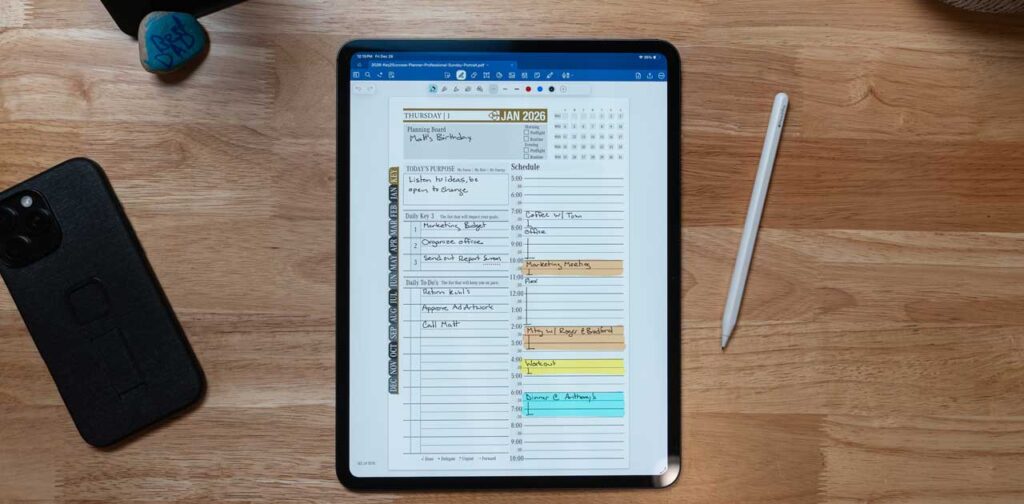
Top 5 Best Digital Planning Apps in 2026: Comprehensive Review and Comparison for Professionals and Entrepreneurs
In an increasingly digital world, effective planning tools are essential for professionals and entrepreneurs seeking to enhance productivity and organization.
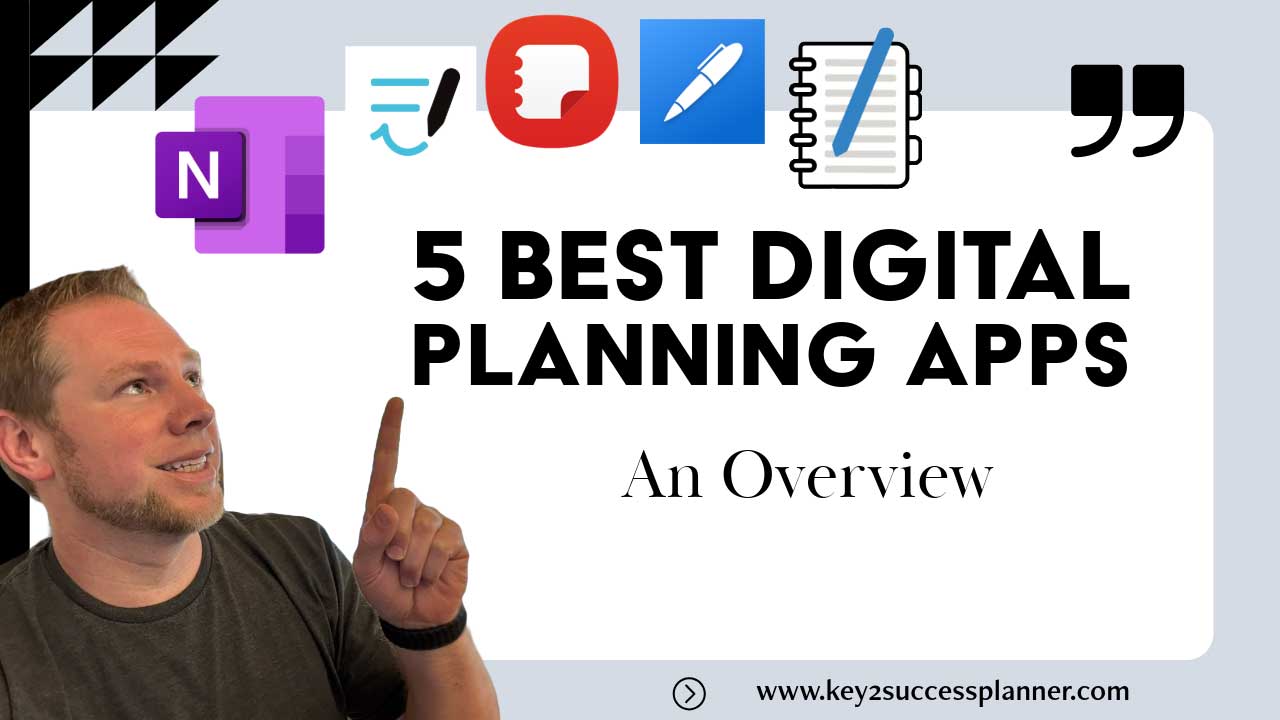
This article explores the top five digital planning apps of 2026: OneNote, GoodNotes, Noteshelf, Penly, and Samsung Notes. Readers will gain insights into the unique features, strengths, and limitations of each app, helping them make informed decisions based on their specific needs.
As the demand for efficient digital planning solutions grows, understanding how these apps can streamline workflows and improve productivity becomes crucial. We will delve into the key features of each app, compare their functionalities, and discuss how they cater to the needs of modern users.
Which Digital Planning Apps Lead in 2026? Overview of OneNote, GoodNotes, Noteshelf, Penly, and Samsung Notes
The digital planning landscape in 2026 is dominated by several standout applications, each offering unique features tailored to different user needs. This overview highlights the top five digital planning apps, focusing on their core functionalities and target demographics.

What Are the Key Features of Each Digital Planner App?
- OneNote: A versatile note-taking app that integrates seamlessly with Microsoft Office, OneNote allows users to create notebooks, organize notes, and collaborate in real-time. Its cross-device synchronization ensures that notes are accessible from any device, making it ideal for professionals who work across multiple platforms.
- GoodNotes: Known for its exceptional handwriting recognition, GoodNotes enhances the note-taking experience, especially for Apple Pencil users. The app offers customizable templates and a user-friendly interface, making it a favorite among students and creative professionals.
- Noteshelf: This app caters specifically to entrepreneurs, providing features like audio recording and PDF annotation. Noteshelf’s intuitive design allows users to create visually appealing notes, making it suitable for presentations and meetings.
- Penly: A newer entrant in the market, Penly focuses on simplicity and ease of use. It offers essential features for note-taking and task management, appealing to users who prefer a minimalist approach to digital planning.
- Samsung Notes: Integrated with Samsung devices, this app provides a robust platform for note-taking, drawing, and organizing tasks. Its compatibility with the S Pen enhances the user experience, making it a go-to choice for Samsung users.
How Do These Apps Support Productivity for Professionals and Entrepreneurs?
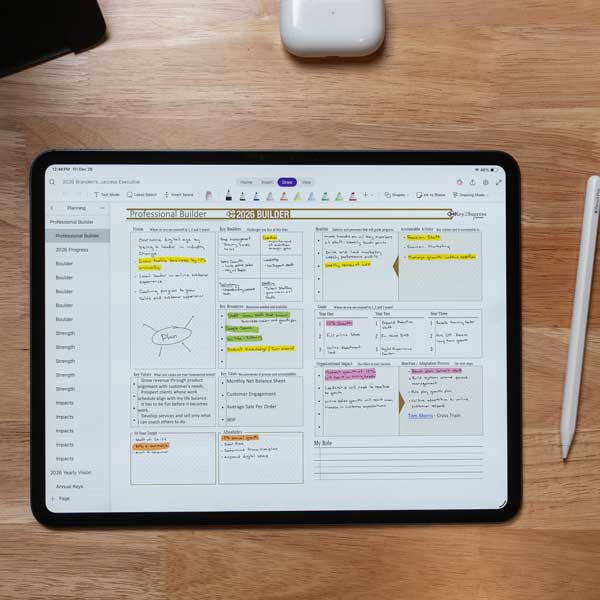
- OneNote supports collaboration through shared notebooks, allowing teams to work together efficiently. Its integration with other Microsoft tools further streamlines workflows.
- GoodNotes improves focus by enabling users to take handwritten notes that can be easily organized and searched, which is particularly beneficial for students and professionals who attend meetings or lectures.
- Noteshelf enhances productivity by allowing users to record audio while taking notes, ensuring that important details are captured without interrupting the flow of thought.
- Penly simplifies task management with its straightforward interface, making it easy for users to prioritize and track their tasks.
- Samsung Notes leverages the S Pen’s capabilities to facilitate quick note-taking and drawing, which can be particularly useful for creative professionals.
How Do OneNote and GoodNotes Compare in Functionality and User Experience?
What Unique Features Does OneNote Offer for Cross-Device Planning?
OneNote excels in cross-device functionality, allowing users to access their notes from any device with internet connectivity. Its integration with Microsoft Office applications enables users to embed Excel spreadsheets, PowerPoint presentations, and other documents directly into their notes. This feature is particularly beneficial for professionals who require a comprehensive planning tool that can handle various types of content.
How Does GoodNotes Enhance Note Taking with Apple Pencil Support?
GoodNotes stands out with its exceptional support for the Apple Pencil, providing a natural writing experience that mimics pen and paper. Users can create beautifully handwritten notes, annotate PDFs, and utilize a variety of templates to suit their needs. The app’s handwriting recognition technology also allows users to search for handwritten notes, making it easy to find information quickly.
Further research into digital note-taking app usability highlights key design considerations that enhance the user experience, particularly concerning input methods and note retrieval.
Digital Note-Taking App Usability & Design Improvements
The purpose of this study is to explore the interface usability of commonly used functions with the existing note-taking applications (Apps), and propose design improvements and suggestions. The participants used Apple iPad and Apple pencil to operate the note-taking Apps for five tasks. The findings generated from post-experiment interview and observation showed that: (1) When adding a note page, it would be better to place the new symbol on the left or middle of the page to allow users to click. (2) When inputting notes, it would be better to use “T” as the icon for text input. (3) The erase method used the eraser icon and detected the area and range of the Apple pencil swing to determine whether to erase a large area or make a detailed correction. In the way of finding notes, in addition to date, name, type, text input should also be provided to find note records, which is convenient for users to search.
Usability study on the user interface design of tablet note-taking applications, YH Hsu, 2021
What Are the Strengths and Limitations of Noteshelf, Penly, and Samsung Notes?
How Does Noteshelf Cater to Entrepreneurs’ Digital Planning Needs?
Noteshelf is designed with entrepreneurs in mind, offering features like audio recording and PDF annotation that enhance the note-taking experience. Its visually appealing interface allows users to create professional-looking notes, which can be beneficial for presentations and client meetings. However, its reliance on a one-time purchase model rather than a subscription may affect user preferences.
Can Penly and Samsung Notes Replace Traditional Planners?
Penly’s minimalist design appeals to users who prefer a straightforward approach to digital planning. While it lacks some advanced features found in other apps, its simplicity makes it easy to use. Samsung Notes, on the other hand, offers robust features for Samsung device users, including S Pen support. However, its functionality may be limited for those who do not use Samsung devices.
Which Features and Pricing Models Should You Consider When Choosing a Digital Planner App?
What Are the Pricing Tiers and Subscription Options for Each App?
| App Name | Pricing Model | Key Features |
|---|---|---|
| OneNote | Free | Cross-device sync, collaboration tools |
| GoodNotes | One-time purchase (~$7.99) | Handwriting recognition, customizable templates |
| Noteshelf | One-time purchase (~$9.99) | Audio recording, PDF annotation |
| Penly | Free with in-app purchases | Minimalist design, basic task management |
| Samsung Notes | Free (Samsung devices only) | S Pen support, drawing capabilities |
How Do Integration Capabilities Affect Productivity Across Devices?
Integration capabilities play a significant role in enhancing productivity. Apps that seamlessly integrate with other tools, such as calendars and task management systems, allow users to streamline their workflows. For instance, OneNote’s integration with Microsoft Office enables users to manage their tasks and notes in one place, while GoodNotes’ compatibility with various cloud storage services ensures that notes are always accessible.
How Can the Key2Success Planner System Complement Your Use of Digital Planning Apps?
What Benefits Does Combining Key2Success Planner with Digital Apps Provide?
Integrating the Key2Success Planner with digital apps allows users to combine the structured approach of physical planning with the flexibility of digital tools. This hybrid method can lead to enhanced productivity, as users can set clear goals and track their progress using both systems. The planner’s focus on goal-setting and time management complements the functionalities of digital apps, providing a comprehensive planning solution.
How to Integrate Key2Success Planner with Popular Digital Planning Tools?
- Identify Goals: Start by defining your short-term and long-term goals using the Key2Success Planner.
- Select Digital Tools: Choose digital planning apps that align with your goals and preferences.
- Sync Tasks: Use the planner to outline tasks and deadlines, then input them into your chosen digital app for tracking.
- Review Regularly: Schedule regular reviews to assess progress and adjust plans as needed.
What Are Expert Tips for Maximizing Productivity Using Digital Planner Apps in 2026?
Which Productivity Methodologies Align Best with Digital Planning?
- Getting Things Done (GTD): This method emphasizes capturing tasks and organizing them into actionable steps, which aligns well with digital apps that support task management.
- Time Blocking: Allocating specific time slots for tasks can help users stay focused and organized, making it easier to manage their schedules within digital planners.
- The Pomodoro Technique: This technique encourages users to work in short bursts followed by breaks, which can be effectively tracked using digital planning tools.
How Do AI and Handwriting Recognition Features Improve Planning Efficiency?
AI and handwriting recognition features significantly enhance planning efficiency by automating tasks and improving accessibility. For instance, apps like GoodNotes utilize handwriting recognition to convert handwritten notes into searchable text, allowing users to find information quickly. Additionally, AI-driven features can suggest task prioritization and reminders, helping users stay on track with their planning.
The integration of artificial intelligence into planning systems is poised to revolutionize productivity by offering intelligent scheduling and seamless cross-platform integration.
AI-Powered Task & Time Planning Systems
The management and prioritization of tasks and appointments is a crucial aspect of personal and professional productivity. While many digital tools exist, they often do not combine the most important features such as user-friendly interfaces, intelligent scheduling, and seamless integration across platforms. An AI-powered system can learn new digital skills to use AI in task and time planning.
Education 4.0: artificial intelligence assisted task-and time planning system, M Ciolacu, 2022