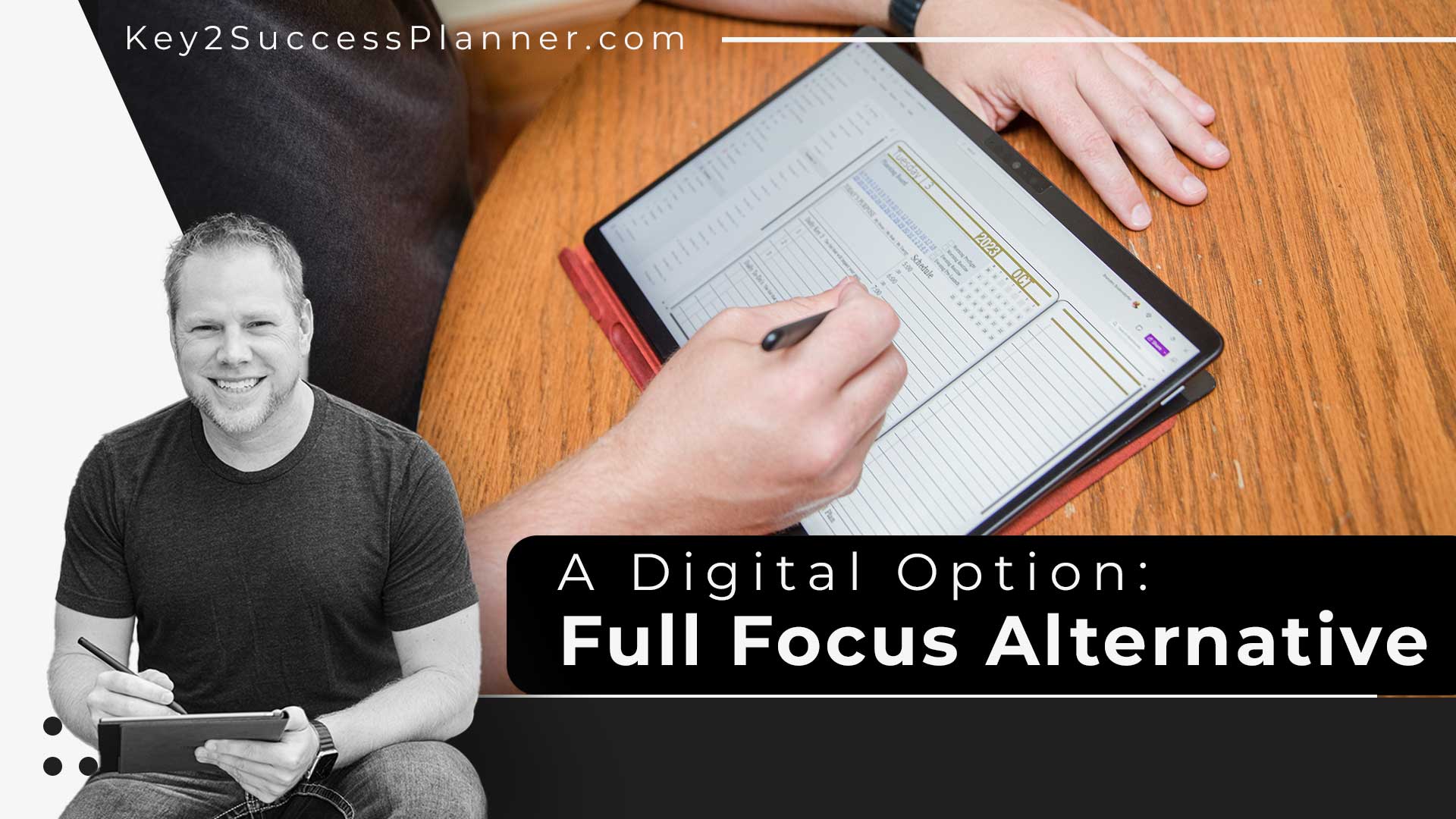
Person using a digital planner on a tablet, showcasing the Key2Success Digital Planner as a Full Focus Planner alternative, with visible planning interface and writing tools.
Articles Jan 02
By Bodendorfer 0 Comments

Key2Success Digital Planner as a Full Focus Planner Digital Alternative

In a world driven by digital efficiency, traditional planning methods are evolving. The Key2Success Digital Planner emerges as a premier Full Focus Planner digital alternative, offering a dynamic and comprehensive planning experience that aligns seamlessly with today’s fast-paced lifestyles.

Digital Advantage: Accessibility Across Platforms

Key2Success Digital Planner:

Full Focus Planner:

  • While the Full Focus Planner is a respected paper-based planning tool, it doesn’t provide the digital advantages of cross-device accessibility and integration offered by Key2Success.

Comparison: Key2Success provides a digital planning solution, ensuring your plans are accessible wherever life takes you, a feature not available in the traditional Full Focus Planner. (Click here for tips on transitioning from paper to a Full Focus planner digital alternative.)

Promotional banner for Key2Success planner offering discounts and a money-back guarantee, emphasizing digital planning benefits and a call to action for users on Samsung devices.
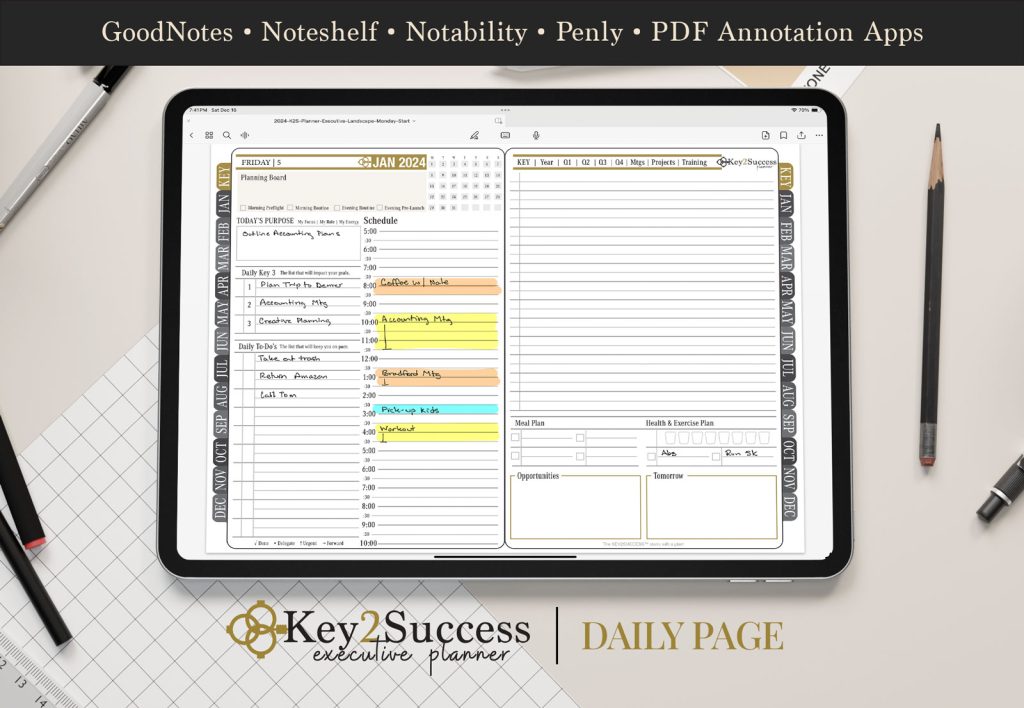
Digital planner page from Key2Success featuring a daily schedule, to-do list, and meal plan, designed for use with GoodNotes and other PDF annotation apps.

Tailored Editions: Personalized Planning for Every Sphere

Key2Success Digital Planner Editions:

  1. Personal Edition: Elevate your personal growth and work-life balance.
  2. Professional Edition: Optimize productivity with task management, project planning, and goal setting.
  3. Business Edition: Drive business success with financial planning, marketing strategies, and goal tracking.
  4. Executive Edition: Navigate executive responsibilities with strategic planning, team management, and decision-making tools.

Full Focus Planner:

  • While the Full Focus Planner is comprehensive, Key2Success takes personalization a step further with editions crafted for specific life and career aspects.

Comparison: Key2Success offers specialized editions for personal, professional, business, and executive needs, giving users a tailored planning experience, a feature not as pronounced in the Full Focus Planner.

Feature-rich Planning: Beyond the Basics

Key2Success Digital Planner:

  • Seamlessly integrate goal-setting, habit tracking, scheduling, task management, project planning, and more.
  • Elevate your digital planning experience with OneNote integration for a cohesive and organized approach.

Full Focus Planner:

  • Emphasis on traditional planning essentials such as goal-setting, time blocking, and reflection.

Comparison: Key2Success goes beyond the basics, incorporating features like habit tracking, financial planning, marketing strategies, and KPI monitoring, providing an extensive planning solution compared to the Full Focus Planner.

Conclusion: Making the Choice

In conclusion, the Key2Success Digital Planner emerges as the ultimate Full Focus Planner digital alternative. With its digital format, compatibility across devices, personalized editions, and feature-rich planning tools, it stands as a versatile solution for individuals seeking a dynamic planning experience.

When choosing between the Full Focus Planner and a Full Focus Planner digital alternative, the decision ultimately hinges on personal preferences and the level of specialization and digital convenience desired. Unlock your productivity potential with the Key2Success Digital Planner – the bridge between traditional planning and the digital future.

Key2Success Planners

Choose the Application that you plan to use for digital planning.

OneNote

OneNote logo featuring a purple notebook icon, representing a digital planning tool for effective organization and note-taking.

Application works across Windows, Android and Apple. Also Web version all available. Great for Desktop, Laptop and Mobile users.

GoodNotes

GoodNotes app icon featuring a notepad with lines and a stylus, representing digital planning and note-taking tools for Apple devices.

Application works across Apple devices. Great for iPad, Mac and iPhone users. PDF Annotation App designed for Note-Taking

Noteshelf

Noteshelf app icon featuring a blue background with a white pen, representing digital planning and note-taking tools for Apple devices.

Application works across Apple devices. Great for iPad, Mac and iPhone users. PDF Annotation App designed for Note-Taking

Notability

Notability app icon featuring a pencil on a blue background, representing digital note-taking tools for Apple devices in the context of digital planning.

Application works across Apple devices. Great for iPad, Mac and iPhone users. PDF Annotation App designed for Note-Taking

Samsung Notes

Samsung Notes application icon, designed for digital planning on Samsung devices, highlighting note-taking features.

Application works across Samsung devices. Great for Samsung Tab and Samsung Galaxy Users. Including Z Fold 3, S6, S7, S8 and S22. 

reMarkable

reMarkable logo on a black background, representing ePaper devices for digital note-taking and PDF annotation.

Works with ePaper Devices, like the reMarkable, SuperNote and many more. A PDF Annotation Planner allows users to take digital notes.

Promotional banner for Key2Success planner offering discounts and a money-back guarantee, emphasizing digital planning benefits and a call to action for users on Samsung devices.

Leave a Comment