tags in goodnotes, goodnotes tags, goodnotes handwriting search feature, goodnotes tags feature, goodnotes search handwriting, goodnotes search handwriting feature
Mastering Handwritten Note Search in GoodNotes
The ability to efficiently search through handwritten notes in GoodNotes is essential for users who rely on the app for digital planning and organization. This guide will walk you through the steps to utilize the built-in search functionality effectively, ensuring you can quickly locate your notes when needed.
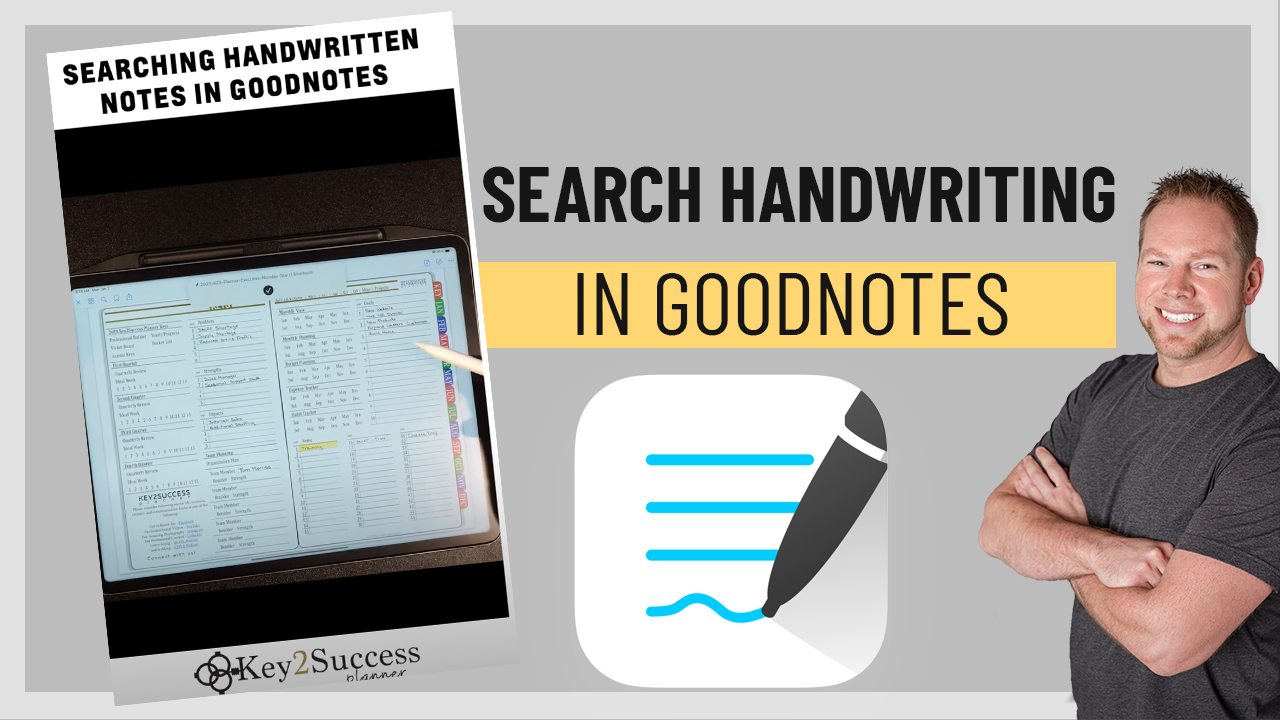
GoodNotes employs advanced handwriting recognition technology that allows users to search for specific words or phrases within their handwritten notes. By tapping on the magnifying glass icon, users can enter search terms, and GoodNotes will highlight the relevant sections, making it easier to retrieve important information without scrolling through pages of notes.
Utilizing Tags for Enhanced Organization
Tags in GoodNotes serve as a powerful tool for organizing notes and improving searchability. By tagging specific pages or sections, users can create a customized filing system that allows for quick access to related content.
For instance, if you frequently take notes on various subjects, you can assign tags like "Math," "Science," or "Meeting Notes." This way, when you search for a tag, all related notes will appear, streamlining your workflow and enhancing productivity.
Video Demonstration of Search Features
To further assist users in navigating the search functionalities of GoodNotes, a comprehensive video demonstration is available. This resource provides a visual guide, illustrating each step of the process and showcasing tips for maximizing the app's capabilities.
In the video, viewers will see how to initiate a search, utilize tags, and navigate through results effectively. This visual aid is particularly beneficial for new users who may be unfamiliar with the interface and want to gain confidence in using the app.
Exploring Additional Digital Planning Resources
Beyond searching handwritten notes, GoodNotes users can benefit from a variety of digital planning resources offered by Key2Success. These resources include templates, planners, and tutorials designed to enhance the digital planning experience.
For example, users can access customizable planner templates that align with their specific needs, whether for daily, weekly, or monthly planning. Additionally, tutorials provide insights into best practices for digital note-taking and organization, helping users make the most of their GoodNotes experience.