reMarkable Paper Pro Move: Suprised this NEW eInk
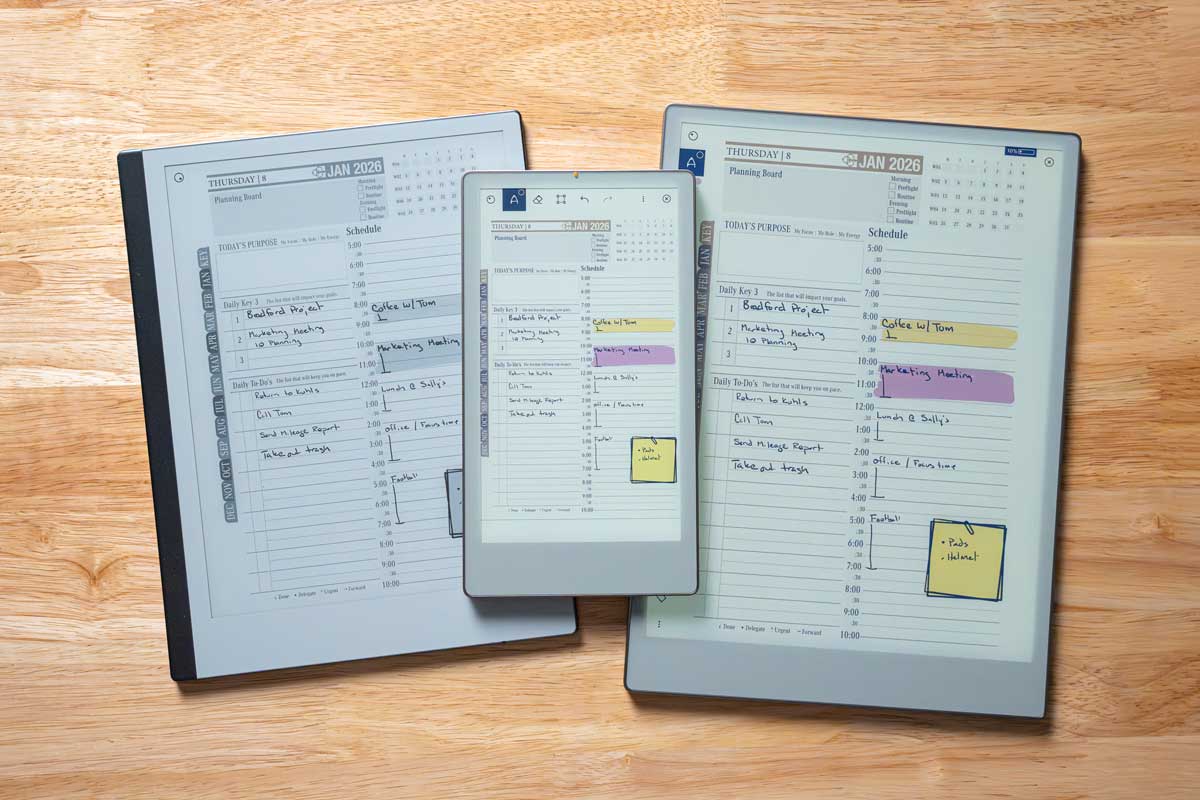
The reMarkable team has introduced a new member to their lineup—the reMarkable Paper Pro Move, a sleek 7.3-inch color e-ink tablet that brings a fresh level of portability and simplicity to digital planning. With up to two weeks of battery life and a display designed to mimic the feel of paper, this lightweight tool is built for note-takers and thinkers on the move.
As someone who has used larger devices like the 10″ iPad, 13″ iPad Pro, and even the full-size reMarkable Paper Pro, I initially questioned how the Move would fit into my workflow. I’m used to a full-size screen, split-view multitasking, and plenty of writing space. In fact, the only time I usually turn to a smaller device—like my iPad Mini—is when I need something ultra-portable but still functional.
But the Paper Pro Move surprised me.
This compact device is ideal for quick notes, on-the-go planning, and focused writing—especially when you don’t want the distractions of a full-featured tablet. It’s light enough to carry anywhere, easy to hold with one hand, and delivers the same tactile writing experience reMarkable users love.

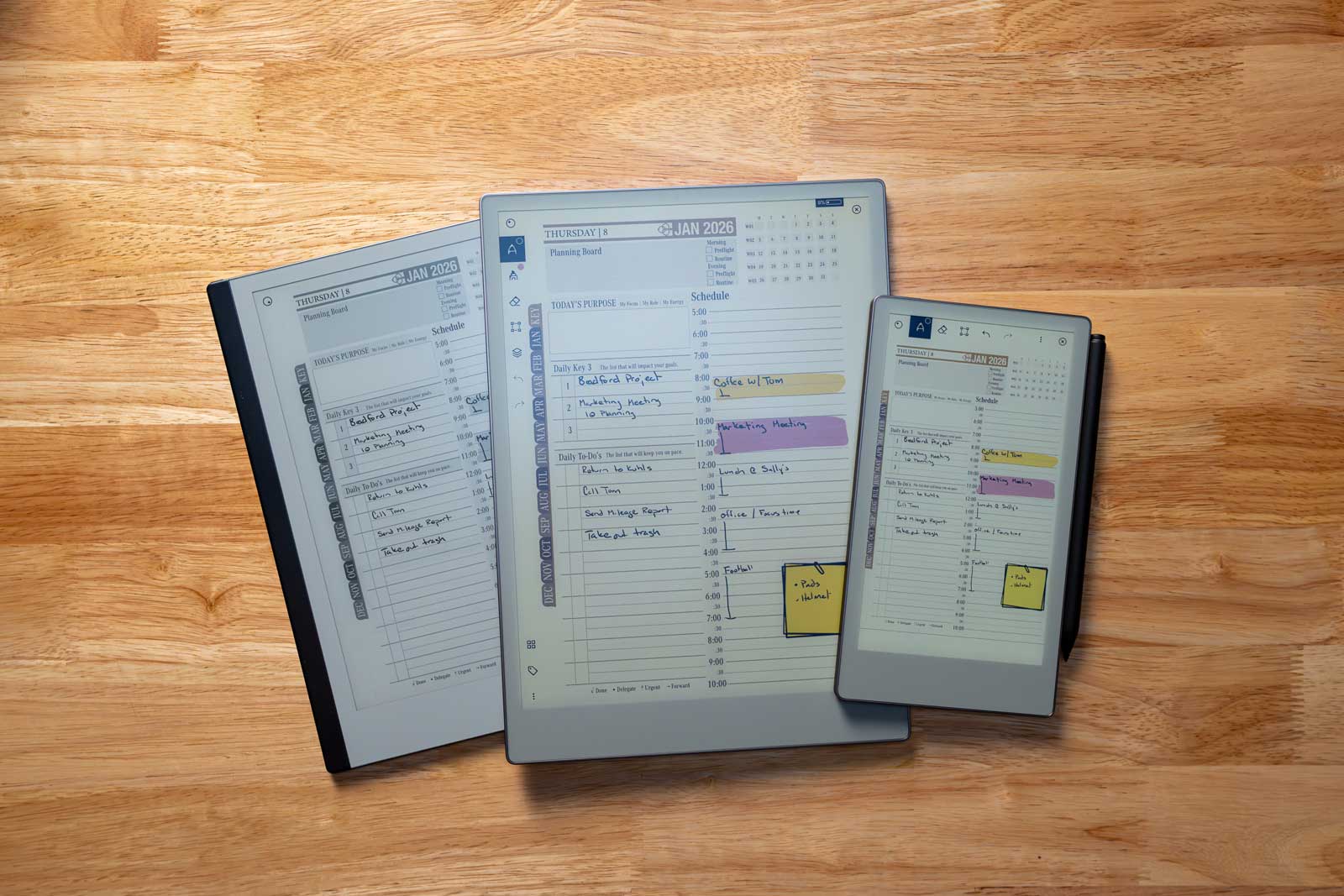
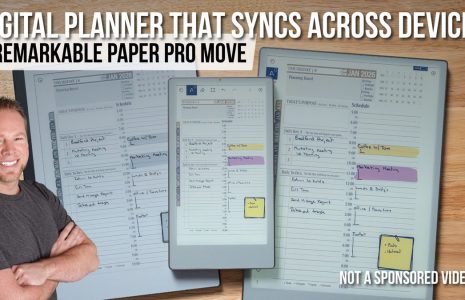
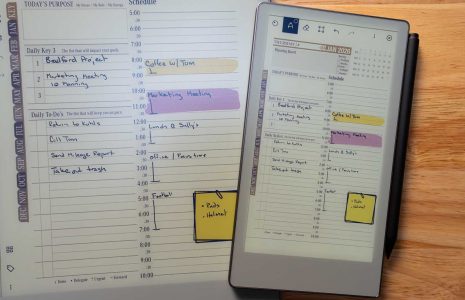
What really sold me was how seamlessly it works alongside the rest of my workflow. With sync capabilities, anything I jot down on the Move can be accessed later on my larger tablet or desktop. Whether I’m brainstorming on a plane, capturing ideas during a walk, or reviewing a few notes over coffee, the Paper Pro Move gives me the flexibility to stay productive without being tethered to my primary device.
If you’re a Key2Success Planner user, this might just be the perfect companion device. Use your main reMarkable or tablet for detailed planning and dashboards, and let the Move handle your quick ideas, tasks, and reflections throughout the day.
Final Thoughts
The reMarkable Paper Pro Move isn’t meant to replace your primary planning device—but it might become your favorite planning sidekick. For those who want a distraction-free, always-accessible notebook, this little device packs a big punch