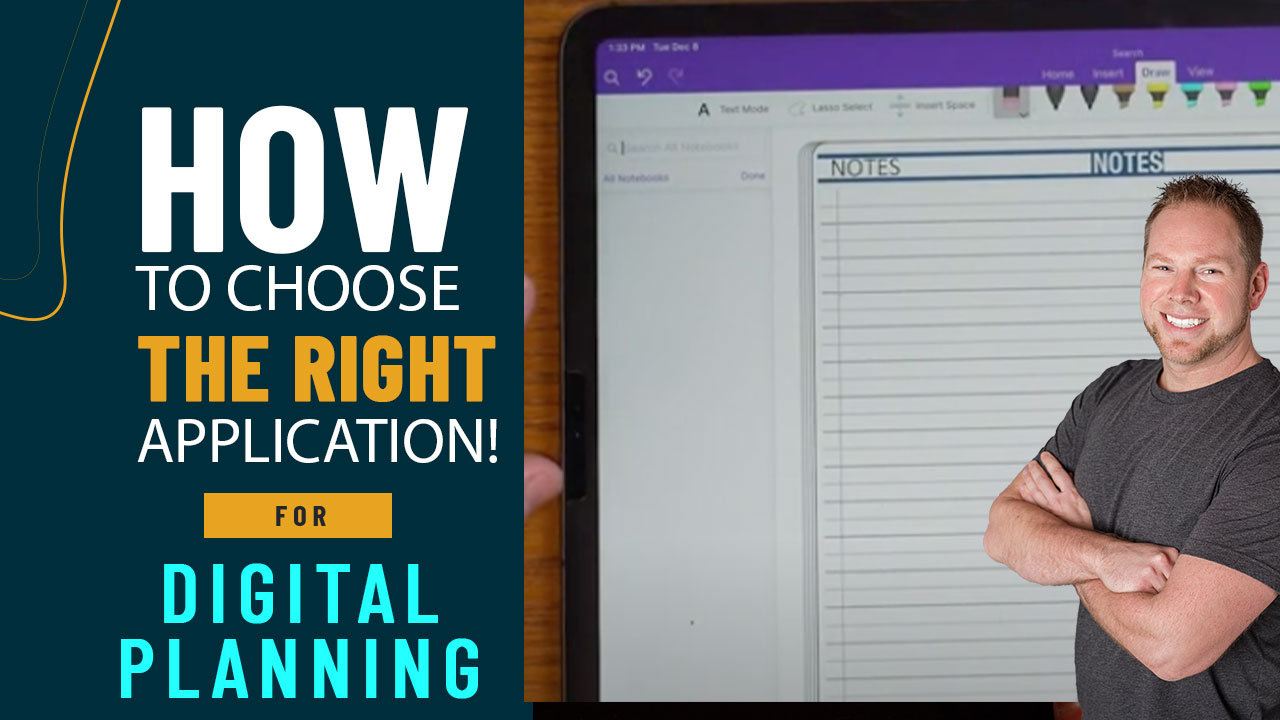
Choosing The Right Application for your Digital Planning Device
When considering digital planning, there are many things to consider.
What devices do you plan to sync the planner to?
What application are you most comfortable using?
What planner works best for your daily routine?
The Key2Success Digital Planning System supports a wide range of devices across many application platforms. Whether you are using a Microsoft surface or an Apple iPad (or maybe you use both!), we have a planning solution that will work for you.
Device – Application – Planner Compatibility Chart
OneNote | GoodNotes | Noteself | Notability | Samsung Notes | PDF Planner | |
Windows Computer | X | |||||
Chrome Book | X | |||||
Apple Computer | X | X | X | X | X | |
Apple Tablet/Phone | X | X | X | X | X | |
Samsung Tablet | X | X | X | X | ||
Samsung Fold | X | X | X | X | ||
Samsung Note/S Phone | X | X | X | X | ||
ReMarkable / SuperNote | X | |||||
Boox | X | X |
If you have a wide section of devices that you plan to use for digital planning, there is truly only one application that will sync across all of these devices and that is OneNote. In addition, your notebook will be available online anywhere where you have internet browser access.
However, just because it’s the most compatible doesn’t make it the right choice for you. OneNote adds another layer of complexity when it comes to installation and operation. Plus, if you are using an Apple iPad, it isn’t updated to support side-by-side note taking.
We have a couple of videos that show us using the planner on an iPad with GoodNotes, OneNote, and other applications on YOUTUBE.