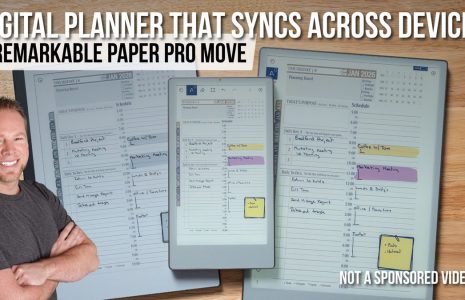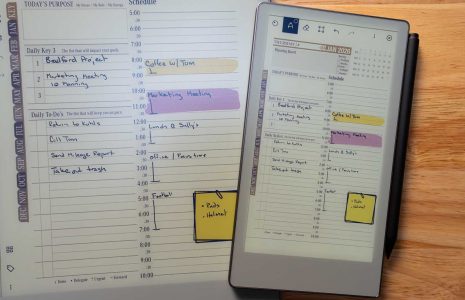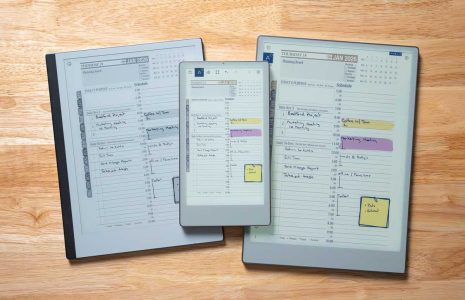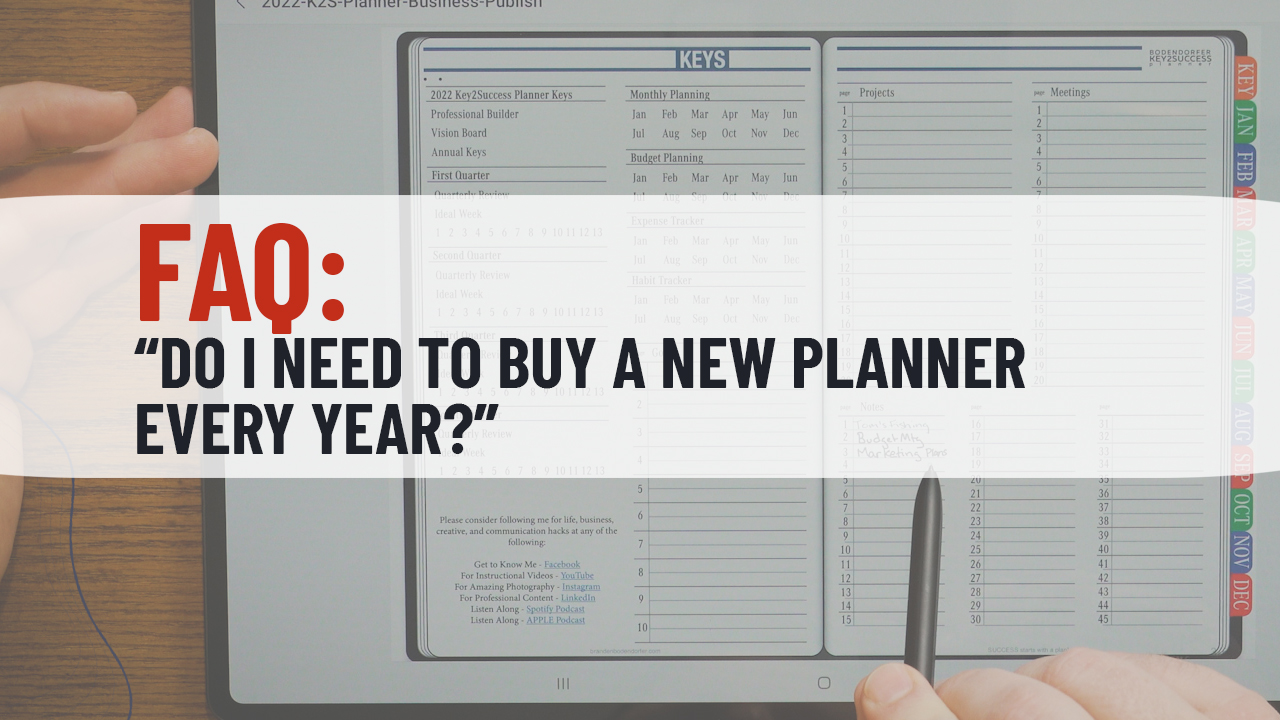
Digital planner interface displaying the question "Do I need to buy a new planner every year?quot; with planning sections for monthly, project, and meeting organization, emphasizing Key2Success annual planner features.
Articles / News / vLog Nov 18
By Bodendorfer 0 Comments

One question we get frequently is: “Do I need to buy a new planner every year?rdquo; The short answer: Yes.

  • Much like you would buy a new calendar every year that includes the new dates for the new year, a digital planner is also something you purchase annually.
  • Key2Success is not an app of its own. In simple terms, it is a file. Think of it as a paper planner in a digital environment. 
  • Key2Success is not a subscription. When you purchase our planning system, you receive the files that you paid for and that’s the end of the transaction. (IF you pre-ordered a file that is not available yet, it will be sent to you automatically when it is ready to be downloaded.)

Every year, we update the planning system and include new tools and features. We incorporate user feedback to make improvements to design and other aspects. 

Key2Success is more than “just a digital planner” – it is a proven system designed to help you achieve the life you want to live. We encourage you to check out our training resources to learn more! Find it here.

  • Find more FAQ and Tech Support questions addressed here.
  • If you’re just getting started with digital planning, please check out our guide here.
  • If you have questions, feel free to start a chat (leave your email in case we’re offline and we’ll get back to you), or email us here.

If you’re ready to get started, visit our shop here or select your application below:

Promotional banner for Key2Success planner offering discounts and a money-back guarantee, emphasizing digital planning benefits and a call to action for users on Samsung devices.

Key2Success Planners

Choose the Application that you plan to use for digital planning.

Choose Your Preferred Language for Key2Success Planner

OneNote logo featuring a purple notebook icon, representing a digital planning tool for effective organization and note-taking.

Application works across Windows, Android and Apple. Also Web version all available. Great for Desktop, Laptop and Mobile users.

GoodNotes

GoodNotes app icon featuring a notepad with lines and a stylus, representing digital planning and note-taking tools for Apple devices.

Application works across Apple devices. Great for iPad, Mac and iPhone users. PDF Annotation App designed for Note-Taking

Noteshelf

Noteshelf app icon featuring a blue background with a white pen, representing digital planning and note-taking tools for Apple devices.

Application works across Apple devices. Great for iPad, Mac and iPhone users. PDF Annotation App designed for Note-Taking

Notability

Notability app icon featuring a pencil on a blue background, representing digital note-taking tools for Apple devices in the context of digital planning.

Application works across Apple devices. Great for iPad, Mac and iPhone users. PDF Annotation App designed for Note-Taking

Samsung Notes

Samsung Notes application icon, designed for digital planning on Samsung devices, highlighting note-taking features.

Application works across Samsung devices. Great for Samsung Tab and Samsung Galaxy Users. Including Z Fold 3, S6, S7, S8 and S22. 

reMarkable

reMarkable logo on a black background, representing ePaper devices for digital note-taking and PDF annotation.

Works with ePaper Devices, like the reMarkable, SuperNote and many more. A PDF Annotation Planner allows users to take digital notes.

Promotional banner for Key2Success planner offering discounts and a money-back guarantee, emphasizing digital planning benefits and a call to action for users on Samsung devices.

Leave a Comment