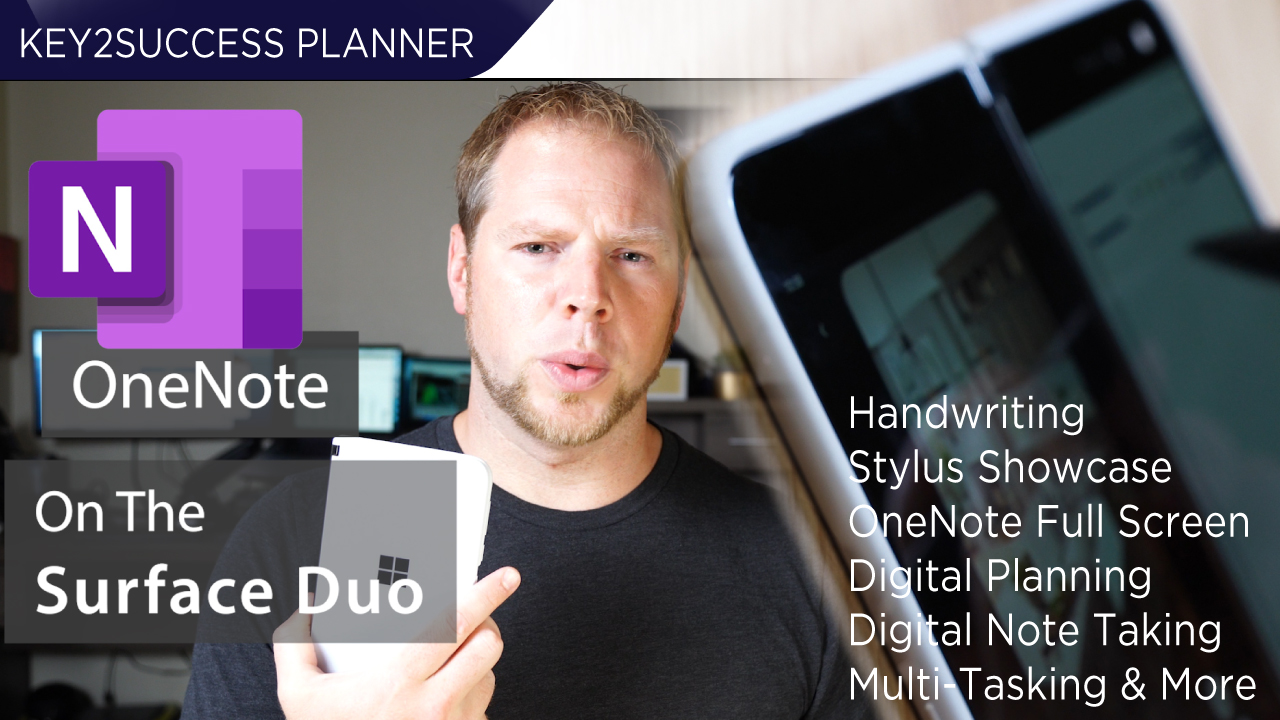
Maximizing Productivity with Microsoft Surface Duo and OneNote
The Microsoft Surface Duo, with its unique dual-screen design, offers a distinct advantage for users looking to enhance their productivity, particularly in note-taking and digital planning. By seamlessly integrating with OneNote, the device allows for efficient multitasking, enabling users to manage their notes, tasks, and schedules all in one place.
With the Surface Duo, users can take advantage of the spacious screens to view multiple apps simultaneously. This feature is particularly beneficial for those who rely on OneNote for organizing their thoughts and plans. The ability to drag and drop content between applications further streamlines workflows, making it a powerful tool for digital planners and professionals alike.
Features of Microsoft Surface Duo for Note-Taking
The Surface Duo is equipped with features that cater specifically to note-taking enthusiasts. Its stylus compatibility allows for natural writing experiences, while the dual screens provide ample space for both writing and referencing other materials. This setup makes it ideal for students and professionals who need to capture ideas quickly and efficiently.
Moreover, the device's lightweight design and portability mean that users can carry it anywhere, making it easier to jot down notes during meetings or lectures. The integration with OneNote enhances this experience, as users can easily sync their notes across devices and access them anytime, ensuring that important information is never lost.
Digital Planning Strategies with Surface Duo
Utilizing the Microsoft Surface Duo for digital planning involves implementing strategies that leverage its unique features. Users can create customizable planners within OneNote, allowing for personalized organization systems that cater to individual needs. This can include daily, weekly, or monthly layouts that help track tasks and goals effectively.
Additionally, the ability to use the Surface Duo in a tent mode provides a hands-free experience, making it easy to view plans while working on other tasks. By incorporating visual elements like checklists and color-coded categories, users can enhance their productivity and ensure that they stay on top of their planning efforts.
Comparing Surface Duo with Other Digital Planning Tools
When considering digital planning tools, it’s essential to compare the Microsoft Surface Duo with other devices and applications. While many tablets and smartphones offer note-taking capabilities, the Surface Duo's dual-screen functionality sets it apart, providing a more versatile workspace for users.
For instance, compared to traditional tablets, the Surface Duo allows for simultaneous use of multiple applications, which can significantly enhance productivity. Additionally, its integration with OneNote offers unique features such as audio recording and handwriting recognition, making it a comprehensive solution for anyone serious about digital planning and note-taking.