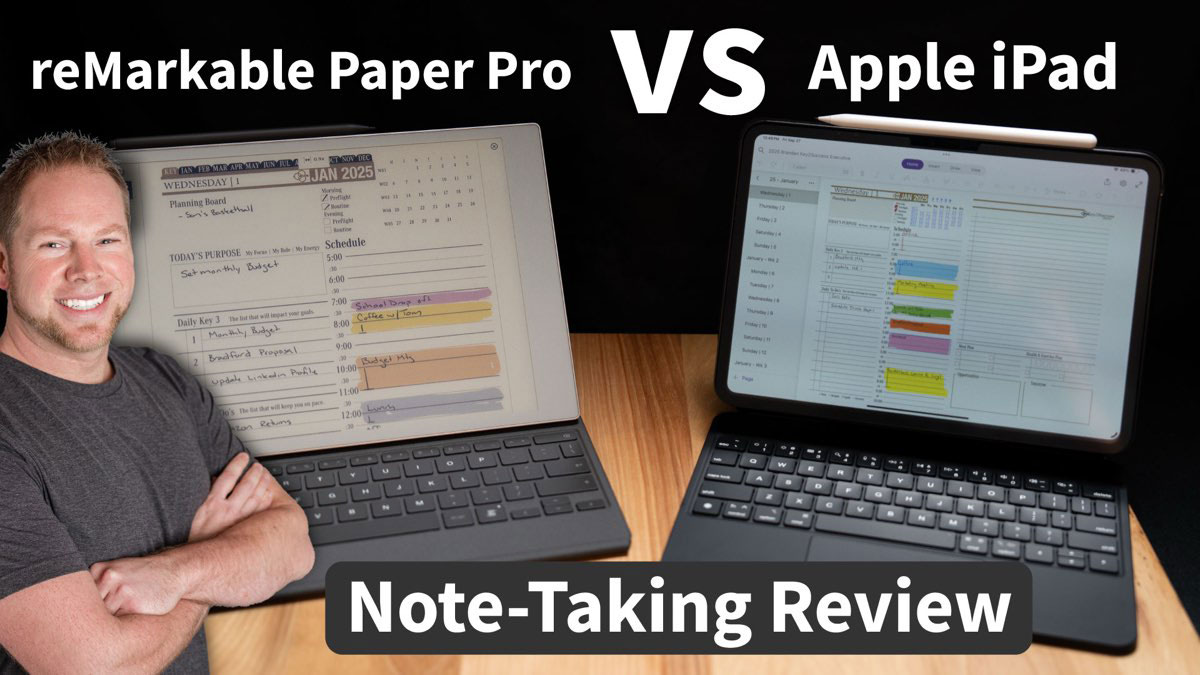
reMarkable Paper Pro vs iPad: Which Is Better for Digital Planning?
Most people who ask this question already know what they want. They just want someone to confirm it. So here's the honest version.
These two devices don't compete on the same terms. The reMarkable Paper Pro is an e-ink writing device that does one thing well: gets you writing without any other option. The iPad does everything, which means the distractions come with it. Both support digital planners. Both work with stylus input. But the experience is completely different, and that difference matters more than any spec comparison.
Head-to-Head: reMarkable Paper Pro vs iPad
| Feature | reMarkable Paper Pro | iPad (Pro) | Winner |
|---|---|---|---|
| Display | Color e-ink, paper-like feel, no glare | LCD/OLED, high resolution, vibrant color | Tie (depends on preference) |
| Battery life | Up to 2 weeks per charge | ~10 hours screen-on time | reMarkable Clear Win |
| Third-party apps | None (native apps only) | Full App Store access | iPad Clear Win |
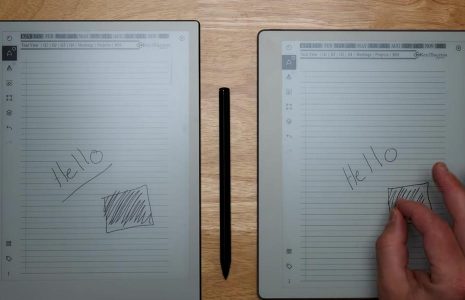
| Writing feel | Paper-like friction, natural feel | Smooth glass unless matte screen protector added | reMarkable |
| Distraction level | Zero (no app store, no notifications) | High potential (notifications, multitasking) | reMarkable Clear Win |
| Key2Success Planner | Yes (PDF version, hyperlinks supported) | Yes (GoodNotes, Notability, OneNote) | Tie |
| Color support | Yes (Paper Pro has color e-ink display) | Yes (full color) | iPad (richer color) |
| Cloud sync | Google Drive, OneDrive, Dropbox (with subscription) | iCloud, Google Drive, Dropbox, OneDrive | iPad |
| Starting price | $349 (marker extra) | $329 base / $999+ for Pro | iPad (base model) |
| Weight | ~0.88 lbs (reMarkable 2 profile) | ~1.03 lbs (iPad Pro 11") | reMarkable |
The Real Difference: Focus vs Flexibility
The reMarkable Paper Pro is an e-ink device designed for one job: distraction-free writing and reading. No app downloads. No notifications. You can import PDFs, take notes, annotate documents, and use digital planners. That's it. And honestly, that constraint is the whole point.

The iPad is a full computing device. It runs every app in the Apple ecosystem. You can have GoodNotes open next to a browser, answer an email mid-planning session, and pull up a YouTube video to fill the five minutes before your next meeting. That versatility is real. It's also the reason a lot of people don't actually plan consistently on an iPad.
Battery life is a decision you make once a week with a reMarkable. With an iPad, it's a decision you make before every meeting.
Who should choose the reMarkable Paper Pro
- You struggle with distraction when you're supposed to be planning
- You want a writing experience that feels like paper, not like dragging a stylus across glass
- You primarily use a digital planner (PDF-based) and don't need apps
- You travel or work away from chargers for days at a time
- You've tried the iPad and found yourself doing everything except planning
Who should choose the iPad
- You want one device that handles notes, email, planning, and browsing
- You use GoodNotes, Notability, or OneNote and want the full app experience
- You need your planner synced across Apple devices in real time
- You need to run meetings, reference documents, or do creative work on the same device
- You manage a team and collaborate in shared apps
Using Key2Success on the reMarkable Paper Pro vs iPad
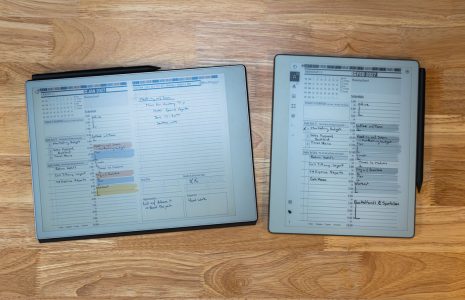
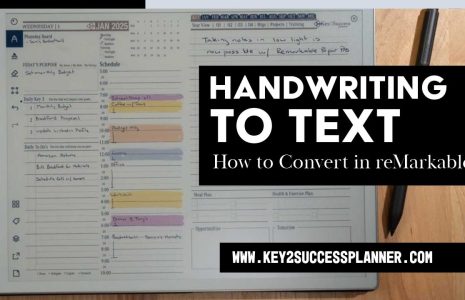
The PDF version of Key2Success works on the reMarkable Paper Pro out of the box. Hyperlinks work on the Paper Pro (this was added in a software update). Color e-ink lets you use the planner's color-coded sections as intended. The Key2Success Executive Planner, for example, uses color to separate core planning zones, and on the Paper Pro that system holds up well.
The iPad version runs through GoodNotes, Notability, or Noteshelf. If you're already in the Apple ecosystem and rely on iCloud sync, iPad is the more practical choice. If you want the same planner on a device you use exclusively for planning, the reMarkable Paper Pro earns that role.
Which Device Is Actually Worth It
Most productivity guides will tell you to get the iPad because it does everything. That reasoning misses the point for dedicated planners.
If your goal is consistent, focused daily planning, the reMarkable Paper Pro has an advantage no spec sheet shows: it removes the competition. When you pick it up, your only option is to plan. That single constraint is worth more to a lot of people than 400 apps in the App Store.
The right device is the one you actually pick up when it's time to plan.
If you already have an iPad and you're using it well, you don't need the Paper Pro. But if you've noticed that the iPad comes with more distraction than productivity, the reMarkable Paper Pro deserves a real look.
Which Device Fits Your Planning Style?
Answer these five questions to find your fit:
- Do you need internet access or apps while planning? Yes → iPad. No → reMarkable is worth considering.
- Do you struggle with digital distractions when you're trying to focus? Yes → reMarkable Paper Pro. No → either device works.
- Do you want your planner synced automatically across phone, laptop, and tablet? Yes → iPad with OneNote or GoodNotes. No → continue.
- Is battery life a real constraint in your daily life? Yes → reMarkable. No → continue.
- Are you replacing a paper planner and want something that feels like writing on paper? Yes → reMarkable Paper Pro. No → iPad.
Ready to get started? Browse the reMarkable Paper Pro Planner Shop or the iPad/GoodNotes Planner Shop for Key2Success editions built for each device.
Frequently Asked Questions
Yes. The Key2Success PDF planner imports directly to the reMarkable Paper Pro. Hyperlinks work, color e-ink displays the planner's color sections, and you can annotate daily pages naturally. The compatible version is available at key2successplanner.com.
The reMarkable Paper Pro wins by a wide margin. Two weeks per charge vs roughly 10 hours for an iPad. For planning away from a charger, the Paper Pro doesn't require any management.
No. The reMarkable Paper Pro has no third-party app store. GoodNotes requires an iPad. The reMarkable's native app handles PDF import, annotation, and hyperlink navigation, which covers most digital planning needs.
The reMarkable Paper Pro starts at $349. An iPad starts at $329 for the base model; iPad Pro runs $999 and up. Add an Apple Pencil and you're over $450 for a base iPad setup. Total cost is closer than the sticker prices suggest.
iPad wins for students who need apps, email, and lecture note-taking in one device. reMarkable Paper Pro is better for students who need to write without distraction. If you're primarily handwriting notes and don't want the temptation of social media mid-lecture, the Paper Pro is genuinely useful.
No. It's a single-task device by design. You can switch between documents, but there's no split-screen or open-app multitasking. That's the point, not a bug.
Yes. Key2Success works on iPad via GoodNotes, Notability, and Noteshelf (PDF versions) and via Microsoft OneNote (OneNote version). Both are available at key2successplanner.com.
iPad, completely. The App Store gives you hundreds of note-taking, planning, and productivity apps. The reMarkable Paper Pro has no third-party app store. Its software experience stays native.
Find the Right Key2Success Planner for Your Device
Available for reMarkable Paper Pro, iPad (GoodNotes, Notability), OneNote, and more.
reMarkable Planner Shop GoodNotes Planner Shop OneNote Planner Shop