Using Custom Templates for Habit Tracking on reMarkable
A habit tracker works on reMarkable the same way any other custom tile does: paste it onto a page in your planner using reMarkable’s image feature, then place it right after your daily schedule so it’s impossible to miss. The tracker only works if you actually see it every day, and proximity to a page you’re already opening does most of that job for you.
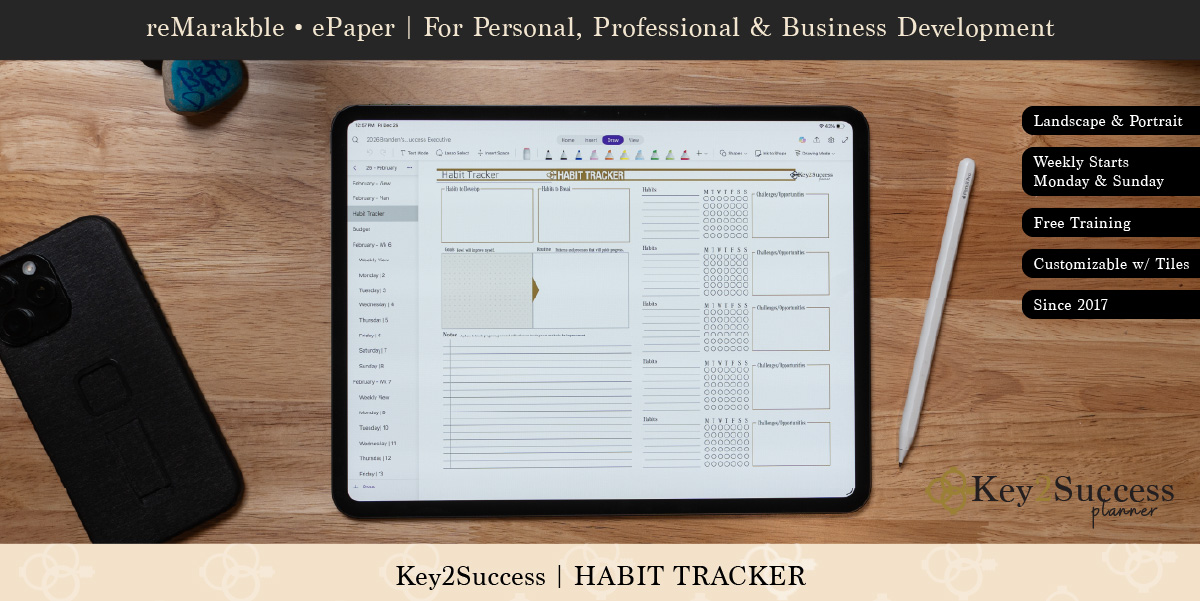
A habit tracker only works if you actually look at it. That’s the whole reason most habit apps fail. You install one, log a habit for four days, and forget it exists by day ten. A tracker that lives in the same notebook you already open every morning has a real shot, mostly because you’re not opening a separate app to see it.

Why reMarkable Fits Habit Tracking
If a reMarkable is already part of your daily planning routine, a habit tracker tile isn’t a separate thing to remember. It’s a page in the notebook you’re already using. That’s a meaningfully lower bar than a phone app, which competes with notifications, other apps, and the general pull to put the phone down once you’ve picked it up for something else.
Setting Up the Tile
The tile goes on using the same process as any other Key2Success tile: paste it into a notebook through the desktop app, then lasso, copy, and paste it onto the actual page in your planner PDF. Full steps are in How to Add Custom Templates to Your reMarkable.

Placement matters more than people expect. Put the tracker directly after your daily schedule page in whatever notebook or planner section you open first each day. A habit tracker three sections away from your daily page gets skipped, not because the habit isn’t important, but because it’s simply out of sight.
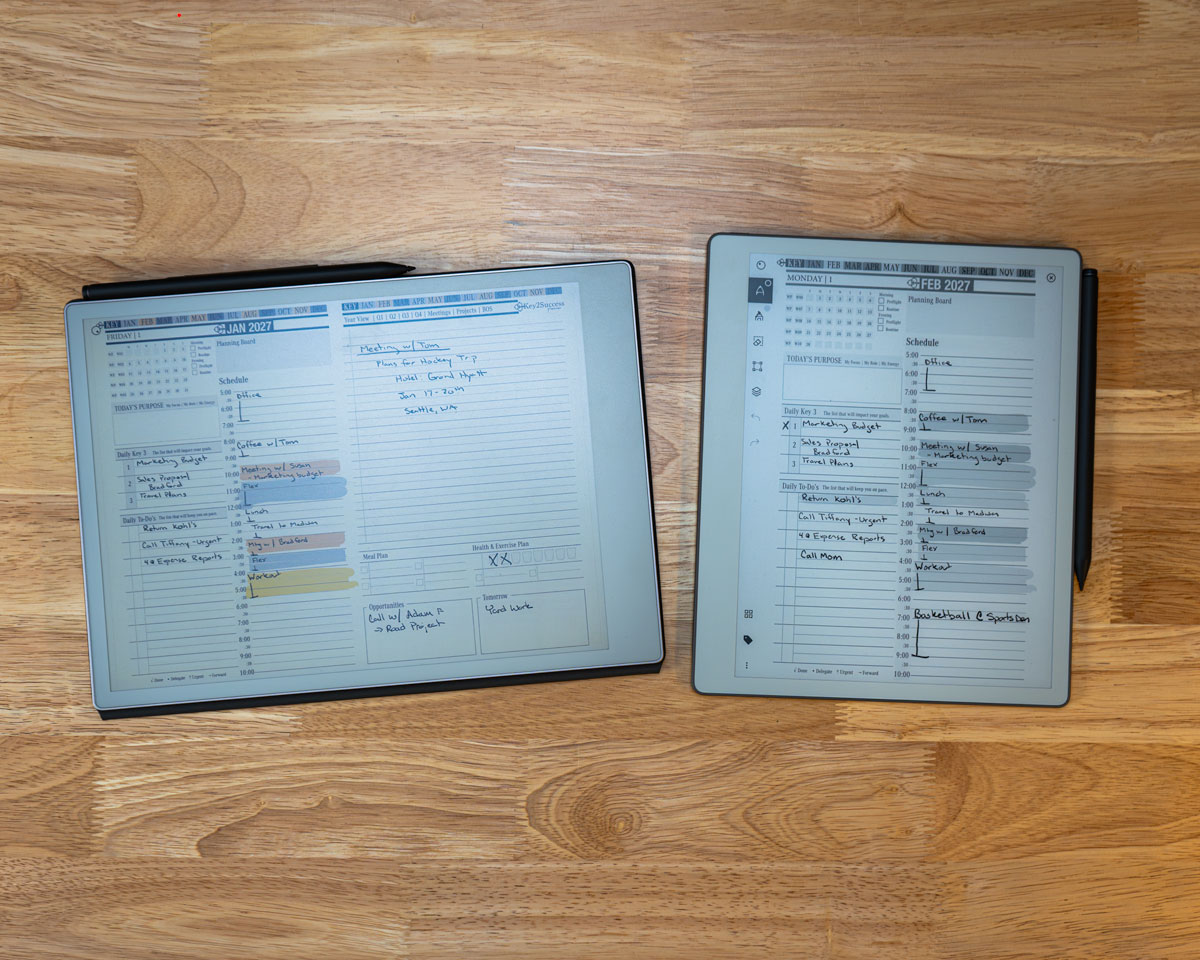
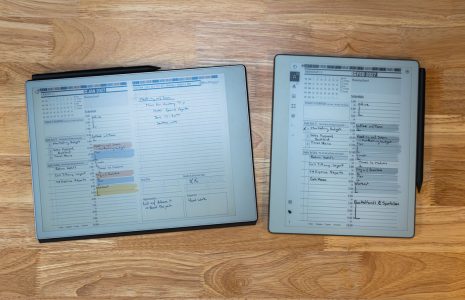
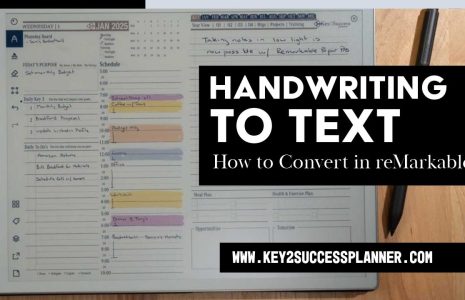
A habit tracker earns its keep sitting right next to a daily page like this one, not buried elsewhere in the notebook.
What to Actually Track
Fewer habits, tracked consistently, beats more habits tracked halfheartedly. Two or three is a realistic starting point. Common ones that hold up well on a daily tile: water intake, a short workout, a set number of pages read, a specific work task done first thing in the morning.
Avoid vague habits like “be productive” or “eat better.” A tracker needs a clean yes-or-no question. Did you drink the water. Did you do the workout. A vague habit doesn’t have a clear way to mark it done, and an unclear tracker gets abandoned fast.
How I Use Mine
I don’t run a single dedicated habit-tracker page so much as habit log elements pasted directly onto my daily pages, right alongside call tracking, since those are the two things the base planner didn’t include that I wanted there anyway. For the slower, less frequent check-in, I use a life balance wheel instead, a monthly look at whether work, health, and everything else are actually getting attention rather than a daily box to check.
The Weekly Review
A habit tracker without a review is just a record. Once a week, look back at the page. Which habits held. Which ones didn’t. That five-minute check is what actually changes behavior over time, not the daily mark itself.
Pairing With Other Tiles
Habit tracking pairs well with a life balance wheel, checked less often, maybe monthly. The habit tracker shows the day-to-day pattern. The life balance wheel shows whether the bigger picture is actually moving in the direction those daily habits are supposed to point.
See the habit tracker tile placed on an actual reMarkable page.
Get the Key2Success Tiles
Habit tracker, life balance wheel, and daily tiles, ready to paste onto your planner.
Browse Key2Success TilesFrequently Asked Questions
Where should I place a habit tracker tile in my notebook?
Directly after your daily schedule page. Placing it anywhere else in the notebook makes it easy to forget, since you won’t see it as part of your normal daily routine.
How many habits should I track at once?
Two or three. Tracking more than that tends to reduce consistency rather than improve it, since a longer list is more likely to get skipped entirely on a busy day.
Is a habit tracker better than a life balance wheel?
They serve different purposes. A habit tracker is for daily, specific behaviors. A life balance wheel is for a slower, broader check-in, typically monthly, across areas like work and health. Many people use both.
Do I need to review my habit tracker, or is logging enough?
Logging alone rarely changes behavior on its own. A short weekly review of the page, looking at which habits held and which didn’t, is what actually drives change over time.