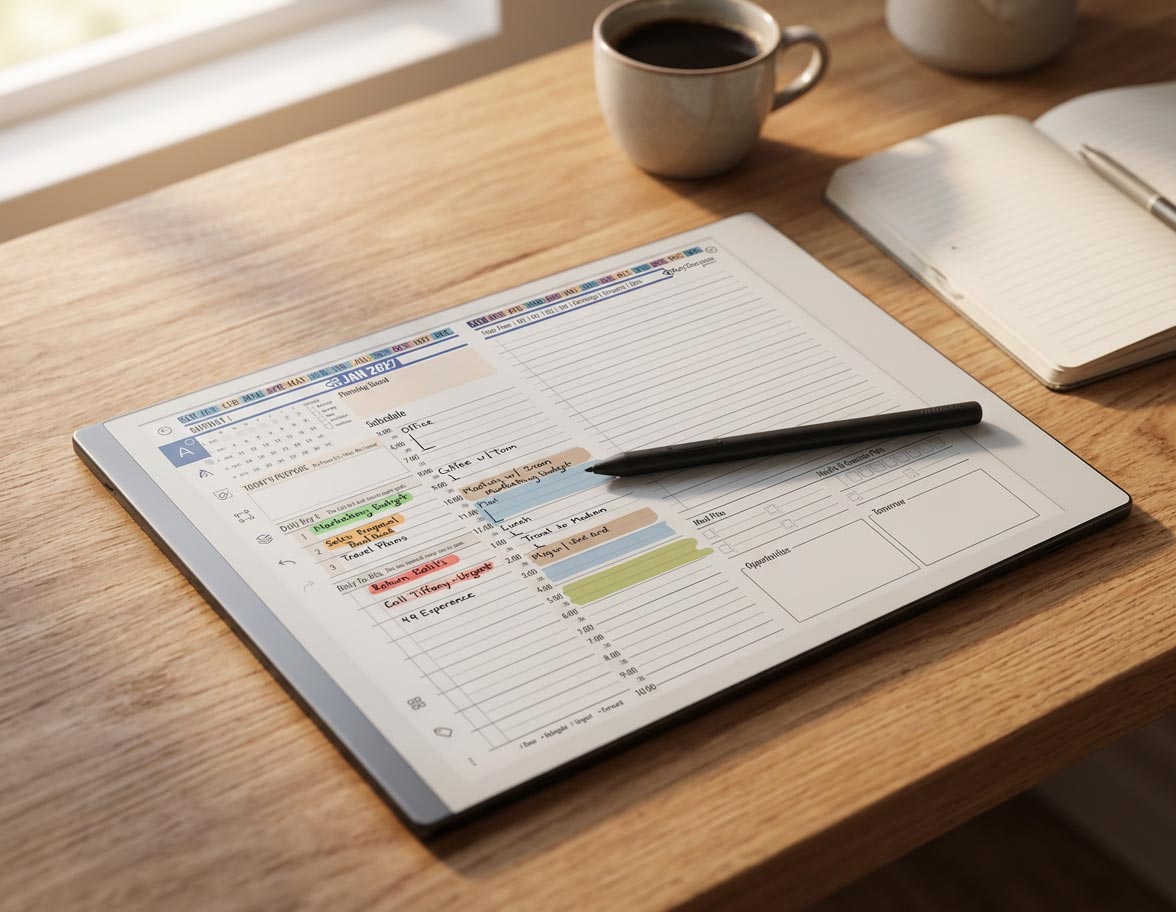
Best reMarkable Custom Templates for Daily Planning
Three tiles cover most of what a daily planning system actually needs: a daily schedule tile, a weekly or project overview tile, and one reflection tile, either a habit tracker or a life balance wheel. Add specialty tiles like a SWOT sheet or expense tracker later, once a specific situation calls for one. Each tile gets pasted onto your planner PDF using reMarkable’s image feature, covered in How to Add Custom Templates to Your reMarkable.

Once you can paste any tile you want onto a planner page, the temptation is to add all of them in the first week. Don’t. A system with a dozen tile types collapses under its own weight before it gets used twice. Here’s what actually earns a permanent spot on a daily planning page, and what order to add it in.

Start With One Core Page
Everything else is optional. A daily schedule tile is not, if you’re planning anything by hour or by priority. It’s the page you’ll open every morning, so set it up first, not fifth.
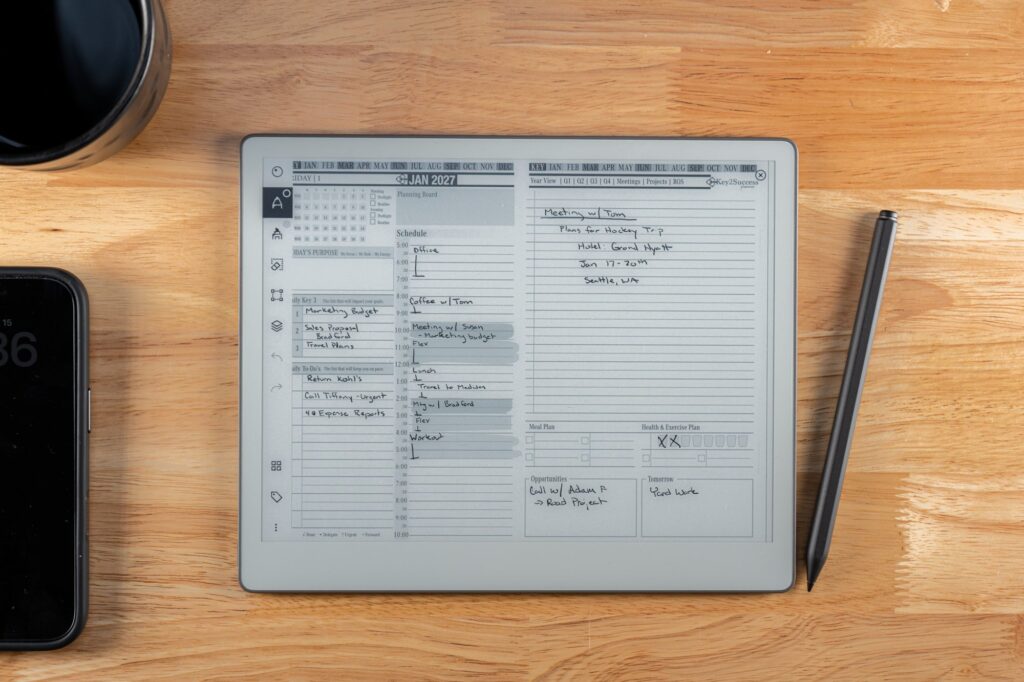
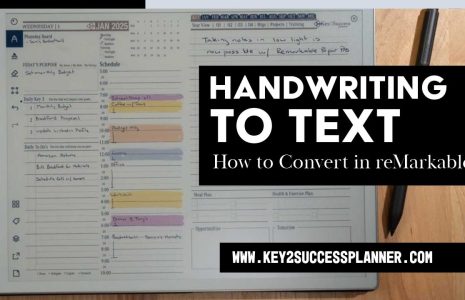
A good daily schedule tile has three things: time blocks, a short priority list kept separate from the schedule, and enough open space to actually write. If a tile crams in six sections, you’ll use two of them and ignore the rest.
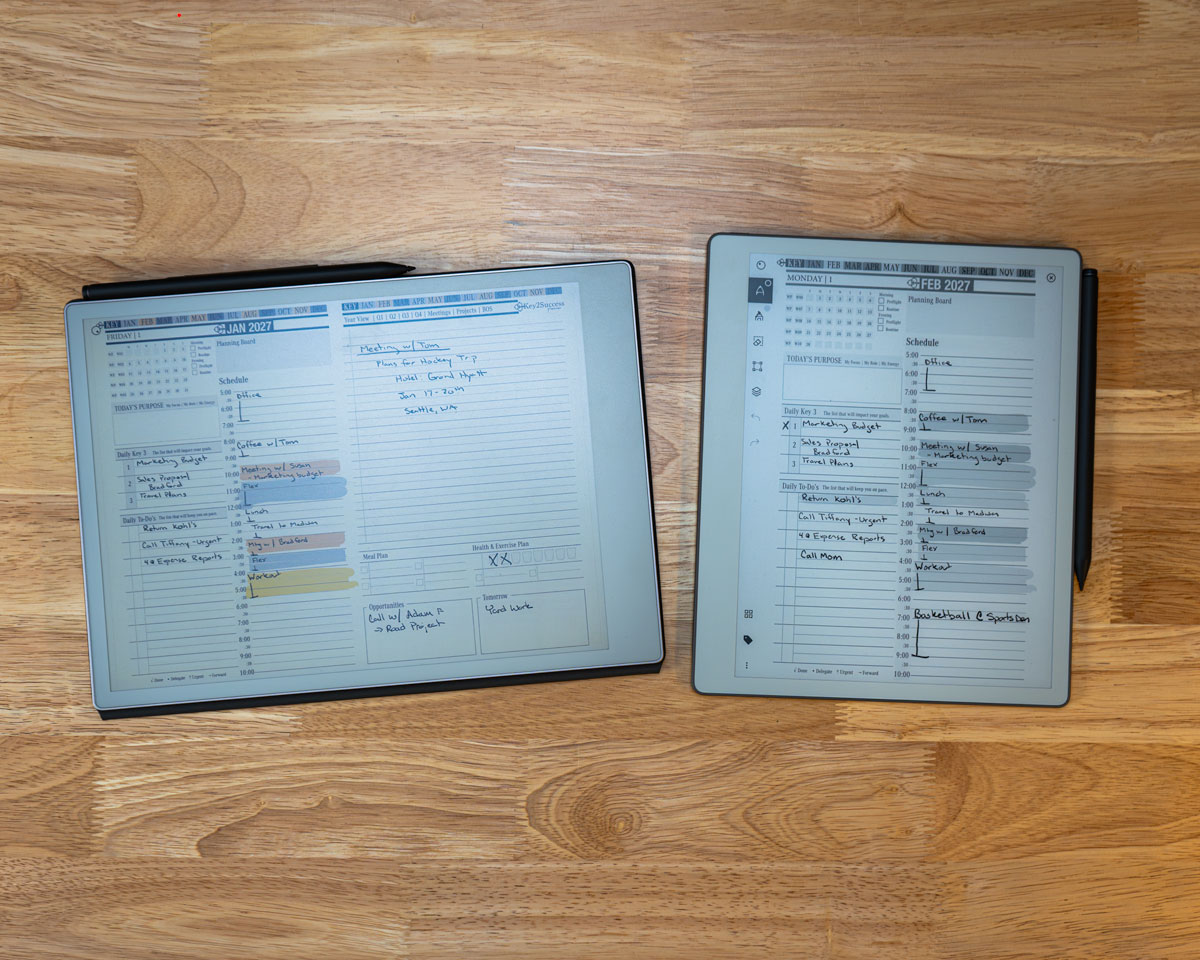
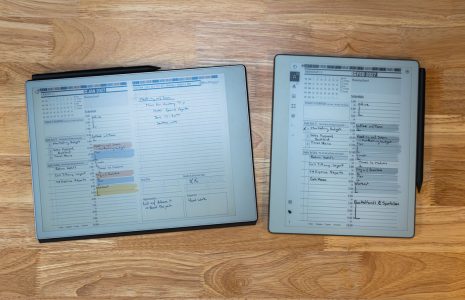
A daily schedule tile pasted onto planner pages on Paper Pro and Paper Pure.
Add a Weekly or Project Overview
Daily pages are great in the moment and useless for the bigger picture. A weekly or project tile gives a task somewhere to land when it doesn’t fit today, instead of getting lost between pages. Across the Key2Success community, daily tiles, project tiles, and meeting tiles are consistently the three most requested, in roughly that order.
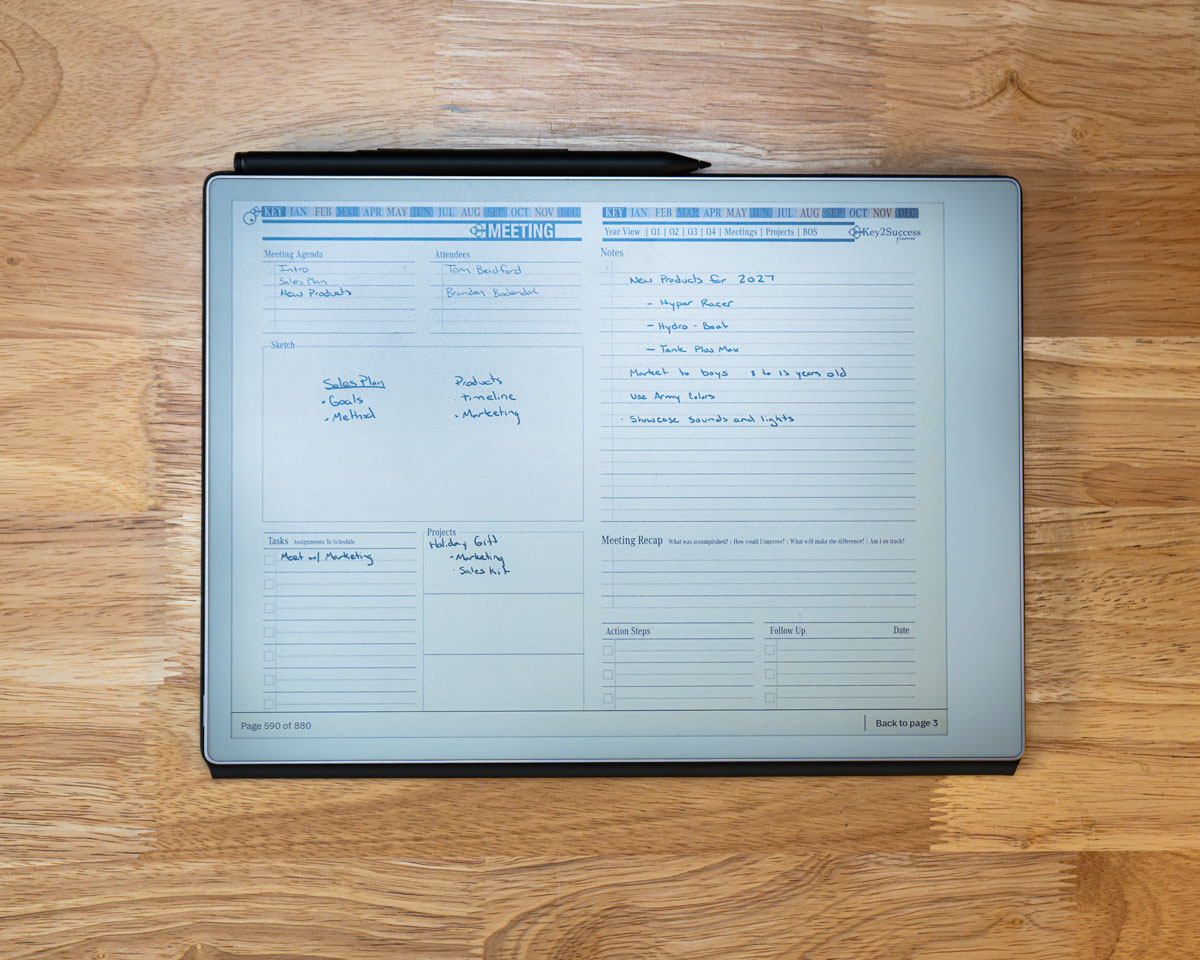
A meeting notes tile, one of the three most common tile types people add after their daily page.
Layer In One Reflection Tile
This is the one people skip, and the one that actually changes behavior instead of just recording it. Pick a habit tracker if you’re building or breaking a specific behavior. Pick a life balance wheel if the goal is broader, a periodic check on whether work, health, and everything else are getting reasonable attention.
Pick one, not both, at least to start. I keep both in rotation myself, a life balance wheel and a SWOT sheet, but I built up to that over time rather than starting there.
What I Actually Add to My Own Pages
Beyond the core planning tiles, the additions that stuck for me are small: call tracking and habit log elements pasted directly onto my daily pages, things the base planner doesn’t include but that I wanted there anyway. That’s really the point of tiles over built-in templates, you’re not stuck with someone else’s idea of what belongs on the page.
Skip Specialty Tiles Until You Need Them
SWOT sheets, expense trackers, sermon notes. Useful tiles, but situational. A lot of people in the Key2Success community also like the essential tiles, which give a clean set of extra note pages without redesigning an entire notebook. Add any specialty tile the week you actually need it, not because it’s available. A tile sitting unused in your files isn’t hurting anything, but it isn’t helping either.
A Realistic Starter Set
- Update your reMarkable to the latest firmware so the image-insertion feature is available.
- Download three tiles to start: a daily schedule tile, a weekly or project tile, and one reflection tile.
- Paste all three onto your planner using the desktop app, following the step-by-step process here.
- Run the three-tile system for one full week before adding anything else.
- Add a specialty tile only once a specific situation actually calls for it.
See these exact tiles placed on a reMarkable, start to finish.
Get the Key2Success Tiles
Daily, weekly, habit, and life balance tiles, ready to paste onto your planner.
Browse Key2Success TilesFrequently Asked Questions
How many tiles should I start with for daily planning?
Three: a daily schedule tile, a weekly or project overview tile, and one reflection tile such as a habit tracker or life balance wheel. Run that set for a week before adding more.
Which tile should I add first?
A daily schedule tile. It’s the page you’ll open every morning, so it should be the first thing you set up on your planner.
Should I use a habit tracker or a life balance wheel?
Use a habit tracker if you’re building or breaking one specific behavior. Use a life balance wheel if you want a broader, less frequent check-in across work, health, and other areas of life. Start with one rather than both.
What tiles do most people add after their daily page?
Across the Key2Success community, project tiles and meeting tiles are the two most common additions after the daily schedule tile, along with the essential tiles for extra note pages.
When should I add a specialty tile like a SWOT sheet?
When a specific situation calls for it, not before. Specialty tiles like SWOT sheets, expense trackers, and sermon notes are useful but situational, and adding them too early tends to clutter a system that hasn’t settled into a routine yet.