Supernote Digital Planning Revolution
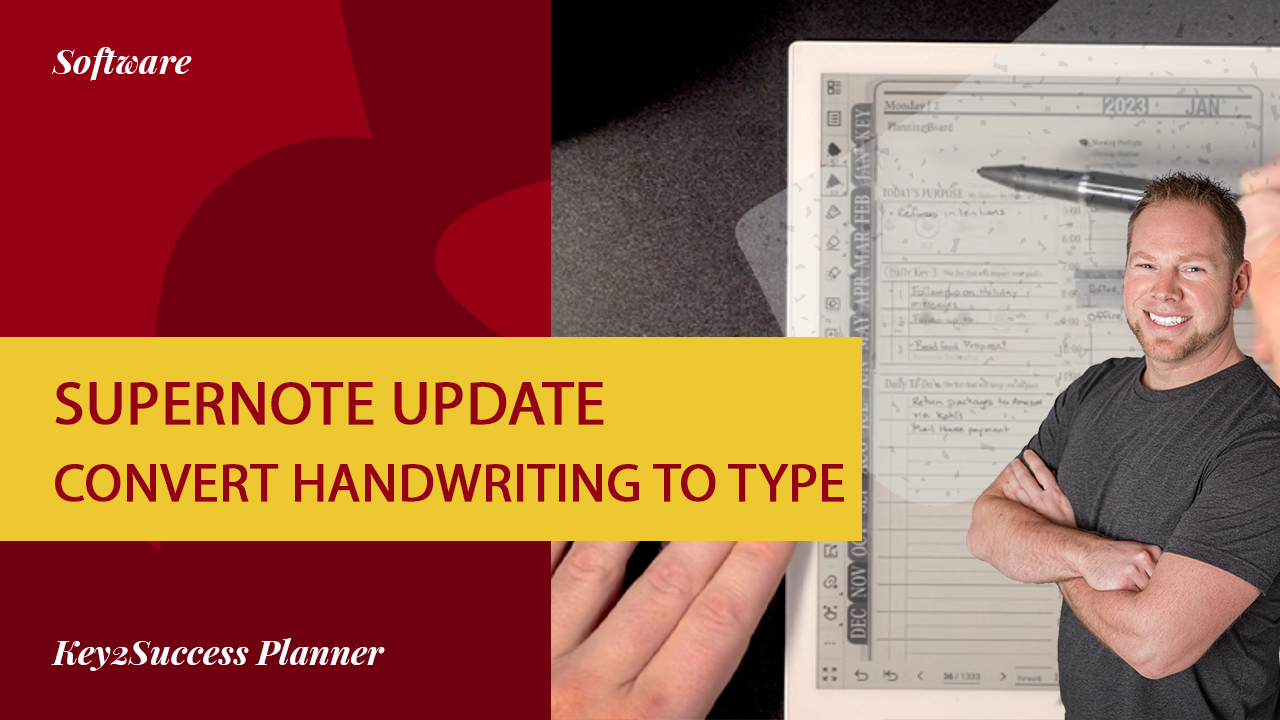
The Supernote digital planning device represents a significant advancement in how users manage their notes and schedules. With its latest update enabling handwriting-to-text conversion, it allows for seamless integration into digital planning workflows, making it easier for users to organize their thoughts and tasks effectively.
This innovative feature not only enhances the usability of the Supernote but also aligns perfectly with the Key2Success Planning System. Users can now effortlessly convert handwritten notes into editable text, which can be further organized using hyperlinks, improving productivity and efficiency in daily planning.
Benefits of Handwriting-to-Text Conversion
The handwriting-to-text conversion feature of the Supernote offers numerous benefits, particularly for those who prefer writing by hand but want the advantages of digital organization. This functionality allows users to maintain the tactile experience of writing while enjoying the convenience of digital text.
How to Use the New Feature
Using the handwriting-to-text conversion feature on the Supernote is straightforward and user-friendly. Users can write their notes as usual, and with a simple command, they can convert the handwritten content into digital text. This process significantly reduces the time spent on note-taking and organization.
Integrating Supernote with Key2Success Planning System
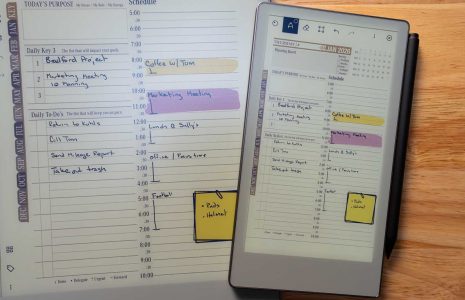
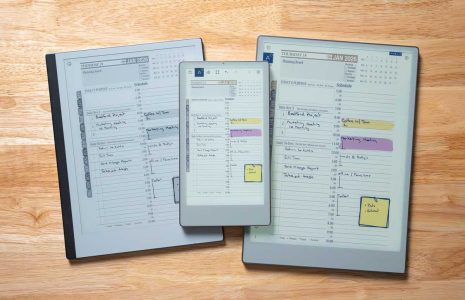
The integration of the Supernote with the Key2Success Planning System enhances the overall digital planning experience. By converting handwritten notes into text, users can utilize the planner's features, such as hyperlink navigation, to create a more interactive and organized planning environment.