Benefits of Digital Planning Over Traditional Methods
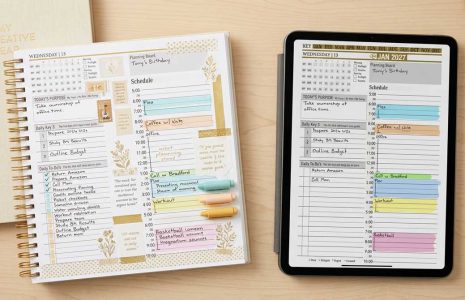
Digital planning offers numerous advantages compared to traditional paper planners, including increased flexibility and accessibility. Users can easily modify their plans without the need for erasing or crossing out, allowing for a more fluid planning experience. This adaptability is particularly beneficial for those with dynamic schedules or frequent changes in priorities.
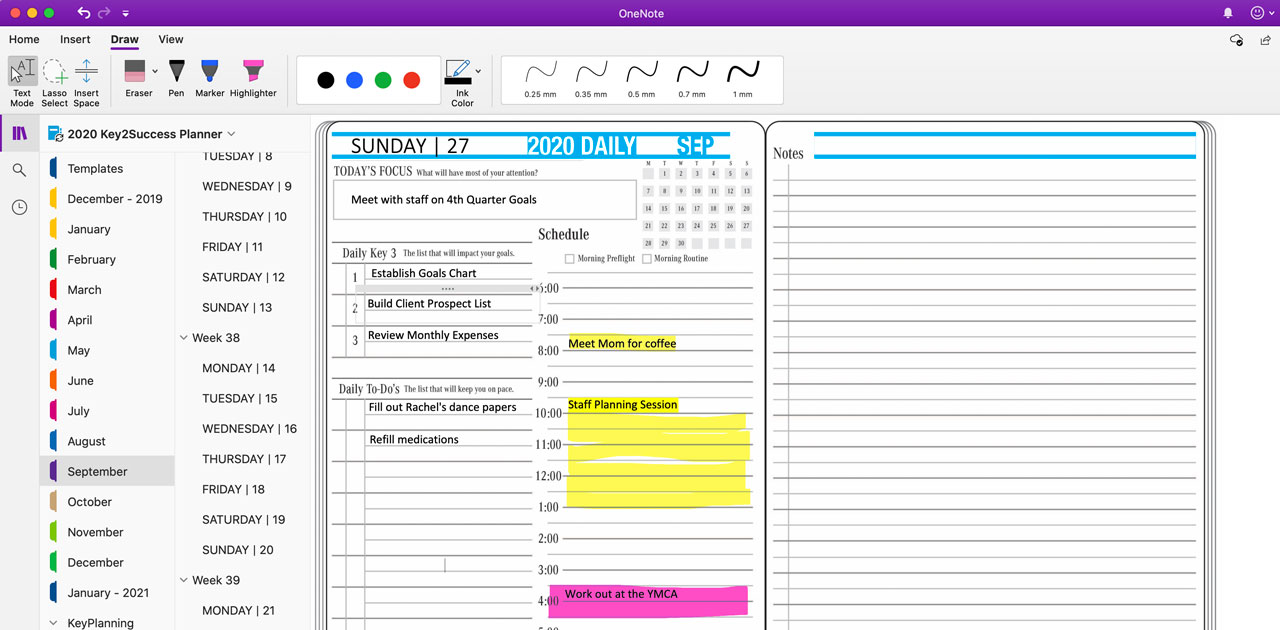
Moreover, digital planners often come equipped with features such as reminders, synchronization across devices, and multimedia integration. For instance, OneNote allows users to embed images, audio, and links directly into their planners, enhancing the overall functionality and usability of the planning process. These features help users stay organized and efficient, ultimately leading to better productivity.
Customizing Your Key2Success Planner
Customization is a key feature of the Key2Success Planner, allowing users to tailor their digital planning experience to fit their individual needs. With a variety of templates and layouts available, users can select the design that best suits their planning style, whether they prefer a daily, weekly, or monthly overview.
Additionally, the planner allows for the creation of personalized sections and categories, enabling users to organize their tasks and goals effectively. By leveraging the customization options, users can ensure that their digital planner not only meets their functional requirements but also resonates with their personal aesthetic, making planning a more enjoyable activity.
Advanced Features of OneNote for Enhanced Planning
OneNote is packed with advanced features that elevate the digital planning experience beyond basic note-taking. Features such as the lasso tool for selecting and moving objects, along with the ability to highlight text, enhance user interaction with their planners. These tools allow for a more dynamic planning process, enabling users to rearrange and emphasize important information easily.
Furthermore, OneNote's integration with other Microsoft applications provides users with a seamless workflow. For example, users can link their tasks to Outlook calendars or integrate Excel spreadsheets for budgeting purposes. This connectivity ensures that all aspects of planning are streamlined, making OneNote a comprehensive solution for digital organization.
Tips for Effective Digital Planning with OneNote
To maximize the benefits of digital planning with OneNote, users should adopt certain strategies that enhance their productivity. One effective tip is to utilize tags for categorizing tasks and notes, making it easier to locate specific information quickly. Additionally, setting up a consistent color-coding system can help users visually differentiate between various types of tasks or priorities.
Another useful approach is to regularly review and adjust planning strategies based on what works best for the individual. Experimenting with different templates and layouts can lead to discovering the most effective planning style. By continuously refining their digital planning process, users can ensure that they remain organized and focused on their goals.