
iPhone Duo Apple Pencil Support: Complete FAQ
Watch: Apple Pencil on iPhone Duo, Hands-On
Most of the answers on this page come from my own hands-on time. The video shows the pairing, the Apple Pencil settings, and real writing in Apple Notes, OneNote, and GoodNotes. Read the full transcript, setup steps, and FAQ on the video page.
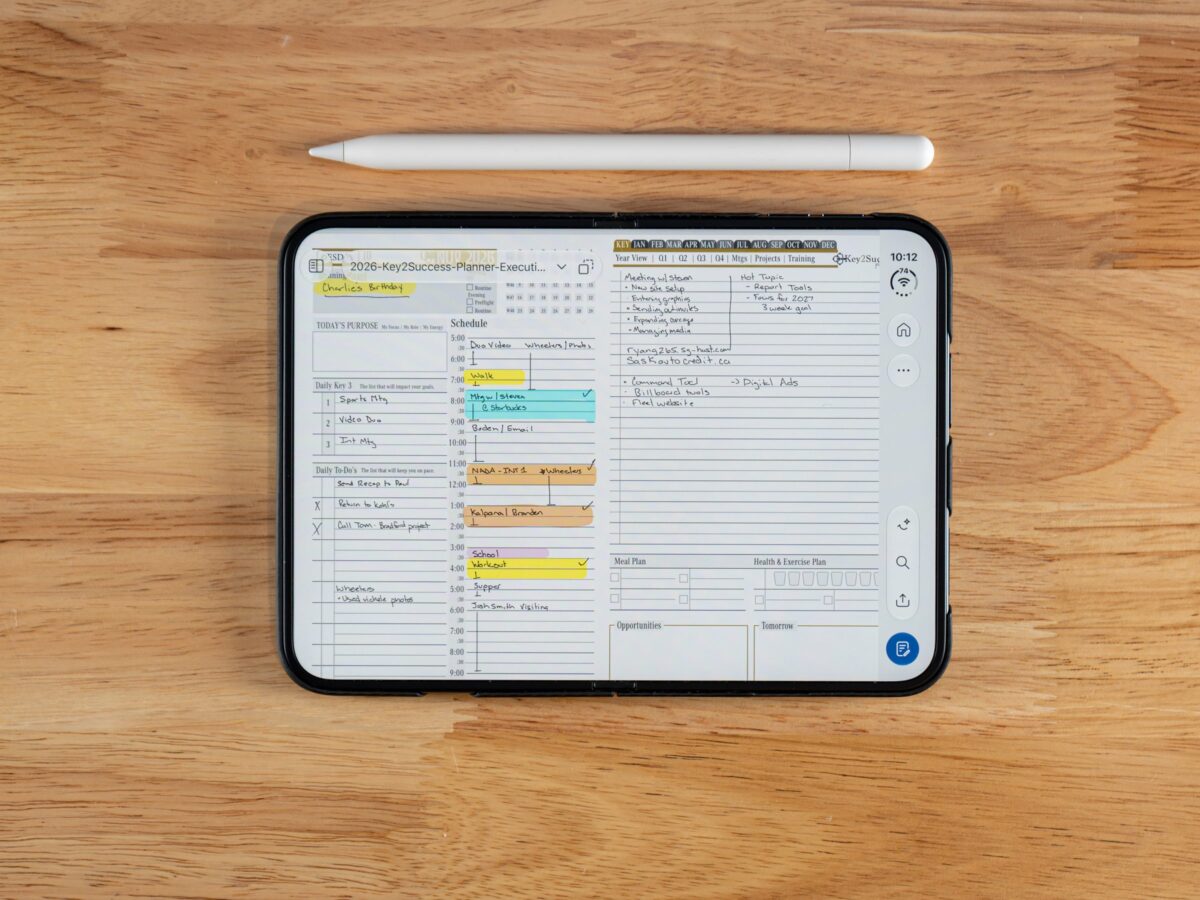
Apple confirmed exactly one new fact about iPhone Duo on September 9, 2026: it works with Apple Pencil. No iPhone has ever done that before, not the Pro Max, not any generation before it. That headline is real and it’s a first.

Past that headline, Apple got quiet. Fast. Most of the specs a buyer actually needs, pressure sensitivity, a supported app list, exactly when the feature turns on, weren’t part of the announcement. This page exists to sort what Apple has actually said from what’s still a guess. Every answer below tells you flat out which bucket it’s in, because the worst thing a “complete FAQ” can do on a topic like this is dress up a guess as a spec.
Here’s the part most coverage is getting wrong. Everyone’s asking whether Apple Pencil on iPhone Duo beats Apple Pencil on iPad. Wrong question. The iPad Pencil experience isn’t going anywhere, and iPhone Duo isn’t replacing it. The real story is that serious note-taking no longer requires carrying a second device at all.
iPhone Duo is the first iPhone Apple has ever built with Apple Pencil support.
Apple hasn’t published pressure sensitivity or hover specs for iPhone Duo. App support is rolling out app by app.
Apple Pencil support arrived October 26, 2026 in iOS 27.2, three days after iPhone Duo launched.
Does iPhone Duo Support Apple Pencil?
Yes. Apple confirmed Apple Pencil support for iPhone Duo at its September 9, 2026 event, and it’s the first iPhone Apple has ever built to work with a Pencil.
Every iPhone before this one, going back to 2007, shipped without a digitizer, the layer under the glass that reads a stylus tip. iPads have had one for over a decade. iPhone never did, until this display. That’s a genuinely new category for the product line, not a minor spec bump, and it’s worth sitting with for a second: Apple just put iPad-grade stylus hardware inside a phone for the first time in the company’s history. See Apple’s own newsroom announcement for the original confirmation.
What Makes Apple Pencil Work on iPhone Duo?
The 7.6-inch unfolded inner display uses iPad-like digitizer technology, which Apple described during the announcement as “very much iPad-like.” It’s the screen, not a new Pencil model, doing the work.
A digitizer tracks the tip of a stylus across the display in real time. iPad has carried one for years. iPhone Duo’s inner panel gets the same kind of layer, which is why an existing Apple Pencil, not some new phone-specific stylus, is what pairs with it. Nothing changed about the Pencil itself. The phone caught up to the tablet.
Which Apple Pencil Works With iPhone Duo?
Only the Apple Pencil (USB-C), priced at $79. The Apple Pencil Pro, at $129, is not supported.
The Pencil Pro needs a magnetic surface to charge and pair, and the fold running through iPhone Duo doesn’t have one to offer. That’s a hardware limitation, not a software gap Apple can patch in later. If you already own a Pencil Pro from your iPad, it will not work here, full stop. Apple lists only the Apple Pencil (USB-C) as compatible, so don’t count on an older 2nd-generation Pencil either. If you’re buying specifically for iPhone Duo, the USB-C model is the only safe order.
Is Apple Pencil Included With iPhone Duo?
No. Apple Pencil is sold separately, for $79.
iPhone Duo ships as a phone, not a phone-and-stylus bundle. Budget the Pencil as its own purchase, and don’t expect a box insert or a launch promotion to change that. Add the Pencil to the same cart, and keep a USB-C cable handy: that’s how it pairs.
When Did Apple Pencil Support Launch on iPhone Duo?
It already has. iPhone Duo launched October 23, 2026 on iOS 27.1, and Apple Pencil support arrived three days later in iOS 27.2, released October 26, 2026.
Apple only promised “later this year” at the September announcement, then delivered much sooner. If your Duo arrives on iOS 27.1, open Settings, General, Software Update and install iOS 27.2 or later before you try to pair. To pair, plug a USB-C cable into the Pencil and the phone; the Duo shows it as connected and adds an Apple Pencil section to Settings. Turn on Only Draw with Apple Pencil so your finger scrolls, and Scribble so handwriting converts to text.
Does Apple Pencil Work on Both iPhone Duo Screens?
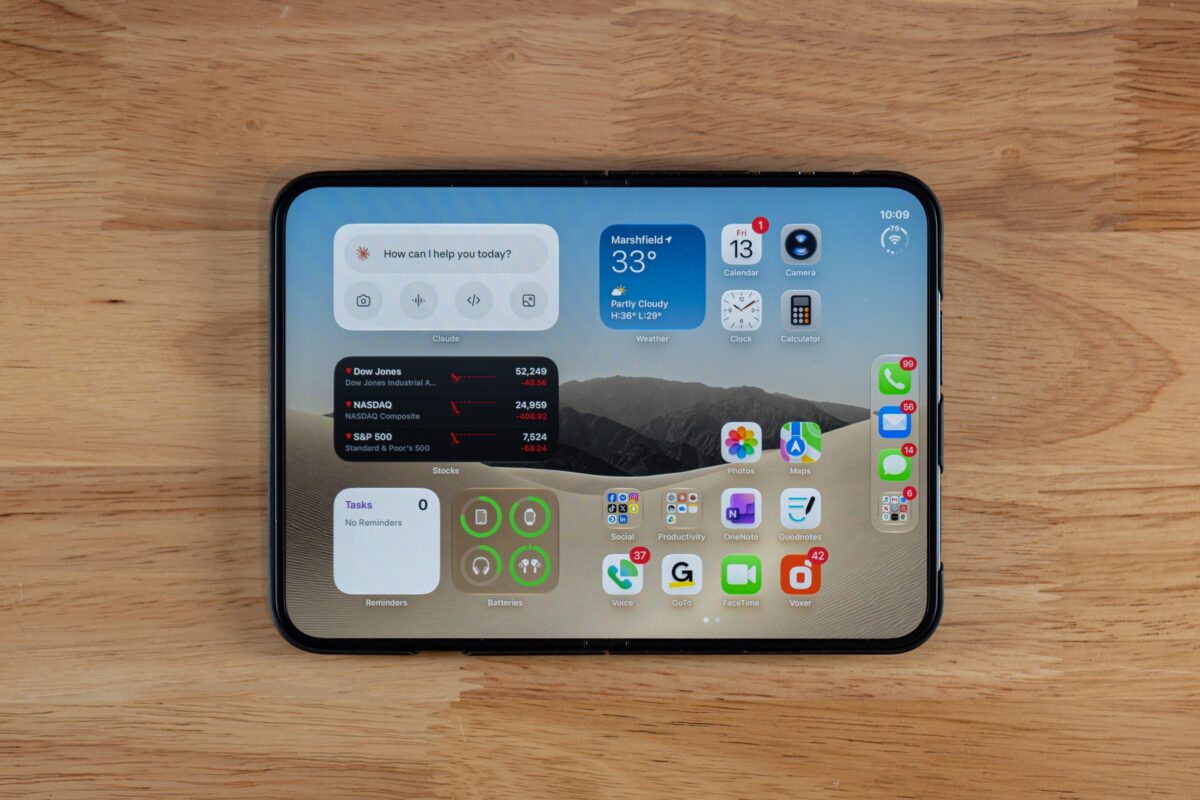
Yes. Apple Pencil works on both the 5.4-inch outer display and the 7.6-inch unfolded inner display. That’s something Samsung’s S Pen never offered on the Fold’s cover screen.
That’s a real point in iPhone Duo’s favor. Most folding phones on the market today support a stylus on one panel, usually the unfolded one, and leave the cover screen untouched. iPhone Duo is built to take Pencil input either way, folded for a quick note in your pocket, unfolded for a full page.
Does Apple Pencil Have Pressure Sensitivity or Hover on iPhone Duo?
Apple hasn’t published pressure sensitivity or hover specs for iPhone Duo. Based on the Pencil hardware itself, don’t expect either.
The Apple Pencil (USB-C) is hardware-limited everywhere Apple sells it, on iPad or on iPhone Duo. It supports tilt, but it has no pressure sensor, no double-tap gesture, no barrel roll, no haptics, and no Find My tracking. Those limits sit inside the Pencil itself, not in whatever software runs on the screen it’s touching. A software update can’t give the Apple Pencil (USB-C) a pressure sensor it was never built with. Expect that ceiling to carry straight over to iPhone Duo, because it’s a hardware fact, not a software one.
Which Apps Support Apple Pencil on iPhone Duo?
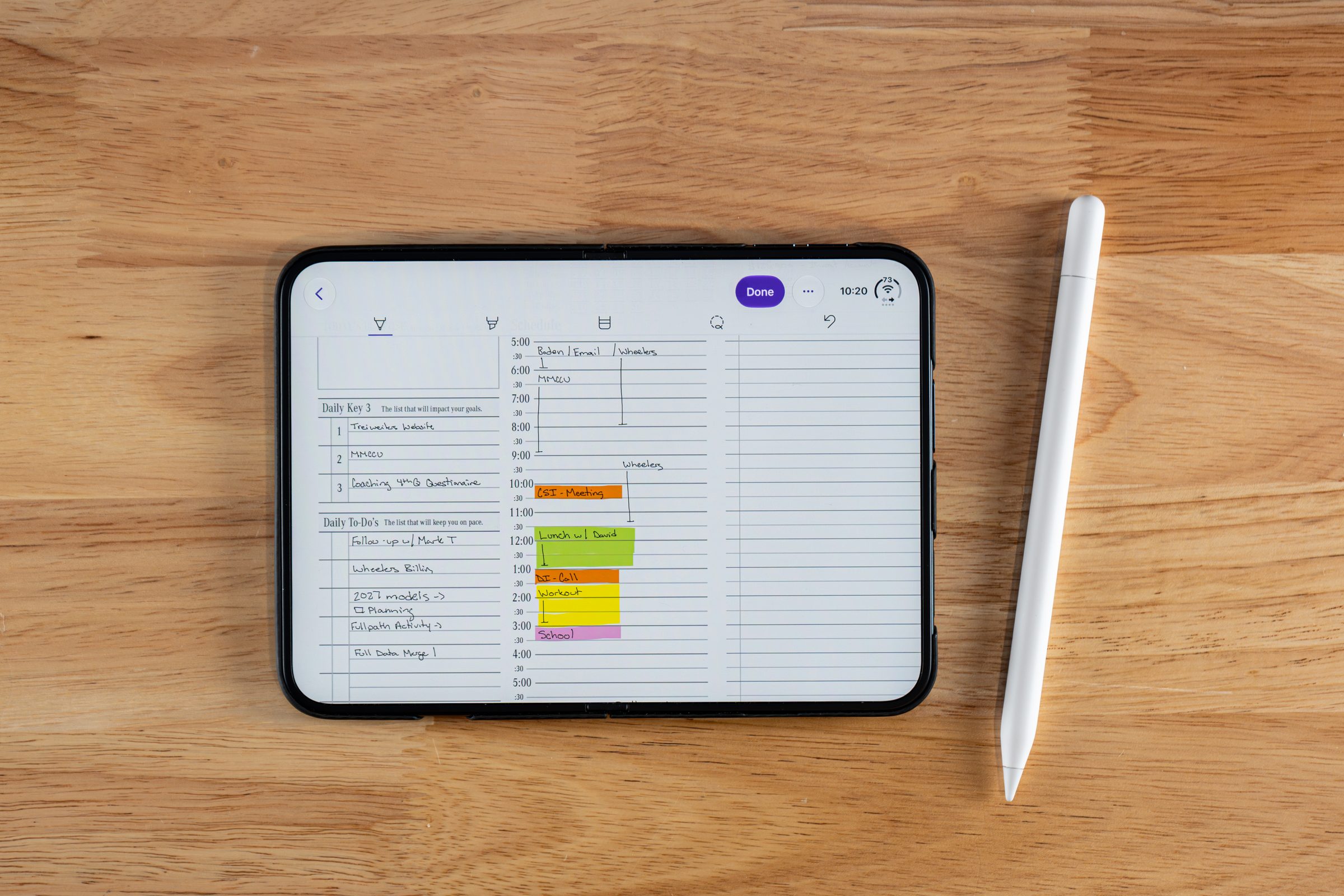
Apple hasn’t published an official app list, but Apple Notes, OneNote, and GoodNotes all accept Apple Pencil writing on iPhone Duo in my testing.
I’ve tested three so far. Apple Notes works well, and turning on Auto Refine handwriting (tap the three dots) subtly cleans up your letters. OneNote takes handwriting, highlighting, lasso and erase, but as of my testing it has no line thickness or color options on the Duo yet, which looks like an app update Microsoft hasn’t shipped rather than a Duo limit. GoodNotes released a dedicated iPhone Duo update with a two-layer toolbar, a reading mode, and layouts for folded, semi-folded and unfolded use, and its pen, color, thickness and lasso tools match the iPad version. Other Pencil-aware apps are rolling out support on their own schedules, so check each app’s update notes.
Will Apple Pencil Notes Sync With iPad and Mac?
Apple hasn’t documented syncing behavior specific to this feature. Two things already work independent of iPhone Duo: Continuity Markup, and cloud sync inside apps like GoodNotes and Notability.
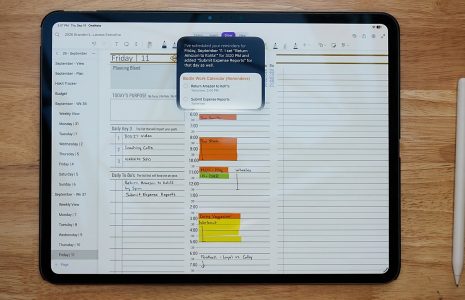
Continuity Markup already lets you pick up an iPhone or iPad and sketch straight into a document open on a Mac, no new feature required. GoodNotes and Notability already sync notebooks across devices through iCloud or their own cloud accounts, independent of any specific phone. Notes you write on iPhone Duo ride those same existing rails. In GoodNotes, the same planner I write in on iPad opens on the Duo. Don’t assume a brand-new sync feature exists just because a new device does.
“The first thing I want to know before buying a pencil is: is it going to work across all my applications, like OneNote, Noteshelf, and Notability? If it does, that’s absolutely amazing. The fact that it works on both the interior and exterior screen is something superior most other foldable phones don’t offer.”
“I definitely plan to order the USB-C Apple Pencil. At a price point of under $70, this is a great tool.”Branden Bodendorfer, Creator, Key2Success Planner
Whatever app ends up supporting Apple Pencil first, plan your pages before you write on them
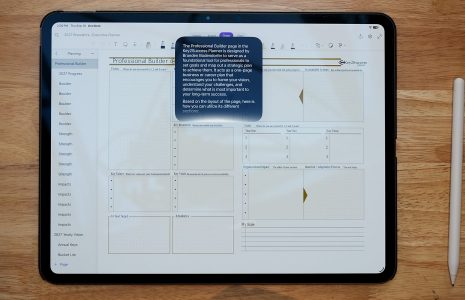
Whichever app you pick, the layout still matters more than the tool drawing on it. Key2Success Planner is built for GoodNotes and OneNote, and the same weekly and daily structures I use on iPad now run on iPhone Duo with the Apple Pencil (USB-C).
More Quick Answers
Fast, single-sentence answers to the follow-up questions that come up once the main ones are settled.
What’s Confirmed: The Full Breakdown
Every key fact in one place, updated now that Apple Pencil support is live and I’ve used it hands-on.
| Question | Status | Detail |
|---|---|---|
| Does iPhone Duo support Apple Pencil? | Confirmed | Announced September 9, 2026 |
| Which Pencil model works? | Confirmed | Apple Pencil (USB-C) only |
| Does Apple Pencil Pro work? | Confirmed, no | No magnetic surface on the fold |
| Is Pencil included in the box? | Confirmed | Sold separately, $79 |
| Does it work on both screens? | Confirmed | Outer 5.4-inch and inner 7.6-inch |
| Is support live? | Yes | Since iOS 27.2, October 26, 2026 |
| Pressure sensitivity? | No | The USB-C Pencil has no pressure sensor |
| Hover support? | Not documented | Assume no, based on Pencil hardware |
| Supported apps? | Tested | Apple Notes, OneNote, GoodNotes (with a dedicated Duo update) |
| Cross-device sync behavior? | App-level | Existing iCloud and app cloud sync, no new Duo feature |
iPhone Duo Apple Pencil Buying Checklist
- Order the Apple Pencil (USB-C), not the Pencil Pro. Only one model works with iPhone Duo.
- Budget $79 for the Pencil separately. It does not ship in the iPhone Duo box.
- Pencil support wasn’t on the launch software. It arrived in iOS 27.2 on October 26, 2026.
- Check your note-taking app’s release notes before you assume it supports iPhone Duo’s Pencil feature.
- Skip metal Pencil tips. Stick with Apple’s standard tip on the folding screen.
- Update to iOS 27.2 or later, pair with a USB-C cable, then turn on Only Draw with Apple Pencil and Scribble.
Everyone’s asking whether Apple Pencil on iPhone Duo beats Apple Pencil on iPad. Wrong question. The iPad Pencil experience isn’t going anywhere, and iPhone Duo isn’t replacing it. The real story is that serious note-taking no longer requires carrying a second device at all.
After my first week, here’s where I landed. My Apple Pencil experience on iPad has been exceptional, and I expected the Duo to be a step down: tiny screen, small results. It wasn’t. The writing held up, and it’s been most useful in the moments an iPad isn’t with me, like a meeting over lunch or a thought I want out of my head before bed. The trade-offs are real: the Pencil attaches to the phone but falls off easily, and with the Pencil you’re north of $2,000 for a note-taking device in your pocket.
That’s where this stands: confirmed hardware, confirmed pricing, and Apple Pencil support live since iOS 27.2.
Sources
- Apple Newsroom, September 9, 2026 announcement
- Apple Pencil (USB-C) product page, Apple Inc.