Buyer Guides
reMarkable Paper Pure vs reMarkable 2: Should You Upgrade?
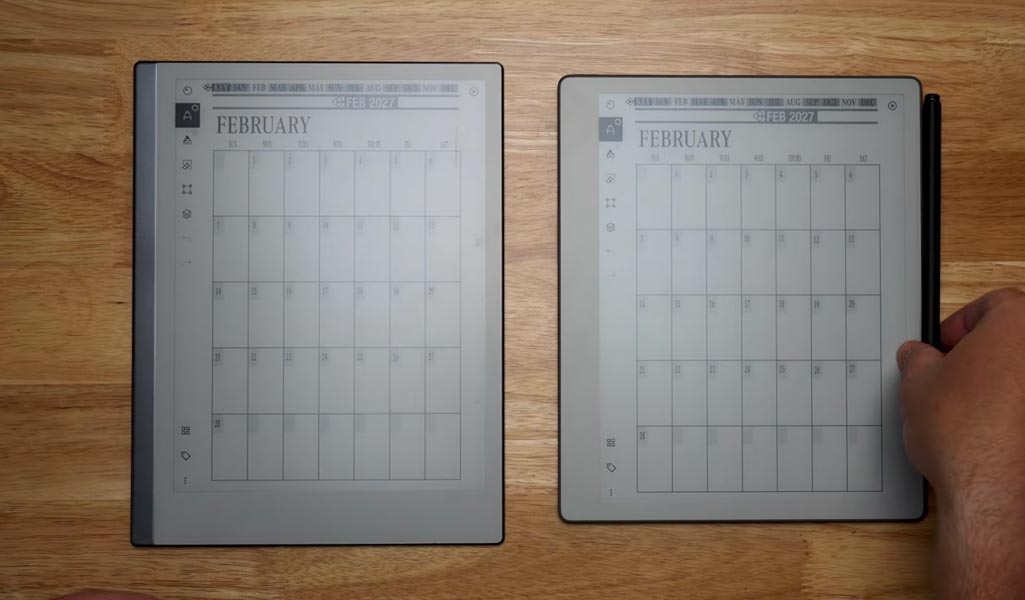
Quick verdict
Most reMarkable 2 owners don’t need to upgrade. That’s the short version, and it’s not the answer reMarkable’s marketing wants you to land on.
The Paper Pure is a genuinely better piece of hardware. It’s faster, lighter, holds a charge longer, and reMarkable finally designed it to be repaired instead of replaced. But if your RM2 still opens fast enough and holds a charge through your week, none of that upgrade math changes what you actually do on the page: write, plan, and read back what you wrote. The system matters more than the screen it runs on, and that system (Connect, your folders, your Key2Success templates) moves with you regardless of which tablet you’re holding.

Two groups should move now: anyone buying their first e-ink tablet, since the RM2 is discontinued and only available refurbished or used, and anyone whose RM2 battery or speed has genuinely started to annoy them day to day.
What stays the same
Here’s the part reMarkable doesn’t advertise loudly enough: almost nothing about how you actually work changes.
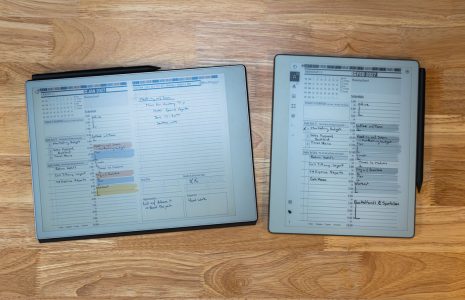
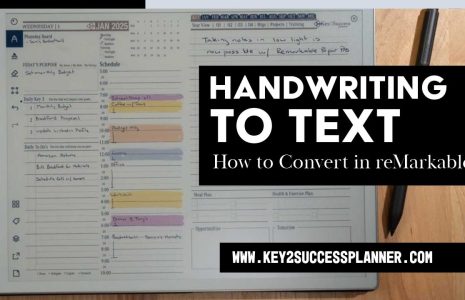
The software is the same reMarkable OS you already know. Your Connect subscription carries over, along with cloud sync, handwriting conversion, and the AI note tools. If you’re running a Key2Success planning system on your RM2, it installs on the Paper Pure the same way, tiles and all. Folders, notebooks, and PDFs you’ve already built stay exactly as organized as you left them after a cloud sync.
That continuity is the whole reason a lot of RM2 owners can afford to wait. You’re not buying into a new ecosystem. You’re buying a faster box to run the one you’re already in.
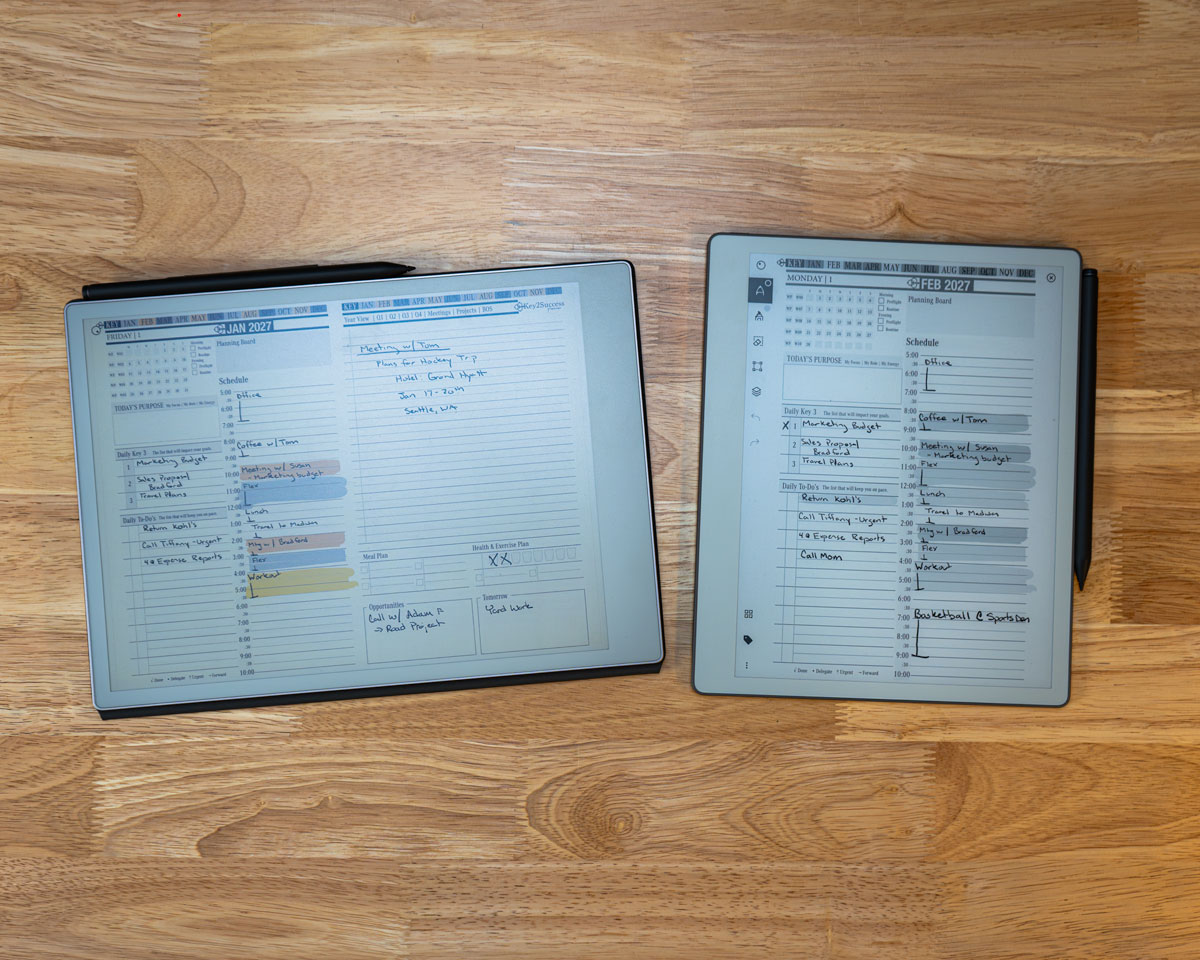
What actually changed
The upgrades are real, and they show up the moment you pick up the device.
Speed. Navigation, opening documents, and swiping between pages run up to twice as fast on the Paper Pure. That’s the E Ink Carta 1300 display doing the work, and it’s noticeable within the first five minutes of use, not just on a spec sheet.
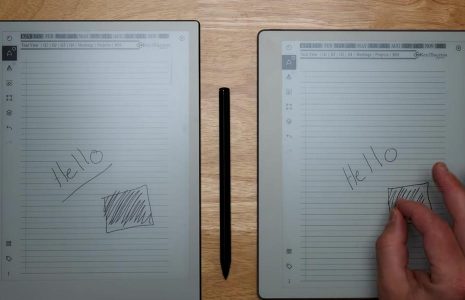
Contrast. The Paper Pure has about 20% better contrast than the RM2. Text and ink look darker and whiter side by side, which matters more than it sounds like it should when you’re staring at a page for two hours straight.
Weight. The Paper Pure weighs 360 grams. The RM2 weighs about 403.5 grams. That 43-gram difference is small on paper and noticeable in your hand after twenty minutes of holding it while you write standing up.
Battery. Battery capacity rose roughly 30%, and reMarkable now quotes up to three weeks of typical use on the Paper Pure versus two weeks on the RM2. I keep my Paper Pure off the charger for most of a normal work month and it holds up.
Storage. You get 32GB on the Paper Pure, four times the 8GB on the RM2. Unless you’re storing hundreds of scanned PDFs, you were never going to hit the RM2’s ceiling, but it’s a real upgrade if you archive a lot.
Materials and repair. The Paper Pure is built from 38% recycled materials, including 100% of the lithium and cobalt in the battery and 90% of the magnesium in the frame. Its carbon footprint runs about 45% lower than the RM2’s. It’s also the first reMarkable assembled with screws and snaps instead of glue, which means the 3,820 mAh battery is actually user-replaceable. Every reMarkable before this one required sending the device in for a battery swap or living with the wear.
One spec that doesn’t change: neither device has a front light. That’s a Paper Pro feature, not something either of these devices has, so don’t let a review that blurs the two lineups talk you into expecting one here.
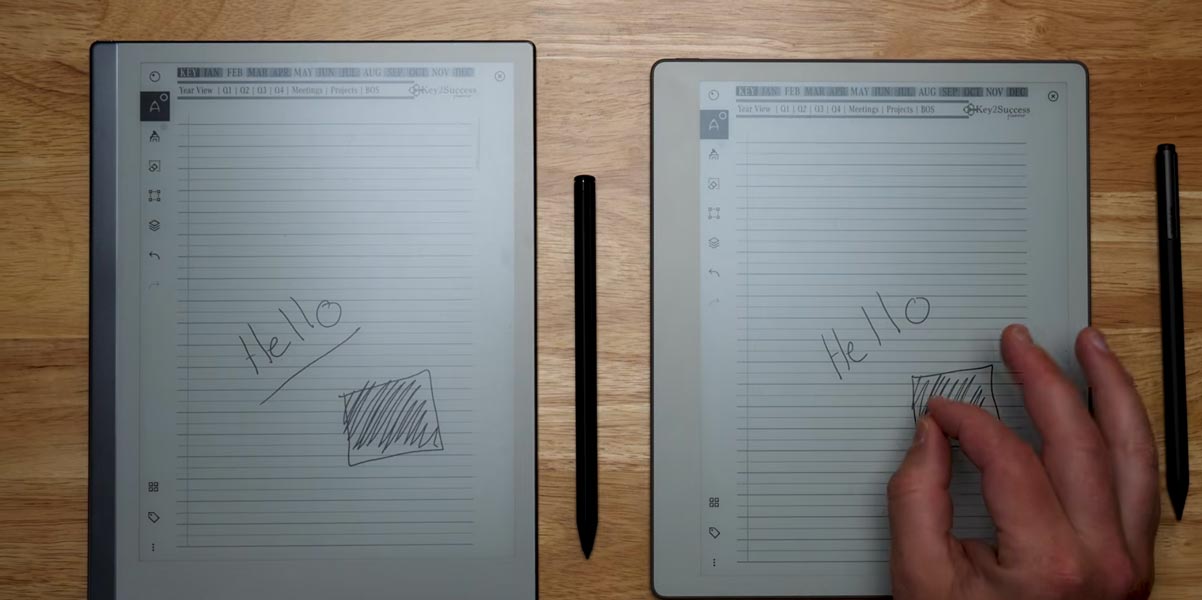
I’ve been running my daily Key2Success system on a Paper Pure for the past few weeks after years on an RM2, and the difference that actually changed my habits wasn’t the spec sheet. It was opening the device fast enough that I stopped hesitating to jot something down mid-meeting. That’s a small thing. It adds up over a month of notes.
What you give up
The upgrade isn’t free, and reMarkable buried the tradeoffs in the fine print.
No Type Folio support. The Paper Pure skips the pogo pin connector that lets the RM2 and Paper Pro attach a keyboard. reMarkable built this device as a pen-and-paper replacement, full stop, and typing wasn’t part of that pitch. If you type meeting notes on a Type Folio today, the Paper Pure can’t do that job.
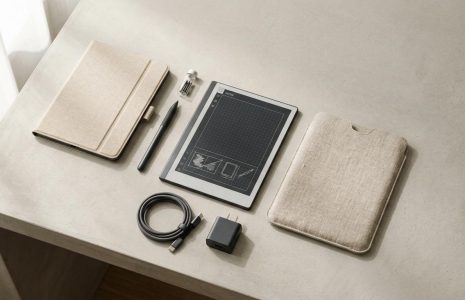
A new pen, whether you want one or not. The RM2’s Marker used passive Wacom EMR tech, so it never needed a charge. The Paper Pure’s new Marker is active, has its own battery, and charges magnetically on the side of the tablet. Your old RM2 Marker and most third-party styluses won’t work on the new device. Budget for a new pen on top of the tablet price.
Who should upgrade vs who should wait
Upgrade now if any of this is true: you’re buying your first device and want the current flagship, your RM2 battery dies before your week does, waiting on documents to open is slowing down how you actually use the tablet, or you want the lower carbon footprint and the option to replace your own battery down the road.
Wait if you rely on the Type Folio keyboard for meeting notes or drafting, your RM2 still opens fast enough that speed isn’t a daily frustration, or you’d rather put $399 toward planner templates, a folio, and a spare charger instead of new hardware that does the same job a little faster.
Price and where to buy
The Paper Pure starts at $399, Marker included, and ships direct from reMarkable. The RM2 is discontinued as a new product. reMarkable still sells it refurbished starting around $439, which is more than the new Paper Pure costs, so refurbished only makes sense if you specifically need Type Folio support. Resale marketplaces have listed used RM2 units as low as the low $300s during sales, and Amazon has discounted remaining new stock as low as roughly $340 during promotional events. Check current listings before you decide since discontinued-product pricing moves fast.
Whichever device you land on, the Key2Success reMarkable shop has the templates and setup guides that make either tablet worth owning.
Decision checklist
Answer these four questions before you buy:
- Do you currently use a Type Folio keyboard? If yes, the Paper Pure is off the table unless you’re willing to give up typing on the device.
- Does your RM2 battery or speed genuinely bother you weekly, not just in theory? If no, save the money.
- Are you buying your first e-ink tablet? If yes, buy the Paper Pure. There’s no reason to buy a discontinued device new.
- Do you care about repairability and recycled materials? If yes, that’s a real point in the Paper Pure’s favor that RM2 can’t match.
FAQ
Is the reMarkable Paper Pure a direct replacement for the reMarkable 2?
Yes. reMarkable discontinued the RM2 when the Paper Pure launched in May 2026, and the Paper Pure now serves as the entry point into the reMarkable lineup.
Can I use my old reMarkable 2 Marker on the Paper Pure?
No. The Paper Pure uses a new active Marker with its own battery and magnetic charging. The RM2’s passive Wacom Marker and most third-party styluses aren’t compatible.
Does the reMarkable Paper Pure have a front light?
No. Neither the Paper Pure nor the RM2 has a front light. That feature is exclusive to the Paper Pro.
Will my Key2Success templates work on the Paper Pure?
Yes. The templates install the same way they do on any reMarkable device, since the underlying software and file structure haven’t changed.
Is the reMarkable 2 still worth buying in 2026?
Only if you specifically need Type Folio keyboard support or you can find a used unit at a steep discount. For most buyers, the Paper Pure is the better $399.
How much faster is the Paper Pure really?
Reviewers and reMarkable both cite roughly twice the speed for common actions like opening documents and swiping between pages, thanks to the newer E Ink Carta 1300 display.
Common questions, answered in one line
- Does the Paper Pure work with my existing Connect subscription? Yes, Connect carries over across devices on the same account.
- Is the Paper Pure bigger or smaller than the RM2? Same 10.3-inch display size, lighter body.
- Does the Paper Pure support color? No, it’s black and white only. Color is a Paper Pro feature.
- How long does setup take? About 15 minutes for pairing, account setup, and your first sync.
- Can I install a keyboard case later if reMarkable changes its mind? No, the hardware lacks the pogo pin connector, so no keyboard case will ever work on this model.
- Does the Paper Pure come with a warranty? Yes, it carries reMarkable’s standard hardware warranty, separate from Connect.
- Is the battery actually replaceable at home, or does it need a technician? It requires opening the chassis, so most owners will still want a repair professional, but it’s no longer glued shut.
- Does the RM2 refurbished price ever beat the Paper Pure? Rarely. Refurbished RM2 units from reMarkable typically start above the new Paper Pure price.
- Will reMarkable release more accessories for the Paper Pure? reMarkable has released folio and marker-tip accessories sized for the Paper Pure; check the shop for current options.
Final thoughts
The Paper Pure is what the reMarkable 2 should have become years ago: faster, lighter, longer-lasting, and finally built to be fixed instead of replaced. That doesn’t mean every RM2 owner needs one this week. Buy it because your current device is holding you back, not because reMarkable stopped selling the old one.
Check the reMarkable Paper Pure hub for the rest of the buying guides and setup articles in this series, including Paper Pure vs Paper Pro and Is the Paper Pure worth it?