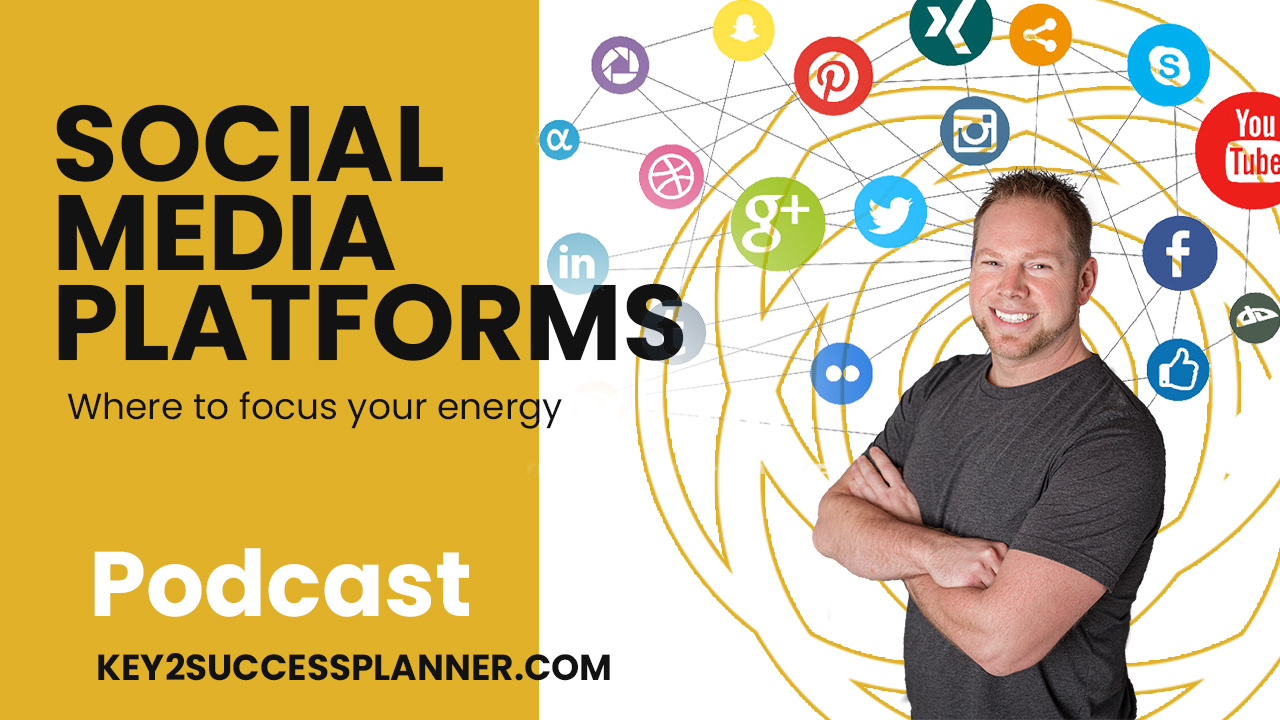
Social media platforms graphic featuring man in gray shirt discussing where to focus marketing efforts, podcast promotion, and key2successplanner.com branding.
Articles / News / vLog Jul 12
By Bodendorfer 0 Comments

Social Media Platforms – Where Should you Focus Your Energy

What social media platform should you be on? What are your goals for social media marketing? Why should you be on those platforms? Where do we see social media platforms going in the future? If you’ve ever asked yourself any of these questions, this is the podcast for you! There are so many social media platforms, it can be hard to know where to prioritize your marketing efforts: posts, blogs, longform or shortform video, podcasts? Today we’re going to break down social media. Most of us don’t have the bandwidth to post hundreds of pieces of content every day. First, you need to answer what are your goals with social media? Do you want followers? Do you want revenue? The overall point is to post different content across different platforms positioned in different ways. Your goals will direct how you post. If you’re doing this to get your name out there as someone that has experience, knowledge, and is a contributor in your industry, to position yourself as a leader…that might be one goal. If you want your content to directly correlate to a revenue increase, that involves a different approach. Do you need the audience first or the conversion first? I look at Internet and search as the Yellow Book of today. If you want instant conversion, content is key. Listen to learn more!

Key2Success Planners

Choose the Application that you plan to use for digital planning.

OneNote

OneNote logo featuring a purple notebook icon, representing a digital planning tool for effective organization and note-taking.

Application works across Windows, Android and Apple. Also Web version all available. Great for Desktop, Laptop and Mobile users.

GoodNotes

GoodNotes app icon featuring a notepad with lines and a stylus, representing digital planning and note-taking tools for Apple devices.

Application works across Apple devices. Great for iPad, Mac and iPhone users. PDF Annotation App designed for Note-Taking

Noteshelf

Noteshelf app icon featuring a blue background with a white pen, representing digital planning and note-taking tools for Apple devices.

Application works across Apple devices. Great for iPad, Mac and iPhone users. PDF Annotation App designed for Note-Taking

Notability

Notability app icon featuring a pencil on a blue background, representing digital note-taking tools for Apple devices in the context of digital planning.

Application works across Apple devices. Great for iPad, Mac and iPhone users. PDF Annotation App designed for Note-Taking

Promotional banner for Key2Success planner offering discounts and a money-back guarantee, emphasizing digital planning benefits and a call to action for users on Samsung devices.

Samsung Notes

Samsung Notes application icon, designed for digital planning on Samsung devices, highlighting note-taking features.

Application works across Samsung devices. Great for Samsung Tab and Samsung Galaxy Users. Including Z Fold 3, S6, S7, S8 and S22. 

reMarkable

reMarkable logo on a black background, representing ePaper devices for digital note-taking and PDF annotation.

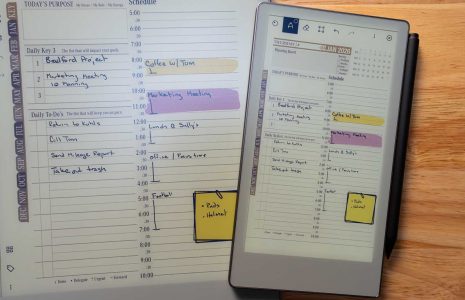
Works with ePaper Devices, like the reMarkable, SuperNote and many more. A PDF Annotation Planner allows users to take digital notes.

Promotional banner for Key2Success planner offering discounts and a money-back guarantee, emphasizing digital planning benefits and a call to action for users on Samsung devices.

Leave a Comment