Samsung Galaxy S26 Digital Planner Guide: Top Planning Apps
If you want to start using a digital planner on a Samsung device, there are several powerful Android apps that make planning simple. Apps like Samsung Notes, Penly, Noteshelf, and Microsoft OneNote allow you to import digital planner PDFs and organize your schedule directly on your phone or tablet.
Digital planning is becoming increasingly popular for entrepreneurs, students, and creators who want to stay organized without using paper planners. Samsung Galaxy devices provide powerful tools that make digital planning simple and flexible.
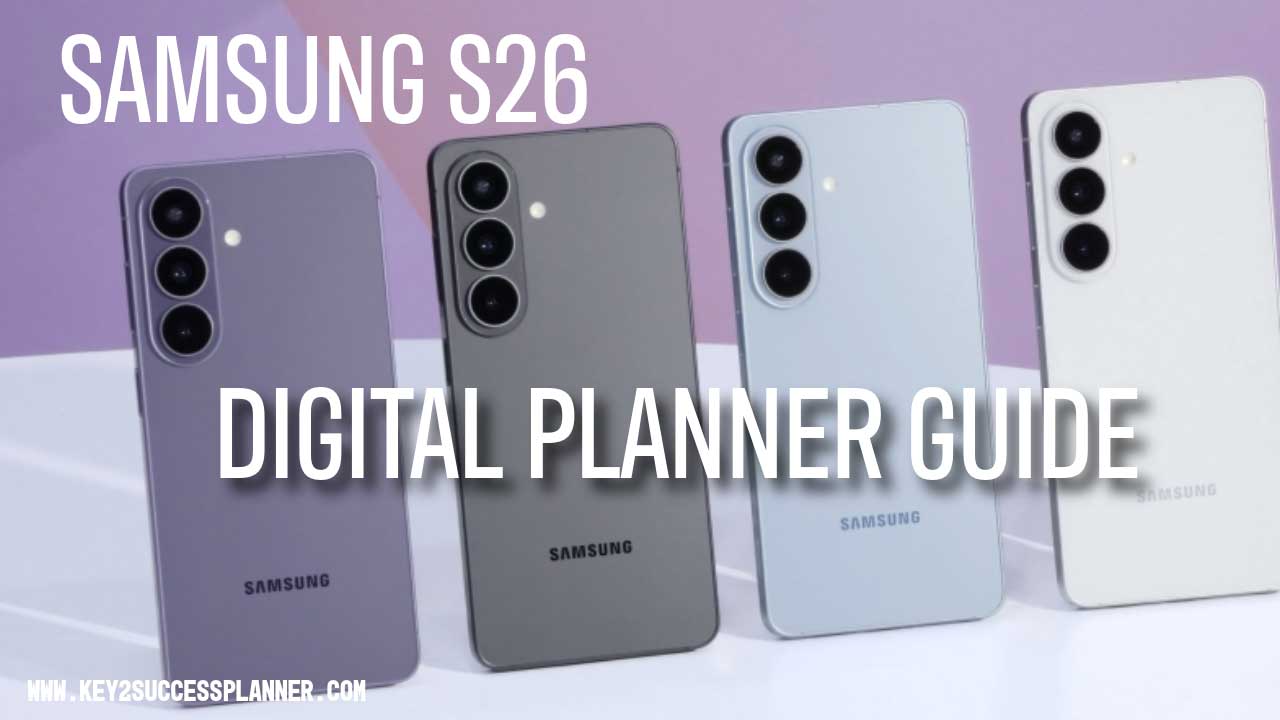
This Samsung S26 Digital Planner Guide explains how to turn your Samsung device into a digital planning system and which apps work best with digital planner PDFs.
Key2Success digital planners are designed to work across multiple apps, giving you the freedom to choose the planning method that fits your workflow.

Table of Contents
Why Samsung Devices Are Great for Digital Planning
Samsung Galaxy devices are designed with productivity in mind. Their high resolution displays, powerful processors, and multitasking features make them excellent tools for digital planning.
Using a Samsung device allows you to:
- View full planner layouts clearly
- Write or type notes directly on planner pages
- Use split screen to plan while researching
- Import interactive PDF planners into note apps
Samsung also provides built-in productivity tools such as
Samsung Notes, which allows users to annotate PDFs and organize digital notebooks.
What Is Digital Planning?
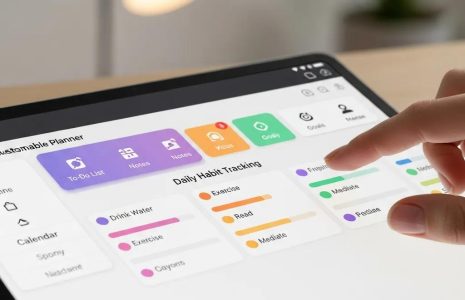
Digital planning is the process of using a digital planner instead of a traditional paper planner. Most digital planners are interactive PDF files designed to be used inside note taking apps.
Digital planners typically include:
- Monthly calendars
- Weekly planning layouts
- Goal trackers
- Habit trackers
- Notes sections
- Hyperlinked navigation tabs
Because the pages are digital, you can easily duplicate pages, add stickers, or reorganize sections.
If you are new to digital planning, this guide explains the basics of how digital planners work.
Best Apps for Digital Planning on Samsung
To use a digital planner on Samsung devices, you will need a note taking or PDF annotation app. The following apps work well with digital planners and support writing directly on planner pages.
Samsung Notes
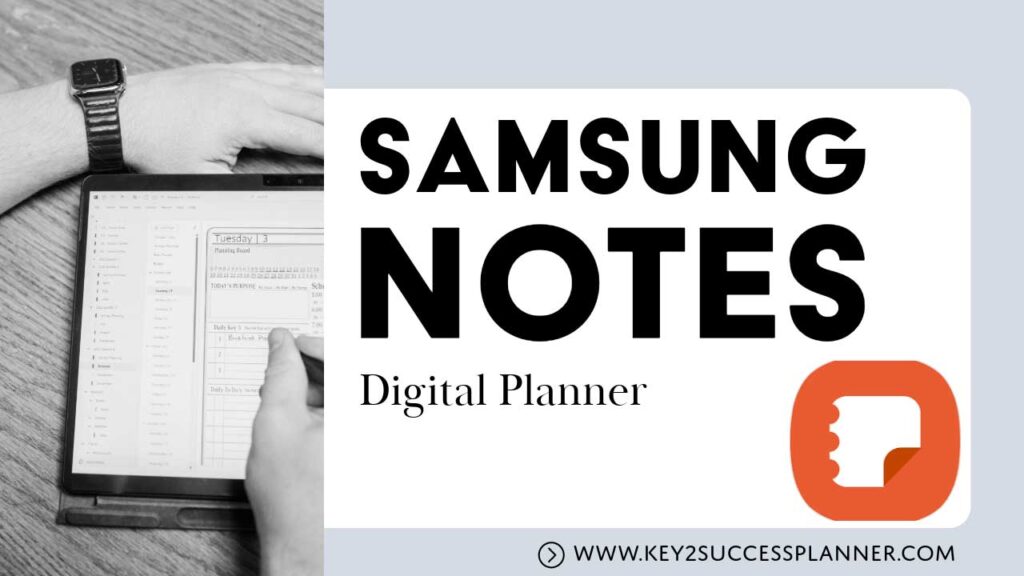
Samsung Notes is one of the most popular digital planning apps for Samsung users because it is built directly into the device.
Key features include:
- Import PDF planners
- Handwriting and typing tools
- Highlighters and drawing tools
- Notebook organization
It is a great option for beginners who want a simple way to start digital planning.
Shop Samsung Notes Planners Here
Penly
Penly is an Android app specifically designed for digital planners.
Popular features include:
- Digital sticker organization
- Custom fonts
- Smooth handwriting support
- Hyperlinked planner navigation
Many digital planner users prefer Penly because it was built with planner layouts in mind.
Noteshelf
Noteshelf is another powerful note taking app used for digital planning.
Features include:
- Natural handwriting experience
- Notebook style organization
- PDF planner compatibility
- Cloud sync options
Noteshelf is commonly used by people who enjoy writing on planner pages instead of typing.
Microsoft OneNote
Microsoft OneNote is a flexible organization tool that many people use for digital planning.
Instead of relying on a single PDF planner, OneNote organizes notes into notebooks, sections, and pages.
Benefits include:
- Notebook style organization
- Typed and handwritten notes
- Cloud syncing across devices
- Easy sharing and collaboration
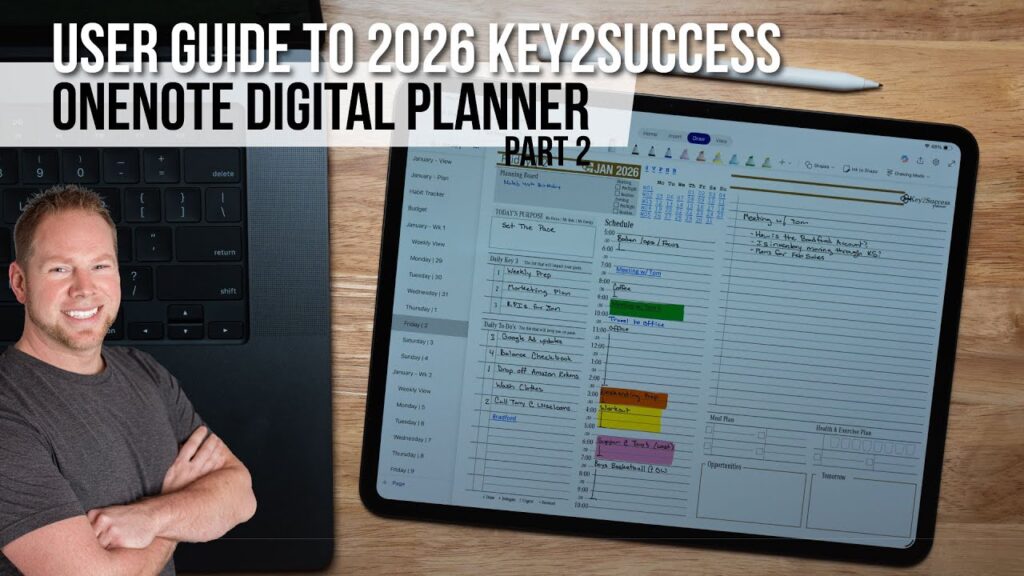
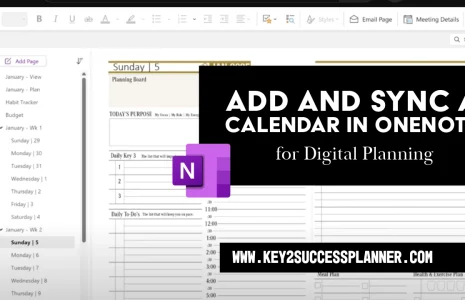
Key2Success digital planners offer a OneNote version designed specifically for this app.
How to Start Digital Planning
Getting started with digital planning only takes a few steps.
1. Download a Digital Planner
Choose a planner designed for use in Android note taking apps.
2. Install a Planning App
Popular choices include Samsung Notes, Penly, Noteshelf, and Microsoft OneNote.
3. Import Your Planner
Open the planner PDF inside your chosen app and begin writing on the pages.
4. Start Planning
You can now add tasks, track goals, and organize your weekly schedule.
Key2Success digital planners work across all of these apps.
Benefits of Digital Planning
- Everything in one place – Your planner, notes, and schedule stay organized on your device.
- Unlimited pages – Duplicate or add new pages whenever needed.
- Quick navigation – Hyperlinked tabs allow you to move between sections quickly.
- Paperless organization – Reduce clutter while keeping your planner accessible everywhere.
Best Digital Planner for Android Devices
Many people search for the best digital planner for Android when transitioning from paper planners to digital organization. Samsung devices work particularly well for digital planners because they support powerful note taking apps and high resolution displays.
When choosing a digital planner for Android, it is important to select one that works across multiple apps. This ensures your planner remains compatible even if you change apps later.
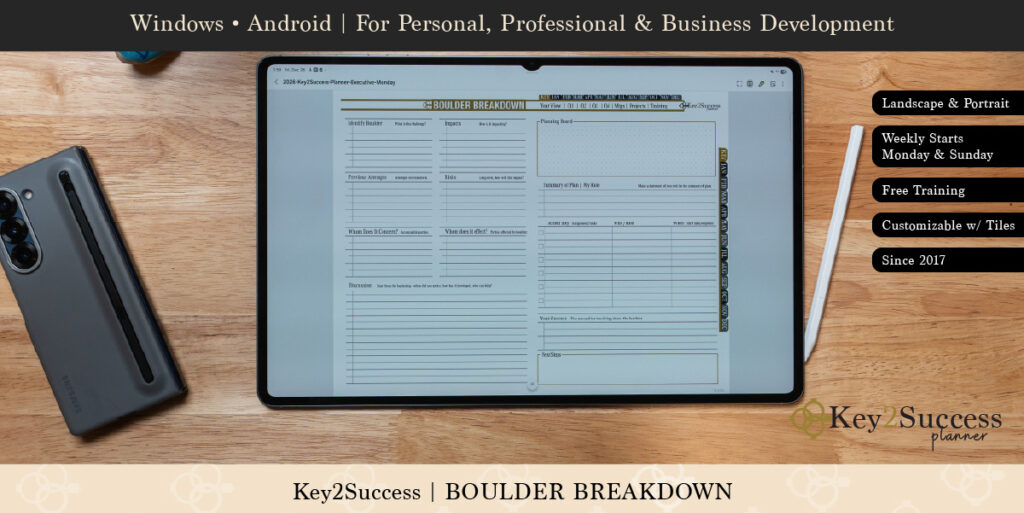
Key2Success digital planners are designed to work with popular Android planning apps including:
- Samsung Notes
- Penly
- Noteshelf
- Microsoft OneNote
This flexibility allows users to customize their digital planning setup while keeping their planner system consistent.
Because Android supports multiple note taking environments, many users find digital planning on Samsung devices more flexible than traditional paper planners.
Using a Digital Planner on Samsung Galaxy Phones
Samsung Galaxy phones are excellent devices for digital planning because they support powerful note taking apps and interactive PDF planners. Many users choose Samsung devices specifically for productivity features that make planning easier.
Apps like Samsung Notes, Penly, Noteshelf, and Microsoft OneNote allow you to import digital planner PDFs and write directly on the pages. This creates a planning experience similar to using a traditional notebook but with the flexibility of digital tools.
Samsung devices also offer features that improve digital planning, including:
- Large high resolution displays for viewing planner layouts
- Split screen multitasking for planning while researching
- Cloud syncing across multiple devices
- Fast navigation between planner sections
Because digital planners are interactive PDFs, they work across many Samsung devices including Galaxy phones and tablets.
Key2Success planners are designed to work with the most popular Android planning apps, allowing Samsung users to organize tasks, schedules, and goals in a flexible digital system.
Turn Your New Galaxy S26 Into a Tool for Real Success
The latest smartphone technology can help you move faster, stay connected, and accomplish more — but true progress comes from having a clear plan for your time, goals, and priorities.
At
Key2SuccessPlanner.com,
you’ll find powerful planning systems designed to help you stay focused, eliminate overwhelm, and turn daily actions into long-term achievement.
Pair your new Galaxy S26 with a proven productivity framework so your device supports your goals instead of distracting from them.
Your success is built one intentional day at a time.
Digital Planning Ideas for Samsung Users
Many digital planner users discover new planning systems through visual platforms like Pinterest. Digital planners are often shared as inspiration for productivity setups, goal trackers, and weekly planning layouts.
Popular digital planning ideas include:
- Weekly productivity planners
- Goal setting planners
- Content planning calendars
- Habit trackers
- Business planning layouts
If you are looking for more digital planning inspiration, you can explore planning ideas on
Pinterest digital planner boards.
Many Key2Success users share their digital planner setups and productivity systems using Samsung devices.
Frequently Asked Questions: Galaxy S26 & Productivity
Can you use a digital planner on Samsung phones?
Yes. Samsung devices support digital planners through apps like Samsung Notes, Penly, Noteshelf, and Microsoft OneNote.What app is best for digital planning on Android?
Popular digital planning apps for Android include Samsung Notes, Penly, Noteshelf, and Microsoft OneNote.Do Key2Success planners work on Samsung devices?
Yes. Key2Success digital planners are designed as PDF planners that work across multiple apps including Samsung Notes, Penly, Noteshelf, and OneNote.What is a digital planner?
A digital planner is a PDF planner that you can write on using note taking apps. It allows you to organize tasks, schedules, and goals digitally.How can the Galaxy S26 help improve productivity?
The Galaxy S26 series combines powerful performance, long battery life, and advanced AI tools that help manage schedules, create content, organize information, and complete tasks more efficiently throughout the day.
Is the Galaxy S26 Ultra good for business or school use?
Yes. With its large display, S Pen support, multitasking capabilities, and powerful processor, the Galaxy S26 Ultra is ideal for professionals, students, and creators who need a mobile device that can handle demanding workloads.
Do AI features actually save time?
Galaxy AI tools can summarize notes, generate messages, assist with planning, and streamline everyday tasks. When combined with a structured planning system, these features can significantly reduce time spent on routine work.
Which Galaxy S26 model is best for everyday organization?
The standard Galaxy S26 offers a great balance of performance, portability, and battery life, making it a strong choice for users who want reliable daily productivity without the larger size of the Ultra model.
What is the best way to stay organized with a new smartphone?
Technology works best when paired with intentional planning. Using a dedicated planner or goal-tracking system alongside your device helps ensure that tools and apps support clear priorities rather than create distractions.