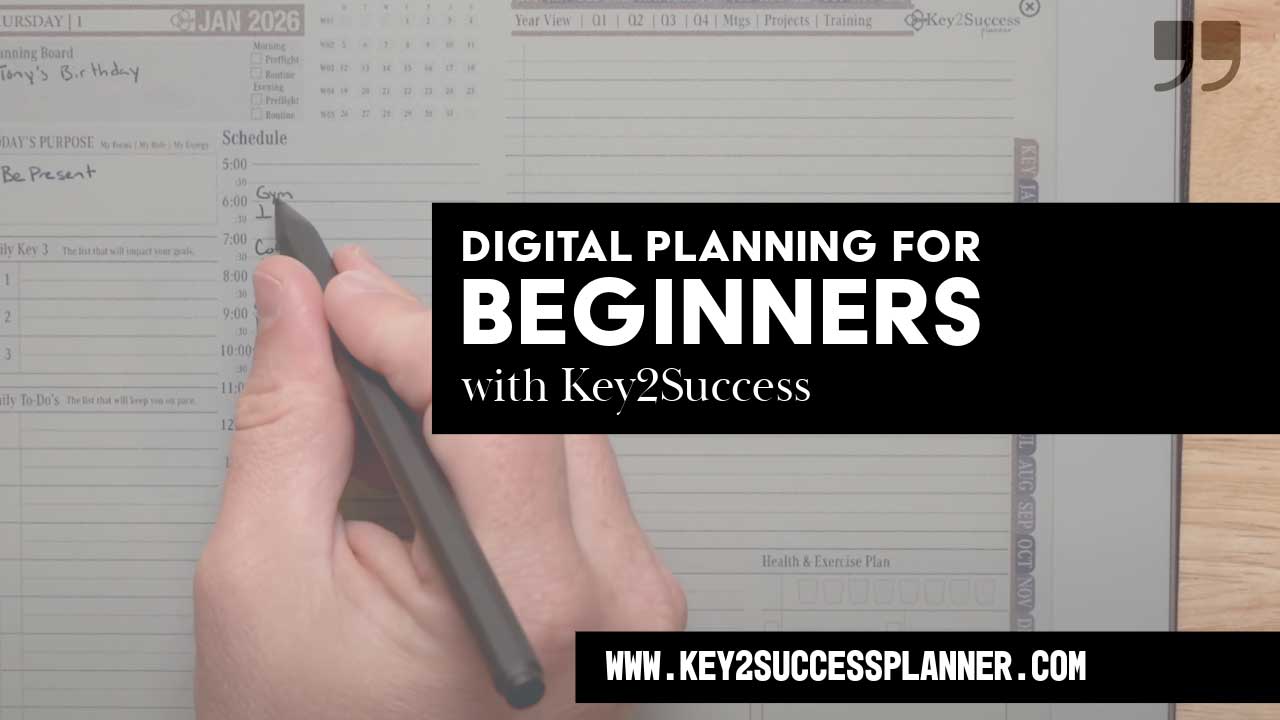
2026 Digital Planning for Beginners Guide
2026 Digital Planning for Beginners Guide: How to Start, Choose, and Use Digital Planners Effectively
Imagine replacing piles of paper planners and sticky notes with a hyperlinked PDF interface that lives on your tablet and adapts to every goal. Digital planning in 2026 combines portability, customization, productivity, and sustainability into one seamless system. Among the top choices, the Key2Success Digital Planner stands out for its comprehensive system designed to integrate seamlessly into your digital life. In this guide, beginners will discover what digital planning means, why it delivers organization and eco-friendly benefits, and how to get started step by step. You’ll learn which devices and accessories you need, how to download and import a 2026 digital planner, and the best apps to consider. Next, you’ll explore effective usage techniques—hyperlinks, tabs, stickers, templates and automation—before troubleshooting common challenges, maintaining consistency, and knowing when to upgrade your setup. Finally, you’ll see how to tailor digital planning for work, study, wellness and finance, plus where to find top tutorials, official guides and a handy glossary of key terms. By following this roadmap, you’ll transition from paper overwhelm to an efficient, personalized digital planner solution designed for beginners in 2026.
Unlock Your Potential with Key2Success
Ready to experience unparalleled organization and productivity? The Key2Success Digital Planner offers a robust, hyperlinked system designed for professionals, students, and anyone seeking to master their goals in 2026.
What Is Digital Planning and Why Is It Essential for Beginners in 2026?
Digital planning is the process of organizing tasks, schedules and goals using interactive PDFs on tablets with annotation software, which enhances productivity by enabling hyperlinks, reusable templates and dynamic layouts. Beginners gain immediate clarity through intuitive interfaces rather than scattered sticky notes, while enjoying real-time updates and cross-device syncing. For example, a monthly calendar page linked to daily task lists ensures that tapping a date brings up detailed to-dos without manual page-flipping. Embracing digital planning in 2026 means access to customizable color schemes, integrated reminders and eco-friendly practices—all of which reduce paper waste and streamline organization.

What Does Digital Planning Mean for Beginners?
Digital planning for beginners involves using a tablet device and OneNote or a PDF annotation app to create, navigate and customize a planner without physical pens and paper. This approach leverages hyperlinks and tabbed structures to jump between months, weeks and notes instantly. Beginners benefit from reusable sticker libraries (tiles), searchable text and the ability to rearrange pages freely. For instance, adding a weekly fitness tracker template requires a few taps instead of printing and punching new pages, making the planning process both efficient and adaptable to changing priorities.
How Does Digital Planning Improve Productivity and Organization?
Digital planning improves productivity by consolidating calendars, to-do lists and notes into one interactive file, reducing the friction of juggling multiple notebooks. It boosts organization through color-coded tabs, searchable handwriting recognition and automated reminders. Key advantages include:
- Instant Navigation: Hyperlinked monthly overviews connect directly to daily pages.
- Centralized Notes: All meeting minutes, project milestones and personal reflections exist in one file.
- Automated Tracking: Embedded formulas track habits and deadlines in real time.
These features eliminate manual indexing and ensure that every task and note is accessible within seconds, setting the stage for consistent planning habits.
What Are the Eco-Friendly Advantages of Digital Planning in 2026?
Digital planning supports sustainability by eliminating paper consumption, reducing printing and shipping impacts, and minimizing physical waste. Reusable digital stickers and templates replace disposable planners season after season. For example, using one digital planner file for an entire year prevents the need for 12 separate physical notebooks. This conservation of resources aligns with growing environmental awareness and allows beginners to adopt greener organization methods without sacrificing functionality.
Digitalizing Organization: A Customizable Bullet Journal for Productivity
This project presents a digital, customizable bullet journal designed to improve organization, creativity, and accessibility. Using a user-centered design approach and principles of design thinking, the planner addresses common barriers to traditional journaling, such as time-consuming setup and lack of flexibility. Based on survey feedback, the final product includes a 2026 calendar, habit trackers, budgeting tools, and customizable weekly spreads in a print-friendly PDF format. The project highlights how digital tools can enhance personal productivity and well-being, with broader applications in UX/UI design and digital wellness solutions.
Digitalizing Organization: Creating a Digital and Customizable Bullet Journal, 2025
How Do You Get Started with Digital Planning in 2026?
Getting started with digital planning in 2026 requires choosing the right hardware, accessing planner files and configuring your annotation software to match personal workflows. The initial setup builds the foundation for efficient navigation, customization and syncing across devices. By selecting compatible devices and a reliable file format, beginners can import and personalize their planner within minutes, avoiding confusion and ensuring a smooth transition from paper to digital.
What Devices and Accessories Do Beginners Need for Digital Planning?
Before diving into digital planning, you need a compatible tablet and an input tool that supports precision writing. The following table outlines recommended options for beginners:
| Tablet Model | Recommended Accessory | Primary Benefit |
|---|---|---|
| iPad (latest model) | Apple Pencil | Pressure-sensitive writing and erasing |
| Android Tablet | Universal Stylus | Broad app compatibility |
| Large Windows Tablet | Active Pen | Integrated software tool support |
How Do You Download and Import a 2026 Digital Planner?
To import a 2026 digital planner file into your annotation app, follow these steps:
- Obtain the planner file in PDF format from a trusted source, such as the Key2Success Digital Planner website.
- Save or move the PDF into your cloud storage folder.
- Open your annotation app and select “Import” or “Add File.”
- Browse to the planner PDF in your cloud folder and confirm the import.
- Organize imported pages into a dedicated planner notebook within the app.
Completing these steps ensures your planner is ready for immediate use. Once imported, the file appears in your library and can be duplicated, renamed or backed up for future reference.
What Are the First Steps to Set Up Your Digital Planner on an iPad or Android Tablet?
Setting up on your device involves configuring page-sequence and personalization options:
- Open the imported PDF and verify that all hyperlinks navigate correctly.
- Create or enable a tab structure matching monthly, weekly and daily sections.
- Import a sticker pack or custom icons to personalize headers.
- Adjust pen thickness, color palettes and page backgrounds to suit your style.
These setup tasks ensure that your planner feels intuitive from the first tap. With hyperlinks, tabs and styling configured, you can begin populating dates, to-dos and notes without distraction.
Which Are the Best Digital Planner Apps for Beginners in 2026?
Choosing the right PDF annotation app depends on platform compatibility, ease of use and available features. Beginners should look for applications that balance a friendly interface with robust organization tools. Leading options enable hyperlink editing, template importation and cloud syncing, delivering a smooth entry into digital planning. Note that Key2Success also recommends OneNote as a great option!
What Features Make GoodNotes, Notability, and OneNote Ideal for Beginners?
The following table compares three top annotation apps:
| App Name | Key Feature | Ideal Use Case |
|---|---|---|
| GoodNotes | Infinite paper canvas | Detailed note-taking and sketches |
| Notability | Audio recording integration | Lecture and meeting documentation |
| OneNote | Cross-platform syncing | Multi-device access and collaboration |
These apps provide intuitive pen tools, easy page management and built-in template support. The Key2Success Digital Planner is designed to work seamlessly with all these leading annotation apps, ensuring a consistent and powerful planning experience regardless of your preferred platform. Beginners can choose based on whether they prioritize freehand drawing, voice-linked notes or seamless Android compatibility.
How Do Android-Friendly Apps Like Penly and OneNote Compare?
Android users benefit from Penly’s sticker and ink customization, while OneNote excels in real-time collaboration and editing. Penly offers a library of pre-made stickers and a simplified interface for newcomers. Xodo supports multi-window view and automatic cloud backups. Both apps enable hyperlink editing and page organization, making them competitive options for Android tablets.
What Free and Paid Digital Planning Apps Should Beginners Consider?
Beginners can start with free annotation apps that include essential navigation and writing tools, then upgrade to paid apps for advanced features:
- Free Options: OneNote, Xodo, Adobe Acrobat Reader (annotation tools only).
- Mid-Tier Paid: GoodNotes, Notability (one-time purchase).
- Premium Subscriptions: Noteshelf, Nebo (template libraries and AI handwriting conversion).
Starting with a free app reduces cost barriers while paid upgrades unlock customization, sticker imports and automatic backups that enhance long-term planning success.
How Do You Use a Digital Planner Effectively in 2026?
Effective use of a digital planner combines hyperlinks, tabbed layouts, visual personalization and automation to create an interactive roadmap for tasks and goals. By mastering navigation features, customizing aesthetics and enabling sync across devices, beginners transform static PDFs into dynamic productivity hubs that adapt to evolving priorities.
How Do Hyperlinks and Tabs Enhance Navigation in Digital Planners?
Hyperlinks connect overview pages to detailed sections instantly, reducing time spent scrolling or searching. Tabs act as visual bookmarks that group pages by month, week or topic. Key navigation benefits include:
- One-Tap Access: Jump from annual calendars to daily tasks without manual page-flipping.
- Logical Grouping: Organize project notes and reference materials under dedicated tabbed sections.
- Custom Linking: Create backlinks to recurring templates for quick reuse.
These navigation tools keep content organized and accessible, setting the stage for smooth daily planning workflows.
How Can Beginners Customize Their Planner with Stickers, Templates, and Layouts?
Customization transforms a generic PDF into a personal productivity tool. Beginners can:
- Import sticker packs for visual cues such as priority flags and habit trackers.
- Download pre-designed weekly and monthly templates to suit different workflows. The Key2Success Digital Planner, for example, comes with a rich array of integrated templates designed for various planning needs.
- Adjust page layouts—grid, lined, dotted—to match note-taking or sketching preferences.
Personal touches reinforce engagement, making planning feel creative and motivating rather than purely functional.
What Are Advanced Tips for Syncing and Automating Your Digital Planner?
Automation elevates digital planning by connecting your PDF to cloud services and external calendars:
- Enable automatic backups to cloud folders for real-time recovery.
- Link planner dates to external calendar events using URL schemes or shortcuts.
- Use scripting tools to import tasks from a task manager into weekly planner pages.
These advanced integrations reduce manual updates and ensure that your digital planner remains an up-to-date, centralized command center.
What Are the Best Practices and Troubleshooting Tips for New Digital Planners?
Maintaining a reliable digital planning system involves establishing consistent habits, addressing glitches promptly and knowing when to refine or replace your tools. Clear best practices and troubleshooting strategies keep beginners on track and prevent frustration.
How Do You Overcome Common Digital Planning Challenges?
New users often face syncing errors, broken hyperlinks or cluttered pages. To resolve these issues:
- Check that your annotation app and cloud service are both updated to the latest version.
- Reimport planner files if hyperlinks fail or pages shift out of order.
- Archive completed sections to separate folders to reduce file size and improve performance.
These steps restore functionality quickly and preserve planning momentum.
How Can Beginners Maintain Consistency and Maximize Planner Use?
Consistency emerges from simple routines and clear incentives:
- Schedule a daily planning ritual at the same time each morning.
- Use color-coded pens and stickers to mark high-impact tasks.
- Review weekly layouts every Friday to prepare for the week ahead.
By embedding planning into daily rituals, beginners turn digital organization into a habit that supports long-term productivity.
When Should You Update or Switch Your Digital Planner for 2026?
As needs evolve, consider updating or switching when:
- App performance slows due to large file sizes.
- New device models offer improved stylus precision or screen resolution.
- You require features such as AI handwriting conversion or collaborative editing.
Evaluating your workflow periodically ensures that your planner keeps pace with technological advances and personal goals.
How Can Digital Planning Be Tailored for Specific Goals in 2026?
Digital planning adapts to diverse objectives by leveraging niche templates, tags and automation features. Whether you’re managing professional projects, academic schedules or personal wellness, customizing your planner aligns functionality with goals and enhances focus on what matters most.
How Does Digital Planning Support Work and Professional Productivity?
In a professional context, digital planning enables:
- Project timelines linked to milestone templates.
- Meeting agendas and notes integrated with task lists.
- Automated deadline reminders synced with external calendar alerts.
The Key2Success Digital Planner is specifically designed with these professional needs in mind, offering dedicated sections and layouts for project management, meeting notes, and goal tracking. This structure transforms a static PDF into a project management hub that adapts as tasks and priorities shift, promoting accountability and clarity.
What Are the Best Digital Planning Strategies for Students?
Students can harness digital planners to:
- Organize class schedules with color-coded course tabs.
- Track assignment deadlines using interactive checklists.
- Embed lecture recordings and annotated slides alongside notes.
By centralizing academic materials and deadlines in one file, learners reduce stress and improve study efficiency.
How Can Digital Planners Help Track Wellness, Finance, and Personal Goals?
Personal tracking features include:
- Wellness logs for sleep, hydration and exercise integrated into daily layouts.
- Budget templates with embedded expense-tracking tables.
- Goal-setting pages that link to habit trackers and monthly reflections.
These specialized pages foster holistic self-management, making digital planning a comprehensive tool for both productivity and personal growth.
Where Can Beginners Find Additional Resources and Tutorials for 2026 Digital Planning?
Beginners deepen their skills by exploring community-driven tutorials, official app documentation and clear terminology guides. These resources accelerate learning curves, introduce advanced techniques and demystify new features as they emerge in 2026.
What Are the Top YouTube Channels and Blogs for Digital Planning Tutorials?
Enthusiasts share in-depth walkthroughs covering setup, customization and advanced tips. Popular channels and blogs offer:
- Step-by-step import and hyperlink creation tutorials.
- Reviews of the latest planner templates and sticker packs.
- Live demonstrations of automation scripts and cross-device syncing.
Engaging with these communities provides ongoing inspiration and problem-solving support.
How Do Official App Guides and Developer Resources Enhance Learning?
Developer websites and in-app help sections deliver authoritative instructions on app-specific features:
- Detailed guides for pen settings, page management and template import.
- Video demos for new feature releases and workflow optimizations.
- Troubleshooting articles that address common user questions.
Referencing official documentation ensures that beginners use apps to their full potential, reducing trial-and-error frustration.
What Glossary Terms Should Beginners Know About Digital Planning?
Before diving deeper, mastering core terminology helps newcomers communicate and troubleshoot effectively. The table below defines essential terms:
| Term | Meaning | Usage Context |
|---|---|---|
| Hyperlinked PDF | A PDF file with clickable internal links | Instant navigation between pages |
| Template | Pre-designed page layout | Monthly calendars or habit trackers |
| Annotation App | Software for markup and handwriting | GoodNotes, Notability or Penly |
| Sticker Pack | Digital graphic icons | Visual task markers or decorative accents |
Planner newcomers who leverage these definitions move quickly from novice to confident users, ready to explore advanced workflows.
Digital planning in 2026 offers beginners a powerful, sustainable and adaptable approach to organizing every aspect of life. By defining key concepts, selecting the right tools, mastering effective workflows and tapping into rich tutorials, you can build a personalized planning system that grows with your goals. Consider the Key2Success Digital Planner for a robust solution that supports your journey from day one. Embrace this interactive, paper-free solution to boost productivity, streamline organization and minimize waste, and start your digital planning journey with confidence today.