How-To Guides
Best reMarkable Paper Pure Accessories Worth Buying (and What to Skip)
The short list worth buying
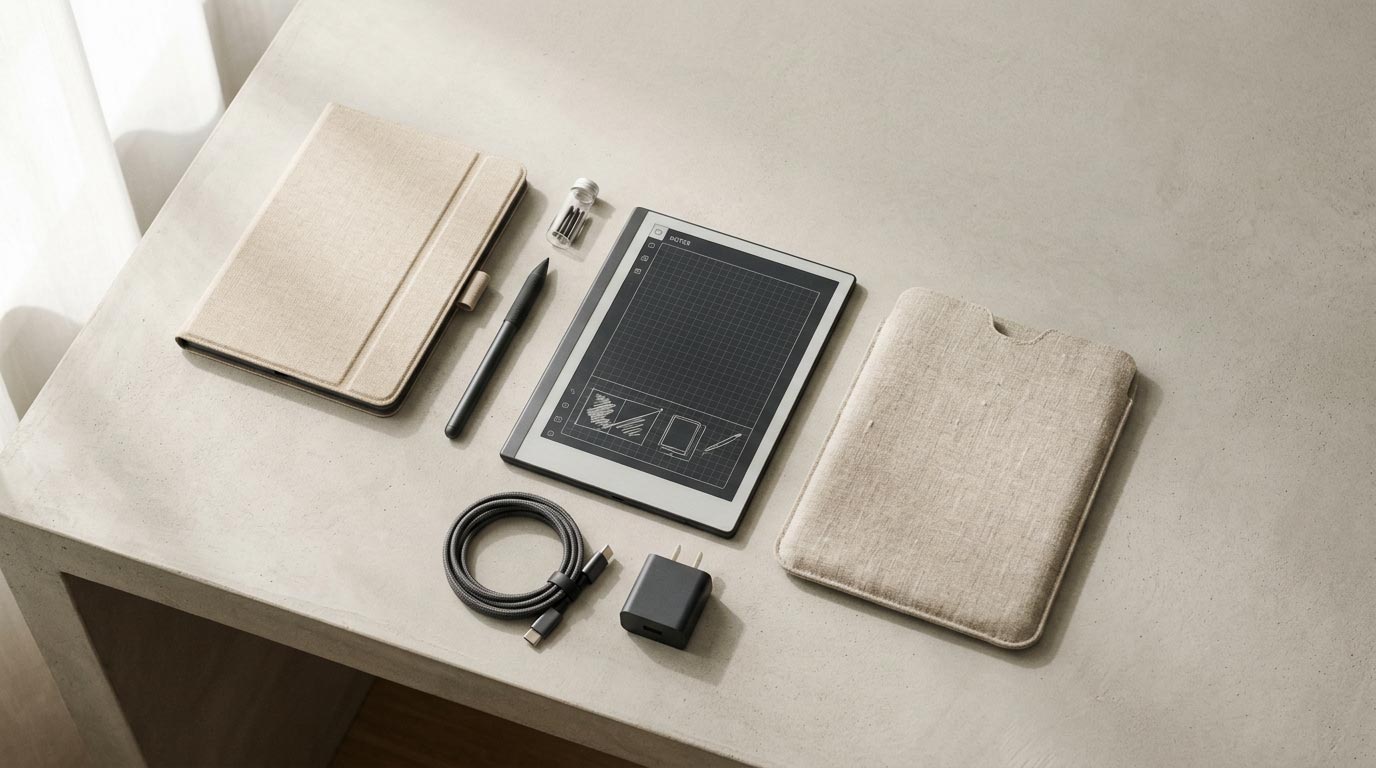
Most Paper Pure owners need exactly four accessories, and none of them are optional extras dressed up as must-haves.
- Key2Success Digital Planner: The one accessory that decides whether you actually use the device daily, not just protect it. Without a real system loaded on it, a Paper Pure is an expensive pad of paper.
- Sleeve Folio ($69): Wraparound protection that wakes the device when you open it and locks it when you close it.
- Marker tips ($19 for a pack): Cheap insurance against a worn nib mid-notebook.
- Spare USB-C cable ($19): A second cable means you're never stuck choosing between charging your Paper Pure and your phone.
That's genuinely the full list for most people. Everything past this point is either a nice-to-have for a specific habit or something you can skip outright.

Folio and sleeve options
reMarkable's own Sleeve Folio is built specifically for the Paper Pure's 10.3-inch body, and the fact that it wakes and locks the device on open and close is the part that matters most day to day. You stop thinking about turning the tablet on and off; you just open the cover.
Third-party folios exist, and some are cheaper, but check the fit carefully before you buy one built for a different reMarkable model. The Paper Pure's dimensions don't match the reMarkable 2 or the Paper Pro, so a folio sized for either of those won't sit right, even if the listing photo looks close enough.
Marker and replacement tips
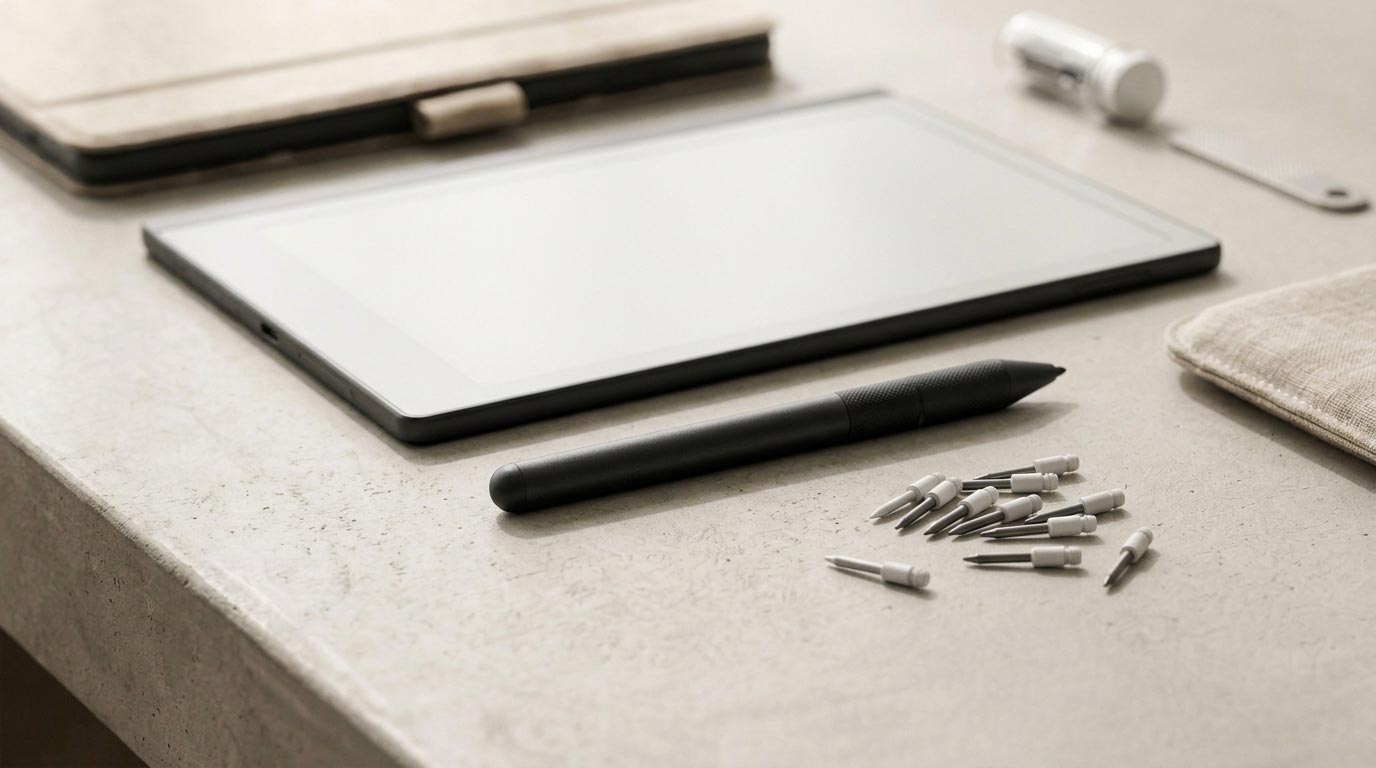
The Marker that comes with your Paper Pure is the only pen that works on it. reMarkable sells replacement Markers starting at $79 if you lose yours or want a backup, and a 6-pack of marker tips runs $19.
Buy the tips before you need them, not after. A worn nib drags and skips instead of gliding, and it happens gradually enough that you might blame the device before you realize it's the tip. Keep a spare pack in a drawer near wherever you use the tablet most, so swapping one takes ten seconds instead of turning into an errand.
Spare USB-C charger
The Paper Pure ships with one USB-C cable, which is fine until that cable ends up in a bag you're not carrying that day. A second cable, official or third-party, costs $19 from reMarkable or often less from a reliable third-party brand, and it removes the daily friction of hunting for the one cable that charges this specific device.
This is the accessory people skip and then regret. It's not exciting, but it's the one that actually prevents a dead tablet on a day you needed it.
Templates and planner (Key2Success)
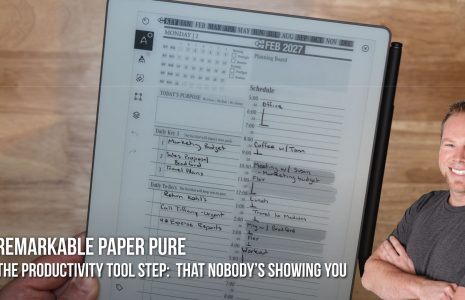
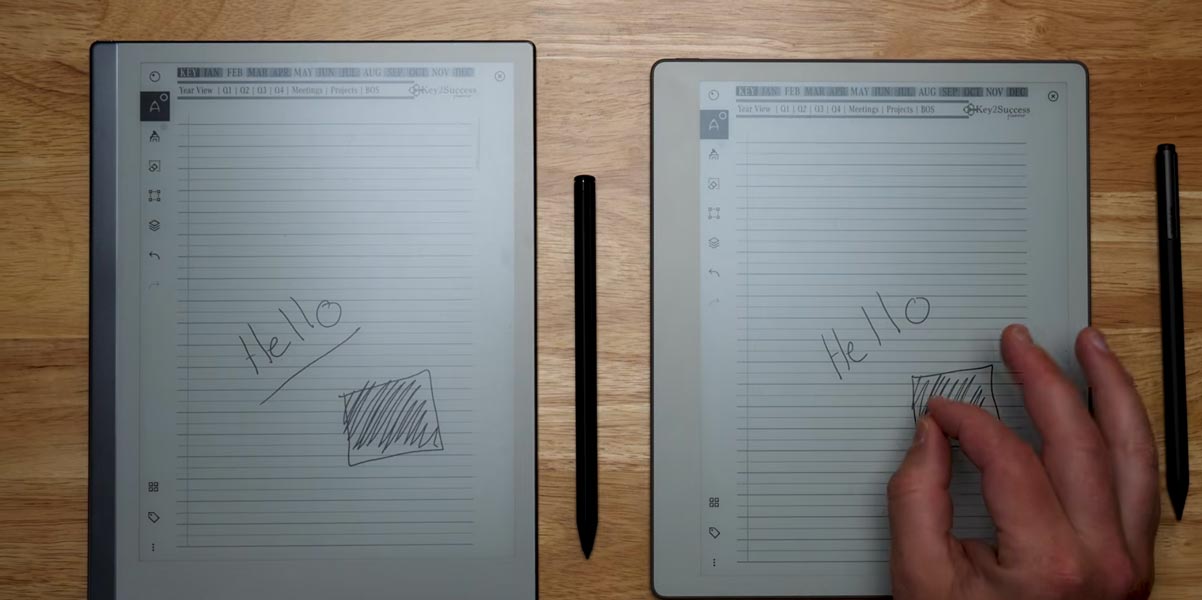
Every other item on this list protects the device. This is the one that makes it worth using in the first place, which is why it belongs on the "needed" list, not the "nice to have" list. A blank notebook is just an expensive pad of paper until you put a real system on it.
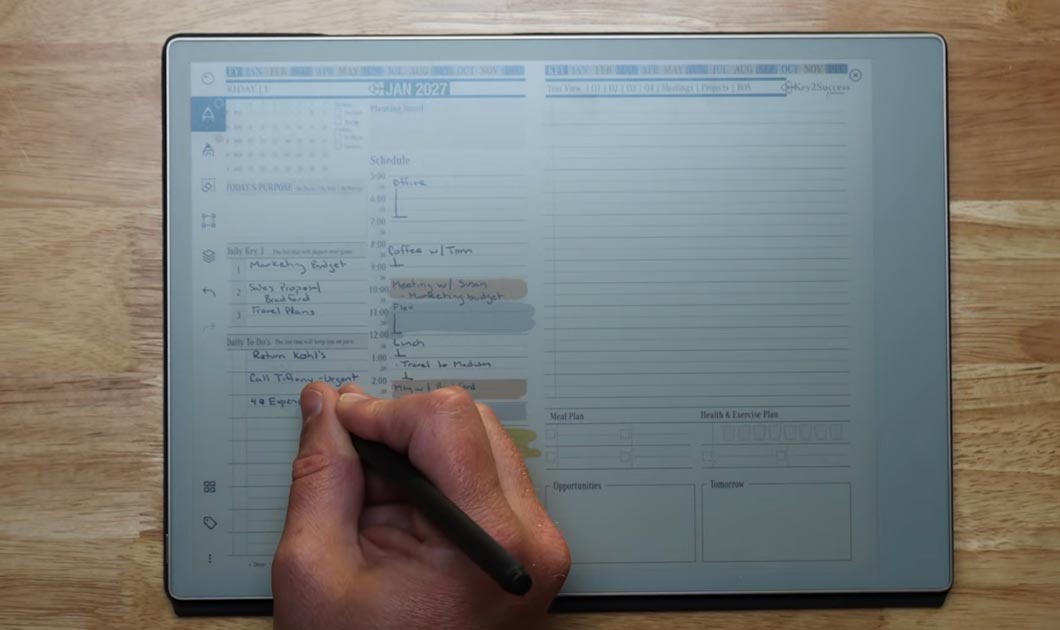
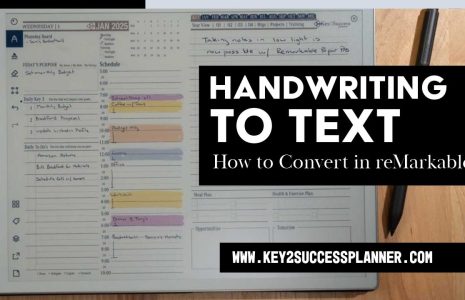
The Key2Success reMarkable shop has hyperlinked planner templates built for e-ink devices like the Paper Pure. They install the same way any PDF does, and the navigation links work natively once loaded. Load the planner before your first real notebook, not after you've already built a habit around blank pages. Retrofitting a system onto months of loose notes is a lot more work than starting with one.
What to skip
Anything labeled for the reMarkable 2 or Paper Pro. The Paper Pure has a different body size than the Paper Pro and a different connector setup than either older model. A Type Folio keyboard, an RM2 folio, or a Paper Pro case will not fit or function correctly here, no matter how similar the marketing photos look.
Generic capacitive styluses. Only the Paper Pure's own Marker works with the device's writing layer. A stylus built for a tablet or phone won't register at all.
Screen protectors marketed for glare reduction. The Paper Pure's matte E Ink display doesn't have the glare problem a screen protector solves on a glossy tablet screen, and an added layer can dull the pen-on-paper texture that's the whole point of the device.
Where to buy
Buy the Sleeve Folio, Marker, and marker tips directly from reMarkable's official store to guarantee correct fit and warranty coverage. Third-party marketplaces carry knockoff tips and folios that are hit or miss on quality, and a $10 savings on a folio isn't worth a wrong fit on a $399 device you use every day. Get the Key2Success Digital Planner direct from the Key2Success reMarkable shop so you're loading the current, correctly hyperlinked version built for this device.
FAQ
Do I need a folio for the reMarkable Paper Pure?
Not strictly, but the Sleeve Folio's wake-on-open and lock-on-close behavior makes daily use noticeably smoother, which is why it tops most owners' accessory list.
Can I use a reMarkable 2 or Paper Pro folio on the Paper Pure?
No. The Paper Pure's body size and connector setup differ from both, so folios built for those models won't fit correctly.
How much do replacement marker tips cost?
A 6-pack runs $19 direct from reMarkable.
Does the Paper Pure need a special charging cable?
No special cable, just a standard USB-C cable. A spare one costs $19 from reMarkable or less from a reliable third-party brand.
Is a screen protector worth buying?
Generally no. The matte E Ink display doesn't have a glare problem, and an added layer can dull the writing texture.
What's the single most important accessory to buy on day one?
The Key2Success Digital Planner, for actual use, and a pack of marker tips, for peace of mind. The planner determines whether the device becomes a daily habit; the tips are cheap insurance against the most common frustration once it does.
Is the Key2Success Digital Planner really an accessory?
Functionally, yes. It's the difference between a Paper Pure that sits in a folio looking nice and one that actually runs your day. Hardware protects the device; the planner is what makes using it worth protecting.
Common questions, answered in one line
- Does the Sleeve Folio come in multiple colors? Check reMarkable's current listing, as color options change with inventory.
- Can I use a third-party USB-C cable? Yes, any standard USB-C cable charges the device.
- Do marker tips wear out faster with heavy pressure? Yes, writing with more pressure shortens tip life noticeably.
- Is the Marker Plus different from the standard Marker? Yes, it adds a better grip surface and a built-in eraser end.
- Will an iPad stylus work on the Paper Pure? No, only reMarkable's own Marker is compatible.
- Does the folio add noticeable weight? It adds some bulk, but far less than a laptop sleeve or keyboard case would.
Final thoughts
Three accessories cover almost everyone: a folio for protection, a spare cable for peace of mind, and marker tips on hand before you need them. Skip anything built for a different reMarkable model, no matter how close the listing photo looks, and put the money you save toward the thing that actually determines whether you use this device daily: a real planning system loaded on it.
Check the reMarkable Paper Pure hub for the rest of the guides in this series, including the setup guide and how to convert handwriting to text.