Buyer Guides
Is the reMarkable Paper Pure Worth It? Honest Verdict Plus 3 Alternatives
Quick verdict
$399 buys a genuinely good writing tablet. That’s the honest verdict, not the hedge you usually get at the end of a review.
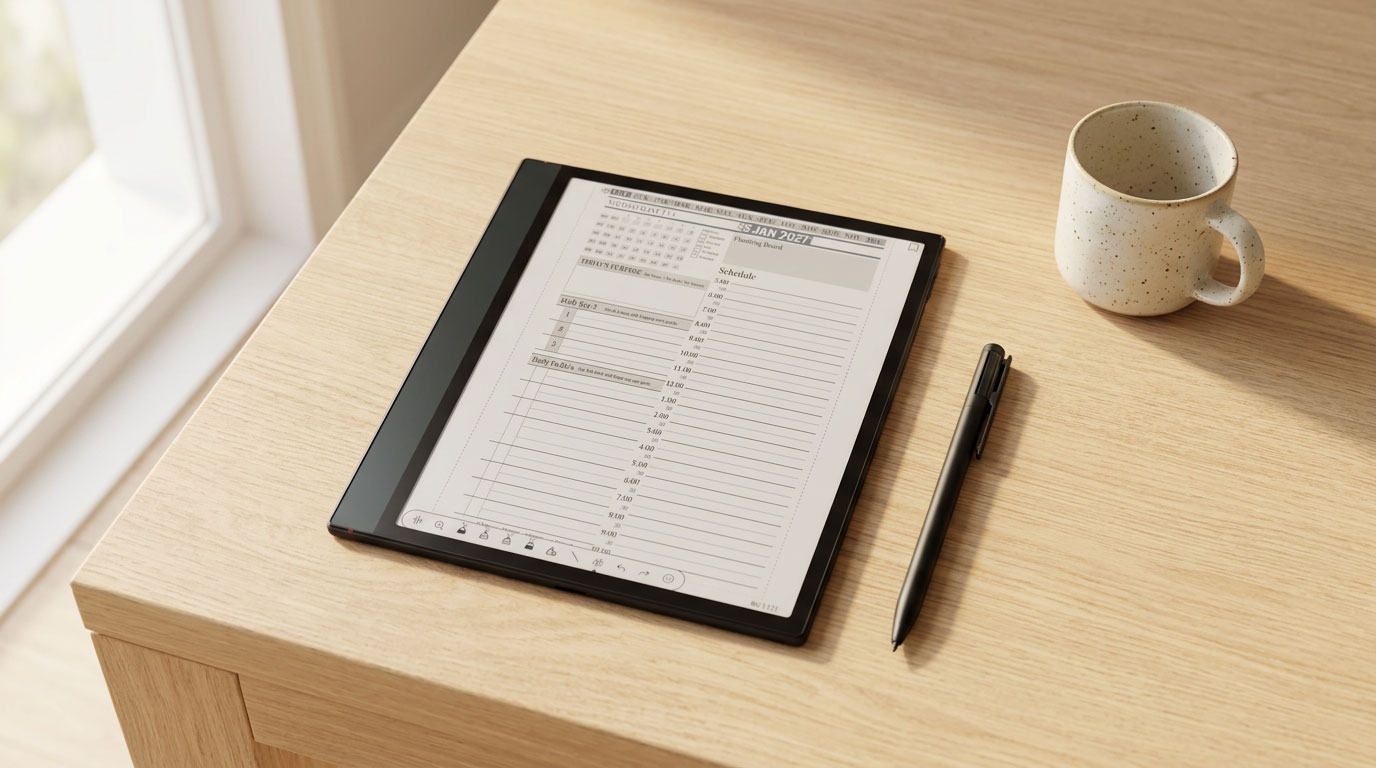
The Paper Pure does one thing extremely well: it turns a blank page into ink fast, with almost no lag, and it does it for weeks on a single charge. What it doesn’t do is compete on features. No color, no front light, no keyboard, no bookstore. If any of those show up on your must-have list, one of the three alternatives below will serve you better than talking yourself into a device that’s missing what you actually need.

Who the Paper Pure is for
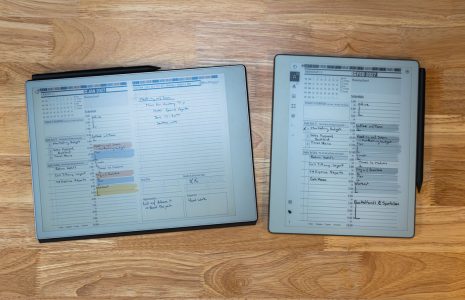
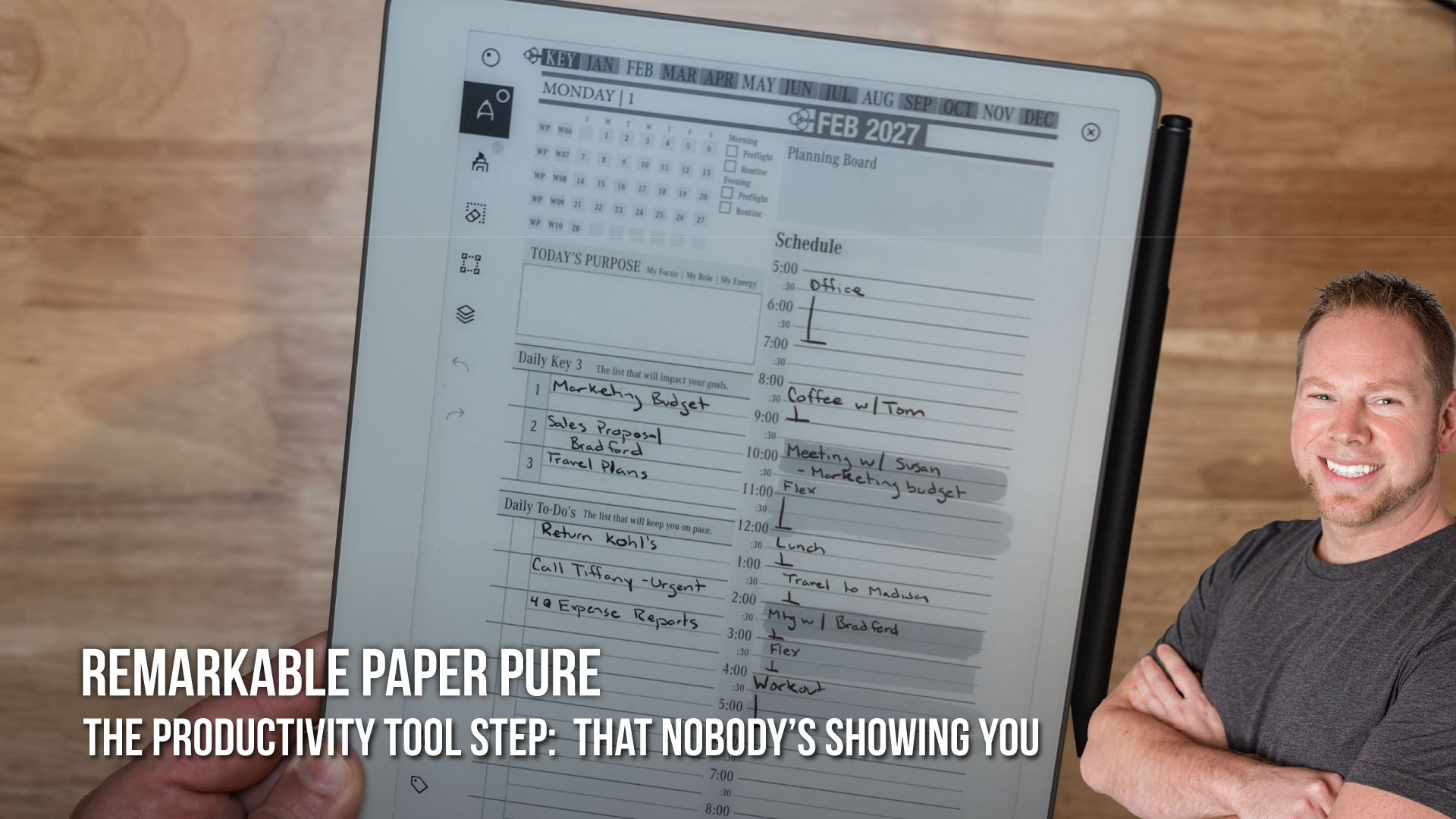
Buy the Paper Pure if your use case is genuinely simple: handwritten notes, PDF markup, meeting notes, and daily planning, with nothing else competing for your attention. It’s the right device for someone who has tried typing notes on a laptop and found it distracting, or who wants their Key2Success planning system on a screen that can’t also show them Slack.
It’s the wrong device if you want it to replace a laptop, a Kindle, or a sketch tablet. It was never built to do any of those jobs, and reMarkable doesn’t pretend otherwise.
Where it wins
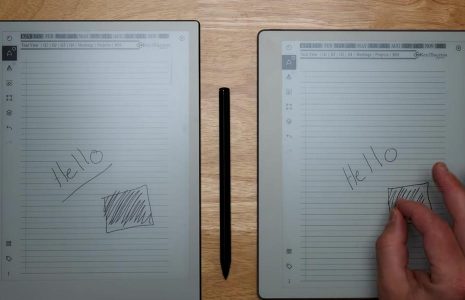
Writing feel. The textured display and short pen-to-ink distance make the Paper Pure feel closer to pen on paper than almost anything else in this price range. Reviewers consistently rank the writing experience above the Kindle Scribe’s glossier surface.
Battery. Up to three weeks of typical use on a single charge. You forget it needs charging, which is exactly the point for a device meant to disappear into the background of your day.
Price. $399 with the Marker included is the lowest entry point of the four devices in this article. Nothing else here matches that number without giving something up.
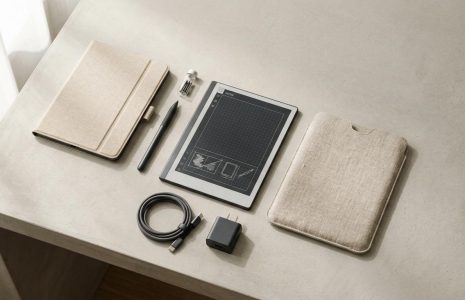
Repairability. It’s the first reMarkable built with screws and snaps instead of glue, with a battery you can actually replace instead of mailing the device in. That’s a real, if quiet, upgrade over the devices that came before it.
Where it falls short
No color. Every diagram, every calendar, every color-coded note stays black and white. If you organize visually with color, that’s gone.
No front light. Write or read in a dim room and you’re reaching for a lamp. Every alternative in this article offers a front light option; the Paper Pure doesn’t offer one at any price.
No keyboard. reMarkable removed the pogo pin connector that let older models attach a Type Folio. This device is pen-only, permanently.
No app ecosystem. You can’t add a browser, a Kindle app, or a to-do list app. That’s a deliberate choice reMarkable makes to keep the device distraction-free, and it’s exactly why some buyers should look elsewhere.
3 alternatives worth considering
If any of the gaps above are dealbreakers, here’s where to look instead.
Kindle Scribe, if you also read
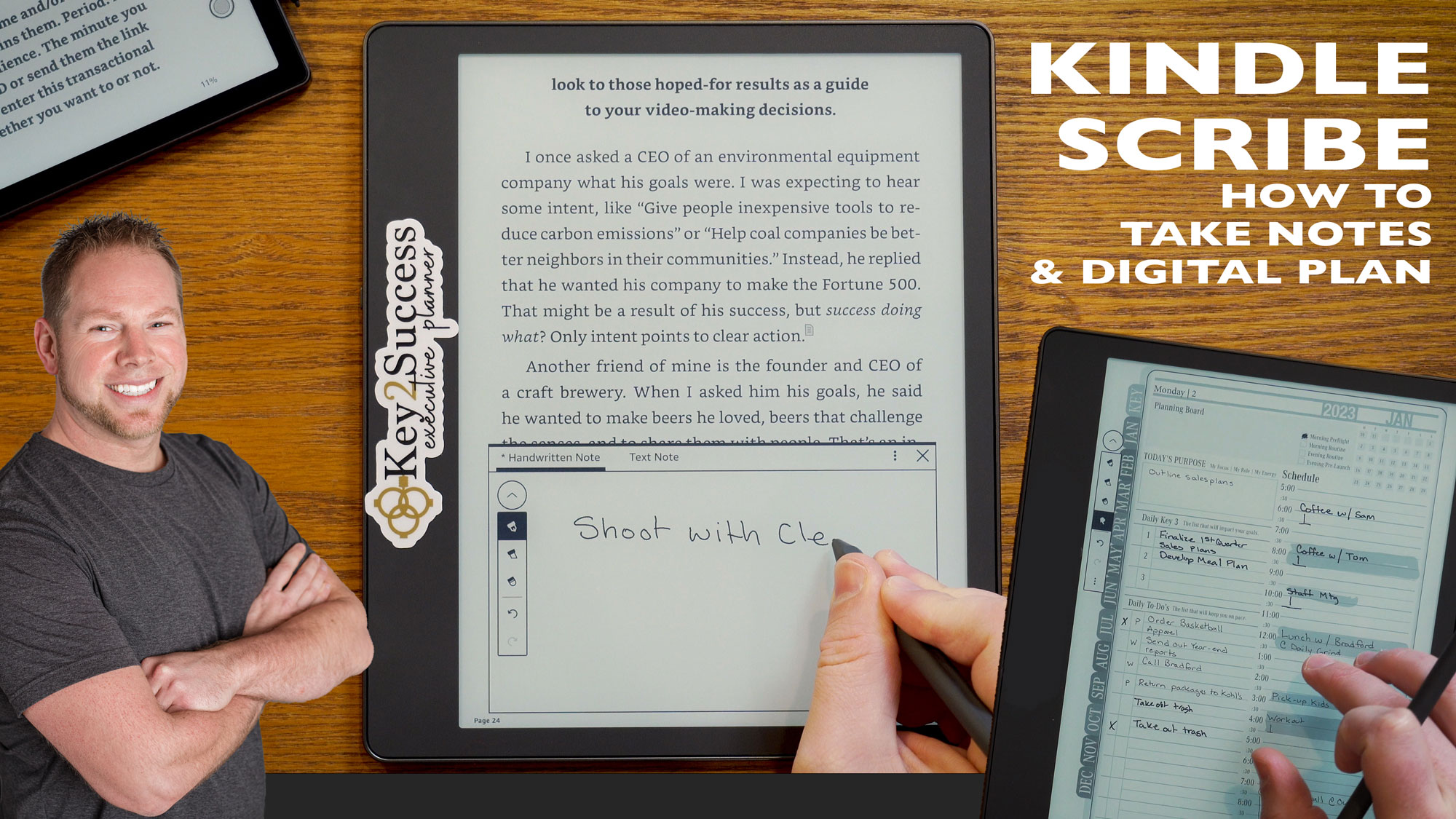
Starting at $429.99 for the version without a front light, the Kindle Scribe adds your entire Kindle library, cross-device highlights and bookmarks, and on-device AI summaries of your notebook pages. I covered this matchup in detail in Paper Pure vs Kindle Scribe, but the short version: if closing your day with a book matters to you, the Scribe earns its higher price. If it doesn’t, you’re paying for a feature you won’t use.
Onyx Boox Go 10.3, if you want an open device
The Go 10.3 starts at $399 without a front light or $449 with one, and it runs full Android with Google Play Store access. That means you can install a Kindle app, a browser, a to-do list, or anything else you want, which is either the whole appeal or the whole problem depending on what you’re trying to avoid. Its 300 PPI Carta display holds up well against the Paper Pure’s, and the native note app covers templates and calendars out of the box. The tradeoff is focus: an open Android tablet can turn back into a distraction machine if you let it.
Supernote A5 X2, if search matters most
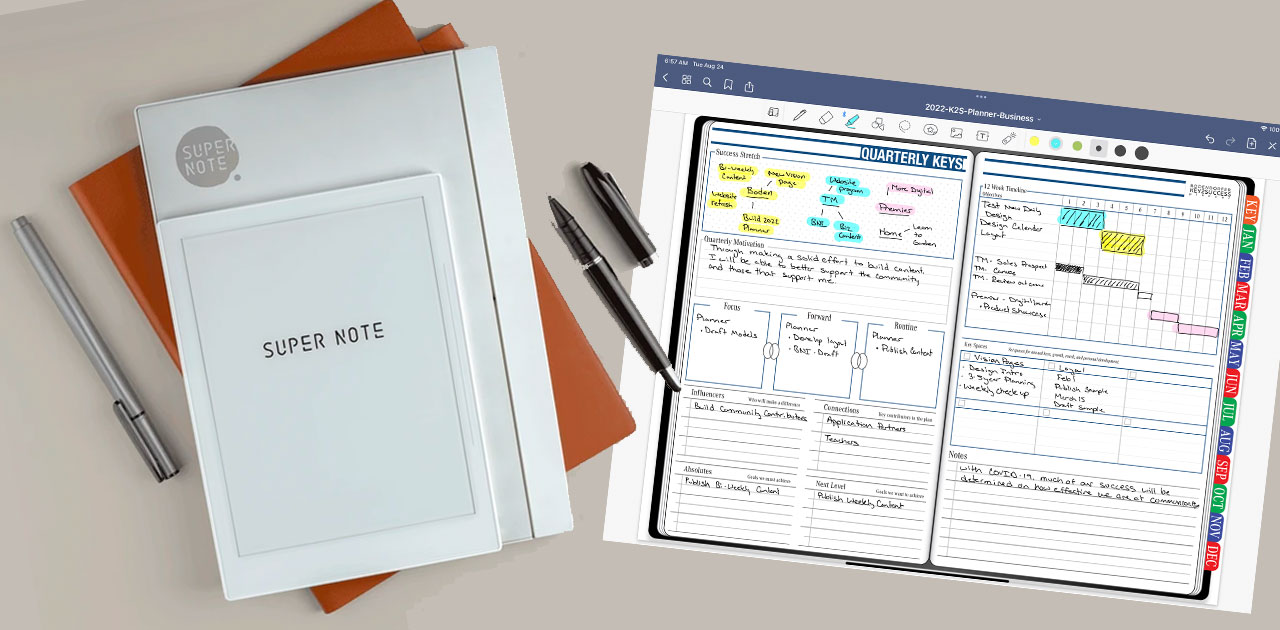
At $505, the Supernote A5 X2 (also sold as the Manta) is the priciest device on this list, and it earns that price with the best handwriting search in the category. Turn on real-time recognition and Supernote converts your handwriting to searchable text as you write, entirely on-device with no internet connection required. Reviewers consistently call it the fastest and most accurate handwriting-to-text conversion available right now, ahead of what reMarkable currently offers even in beta. If you take a lot of notes and need to find one specific line months later, this is the device built for that exact problem.
How the four stack up
| Device | Starting price | Front light | Color | Best for |
|---|---|---|---|---|
| reMarkable Paper Pure | $399 | No | No | Distraction-free writing, longest battery |
| Kindle Scribe (no light) | $429.99 | No | No | Readers who also take notes |
| Onyx Boox Go 10.3 | $399 | Optional (+$50) | No | Buyers who want an open, app-friendly device |
| Supernote A5 X2 | $505 | No | No | Fast, accurate, offline note search |
Final call and where to buy
If you read the section above and nothing in “where it falls short” bothered you, buy the Paper Pure. It’s $399, it ships direct from reMarkable, and it does the one job it’s built for better than anything else at that price.
If color, a front light, an app ecosystem, or best-in-class search actually matter to your workflow, spend the extra money on the alternative that solves that specific problem instead of hoping the Paper Pure will grow the feature later. It won’t. reMarkable has been clear that this device is a pen-and-paper replacement, not a platform.
Whichever device you land on, load it with a real system instead of a blank notebook. The Key2Success reMarkable shop has the templates that turn any of these tablets into an actual daily planner instead of a stack of loose pages.
Decision checklist
- Do you need color or a front light? If yes, skip the Paper Pure entirely.
- Do you want to install other apps on the device? If yes, the Boox Go 10.3 is your device.
- Do you take enough notes that finding one later is a real problem? If yes, the Supernote A5 X2 solves that better than anything else here.
- Is this purely for distraction-free writing and planning? If yes, buy the Paper Pure and keep the money you’d spend elsewhere.
FAQ
Is the reMarkable Paper Pure worth the money in 2026?
Yes, for its intended use. It’s a fast, light, long-lasting writing tablet at the lowest price of its class, as long as you don’t need color, a front light, or a keyboard.
What is the best alternative to the reMarkable Paper Pure?
It depends on what you’re missing. The Kindle Scribe is best if you also read. The Onyx Boox Go 10.3 is best if you want an open Android device. The Supernote A5 X2 is best if fast, accurate note search matters most.
Does the reMarkable Paper Pure have any real weaknesses?
Yes. No color, no front light, no keyboard support, and no app ecosystem. These are deliberate design choices, not oversights, but they rule the device out for some buyers.
Is the Onyx Boox Go 10.3 better than the reMarkable Paper Pure?
It’s better if you want Android apps and don’t mind managing an open device. It’s not better for pure distraction-free writing, which is the Paper Pure’s whole reason for existing.
Is the Supernote A5 X2 worth the higher price?
If you rely on searching old handwritten notes, yes. Its on-device, real-time handwriting search is faster and more accurate than what reMarkable currently offers.
Can I use the Key2Success Planner on any of these devices?
Yes. The Key2Success templates load as hyperlinked PDFs on the Paper Pure, the Kindle Scribe, the Boox Go 10.3, and the Supernote A5 X2.
Common questions, answered in one line
- Does the Paper Pure ever get a front light through a software update? No, it’s a hardware limitation, not something a future update can add.
- Which alternative is cheapest? The Onyx Boox Go 10.3 and the reMarkable Paper Pure tie at $399 for the base configuration.
- Which alternative has the best battery life? The Kindle Scribe, rated for up to 30 days of light reading.
- Can the Boox Go 10.3 run the Kindle app? Yes, since it has full Google Play Store access.
- Does the Supernote A5 X2 need an internet connection to search notes? No, its handwriting recognition runs entirely on-device.
- Is the Paper Pure good for sketching or art? It’s built primarily for writing and note-taking, not detailed illustration; dedicated art tablets do that better.
- Does any alternative match the Paper Pure’s battery life? No. Its roughly three-week battery life leads this group.
- Which device is easiest to repair? The Paper Pure and the Supernote A5 X2 both offer a user-replaceable battery.
Final thoughts
The Paper Pure earns a genuine “worth it” for exactly the job it was built to do. It doesn’t earn one if you’re buying it hoping it’ll eventually cover color, lighting, or typing. Match the device to the actual gap in your day, not to the lowest price tag, and you’ll be glad with whichever of these four you pick.
Check the reMarkable Paper Pure hub for the rest of the buying guides in this series, including Paper Pure vs Paper Pro and Paper Pure vs Kindle Scribe.
- reMarkable Paper Pure official product page
- Good e-Reader: Boox Go 10.3 Gen 2 with front light
- Official BOOX Store: Go 10.3 (Gen II) specs
- Good e-Reader: Supernote A5 X2 official specs
- Supernote: Handwriting recognition support article
- ITPro: Supernote A5 X2 Manta review
- Amazon: Kindle Scribe lineup and pricing