In the digital realm, efficiency is paramount. With the evolution of tools like the Apple Pencil Pro and apps like GoodNotes 6, the line between traditional and digital productivity continues to blur. One feature that epitomizes this seamless fusion is the Apple Pencil Pro Squeeze Gesture, particularly in its integration with GoodNotes.
What is the Squeeze Gesture?
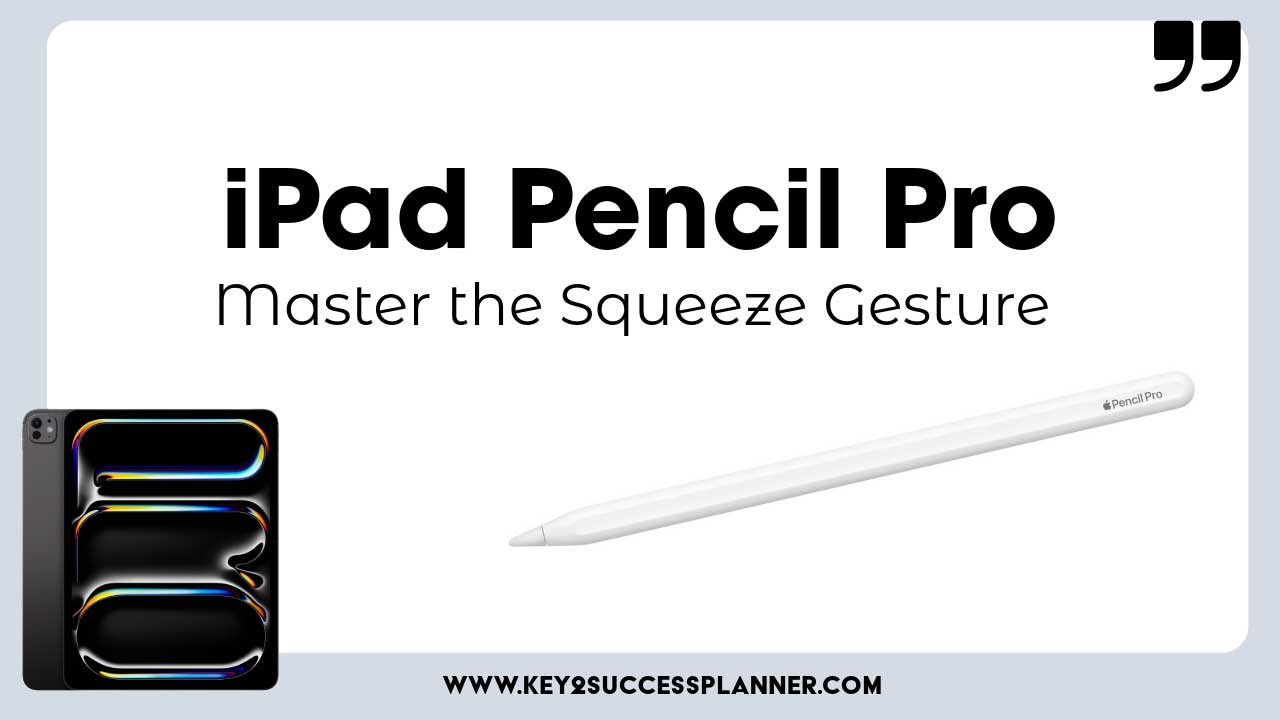
The Apple Pencil Pro Squeeze Gesture is a subtle yet powerful tool that streamlines your workflow within GoodNotes. By simply pinching the barrel of your Apple Pencil Pro while using GoodNotes, you unlock a world of possibilities right at your fingertips.
Navigating the Toolbar
With the Squeeze Gesture, navigating the toolbar in GoodNotes becomes a breeze. Whether you’re in the midst of note-taking, sketching, or digital planning, you can effortlessly browse through a plethora of tools on-the-fly. From the versatile pen tool to the precision of the eraser, from highlighting to shaping and selecting with the lasso tool, everything is just a pinch away.
Enhancing Creativity
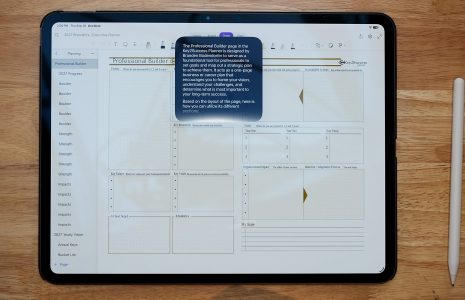
The integration of the Squeeze Gesture with GoodNotes empowers users to not only insert photos and text seamlessly but also to fine-tune their creations. Adjusting the thickness of lines or strokes, selecting color presets, and tweaking various settings become second nature with this intuitive gesture.

Digital Planning Made Easy
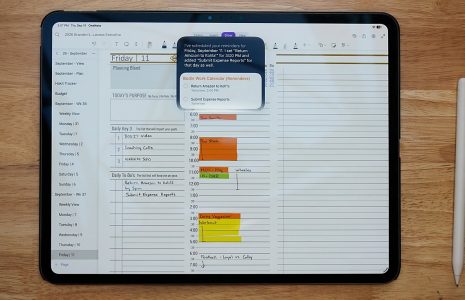
For digital planners, the Squeeze Gesture is a game-changer. It allows for fluid navigation through your daily schedules, to-do lists, and notes. Need to make a quick adjustment to your agenda? Simply pinch the barrel of your Apple Pencil Pro, and you’re ready to make edits on the go.
In a world where every second counts, mastering the Apple Pencil Pro Squeeze Gesture in GoodNotes can make all the difference. Its seamless integration and intuitive functionality redefine the way we interact with digital tools. Whether you’re a student, artist, or professional, unlocking the full potential of this gesture opens up a world of efficiency and creativity at your fingertips.
So, next time you pick up your Apple Pencil Pro and dive into GoodNotes, remember the power of the pinch. Embrace the simplicity, embrace the efficiency, and watch as your digital productivity reaches new heights.