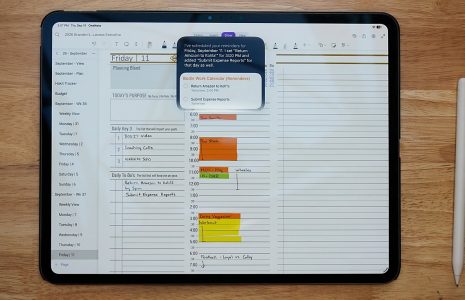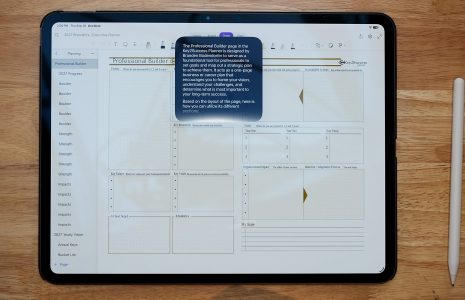
Best app for iPad Pro note-taking in 2026 featuring icons for Microsoft OneNote, GoodNotes, Notability, and Noteshelf.
Articles Feb 09
By Bodendorfer 0 Comments

Best App for iPad Pro Note Taking (2026 Complete Guide)

The iPad Pro paired with the Apple Pencil has become one of the most powerful digital note taking setups available. But choosing the best app for iPad Pro note taking depends on your workflow.

In this guide, we compare GoodNotes, Notability, Microsoft OneNote, and Noteshelf to help you decide which app is right for students, professionals, and digital planner users.


Why the iPad Pro Is Ideal for Note Taking

  • Low latency Apple Pencil response
  • Large high-resolution display
  • Split-screen multitasking
  • Strong battery life
  • Full PDF planner support (depending on app)

1. GoodNotes – Best Overall

GoodNotes is widely considered the best note taking app for iPad Pro because of its balance between handwriting feel and organization tools.

Key Features:

  • Excellent handwriting experience
  • Full PDF planner import and annotation
  • Notebook and folder organization
  • Search handwritten notes
  • One-time purchase

Best for: Students, professionals, structured note takers.

Promotional banner for Key2Success planner offering discounts and a money-back guarantee, emphasizing digital planning benefits and a call to action for users on Samsung devices.

2. Notability – Best for Audio + Notes

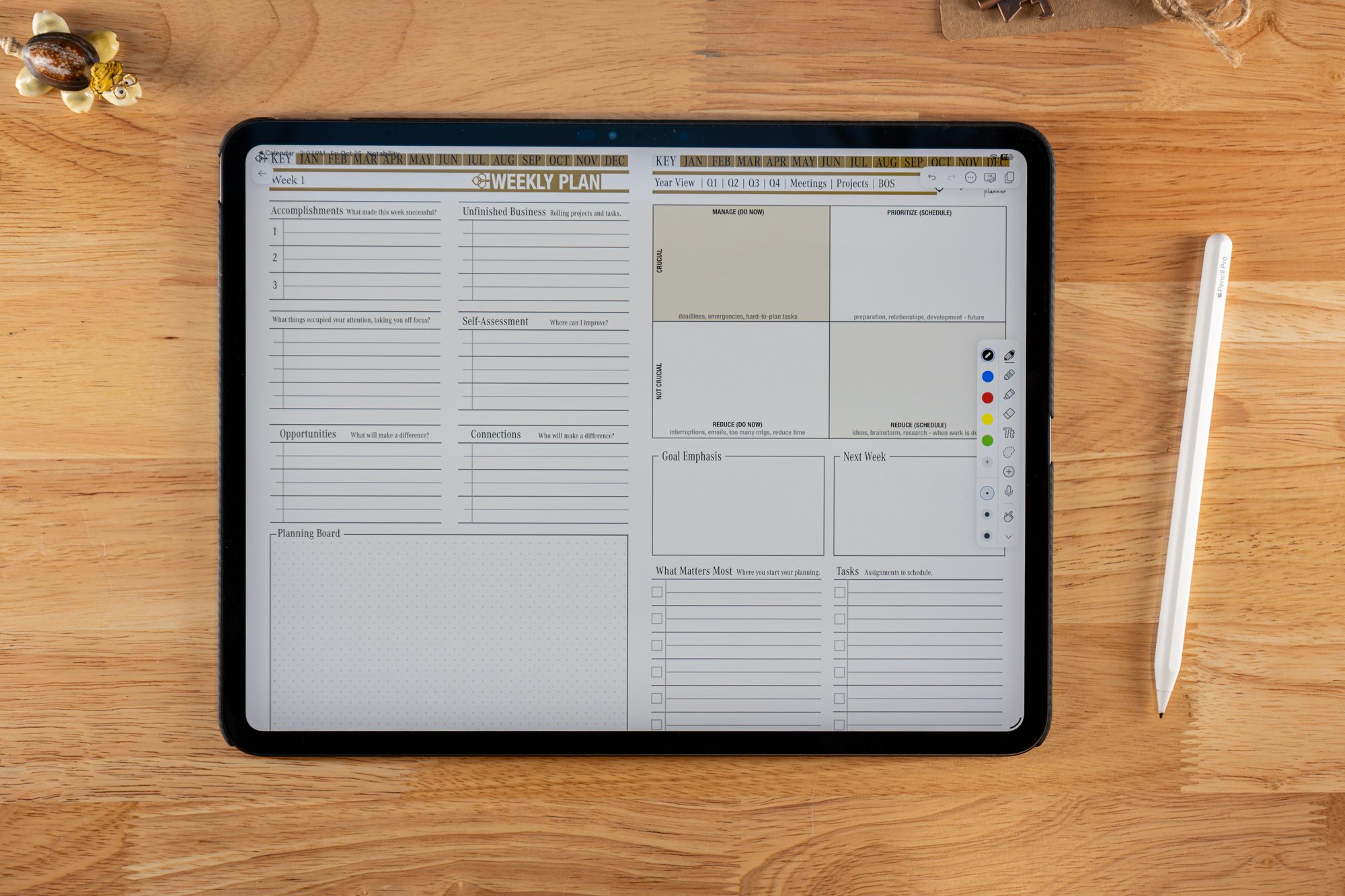
Notability stands out for syncing audio recordings with handwritten notes.
Key Features:

  • Record audio during lectures or meetings
  • Audio synced to handwriting playback
  • Strong PDF annotation support
  • Clean interface

Best for: Lecture-heavy courses and meetings.


3. Microsoft OneNote – Best Free Option

OneNote is a flexible and free option for users who work across multiple devices.

Key Features:

  • Free with Microsoft account
  • Cross-platform syncing
  • Flexible canvas layout
  • PDF import and annotation

Best for: Users switching between iPad, Windows, and Mac.


4. Noteshelf – Best for Digital Planners

Noteshelf offers smooth handwriting and strong PDF planner support.

Key Features:

  • Realistic handwriting tools
  • Full PDF import and markup
  • Planner templates
  • Audio recording support
  • One-time purchase

Best for: Digital planners and handwriting enthusiasts.
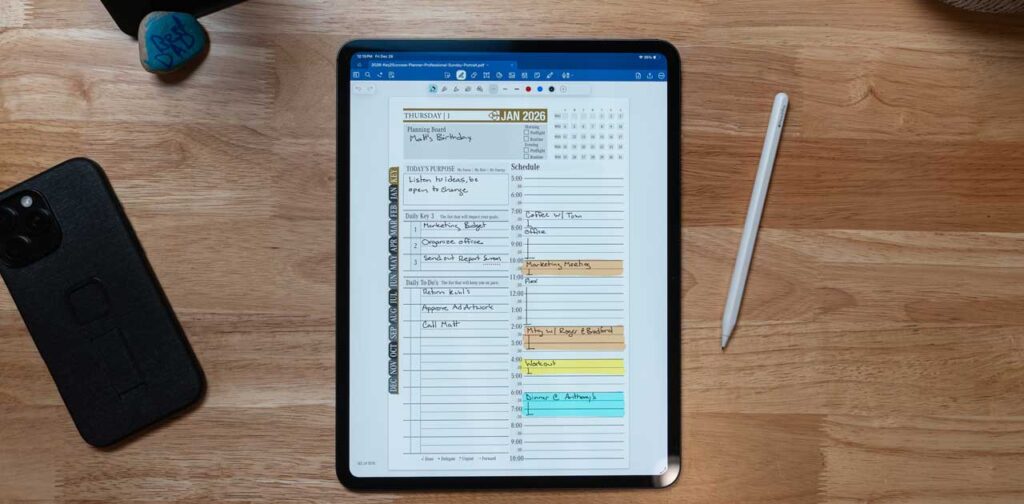

Digital planner page in Goodnotes app displaying a schedule for January 2026 with handwritten notes and tasks, alongside an Apple Pencil and a smartphone on a wooden surface.

Feature Comparison Table

AppHandwritingPDF Planner SupportAudio RecordingPricing
GoodNotesExcellentExcellentNoOne-time
NotabilityExcellentExcellentYesSubscription
OneNoteGoodModerateYesFree
NoteshelfExcellentExcellentYesOne-time

Frequently Asked Questions

What is the best app for iPad Pro note taking?

GoodNotes is often considered the best overall choice due to handwriting feel and strong PDF planner support.

Which app is best for digital planners?

GoodNotes and Noteshelf offer excellent support for large hyperlinked PDF planners.

Is Notability better than GoodNotes?

Notability is better for audio recording. GoodNotes is stronger for organization and structured workflows.

Is OneNote good on iPad Pro?

Yes, especially for users who need cross-platform syncing between Windows and Mac devices.


How to Choose the Best Note-Taking App for iPad Pro

The best app for iPad Pro note taking depends on how you work. If you want balance and structure, choose GoodNotes. If audio matters most, choose Notability. If budget and cross-platform flexibility are priorities, OneNote works well. If you rely heavily on digital planners, Noteshelf is a strong option.

GoodNotes vs Notability: In-Depth Comparison

When choosing the best app for iPad Pro note taking, most users compare GoodNotes and Notability. Both apps are powerful, but they serve slightly different workflows. Below is a detailed comparison to help you decide which one fits your needs.


1. Handwriting Experience

GoodNotes: Offers a smooth and natural writing feel with strong pen customization. Many users say it closely mimics writing on paper. You can adjust pen thickness, colors, and paper styles.

Notability: Also provides a responsive and fluid handwriting experience. While slightly less customizable, it still feels very natural on the iPad Pro with Apple Pencil.

Winner: Tie (GoodNotes slightly ahead in customization)


2. PDF Planner & Annotation Support

GoodNotes: Excellent for large hyperlinked PDF planners. Handles multi-hundred page planners smoothly and allows bookmarking, page duplication, and template insertion.

Notability: Strong PDF import and annotation features, but slightly less optimized for heavy digital planner workflows.

Winner: GoodNotes


3. Audio Recording

GoodNotes: Does not offer built-in audio recording.

Notability: Allows you to record audio while writing. When you replay the recording, your notes sync with the audio timeline, which is ideal for lectures and meetings.

Winner: Notability


4. Organization & Structure

GoodNotes: Uses a folder and notebook system. You can create nested folders for better long-term organization.

Notability: Uses subjects and dividers. Simple and clean, but slightly less flexible for large collections.

Winner: GoodNotes


5. Search & OCR

GoodNotes: Strong OCR search that accurately finds handwritten notes.

Notability: Good search capability, but slightly less accurate with complex handwriting.

Winner: GoodNotes


6. Pricing Model

GoodNotes: One-time purchase.

Notability: Subscription-based pricing.

Winner: GoodNotes (better long-term value)


Feature Comparison Table

Feature GoodNotes Notability
Handwriting Feel Excellent Excellent
PDF Planner Support Excellent Very Good
Audio Recording No Yes
Organization Advanced Folder System Subjects & Dividers
OCR Search Strong Good
Pricing One-time Subscription

Who Should Choose GoodNotes?

  • Users who rely on large PDF planners
  • Students who want structured notebooks
  • People who prefer a one-time purchase
  • Users who need strong handwritten search

Who Should Choose Notability?

  • Students recording lectures
  • Professionals in meeting-heavy roles
  • Users who want audio synced with notes

Final Verdict

If organization and PDF planner support are your top priorities, GoodNotes is typically the stronger choice. If audio recording during note taking is essential, Notability has a clear advantage. Both apps perform exceptionally well on the iPad Pro, so the best option depends on how you work.

Promotional banner for Key2Success planner offering discounts and a money-back guarantee, emphasizing digital planning benefits and a call to action for users on Samsung devices.

Leave a Comment