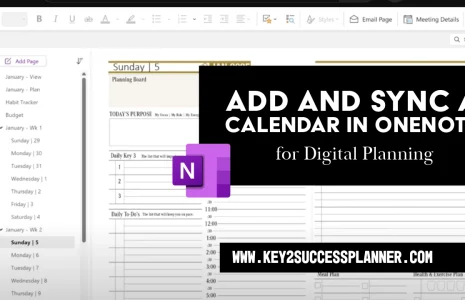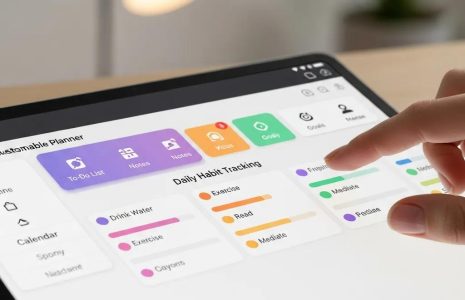
The Key2Success OneNote Digital Planner is now available in two versions: Standard and Tiles. Both versions are compatible with Tiles, which are customized layouts that can be embedded into your planner to personalize each page. Tiles offer expanded functionality, such as 24-hour formatting, extended note sections, and more. The Business and Executive editions include essential Tile packs.
What are Tiles?
Tiles differ from page templates (e.g., Meetings) that come standard in various editions. While a page template is a pre-designed layout included in the planner, a Tile is a customizable element or set of elements that allows you to create unique pages tailored to your specific needs. For example, the Meetings Tile lets you add and rearrange elements to create a custom meeting page. You can learn more about Tiles at our Tiles Page.
Why Choose the Tiles Edition?

The Tiles Edition is designed for users who want to create and customize their own daily pages and spreads. Unlike the Standard edition, the elements on the daily pages in the Tiles edition are not set to the background. This means you can easily select, reorganize, and add additional Tiles to your pages.
Once you’ve created your master page, you can select all the elements and copy and paste them throughout your planner. While you can do this with the Standard edition, it requires manually changing each element to make it editable. The Tiles edition allows you to create a master page and replicate it throughout the planning year in just an hour—no other OneNote digital planner offers this level of customization.
Why Choose the Standard Version?
The Standard edition is perfect for users who are new to the Key2Success system or who are satisfied with the planner’s default design by Branden Bodendorfer. It’s ready to use without any additional setup. Users with the Tiles edition will need to flatten each daily page before typing in the planner, although you can write in either version right out of the box.
For more information on setting up your daily pages, check out our video on mastering Daily and Weekly Tiles at this page.