Scheduling Tools Showdown: Key2Success vs. Google Calendar
Key2Success Planner vs. Google Calendar: Which Scheduling & Planning Tool Boosts Your Productivity?
Planning and scheduling are distinct but complementary practices: planning sets goals and maps milestones, while scheduling assigns time to individual events and commitments. This article explains how a planning-first system compares with an event-driven calendar so you can choose the right mix for your workflow and productivity goals.
Readers will learn the core differences between Key2Success Digital Planner and Google Calendar, the benefits professionals gain from a planner approach, Google Calendar’s scheduling strengths and limitations, and practical ways to integrate both tools without breaking your daily rhythm. The guidance emphasizes time blocking, goal-to-task workflows, and integration workarounds that preserve a single source of truth for priorities.
By the end you’ll know when to rely on a calendar app for coordination and when a structured digital planner supports strategic progress toward quarterly and yearly objectives.
What Are the Core Differences Between Key2Success Planner and Google Calendar?
A planning system focuses on outcomes, context, and cadence, while a calendar app focuses on timestamped events and real-time coordination. Planning creates milestones, quarterly reviews, and priority tiles that translate strategy into weekly and daily actions; scheduling creates the meeting blocks, reminders, and invites that keep teams synchronized. Understanding this distinction shows why some users need both tools: one for directional clarity, the other for logistical execution. The following quick comparison highlights the most consequential differences to help decide which tool should drive your daily routines.

Key differences at a glance:
- Planning vs Scheduling: Planning defines priorities and measurable goals; scheduling allocates time and manages invites.
- Customization: Planners offer templates, Tiles, and review cycles; calendars provide event types, notifications, and easy sharing.
- Outcome Orientation: Planning links tasks to goals and quarterly reviews; calendars focus on timing and availability.
This side-by-side view makes it easier to match tool capabilities to the outcomes you need. The next section breaks down planning and scheduling concepts to clarify how they match real work flows.
"How Does Planning Differ from Scheduling in Productivity Systems?
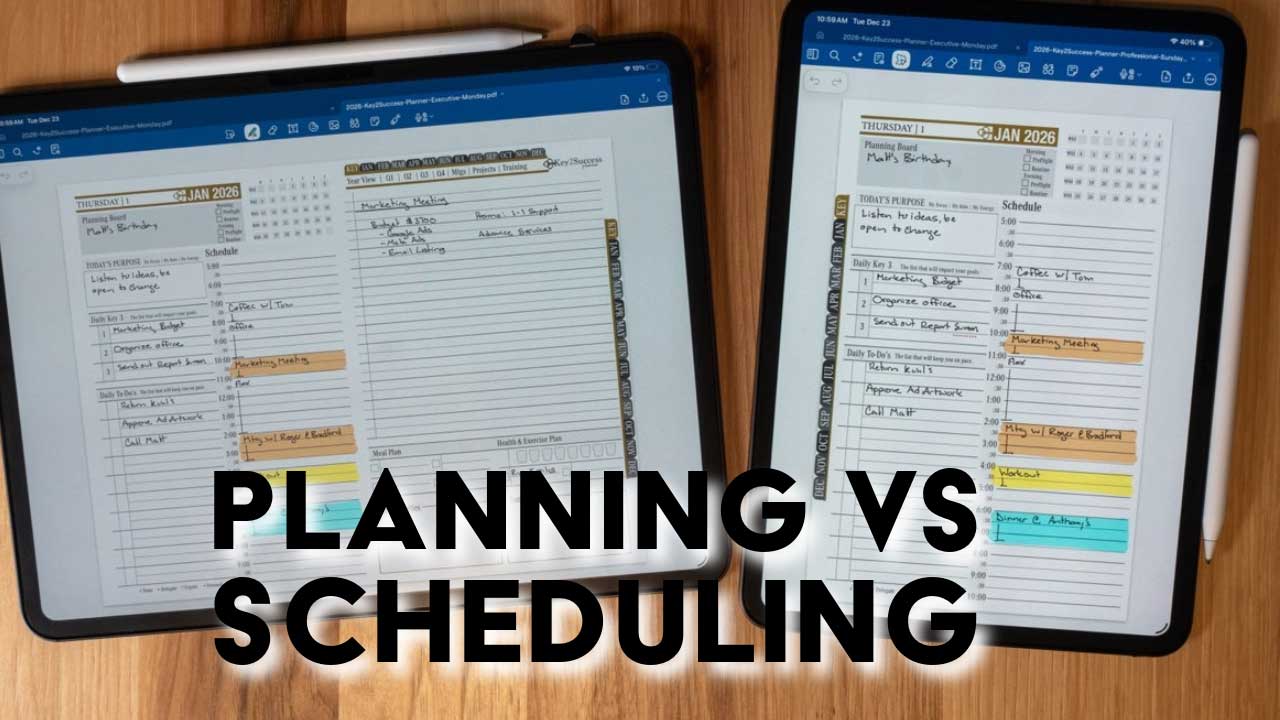
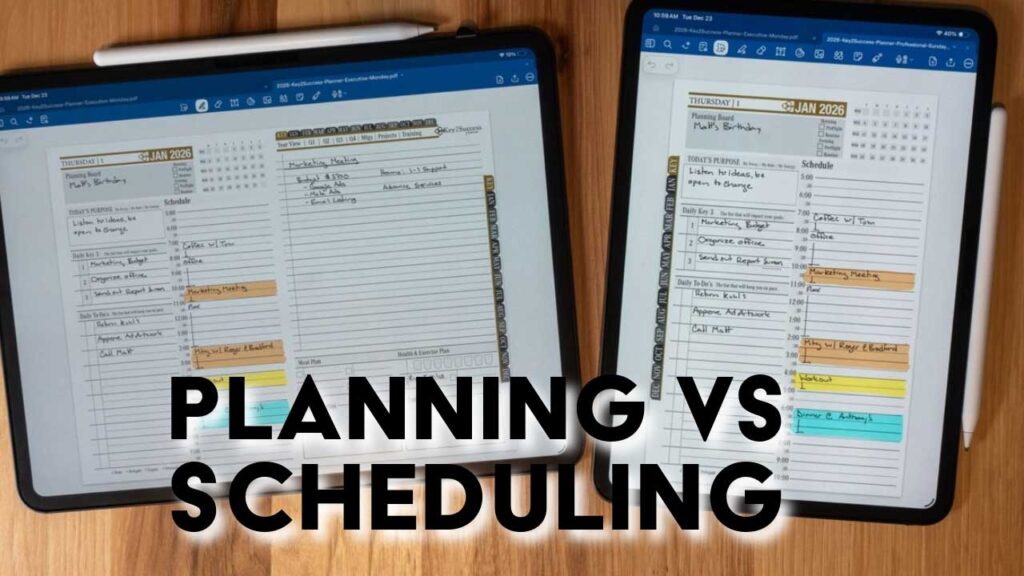
Planning defines the direction, milestones, and review cadence that guide work toward longer-term objectives, while scheduling assigns concrete time slots for meetings and focused work. Planning creates frameworks—quarterly goals, monthly milestones, and weekly priorities—that orient daily choices and preserve context when interruptions appear. Scheduling implements those choices by reserving time and coordinating with others through event invites and reminders. A practical example: weekly planning identifies priority projects and time blocks; scheduling places those blocks into a calendar and protects them from reactive tasks.
This distinction matters because planning increases the likelihood of hitting key results, and scheduling ensures the necessary focus time and collaboration windows actually exist. Recognizing that relationship helps you use both tools with purpose.
"What Unique Features Does Key2Success Offer Compared to Google Calendar?
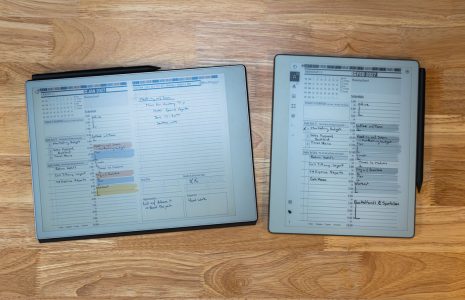
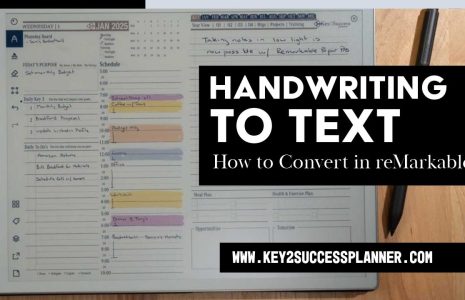
Key2Success emphasizes structured planning tools that help users translate vision into measurable steps and review progress regularly. Key2Success provides Tiles customization, vision boards, and quarterly review templates that scaffold goal-setting and habit formation, and it integrates training and support to help users adopt planning rhythms. Key2Success is also compatible with OneNote, GoodNotes, reMarkable, and Samsung Notes and works across Windows, Android, and Apple ecosystems, which helps people keep planning content portable.
Key2Success Digital Planner (Product) offered in editions: Personal, Professional, Business, Executive. Creator/Founder: Branden Bodendorfer (Person). Services: professional coaching, personalized training programs, remote installation support. Planner is compatible with OneNote, GoodNotes, reMarkable, Samsung Notes and works across Windows, Android, and Apple ecosystems. Unique value propositions include emphasis on goal achievement and organization over mere scheduling, Tiles customization, vision/quarterly review features, and integration-focused training/support.
This planner-first feature set supports strategy-driven users who need more than timestamped events to reach their outcomes. The next section shows role-based benefits for professionals.
| Tool | Core Strength | Best Use Case |
|---|---|---|
| Key2Success Planner | Goal frameworks, Tiles, quarterly reviews | Strategic planning, goal tracking, habit creation |
| Google Calendar | Event scheduling, invites, reminders | Meeting coordination, time blocking, shared availability |
| Combined use | Planning + scheduling separation | Maintain strategy in planner; execute in calendar |
How Can Professionals Benefit from Using Key2Success Planner?
Professionals gain clarity, measurable progress, and repeatable operating rhythms by using a planning system that ties daily work to quarterly goals. Key2Success helps translate high-level objectives into monthly milestones and weekly actions, reducing task churn and improving delegation through clear outcome definitions. Regular vision reviews and Tiles customization maintain focus on top priorities and allow leaders to align teams around operating rhythms rather than only reacting to meetings. These features make strategic progress visible and actionable across time horizons, which is valuable for executives and small-business owners balancing competing demands.
The concept of proactive planning, as seen in systems like the Last Planner® System, underscores how structured approaches can significantly improve workflow and productivity, especially in complex environments.
Digital Planner Systems for Proactive Workflow & Productivity
To cope with the dynamics of production, construction managers spend a significant amount of time organising the workforce, managing logistics and controlling the flow. Underestimating the process of workforce allocation and management could lead to serious productivity, safety, logistics, and coordination problems. The Last Planner® System (LPS) advocates and incorporates processes to sustain flow suggested in Lean Production theory. Hence, the complex job of creating the workforce-flow can potentially be simplified through the LPS proactive planning during lookahead discussions.
role of a digital last planner® system to ensuring safe and productive workforce and workflow in COVID-19 pandemic, K McHugh, 2021
Which users benefit most and why:
- Entrepreneurs: Use Tiles to track revenue-driving activities and preserve focus during growth phases.
- Executives: Use quarterly reviews to align team priorities to organizational goals and delegation.
- Small-business owners: Use structured workflows to scale processes and keep day-to-day tasks aligned with strategy.
These role-specific benefits show how planning reduces context-switching and creates measurable momentum. The next subsection explains edition choices that match different professional needs.
"Which Key2Success Editions Suit Personal and Executive Productivity Needs?
Key2Success editions are tailored to different scopes of responsibility, providing appropriate templates and feature density for each audience. The Personal edition focuses on individual goals, daily routines, and habit tracking to help single users gain clarity and consistency. The Professional and Business editions add team-oriented features, delegation frameworks, and operating-rhythm templates that support cross-functional coordination and measurable outcomes. The Executive edition concentrates on high-level vision, quarterly planning, and delegation tools designed for leaders who must translate strategy into organizational priorities.
Choosing the right edition depends on scope and scale: individuals start with Personal, managers with Professional, owners with Business, and senior leaders with Executive. This mapping helps match product capabilities to real-world responsibilities and desired outcomes.
"How Does Key2Success Enhance Goal Setting and Task Management?
Key2Success uses a goal-to-task workflow that starts with a vision, breaks it into quarterly goals, converts those into monthly milestones, and maps weekly actions into daily Tiles and tasks. Habit tracking and review cadences ensure progress is measured and course corrections occur during quarterly reviews. This structure reduces ambiguity by assigning metrics and time-bound checkpoints to objectives, making delegation and follow-up clearer. A quick example: define a Q1 revenue goal, set monthly lead targets, schedule weekly outreach Tiles, and track daily tasks to maintain momentum.
This emphasis on breaking down goals into measurable actions aligns with research on goal accomplishment tracking, which highlights the benefits of continuously monitoring progress and adapting plans to prevent failures and accelerate completion.
Goal Tracking & Adaptive Planning for Enhanced Productivity
Goal accomplishment tracking is the process of monitoring the progress of a task or series of tasks towards completing a goal. Goal accomplishment tracking is used to monitor goal progress in a variety of domains, including workflow processing, teleoperation and industrial manufacturing. Practically, it involves the constant monitoring of task execution, analysis of this data to determine the task progress and notification of interested parties. This information is usually used in a passive way to observe goal progress. However, responding to this information may prevent goal failures. In addition, responding proactively in an opportunistic way can also lead to goals being completed faster. This paper proposes an architecture to support the adaptive planning of tasks for fault tolerance or opportunistic task execution based on goal accomplishment tracking. It argues that dramatically increased performance can be gained by monitoring task execution and altering plans dynamically.
Adaptive planning for distributed systems using goal accomplishment tracking, K Lee, 2015
That stepwise clarity helps professionals convert strategic aims into predictable, measurable workflows that feed directly into scheduling and execution.
| User Type | Core Need | How Key2Success Addresses It |
|---|---|---|
| Entrepreneur | Growth focus | Tiles for revenue activities and milestone mapping |
| Executive | Alignment & delegation | Quarterly reviews and leadership templates |
| Small-business owner | Process consistency | Operating rhythms and task frameworks |
What Are Google Calendar ’s Strengths and Limitations for Scheduling?
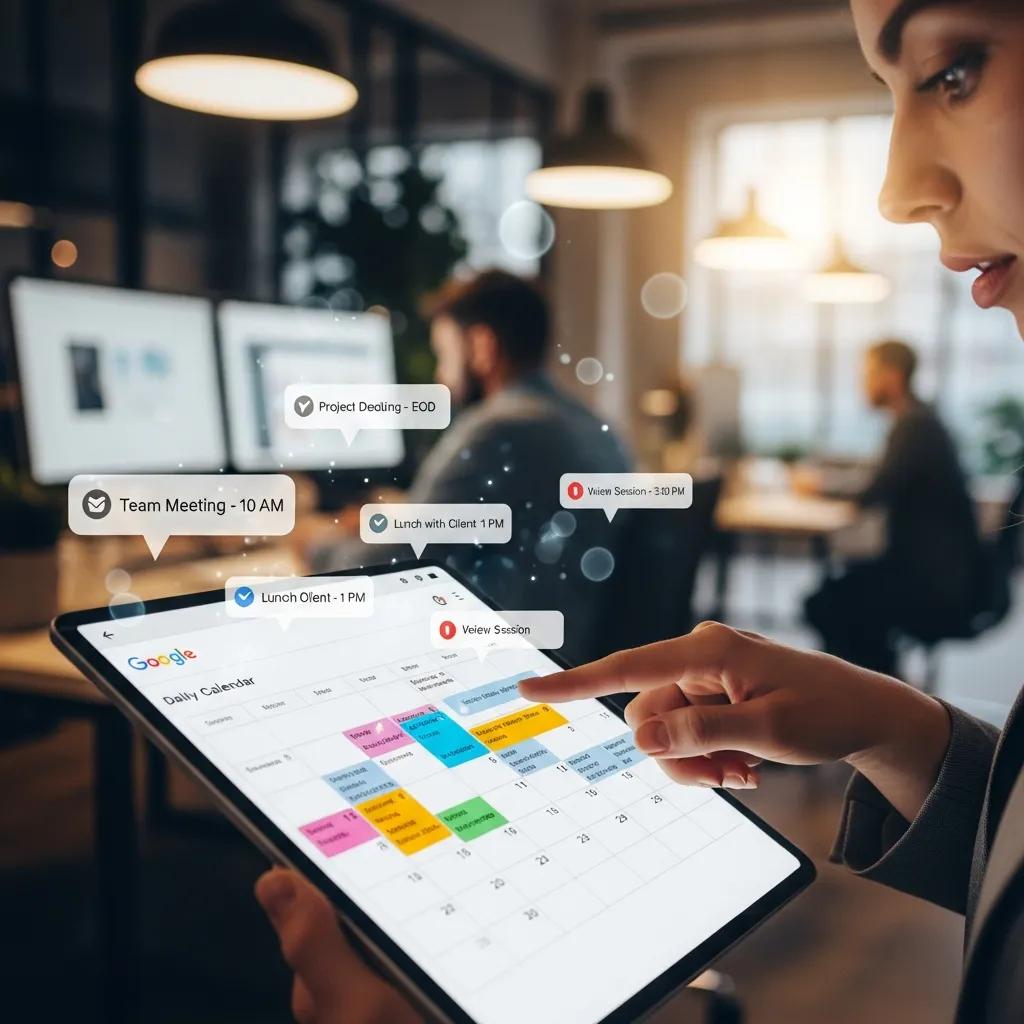
Google Calendar excels at timestamped coordination, providing reliable sync across devices, easy event creation, and seamless collaboration for meetings and invites. It supports reminders, shared calendars, and integrations with video conferencing tools, making it ideal for scheduling and logistical coordination. However, Google Calendar lacks structured goal frameworks, templates for quarterly planning, and built-in mechanisms to link tasks directly to long-term objectives. For many users, that gap creates a planning-to-action disconnect where meetings are organized but strategic priorities fade.
Research further highlights the importance of usability and effectiveness in mobile calendar applications for managing scheduling and enhancing community participation.
Mobile Calendar Apps: Usability & Scheduling Effectiveness
This study aims to investigate the impact of implementing a mobile-based scheduling information system in the Desa Adat Tuban. The research focuses on enhancing information services provided by village officials, as well as increasing community participation and awareness. The methodology involves data collection through surveys and structured interviews, which are subsequently analyzed to assess the system’s usability and effectiveness within the traditional village context. The system’s usability score reached 64.2 percent, classified as “Good,” though there is potential for further system refinement.
The Impact of Mobile-Based Calendar Applications for Digitalizing Scheduling Management on Community Participation and Awareness in Traditional Villages, LN Oktarini, 2024
Key strengths and limitations summarized:
- Strength: Real-time event scheduling and sharing streamline team coordination.
- Strength: Cross-device sync and notification system keep commitments visible.
- Limitation: Limited structured goal-tracking and review frameworks.
- Limitation: Minimal customization for planning templates and outcome mapping.
Understanding these trade-offs helps determine when Google Calendar should be the execution layer rather than the strategic driver.
"How Does Google Calendar Support Event Scheduling and Collaboration?
Google Calendar supports rapid event creation, attendee invites, and automated notifications that keep teams aligned on timing and availability. Event details can include conferencing links, agendas, and attachments to facilitate efficient meetings. Shared calendars allow visibility into teammate availability and reduce scheduling friction during collaboration. These features make Google Calendar the de facto tool for coordinating synchronous work and ensuring people are in the right place at the right time.
Using the calendar as the scheduling layer complements a planner that provides the “why” behind those meetings. The next subsection explains the calendar
’s limits for strategic planning.
"Where Does Google Calendar Fall Short in Strategic Planning?
Google Calendar does not natively provide templates for quarterly reviews, vision boards, or Tiles-style priority layouts that connect daily tasks to outcomes. Because it is optimized for events and timestamps, it often lacks the contextual scaffolding planners provide to track progress toward multi-week or multi-month goals. This absence can lead to reactive scheduling where meetings fill time without clear linkage to strategic priorities. For users who need to convert goals into measurable actions, a planner-first approach fills the structural gap that calendars leave open.
Recognizing this limitation helps teams adopt a two-tool workflow: plan the outcomes in a planner, then schedule execution in the calendar.
How Can You Integrate Key2Success Planner with Google Calendar Effectively?
Integrating a planning-first system with a calendar-driven scheduler relies on pragmatic, low-friction methods that preserve planning clarity while enabling real-time coordination. Practical approaches include side-by-side planning and scheduling, using digital assistants to create calendar events from planner tasks, and periodic manual syncs for high-priority items. The goal is to keep the planner as the single source of truth for priorities while allowing the calendar to manage availability and collaboration. The table below compares common integration methods to help you choose based on effort and use case.
Integration methods, ease, and best uses:
| Method | Ease / Time Required | Best Use Case |
|---|---|---|
| Split-screen side-by-side | Low effort, immediate | Daily planning + scheduling at start of day |
| Digital assistant event creation | Medium effort, one-time setup | Turning planner tasks into calendar events quickly |
| Manual or screenshot transfer | Low-tech, occasional | One-off syncs for major milestones |
These methods emphasize pragmatic trade-offs between time investment and ongoing benefit. Below are step-by-step practical methods that produce reliable integration without forcing direct sync.
"What Practical Methods Enable Complementary Use of Both Tools?
Here are prioritized, actionable methods to make planning and scheduling work together cleanly and consistently. Begin each day with a short planning session in the planner to set top priorities and time-block those items in Google Calendar. Use split-screen or dual-monitor setups to view planner Tiles alongside calendar availability, then create events for time-sensitive actions. Use voice or digital assistants to convert high-priority planner tasks into calendar events when immediate scheduling is needed. Finally, perform a weekly review where planner milestones are reconciled with the calendar to ensure alignment and update any delegated tasks.
- Daily planning + time-block: Plan priorities, then block calendar slots.
- Split-screen review: Keep planner visible while scheduling meetings.
- Assistant-driven event creation: Use voice commands to add events from tasks.
These steps preserve the planner as the strategy engine while letting the calendar manage execution windows.
"Why Is Direct Syncing Not the Primary Design of Key2Success Planner?
Key2Success adopts a planning-first philosophy that intentionally separates strategic planning from real-time scheduling, emphasizing portability across note-taking and annotation apps rather than tight two-way syncing. This design protects the integrity of vision, quarterly reviews, and Tiles customization while allowing users to export or manually transfer events to their calendar of choice. The trade-off is intentional: by avoiding fragile direct syncs, Key2Success remains compatible with OneNote, GoodNotes, reMarkable, and Samsung Notes and across Windows, Android, and Apple systems, and it relies on integration-focused training and remote support to help users bridge the gap.
This approach favors durable planning structures and human-controlled syncing workflows over automated, often brittle integrations. For many professionals, that choice preserves clarity and long-term progress.
Key2Success Digital Planner (Product) offered in editions: Personal, Professional, Business, Executive. Creator/Founder: Branden Bodendorfer (Person). Services: professional coaching, personalized training programs, remote installation support. Planner is compatible with OneNote, GoodNotes, reMarkable, Samsung Notes and works across Windows, Android, and Apple ecosystems. Unique value propositions include emphasis on goal achievement and organization over mere scheduling, Tiles customization, vision/quarterly review features, and integration-focused training/support.