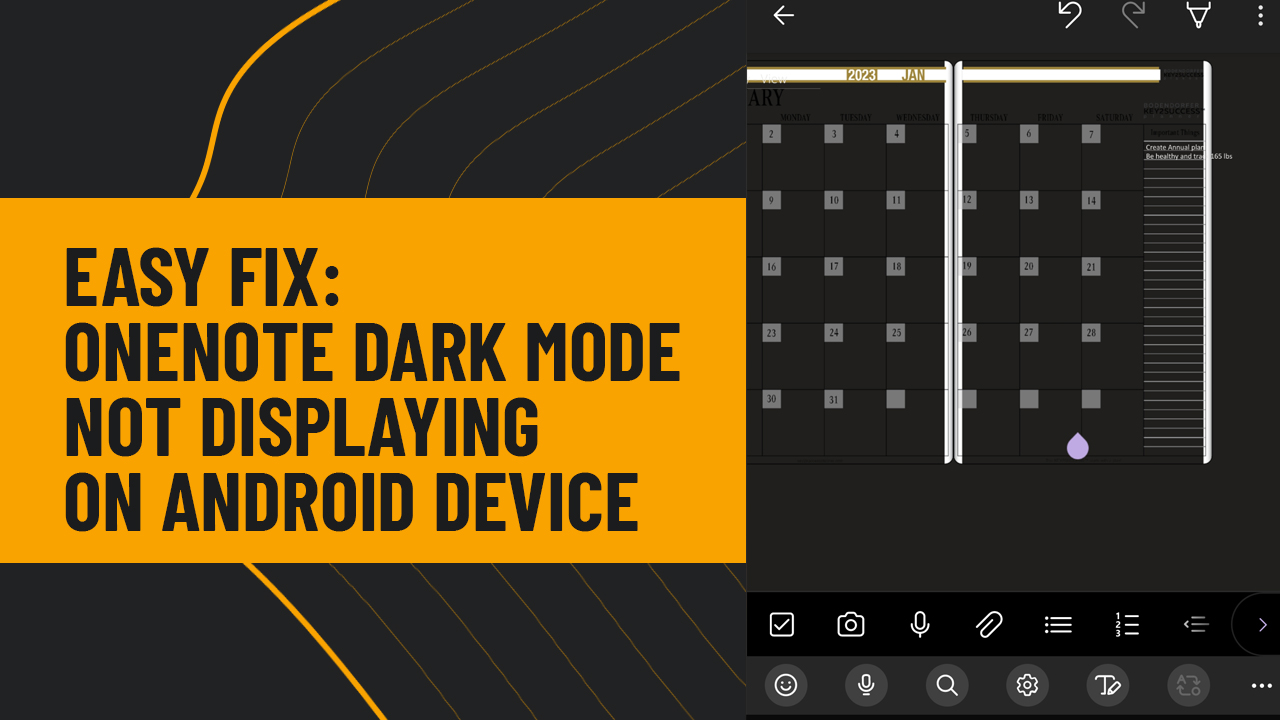
Key2Success Apr 03 By Branden Bodendorfer 0 Comments OneNote Dark Mode not displaying correctly on Android Device? This is an easy one to fix.With Android Mobile devices, their dark mode setting does not work systematically with OneNote.What you need to do so that your OneNote works correctly is as follows:Start by making sure OneNote is not open on your apps. If so, force quit.Next turn the phone to light modeNext Open OneNote, the planner and notes should appear as designed.Next turn your phone back to dark mode.Now your phone will be in dark mode, but when you open OneNote, the planner and OneNote will be designed as intended. Tags: dark modeOneNote Share: Post navigation Previous PostKey2Success Digital Planner Compared to the iPadPlannerNext PostKey2Success Launches Sermon Notes Tile Sticker
Key2Success Sep 22 Digital Bullet Journal: What Survives the Move From Paper, and What Doesn’t By Branden Bodendorfer 0 Comments
Key2Success Sep 15 Erin Condren Digital Planner Alternative: Keep the Vertical Weekly, Gain Real Customization By Branden Bodendorfer 0 Comments
Key2Success Sep 08 Passion Planner Digital Alternative: Keep the Roadmap, Add Sync and Search By Branden Bodendorfer 0 Comments
Key2Success Aug 31 Hobonichi Digital Alternative: Moving Your Techo to a Planner That Actually Syncs By Branden Bodendorfer 0 Comments