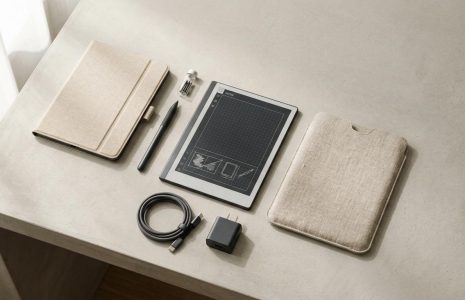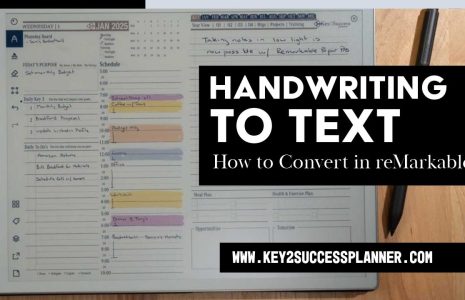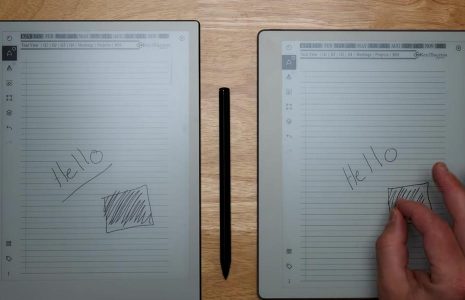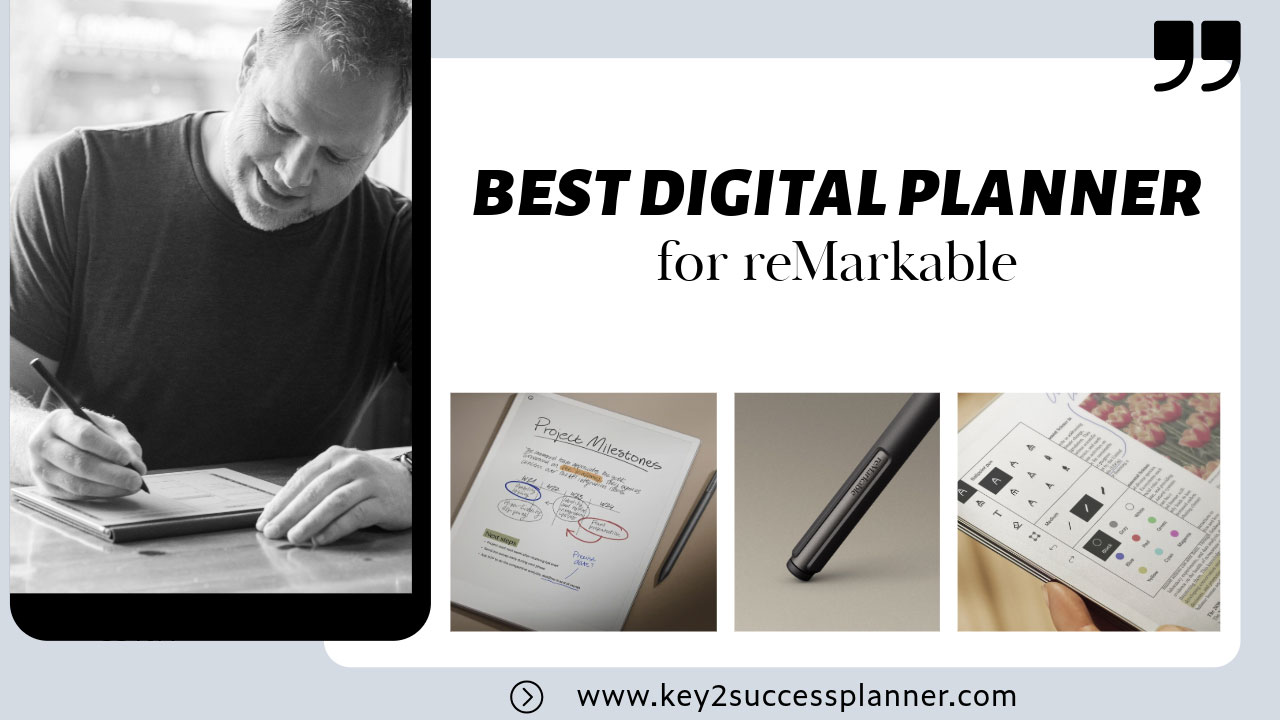
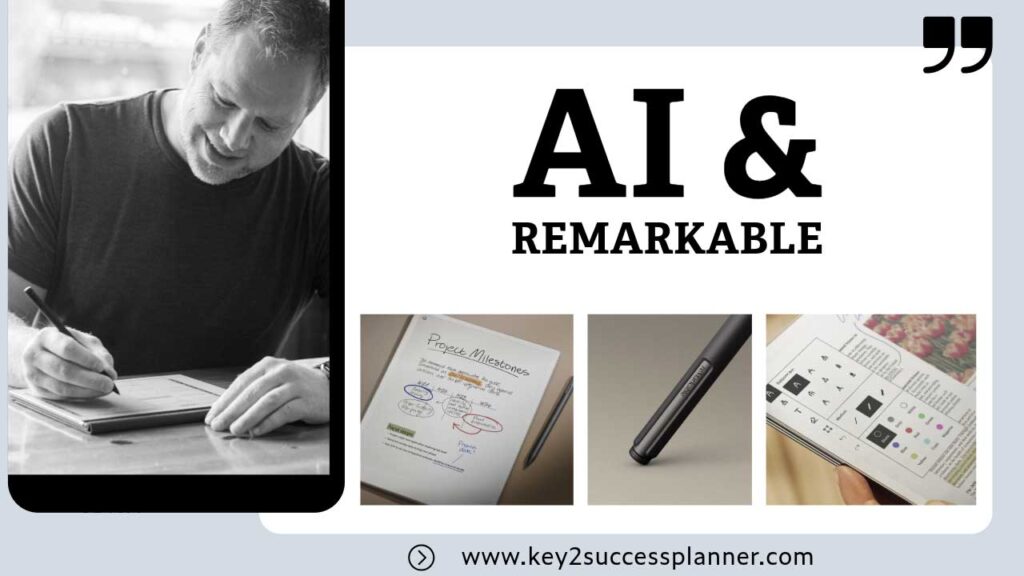
Man writing with a pen on a notepad, showcasing the best digital planner for reMarkable, featuring project milestones and a stylus.
Articles Nov 08
By Bodendorfer 0 Comments

Best Digital Planner for reMarkable in 2026

What Is the reMarkable Tablet?

Updated March 5, 2026

Looking to get the most from your reMarkable? Learn about the best digital planner for reMarkable here. The reMarkable is a digital paper tablet designed to replicate the experience of writing on paper while offering the benefits of digital technology. You can learn more about the device on the official reMarkable website.

Many users turn their tablet into a productivity system by using a digital planner for reMarkable, which allows handwritten planning, scheduling, and goal tracking in one place. Compared to traditional paper planners, a digital planner on reMarkable allows you to store an entire year of planning pages in a single notebook without carrying multiple books.

If you’re new to the device, you may want to start with our reMarkable beginner guide before setting up your planner. Unlike traditional paper planners, a digital planner on reMarkable allows you to store an entire year of planning pages in one organized notebook.

Promotional banner for Key2Success planner offering discounts and a money-back guarantee, emphasizing digital planning benefits and a call to action for users on Samsung devices.

This guide explains how to use a reMarkable tablet, organize notes, and choose the best digital planner for your workflow. If you’re new to the tablet, start with our full reMarkable beginner guide.

These devices are built for note taking, reading, and document review, providing a distraction-free environment that helps improve focus and productivity.

Quick Navigation

  • reMarkable Models
  • Who the Key2Success Planner Is Best For
  • Key2Success Planner Features
  • How Much Does a reMarkable Tablet Cost
  • FAQ

What Makes a Good Digital Planner for reMarkable?

Not all digital planners work well with e-ink devices. The best planners for reMarkable tablets are designed specifically for the device’s navigation and handwriting experience.

  • Hyperlinked navigation between sections
  • Clear monthly and weekly layouts
  • Minimal design for E-Ink displays
  • Pages optimized for handwriting
  • Goal and habit tracking features

Choosing a planner that is built specifically for reMarkable ensures smoother navigation and a better writing experience.

Key reMarkable Features

  • Paper-like writing experience: The tablet uses a specialized display that mimics the texture and feel of real paper, creating a natural writing experience.
  • E-Ink display: The screen uses E-Ink technology that reduces glare and makes long reading or writing sessions comfortable.
  • Distraction-free interface: Unlike traditional tablets, the device does not include social media or typical apps, allowing users to focus on writing and reading.
  • Cloud syncing: With a Connect subscription, notes and documents can be synced across devices for easy access.
reMarkable Models

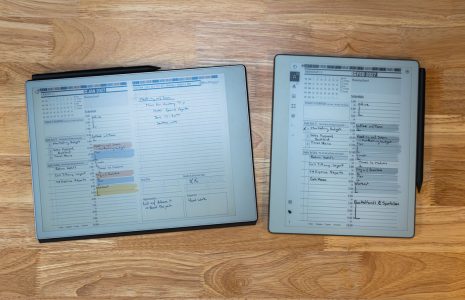
  1. reMarkable 2: Released in 2020, this model features an ultra-thin design and a 10.3-inch monochrome E-Ink display. It also supports handwriting-to-text conversion.
  2. reMarkable Paper Pro: Introduced in 2024, this model includes an 11.8-inch color E-Ink display, adjustable lighting, and improved processing power.

The reMarkable tablets are popular with students, professionals, and creatives who want a digital tool that feels similar to writing on paper while staying organized.

Who the Key2Success Planner Is Best For

The Key2Success Digital Planner is especially useful for:

  • Professionals managing projects and meetings
  • Students organizing classes and study schedules
  • Entrepreneurs planning goals and tasks
  • Anyone replacing paper planners with a digital system

Explore planners designed for reMarkable devices:

Browse reMarkable digital planners
Browse reMarkable Paper Pro planners

Many users also use their tablet as a digital planner. One option designed specifically for the device is the Key2Success planner.

Key2Success Digital Planner for reMarkable Paper Pro: Features and Benefits

Professionals and individuals alike look for tools that improve productivity without adding unnecessary complexity. The Key2Success Digital Planner for the reMarkable Paper Pro combines traditional planning methods with modern digital convenience.

Why Choose the Key2Success Digital Planner?

  1. Designed for reMarkable DevicesThe Key2Success Planner is designed specifically for e-ink tablets like the reMarkable Paper Pro. Its interactive PDF format allows for smooth navigation between pages, making digital planning simple and intuitive.
  2. Comprehensive Planning FeaturesThe planner includes a wide range of pages designed to help organize both personal and professional tasks.
    • Vision boards for goal setting and long-term planning
    • Daily, weekly, and monthly pages for structured scheduling
    • Meeting and project pages for work organization
    • Habit trackers and budget planners for personal growth and financial tracking

    These features help create a complete productivity system inside your reMarkable device.

  3. Optimized for reMarkable Paper ProThe planner is designed to work smoothly with the Paper Pro’s features.
    • Color E-Ink display for color-coded notes and time blocking
    • Front light that allows planning in different lighting conditions

    This makes planning more flexible and easier to manage throughout the day.

  4. Regular Updates and SupportThe Key2Success Planner is updated regularly based on user feedback. Training resources and guides are also available to help users get the most out of the planner.

Getting Started with the Key2Success Planner

Starting with the Key2Success planner on your reMarkable Paper Pro is simple.

  • Purchase and download the planner
  • Upload the PDF to your reMarkable tablet
  • Start planning using the interactive pages and navigation links

The planner is designed to provide a distraction-free digital planning system that works naturally with the reMarkable writing experience.


Explore planners designed for reMarkable devices:

Browse reMarkable digital planners
Browse reMarkable Paper Pro planners

Many reMarkable users eventually switch from paper planners to digital planners designed specifically for the device.

How Much Does a reMarkable Tablet Cost?

The cost of a reMarkable tablet depends on the model and accessories you choose. The device is typically sold with optional styluses and folio covers.

  • reMarkable 2: Usually starts around the price of a mid-range tablet and includes the writing experience that the device is known for.
  • reMarkable Paper Pro: A newer model that includes a larger display, color E-Ink screen, and front light.

Additional accessories such as Marker styluses, folio covers, and replacement tips are available separately.

Many users also enhance their workflow with templates and planners designed for the device.

If you want to use your tablet as a planning system, you can explore these options:

Browse reMarkable digital planners
Browse reMarkable Paper Pro planners

How People Use Digital Planners on reMarkable

Many reMarkable users use digital planners as a complete productivity system.

  • Daily task management
  • Weekly and monthly scheduling
  • Meeting notes
  • Goal tracking
  • Habit tracking
  • Project planning

People Also Ask About reMarkable Tablets

Is reMarkable good for beginners?

Yes. The reMarkable tablet is designed to be simple and distraction-free, which makes it easy for beginners to start writing notes, organizing documents, and using digital planners without learning complicated apps or settings.

Can you use a planner on reMarkable?

Yes. Many users upload hyperlinked PDF planners that allow them to navigate between yearly, monthly, weekly, and daily planning pages. These planners work like digital notebooks that you can write on directly with the Marker stylus.

Does reMarkable replace paper notebooks?

For many people it does. The tablet can store thousands of pages of notes, PDFs, and planners in one device, making it a popular choice for students, professionals, and anyone trying to reduce paper clutter.

Can reMarkable convert handwriting to text?

Yes. The device includes handwriting conversion that can turn handwritten notes into typed text, which can then be exported or shared with other devices.

Can you import PDFs into reMarkable?

Yes. Users can upload PDFs using the desktop or mobile apps and write directly on them. This is commonly used for reading documents, annotating files, and using digital planners.

Final Thoughts: Choosing the Best Digital Planner for reMarkable

The reMarkable tablet offers a unique writing experience that many users prefer over traditional tablets. When paired with a well-designed digital planner, it can become a powerful productivity system for organizing tasks, schedules, and long-term goals.

If you’re just getting started, look for planners that include clear navigation, structured layouts, and pages designed specifically for handwriting on e-ink devices.

Many users start with simple daily planning and gradually build a complete productivity workflow using digital planners and notebooks.

The reMarkable tablet is designed for people who want a simple and distraction-free way to write, read, and organize information digitally. This guide should help you understand how to use a reMarkable tablet and get started with digital note taking and planning.

Once you understand how to create notebooks, organize folders, and annotate documents, the tablet can easily replace stacks of paper notebooks.

Many users also expand their workflow by using digital planners, templates, and structured planning systems designed specifically for the device.

If you’re just getting started, focus on building a simple workflow with notebooks, PDFs, and planning pages. Over time you can customize the device to fit your personal productivity style.

If you want a planner designed specifically for the tablet, you can explore these options:

Browse reMarkable digital planners
Browse reMarkable Paper Pro planners

Promotional banner for Key2Success planner offering discounts and a money-back guarantee, emphasizing digital planning benefits and a call to action for users on Samsung devices.

Leave a Comment