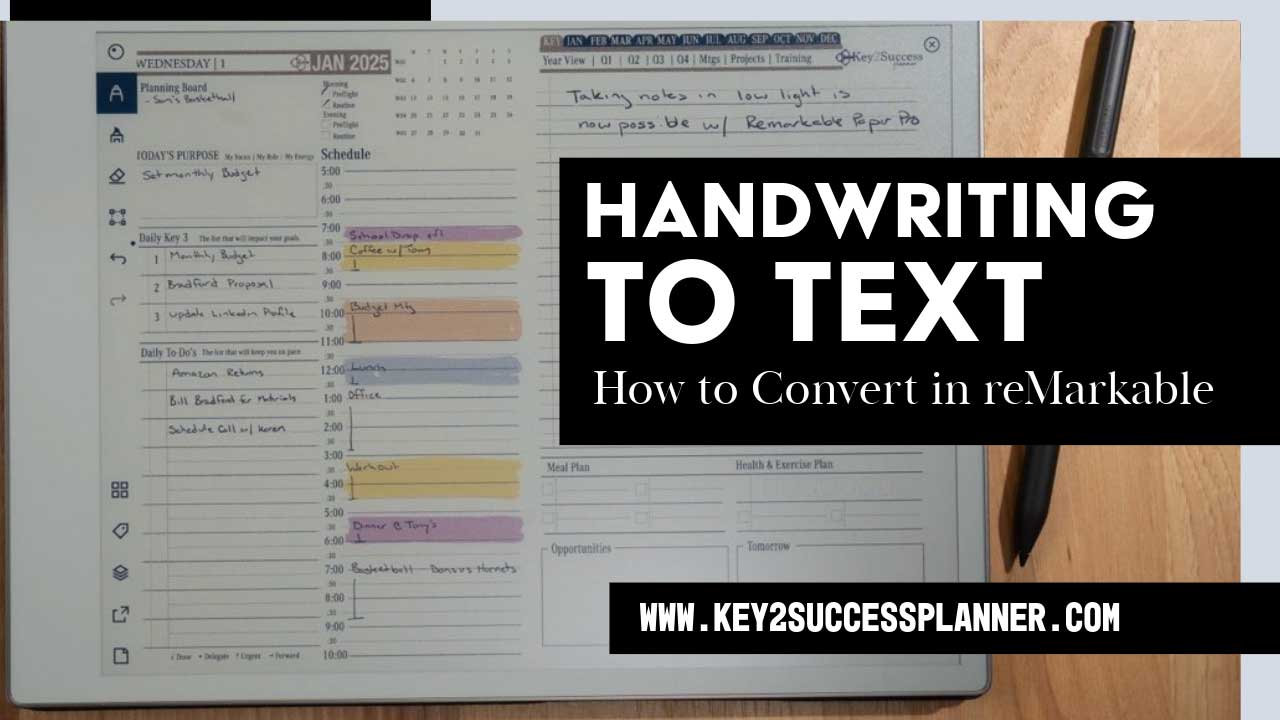
Typing in the Key2Success Planner
The Key2Success Planner is designed to let you plan your day, take notes, and stay organized. Here’s how you can add typing to your workflow:
Create a New Page for Typing

Open your planner to the desired section.
Tap the toolbar to add a new page.
Select a template that suits your needs, such as lined or grid layouts.
Start Typing
Use the on-screen keyboard to type directly into your new page.
This feature is perfect for drafting meeting notes, brainstorming ideas, or writing detailed plans.
Converting Handwritten Notes to Text
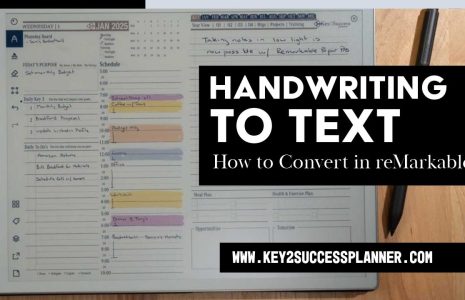
One of the standout features of the Remarkable tablet is its ability to convert handwritten notes into text. Here’s how:
Write Your Notes
Navigate to your daily page or any note-taking section in the planner.
Use the stylus to jot down notes or ideas.
Use the Lasso Tool
Open the toolbar and select the lasso tool.
Circle the handwritten text you want to convert.
Copy the text and paste it onto a new page.
Convert to Typed Text
Tap the “Convert” button to transform your handwritten notes into typed text.
Make any necessary edits directly on the page.
Adding and Managing Pages
The Remarkable tablet allows you to insert additional pages between your planning layouts, giving you flexibility to customize your planner:
Insert New Pages
While viewing a specific page, create a new one that will appear immediately after it.
Add templates to tailor your workflow.
Navigate with Ease
Swipe left or right to move between pages.
Keep your planner organized with pages dedicated to notes, tasks, or typed entries.
Sync Across Devices
With Remarkable’s multi-device syncing, you can:
Access your notes and planner pages on up to three devices.
Share converted notes via email or copy them to share with colleagues.
Why Combine Typing and Handwriting?
The Remarkable tablet and Key2Success Planner offer the best of both worlds. Typing provides structure and speed, while handwriting captures creativity and personal touch. Combining these methods ensures you can:
Stay organized.
Easily share notes with colleagues.
Adapt your planning style to any situation.
Elevate Your Productivity
The Remarkable tablet’s versatility, combined with the Key2Success Planner, empowers you to achieve your productivity goals. Whether you’re taking notes in a meeting, planning your week, or converting ideas into actionable tasks, this system helps you stay on track.
If you’re looking to master digital planning and integrate typing into your workflow, explore these tips and start transforming how you plan today. Have questions or need further insights? Drop them in the comments below or reach out to learn more!