
Key2Success Planner Editions in GoodNotes: Which One Fits You?
The Key2Success Planner comes in four editions: Personal, Professional, Business, and Executive. Each meets you at a different stage of work and life, so choose by where you are now, not by the longest feature list. In my video I say pricing starts at $29, so confirm current pricing in the shop.

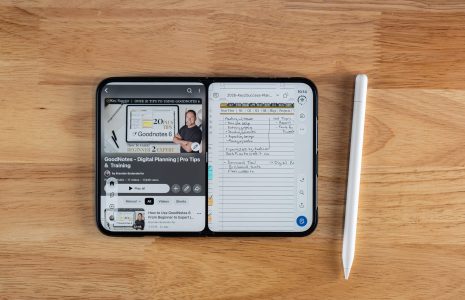
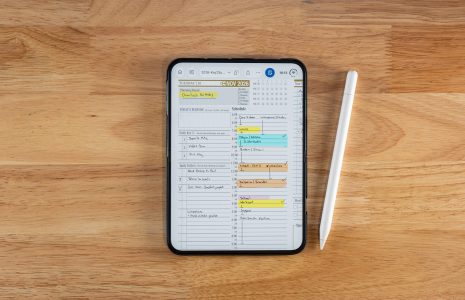
Choosing among the Key2Success Planner editions is easier than it looks, because the editions are built around where you are in work and life, not around a ladder of features. In my November 2026 video I ran the planner in GoodNotes Pro on my iPhone Duo and my iPad, and I named the four editions at the end.
My position: most people pick a planner the way they pick a phone, by comparing specs. A planner is a habit, so the better question is which one fits the work you are doing this year. Watch the full demo in GoodNotes on iPhone Duo: Digital Planning in Your Pocket.

Four Editions
Personal, Professional, Business, and Executive.
Fit Over Features
Each edition meets you at a different stage of work and life.
iPad Plus Duo
Plan on the iPad, then mark off tasks on the Duo. They sync.
The Four Key2Success Planner Editions
The four Key2Success Planner editions are Personal, Professional, Business, and Executive. They are designed to meet you at your current stage of work and life, and you can see each one in the GoodNotes shop.
- Personal
- Professional
- Business
- Executive
The names follow the stages most people move through: managing your own life, building a career, running a business, and leading others. The full contents of each edition are on the product pages in the GoodNotes digital planner shop, so check there for the current details before you buy.
How to Choose Your Edition Without a Feature Chart
Choose the edition that fits the work you do now, not the job you hope to have. I say that because the planner only works if you open it every day.
Ask yourself three questions. What does a normal week look like for you? Who depends on the decisions you make? What do you want to have achieved by the first of May? The answers point you toward one of the four editions faster than a comparison chart will. The worksheet at the end of this article walks through them.
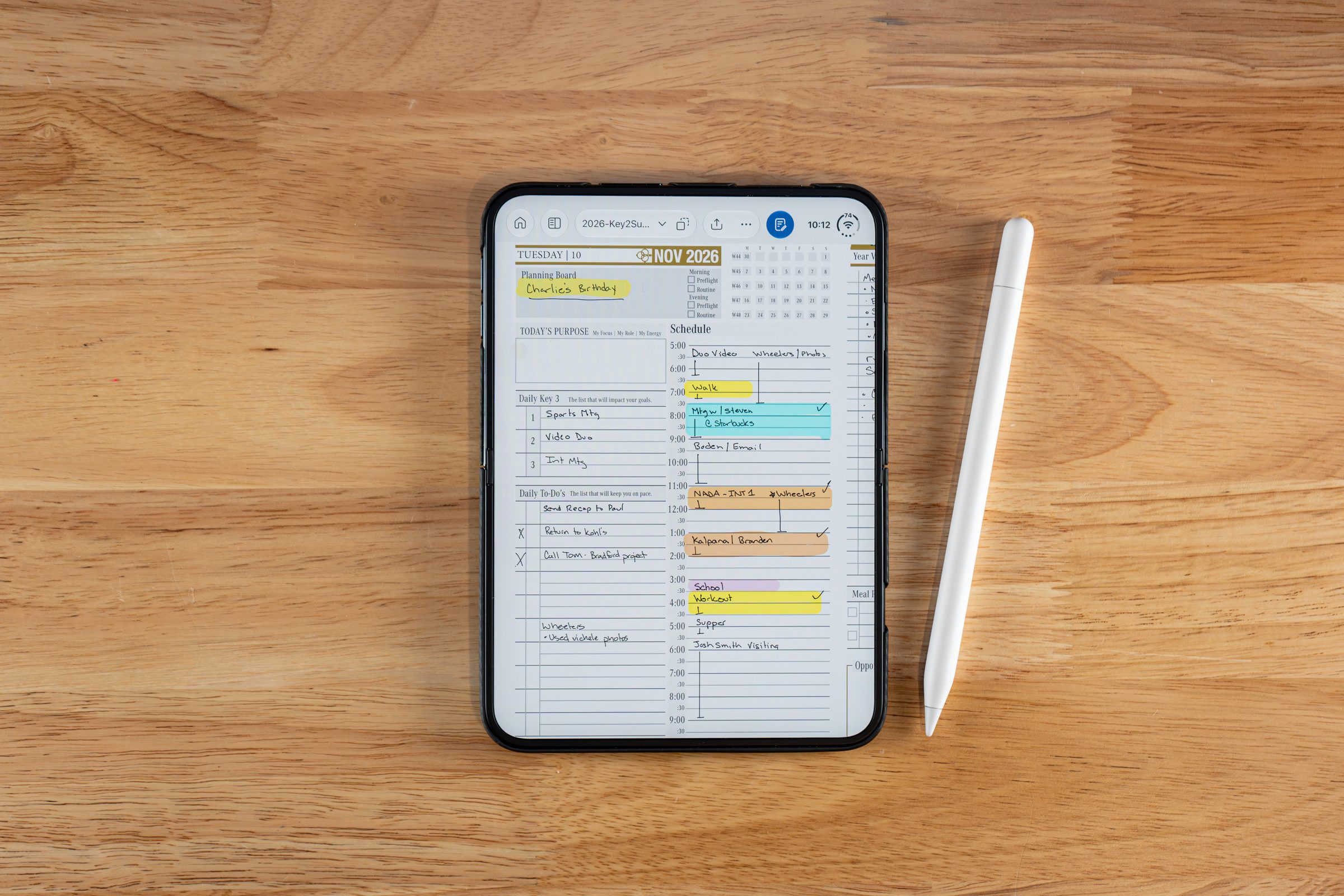
I write out my plan for the day on the iPad, then come back to my planner at the end of the day or between meetings to mark off what I completed. The system works because I actually open it, and that is what I want for anyone choosing an edition.Branden Bodendorfer, Creator of Key2Success Planner
Run It on Your iPad and iPhone Duo
Every edition I showed ran in GoodNotes. I plan on the iPad, where there is considerably more room, and I pinch and zoom on the Duo to get a writing size close to what I am used to. In my demo, a highlight, an erase, and a checked-off task made on the Duo showed up on the iPad quickly.
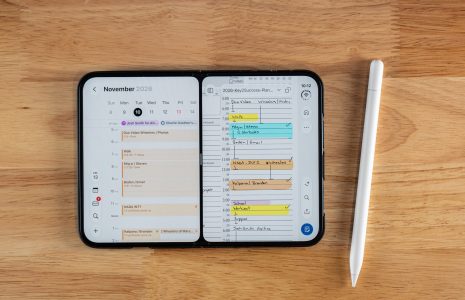
You do not need a Duo to start. You can type inside the planning system on a current iPhone, and it syncs across your other devices. For the pen settings I use, read GoodNotes pen and eraser settings for planning on iPhone Duo, and for the two-app setup, see GoodNotes and Calendar in split screen.
The 2027 Planner and What Comes Next
In the video, I said that buying the planner for 2027 includes 2026 for free. Offers change, so check the Key2Success shop for the current terms. I also said my next video is a full walkthrough of the GoodNotes planner for 2027, covering how to use it and how to begin planning the coming year.
The goal I gave in the video is simple: make sure your New Year's resolutions do not end in February, and that you see results by the first of May.
Watch: The Planner in GoodNotes on iPhone Duo
The edition rundown is near the end, around 9:05. Read the transcript, chapters, and FAQ on the video page.
See the Editions
Start with the Key2Success Planner overview, then compare editions in the GoodNotes digital planner shop or browse the full shop.
How the planning system works.
Editions built for iPad and iPhone planning.
Choosing the app before you choose the edition.
FAQ: Key2Success Planner Editions
What are the Key2Success Planner editions?
There are four: Personal, Professional, Business, and Executive. They meet you at different stages of work and life.
How much does the Key2Success Planner cost?
In my video, I say editions start at $29, which I described as an easy investment on an annualized basis. Check the shop for current pricing.
Does the Key2Success Planner work in GoodNotes on iPhone Duo?
Yes. I run it in GoodNotes Pro on my iPhone Duo and my iPad, and my changes sync between them.
Do I need an iPhone Duo to use the planner?
No. You can type inside the planning system on a current iPhone, and it syncs across your other devices. The Duo adds the unfolded screen and Apple Pencil handwriting.
Is there an offer on the 2027 planner?
In the video, I said buying the 2027 planner includes 2026 for free. Offers can change, so confirm in the shop.
Quick Answers
Four.
Personal, Professional, Business, and Executive.
I use the Pro level.
The link is in the video description and in the Key2Success shop.
Yes, in my demo edits showed up on the iPad quickly.
Yes, even on a current iPhone.
A full walkthrough of the GoodNotes planner for 2027.
Results by the first of May, not resolutions that end in February.
Pick Your Edition Worksheet
Write your answers
- [ ] What does a normal week look like for me?
- [ ] Who depends on the decisions I make?
- [ ] What do I want to have achieved by May 1?
Match and check
- [ ] Compare my answers to Personal, Professional, Business, and Executive in the shop
- [ ] Confirm current pricing and the 2027 offer
- [ ] Install in GoodNotes and check off one task on my phone and iPad
My Take
Pick the edition for the work you do now. A planner you open every day beats a bigger one you stop opening in February.
Start there, plan on the iPad, finish on the Duo, and let the habit do the rest.