Why Planners and Calendars Serve Different Purposes
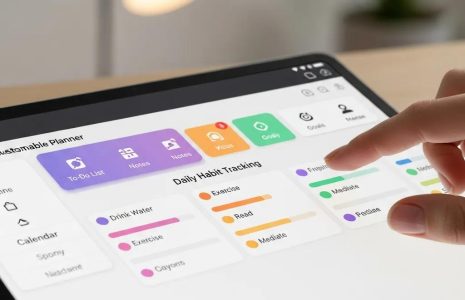
A digital planner invites intentional thinking. This is where goals, priorities, and plans take shape. A calendar app handles appointments, reminders, and deadlines.
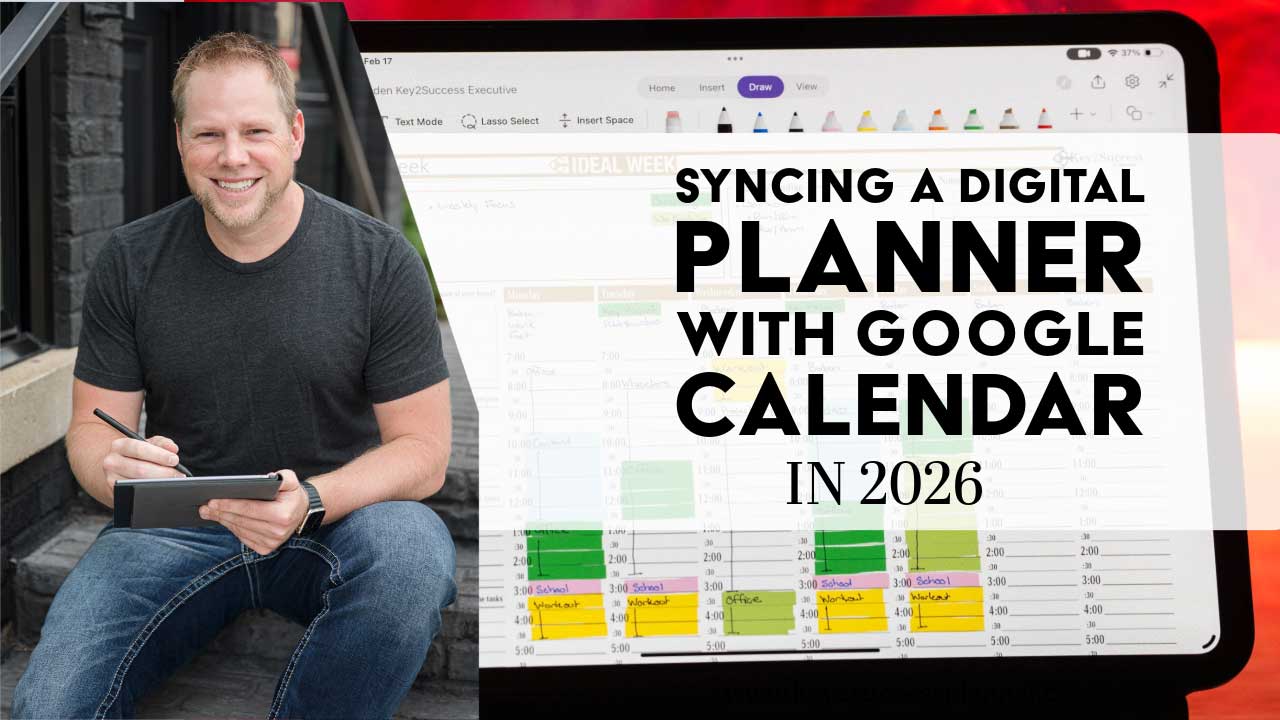
Some products claim to sync with Google or Outlook, but this usually means nothing more than a hyperlink that opens a calendar. It is not real two way syncing.
So in 2026, the answer remains the same:
Digital planners do not directly sync with Google Calendar, Apple Calendar, or Outlook.
Primary and Secondary Calendars Explained
At Key2Success, the planning system separates your tools into two roles:
- Primary Calendar: Your digital planner. This is where you write goals, track habits, and create your complete view of the day or week.
- Secondary Calendar: Google Calendar, Apple Calendar, Outlook, or Calendly. This is for alerts, reminders, and time based commitments.
This balance helps you stay thoughtful about your schedule while still receiving notifications when needed.
Why Planners Do Not Sync and Why That Is Fine
Handwritten text and drawings are not structured data. Because of this, a planner page cannot automatically convert a handwritten note into a calendar entry. Even if it could, full automation often leads to passive routines driven by alerts instead of intentional choices.
Writing in a planner encourages active thinking. You decide what matters. You prepare with purpose instead of reacting to signals from your phone or laptop.
How to Use a Digital Planner with Your Calendar
Using a Primary Planner with a Secondary Calendar gives you clarity and structure. Here are three simple steps:
1. Plan with intention
Write your goals, outline your focus, and map out the day or week in your planner.
2. Enter time sensitive events into your Secondary Calendar
Use Google or Outlook for meetings, deadlines, and anything that requires alerts.
3. Bring meaning into your planner
Revisit your calendar entries and add the purpose behind each event. For a meeting, write what you hope to achieve. For a reminder, note the next steps.
Tips and Workarounds for a Smooth System
Use a Digital Assistant
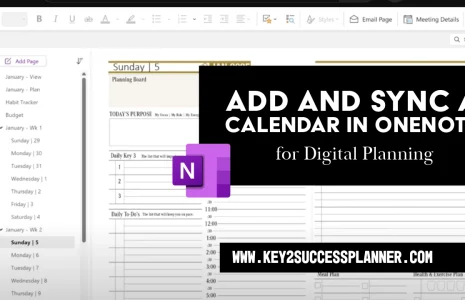
While planning in Goodnotes or OneNote, activate Siri or Google Assistant and say something like:
Hey Siri, schedule a meeting next Tuesday at 2 PM.
This updates your calendar without leaving your planner.
Use Split Screen
Open your planner on one side of the screen and your calendar on the other. Move appointments into your planner or review the week while you plan.
Screenshot Your Calendar
Take a screenshot of your daily or weekly calendar view. Paste it into your planner and annotate around it. This gives you a visual reference right on the page.
Why This Matters in 2026
If a calendar alone was enough, you would not be looking for new planning tools. A digital planner provides space to think, reflect, and create direction for your life. It gives you clarity that a simple notification cannot replace.
Habit trackers, focus pages, and goal sections keep you on track. If you need guidance, Branden offers free training and personal sessions.
Build a Planning System That Works
For a strong workflow in 2026, try this combination:
- A primary planner for goals, habits, and daily focus
- A secondary calendar for alerts and time based events
Explore more tutorials and planning tools through our training resources. If you want help selecting the right digital planner or setting up your system, our team can guide you.