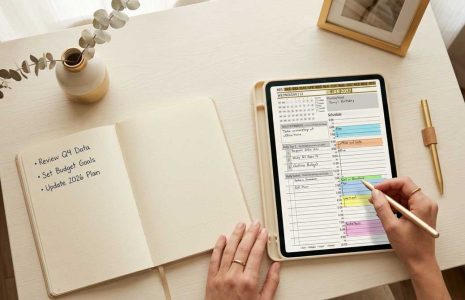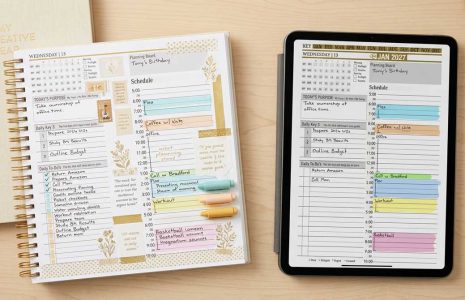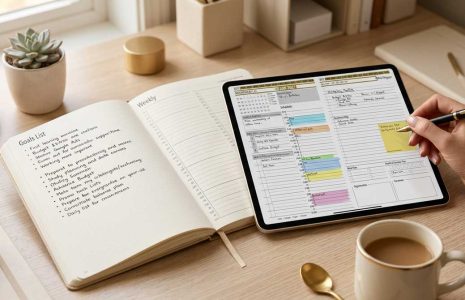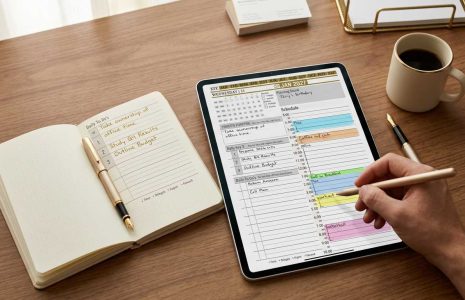
Some people like to just hop in the car and drive, but for those who like a little bit more structure to their downtime, a digital planner can be a great tool to help plan a successful vacation. There are several ways the Key2Success Digital Planner can help you plan a vacation so that you can get the most out of your relaxation time.
At the beginning of the year, the Key2Success Planning System starts with Annual Keys. Here you brainstorm Self, Relationship, Career, and Community goals. Each quarter, you reference back to your Annual Keys to fine-tune your Quarterly Keys. Each Week, you reference your Quarterly Keys, and etc… Writing down the intention to take a vacation in your Annual Keys is a good first step. Then, you can break down cost (what you’ll need to save) and details later.
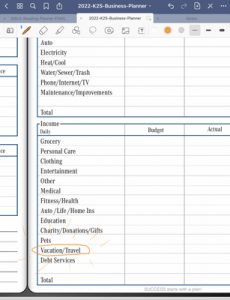 Budgeting for a vacation is important. The Key2Success Budget Planner (available in the Business and Executive versions) helps you create financial goals, see an overall view of your current finances, and plan for things like vacation and travel. If you know you want to take a trip to Florida in October and that trip will cost you $5,000, you’ll need to save $555 each month towards that trip. By knowing that in January, you will find yourself less stressed come October. It will also help you track of your earning and spending is on track throughout the year.
When it comes time to plan out the details of your vacation, you can use the Key2Success Planner to keep track of lodging, meals, and itineraries, as well as any other pertinent information you might want to have handy. Because your planner is digital, you can access it on any of your devices. This means that you can plan your trip on your iPad or computer, but when it comes time to check out and “focus” on relaxing, you just need your phone. Everything will be synced there and you won’t need to worry about keeping track of papers. Easily link to websites you’ll need.

Have an iPhone? Take advantage of Focus Mode to truly check out and enjoy your time off, while still having access to your planner.
We hope these tips help you plan a successful vacation with a digital planner.