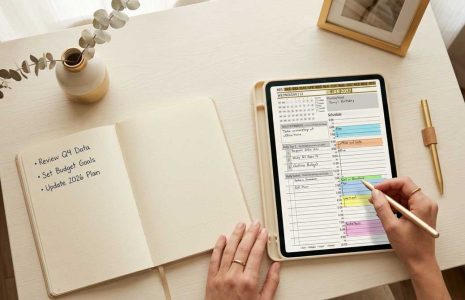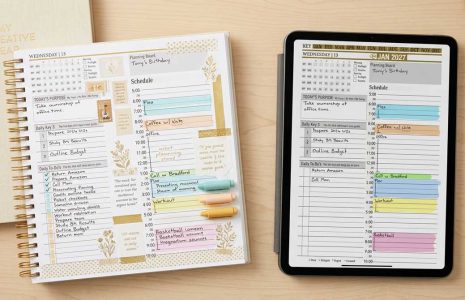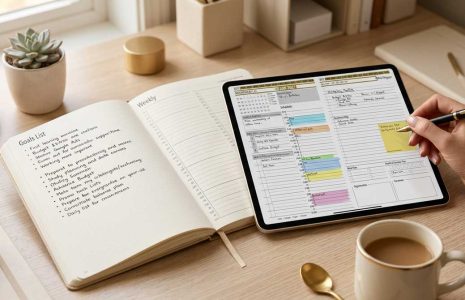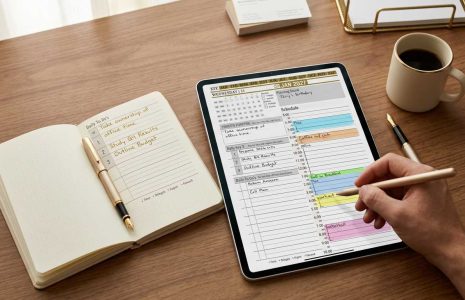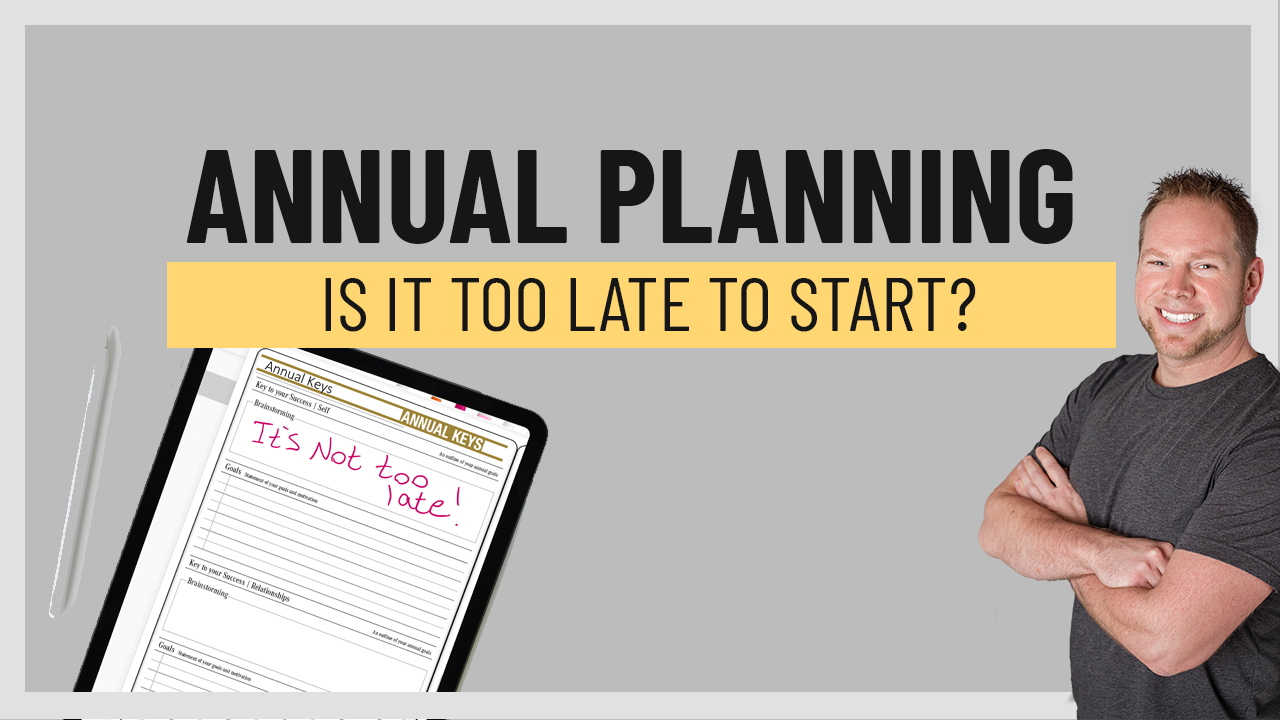
Annual planning graphic featuring a digital planner page with the text "It's Not too late!" and a smiling man promoting the Key2Success Planner, emphasizing the importance of starting planning now.
Articles / News / vLog Apr 04
By Branden 0 Comments

It’s April and you’re wondering… is it too late to start my annual planning? 2022 might be a quarter of the way through, but in the famous words of Noah from The Notebook, “It still isn’t over.” The best time to start a good habit was years ago. The second best time is now! So, get started! Whether you want to get back on track with your New Year’s Resolutions, start a savings goal, or simply add some structure to your hectic life – pull out your Key2Success Planner and make it happen.

April is Stress Awareness Month, so what better time to start your annual planning than now? (Well, January is a great time, too, but see the above paragraph… it’s ok to start now!) Grab your devices and go! Here are the Top 3 things to do to get started:

  1. Open the Annual Keys page in your Key2Success Planner. Use the worksheet to think about what you want to accomplish in the next 12 months.
  2. Join some Facebook groups for inspiration and encouragement. We recommend this one.
  3.  Check out Branden’s YouTube page for training! Learn how to use the Key2Success system to its full potential. Consider booking a one-on-one training session with Branden!

Congrats! You’re ready to start your annual digital planning. Let us know how it goes!

Key2Success Planners

Choose the Application that you plan to use for digital planning.

OneNote

OneNote logo featuring a purple notebook icon, representing a digital planning tool for effective organization and note-taking.

Application works across Windows, Android and Apple. Also Web version all available. Great for Desktop, Laptop and Mobile users.

Promotional banner for Key2Success planner offering discounts and a money-back guarantee, emphasizing digital planning benefits and a call to action for users on Samsung devices.

GoodNotes

GoodNotes app icon featuring a notepad with lines and a stylus, representing digital planning and note-taking tools for Apple devices.

Application works across Apple devices. Great for iPad, Mac and iPhone users. PDF Annotation App designed for Note-Taking

Noteshelf

Noteshelf app icon featuring a blue background with a white pen, representing digital planning and note-taking tools for Apple devices.

Application works across Apple devices. Great for iPad, Mac and iPhone users. PDF Annotation App designed for Note-Taking

Notability

Notability app icon featuring a pencil on a blue background, representing digital note-taking tools for Apple devices in the context of digital planning.

Application works across Apple devices. Great for iPad, Mac and iPhone users. PDF Annotation App designed for Note-Taking

Samsung Notes

Samsung Notes application icon, designed for digital planning on Samsung devices, highlighting note-taking features.

Application works across Samsung devices. Great for Samsung Tab and Samsung Galaxy Users. Including Z Fold 3, S6, S7, S8 and S22. 

reMarkable

reMarkable logo on a black background, representing ePaper devices for digital note-taking and PDF annotation.

Works with ePaper Devices, like the reMarkable, SuperNote and many more. A PDF Annotation Planner allows users to take digital notes.

Promotional banner for Key2Success planner offering discounts and a money-back guarantee, emphasizing digital planning benefits and a call to action for users on Samsung devices.

Leave a Comment