By Bodendorfer December 28, 2022 0 Comments

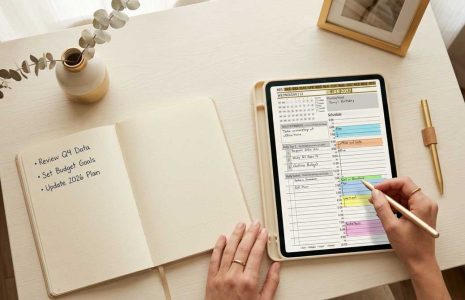
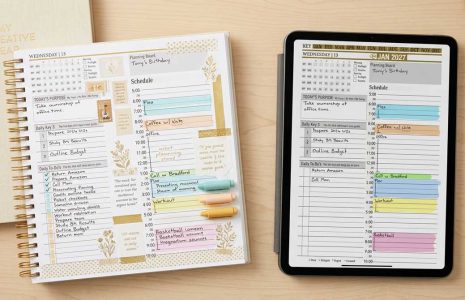
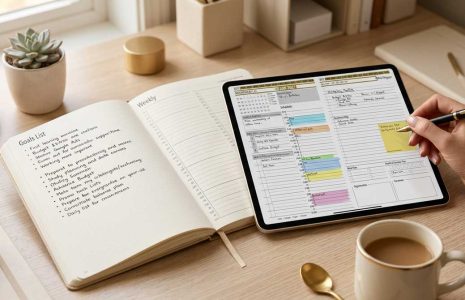
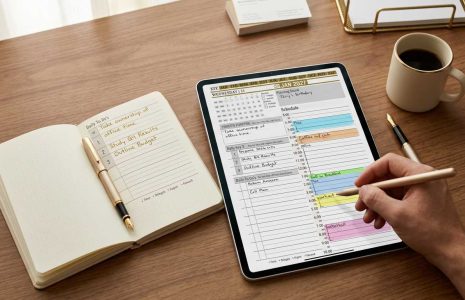
Tiles are an opportunity for you to personalize and customize your professional digital planner. New to Key2Success are TILES. (Many call them “stickers,” but we like to call our system’s add-ons “tiles” because they are designed to be more than decorative.) Tiles are customized layouts that you can embed in your planner to personalize the layout of each page. This provides you with expanded functions, such as 24-hour formatting, expanded notes, and much more.

How to Install Your Weekly Tile

First things first: When you get your order email, in the third column under “Download” you’ll have the option to choose OneNote or PDF tile. Both file options come with the order of every tile. (Check out the video on this page for a visual step-by-step.)

The Weekly Tile provides a weekly view planning option that you can add to your notebook. Identify opportunities for your week and how to harness those opportunities into the bigger picture. Learn more here.

Key2Success Planners

Choose the Application that you plan to use for digital planning.

Key2Success Weekly Tile: Easy Installation and Planning Tips

OneNote logo featuring a purple notebook icon, representing a digital planning tool for effective organization and note-taking.

Application works across Windows, Android and Apple. Also Web version all available. Great for Desktop, Laptop and Mobile users.


Promotional banner for Key2Success planner offering discounts and a money-back guarantee, emphasizing digital planning benefits and a call to action for users on Samsung devices.

GoodNotes

GoodNotes app icon featuring a notepad with lines and a stylus, representing digital planning and note-taking tools for Apple devices.

Application works across Apple devices. Great for iPad, Mac and iPhone users. PDF Annotation App designed for Note-Taking

Noteshelf

Noteshelf app icon featuring a blue background with a white pen, representing digital planning and note-taking tools for Apple devices.

Application works across Apple devices. Great for iPad, Mac and iPhone users. PDF Annotation App designed for Note-Taking

Notability

Notability app icon featuring a pencil on a blue background, representing digital note-taking tools for Apple devices in the context of digital planning.

Application works across Apple devices. Great for iPad, Mac and iPhone users. PDF Annotation App designed for Note-Taking

Samsung Notes

Samsung Notes application icon, designed for digital planning on Samsung devices, highlighting note-taking features.

Application works across Samsung devices. Great for Samsung Tab and Samsung Galaxy Users. Including Z Fold 3, S6, S7, S8 and S22. 

reMarkable

reMarkable logo on a black background, representing ePaper devices for digital note-taking and PDF annotation.

Works with ePaper Devices, like the reMarkable, SuperNote and many more. A PDF Annotation Planner allows users to take digital notes.

Promotional banner for Key2Success planner offering discounts and a money-back guarantee, emphasizing digital planning benefits and a call to action for users on Samsung devices.

Leave a Comment